
1. Introduction
This manual provides essential information and instructions for the installation, operation, and maintenance of your DTK replacement battery for Dyson V11 series vacuum cleaners. Please read this manual thoroughly before use to ensure proper function and safety.

Image 1: DTK Replacement Battery for Dyson V11 Series.
2. Compatibility
The DTK replacement battery is designed for Dyson V11 series vacuum cleaners that feature a button click-in installation style. It is compatible with the following models:
- Dyson SV15
- Dyson SV16
- Dyson SV22
- Dyson V11 (Button installation models, released Spring 2020 onwards)
- Part Numbers: 970425-01, 970938-01
Important Note:
This battery is NOT compatible with Dyson V11 models that use a screw-in installation style (e.g., V11 SV14 screw-in type). Please verify your vacuum cleaner's battery installation method before purchase and installation.

Image 2: Visual comparison of compatible button click-in battery style versus incompatible screw-in style.

Image 3: Illustration of various Dyson V11 series models compatible with the button click-in battery.
3. Features
- High Capacity: 6000 mAh (Milliampere-hour) for extended run time.
- Voltage: 25.2 V.
- Battery Type: Lithium-ion.
- Enhanced Durability: Designed for longer duration compared to standard batteries.
- Safety Protections: Includes overload protection, over current protection, short circuit protection, and high temperature protection to ensure safe operation.
- Perfect Fit: Matches the size and function of the original battery, ensuring compatibility with your Dyson V11 machine and original charger.
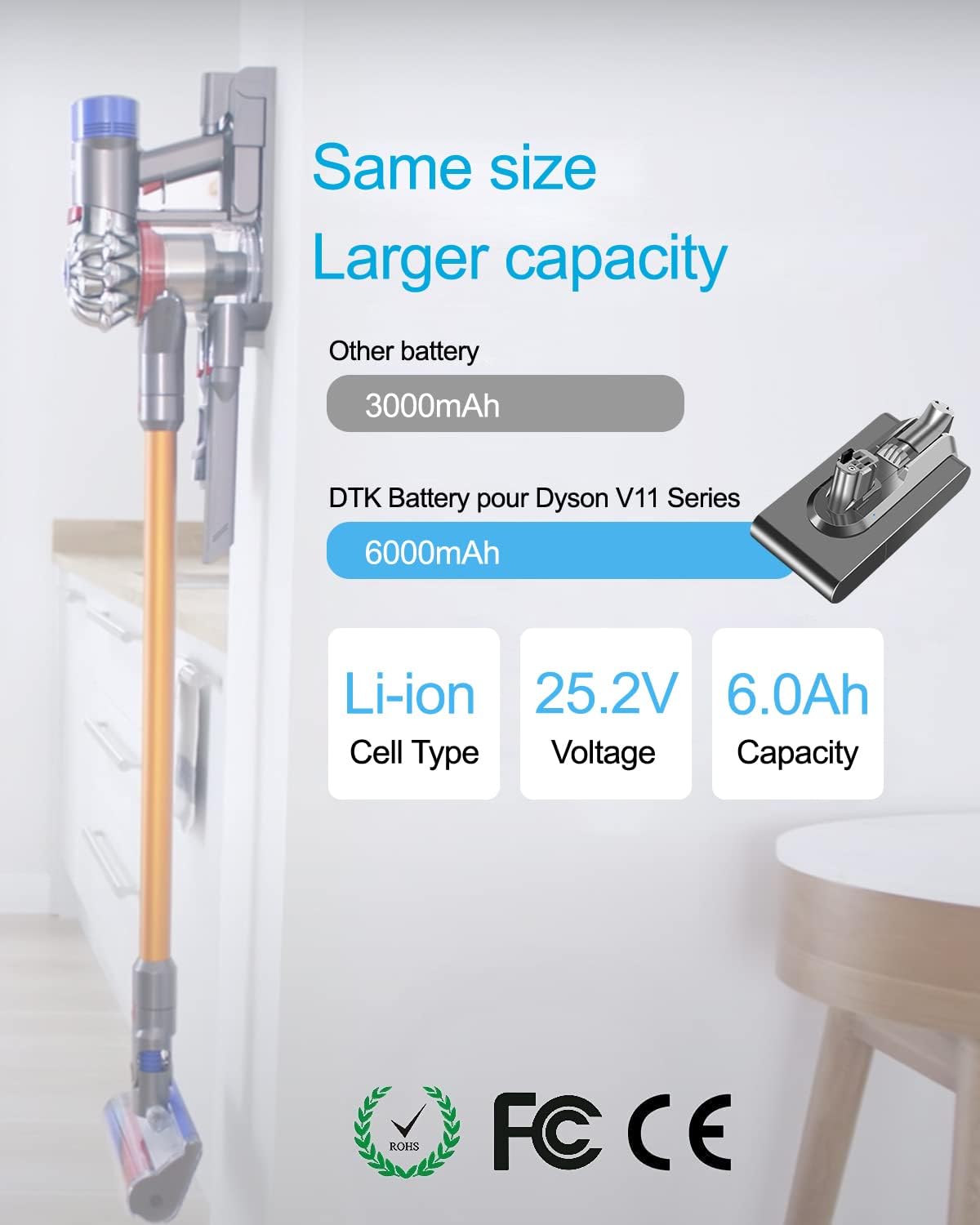
Image 4: Comparison highlighting the 6000mAh capacity of the DTK battery.

Image 5: Visual representation of the multiple safety features integrated into the battery design.

Image 6: Detailed view of the battery's components, including ports and indicator lights.
4. Setup and Installation
Follow these steps to replace your Dyson V11 vacuum cleaner battery:
- Remove the Old Battery: Locate the red button on the bottom of your existing Dyson V11 battery. Press this button to release the old battery from the vacuum cleaner.
- Install the New Battery: Align the new DTK replacement battery with the slot on your Dyson V11 vacuum cleaner. Push the battery firmly into place until it clicks securely.
The new battery is designed to fit perfectly and function seamlessly with your Dyson V11 machine.
Video 1: Demonstration of battery installation for Dyson V11 SV15 SV16.
Video 2: Step-by-step guide on replacing the battery for Dyson V11.
Video 3: Quick guide to V11 battery replacement for Dyson V15 Click-in Type.

Image 7: The DTK battery seamlessly integrating with the Dyson V11 vacuum cleaner.
5. Operating
Once the DTK replacement battery is installed, operate your Dyson V11 vacuum cleaner as usual. The battery indicator lights on your vacuum will function normally, displaying the charge status.
- Steady Blue Light: Indicates the battery is currently charging.
- Light Off: Indicates charging is complete.
- Quickly Flashing Light: Indicates a charging error.
6. Maintenance
To maximize the lifespan and performance of your DTK replacement battery and Dyson V11 vacuum cleaner, observe the following maintenance guidelines:
- Battery Cooling: Always allow the battery to cool down before recharging it and before using it after charging. This helps prevent overheating and prolongs battery life.
- Filter Replacement: The product includes a replacement filter. Regularly check and replace your vacuum's filter to maintain optimal suction and air quality.

Image 8: A new filter and battery ready for installation to refresh your vacuum cleaner.
7. Troubleshooting
If your vacuum cleaner experiences a "No Power" issue after installing the new battery, consider the following:
- Check Battery Charge: Ensure the battery has sufficient charge. Refer to the operating section for LED indicator meanings.
- Inspect Battery Casing: Verify that the battery casing is not cracked or damaged.
- Clear Airway Blockages: Make sure the vacuum machine's airway is not blocked, as this can affect performance and power delivery.
8. Specifications
| Feature | Detail |
|---|---|
| Brand | DTK |
| Model Number | V11 |
| Battery Capacity | 6000 Milliampere Hour (mAh) |
| Voltage | 25.2V |
| Battery Cell Composition | Lithium Ion |
| Item Weight | 15.8 ounces |
| Recommended Uses | Vacuum Cleaner |
9. Warranty and Support
Your DTK V11 Replacement Battery comes with a 30-day money-back guarantee and a 12-month limited warranty.
For any questions, concerns, or support needs, please contact us through the "Your Orders" tab in your Amazon account. We aim to respond within 24 hours and provide a satisfactory solution.