
SOAIY A1
SOAIY A1 Wireless Bluetooth Earbuds User Manual
Model: A1
Brand: SOAIY
Introduction
Thank you for choosing SOAIY A1 Wireless Bluetooth Earbuds. This manual provides detailed instructions on how to set up, operate, maintain, and troubleshoot your earbuds to ensure the best possible user experience. Please read this manual carefully before using the product.

Image: The SOAIY A1 Wireless Bluetooth Earbuds in their charging case, illustrating the compact design and digital battery display.
What's in the Box
Your SOAIY A1 package includes the following components:
- SOAIY A1 Wireless Bluetooth Earbuds (Left and Right)
- 3500mAh Charging Case
- User Manual (this document)
- USB Charging Cable
- Multiple sizes of ear tips for comfortable fit
Setup
Initial Charging
Before first use, fully charge the earbuds and the charging case. The charging case features a digital display indicating its battery level.
- Place both earbuds into the charging case.
- Connect the charging case to a power source using the provided USB cable.
- The digital display on the case will show the charging progress.
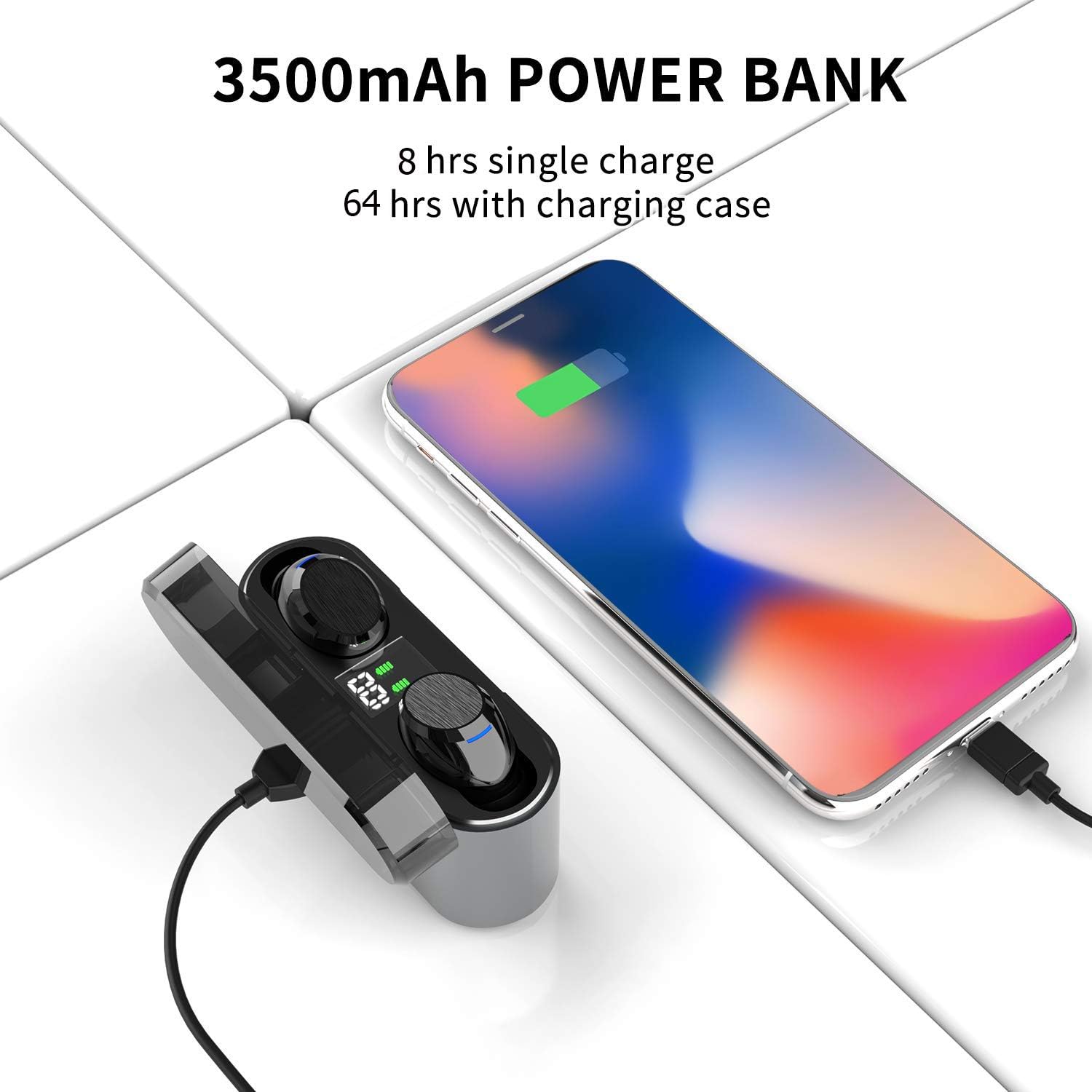
Image: The 3500mAh charging case connected to a smartphone, demonstrating its power bank functionality.
Pairing the Earbuds
The SOAIY A1 earbuds feature one-step pairing for convenience.
- Open the charging case and remove both earbuds. They will automatically power on and connect to each other.
- Enable Bluetooth on your mobile device (smartphone, tablet, etc.).
- Search for "A1" in the list of available Bluetooth devices and select it to pair.
- Once paired, the earbuds will automatically connect to your device when removed from the case in the future.
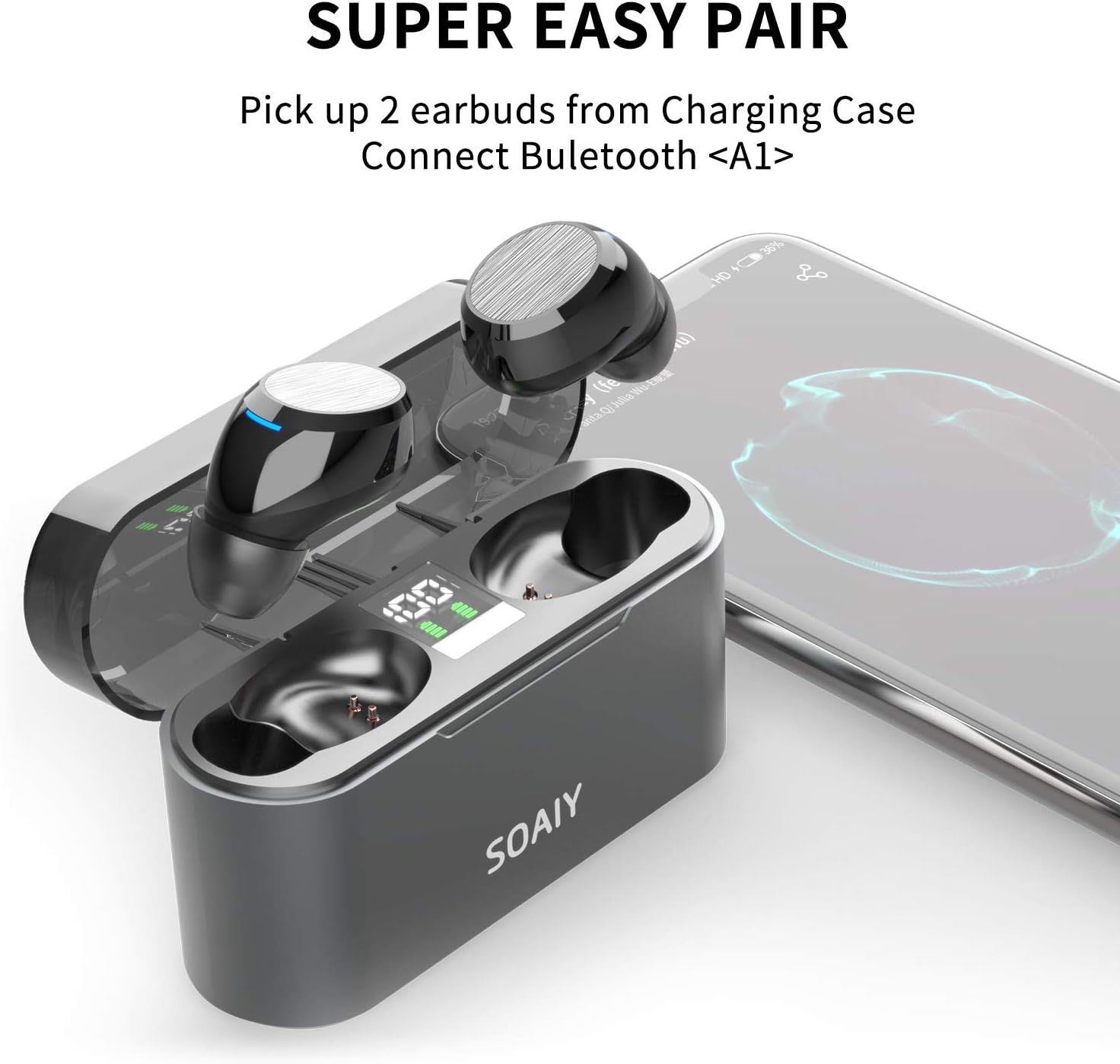
Image: Visual representation of the one-step pairing process, showing earbuds being picked up from the charging case and connecting to a phone.
Ergonomic Comfort and Fit
The earbuds are designed for ergonomic comfort and come with three different pairs of sport tips (S/M/L) to ensure a secure and comfortable fit for various ear sizes.

Image: A person wearing the SOAIY A1 earbuds, highlighting the ergonomic design and comfortable fit in the ear.
Operating Instructions
Touch Controls
The SOAIY A1 earbuds feature intuitive touch controls for managing playback, calls, and voice assistants.

Image: Diagram illustrating the touch control functions for the left and right earbuds, including single tap, 2 taps, and 3-second/4-second taps for various commands.
- One Second Tap: Play/Pause, Answer/End Call, Reject Call.
- Left Earbud - 4 Sec Tap: Volume Down.
- Left Earbud - 2 Taps: Previous Track.
- Right Earbud - 4 Sec Tap: Volume Up.
- Right Earbud - 2 Taps: Next Track.
- 3 Seconds Tap (Either Earbud): Activate Voice Assistant (Siri, Google Assistant).
Mono Mode Operation
You can use either earbud independently in mono mode.
- Simply pick up one earbud from the charging case. It will automatically connect to your device if previously paired.
- The other earbud can remain in the case or be used by another person.
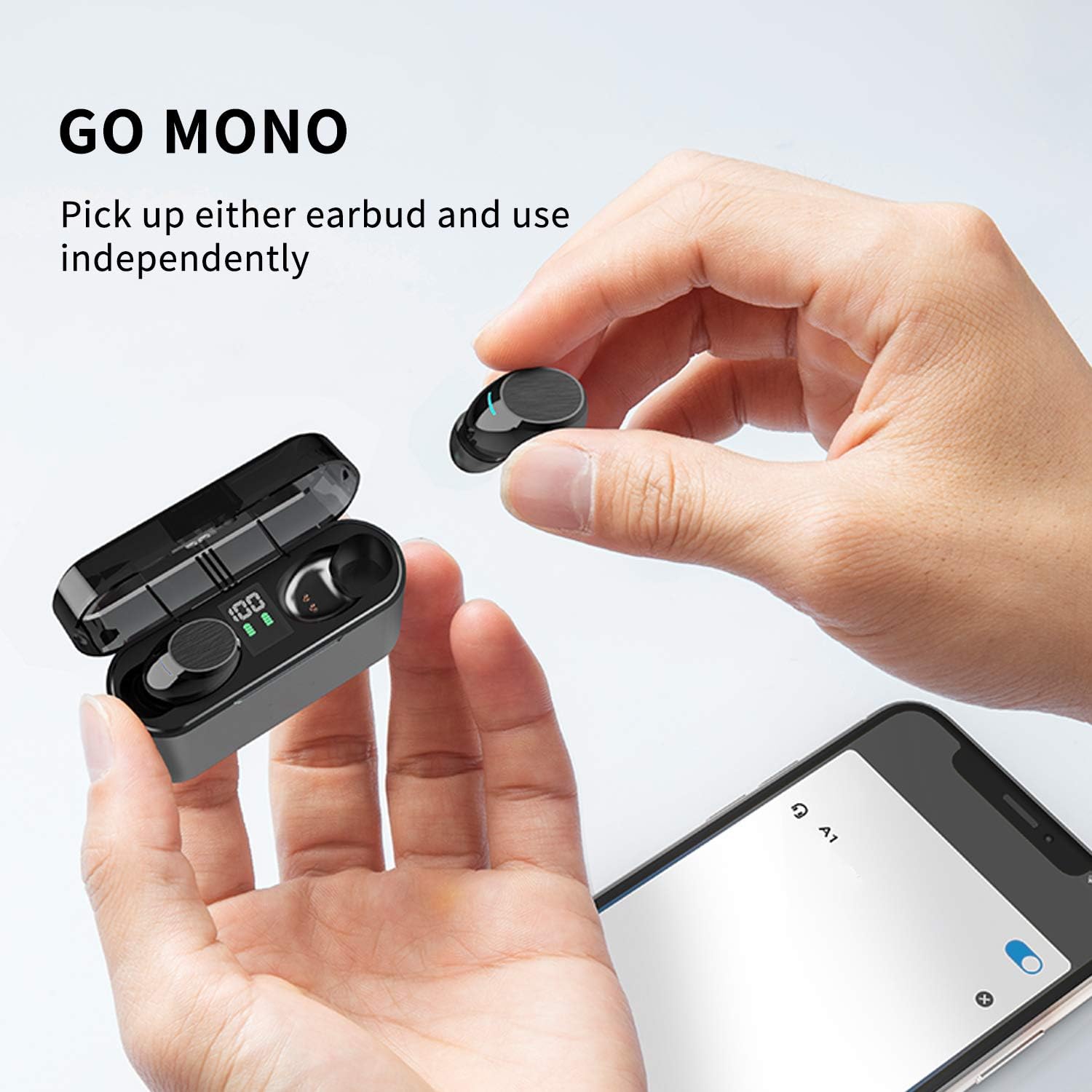
Image: A hand picking up a single earbud from the charging case, demonstrating the ability to use one earbud independently.
Battery Life
The earbuds provide up to 5 hours of playtime on a single charge, with an additional 15 hours provided by the charging case, totaling 20 hours of use. The 3500mAh charging case can also function as a power bank for your mobile devices.

Image: Graphic illustrating the battery life of the earbuds (8 hours consistent playtime) and the total playtime with the charging case (64 hours, note: discrepancy with feature bullet, using feature bullet for text description).
Maintenance
IPX7 Waterproof Rating
The SOAIY A1 earbuds are IPX7 waterproof, meaning they are protected against immersion in water up to 1 meter for 30 minutes. This makes them suitable for use during workouts, in light rain, or while sweating. However, they are not designed for swimming or prolonged submersion.

Image: Two earbuds with water splashes, visually representing their IPX7 sweatproof and waterproof capabilities.
Cleaning and Storage
- Regularly clean the earbuds and charging case with a soft, dry, lint-free cloth.
- Remove ear tips and clean them with mild soap and water, then dry thoroughly before reattaching.
- Avoid using abrasive cleaners or solvents.
- Store the earbuds in their charging case when not in use to protect them and keep them charged.
- Keep the product away from extreme temperatures and direct sunlight.
Troubleshooting
If you encounter any issues with your SOAIY A1 earbuds, please refer to the following common solutions:
- Earbuds not pairing with each other: Place both earbuds back into the charging case, close the lid, wait a few seconds, then open the lid and remove them again. They should automatically connect.
- Earbuds not connecting to device: Ensure Bluetooth is enabled on your device. Forget "A1" from your device's Bluetooth settings and try pairing again. Make sure the earbuds are charged.
- No sound from one earbud: Check if both earbuds are charged. Try placing them back in the case and taking them out again. If the issue persists, try resetting the earbuds (refer to specific reset instructions if available in a separate quick start guide, or try holding the touch area for an extended period while out of the case).
- Charging issues: Ensure the charging cable is securely connected to both the case and the power source. Check if the charging port is clean and free of debris.
- Low volume or poor sound quality: Adjust the volume on both your device and the earbuds. Ensure the ear tips provide a good seal in your ear. Clean any earwax buildup from the earbud mesh.
For further assistance, please contact SOAIY customer support.
Specifications
| Feature | Specification |
|---|---|
| Model Name | A1 |
| Connectivity Technology | Wireless |
| Wireless Communication Technology | Bluetooth |
| Bluetooth Version | 5.1 |
| Control Type | Media Control |
| Control Method | Touch |
| Water Resistance Level | Waterproof (IPX7) |
| Battery Life (Earbuds) | 5 Hours |
| Charging Case Capacity | 3500mAh |
| Ear Placement | In Ear |
| Form Factor | In Ear |
| Audio Driver Type | Dynamic Driver |
| Color | Black |
| Item Weight | 3.2 ounces |
| Manufacturer | SOAIY |
Official Product Videos
SOAIY A1 Wireless Earbuds Overview
Video: An official product video from SOAIY showcasing the features and design of the A1 Wireless Earbuds, including Bluetooth 5.1 technology, LED battery display, independent earbud use, and power bank functionality of the charging case.
Warranty and Support
For warranty information and customer support, please refer to the warranty card included with your product or visit the official SOAIY website. You can also reach out to the seller through the platform where you purchased the product for assistance.
Please retain your proof of purchase for warranty claims.
Ask a question about this manual
Ask about setup, troubleshooting, compatibility, parts, safety, or missing instructions. Manuals+ will review the question and use this page’s manual context to help answer it.