
OCTelect Letsfit Smart Watch Screen Protector
OCTelect Smart Watch Screen Protector User Manual
Model: Letsfit Compatible Screen Protector
Product Overview
The OCTelect Smart Watch Screen Protector is designed to provide superior protection for your Letsfit compatible smart watch screen. This pack includes four high-quality screen protectors, engineered to guard against scratches, impacts, and daily wear and tear, while maintaining optical clarity and touch sensitivity.

Image: Contents of the OCTelect Smart Watch Screen Protector package.
Installation Guide
Follow these steps carefully to ensure a bubble-free and secure application of your screen protector.
- Prepare the Watch Screen: Use the provided wet wipe (labeled "1") to thoroughly clean the surface of your smart watch screen. Ensure all dust, fingerprints, and smudges are removed. Immediately follow with the dry wipe (labeled "2") to dry the screen completely. A clean, dry surface is crucial for proper adhesion.
- Position the Protector: Carefully peel off the protective film labeled "BACK 1" from the screen protector. Align the screen protector precisely with your watch screen. Take your time to ensure it is centered and covers the active display area.
- Apply and Smooth: Gently lay the screen protector onto the watch screen. Once it makes contact, use the provided cleaning cloth or a soft, flat object (like a credit card wrapped in cloth) to gently push out any air bubbles from the center towards the edges.
- Remove Top Film: Once the protector is adhered and free of bubbles, carefully peel off the top protective film (if present, usually labeled "FRONT 2" or similar).

Image: Step-by-step guide for screen protector installation.

Image: Smart watch with the screen protector successfully applied.
Product Features and Benefits
The OCTelect screen protector is engineered with advanced materials to offer robust protection without compromising usability.
- Multi-Layer Protection: Features a 5-layer design for enhanced durability and performance.
- Scratch Resistant: Provides a strong barrier against scratches from keys, coins, and other abrasive objects.
- High Clarity: Maintains the original display brightness and color vibrancy with 9H clarity.
- Fingerprint Reduction: Designed to minimize smudges and fingerprints, keeping your screen clean.
- Self-Healing Effect: Minor scratches on the protector surface can self-heal over time.

Image: Explanation of the 5 protective layers.
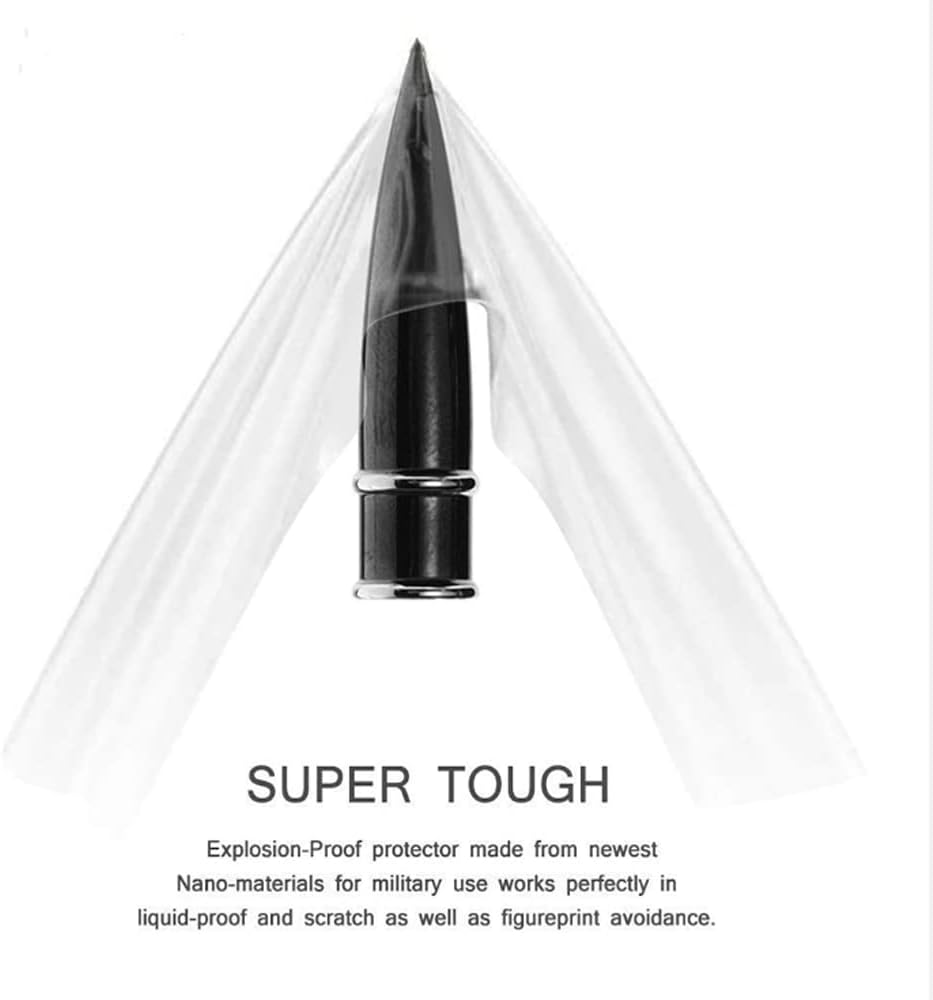
Image: Demonstration of the protector's toughness and scratch resistance.
Maintenance
To ensure the longevity and effectiveness of your screen protector, follow these simple maintenance tips:
- Regular Cleaning: Use a soft, lint-free cloth (like the one provided) to gently wipe the screen protector. For stubborn smudges, slightly dampen the cloth with water or a screen-safe cleaner.
- Avoid Harsh Chemicals: Do not use abrasive cleaners, alcohol, or ammonia-based solutions, as these can damage the protector's coating.
- Inspect Periodically: Check the screen protector regularly for any signs of wear, deep scratches, or peeling. Replace if necessary to maintain optimal protection.
Troubleshooting
| Problem | Possible Cause | Solution |
|---|---|---|
| Air Bubbles After Installation | Dust particles trapped underneath, or improper smoothing during application. | Gently lift the nearest edge of the protector and use a dust absorber sticker (if available) or tape to remove dust. Reapply and smooth carefully from the center outwards. For small bubbles, they may disappear over 24-48 hours. |
| Protector Not Sticking / Peeling Edges | Insufficient cleaning of the screen, oily residue, or improper alignment causing edges to lift. | Ensure the screen is perfectly clean and dry before application. If edges are lifting, try gently pressing them down. If the issue persists, the protector may need to be replaced. |
| Misalignment | Protector applied off-center or crooked. | If caught immediately, gently lift and re-align. If the adhesive has fully set, attempting to re-align may damage the protector or introduce dust/bubbles. It may be best to use a new protector from the pack. |
| Protector Does Not Cover Entire Screen | This protector is designed to cover the active display area of the Letsfit smart watch, not necessarily the entire curved glass edge. | This is by design to prevent lifting on curved edges. Ensure it covers the flat, active display area. |
Specifications
| Feature | Detail |
|---|---|
| Brand | OCTelect |
| Compatible Devices | Letsfit Smart Watches (and similar compatible models) |
| Material | ABS (Acrylonitrile Butadiene Styrene) |
| Item Hardness | 9H |
| Screen Size Compatibility | 1.3 Inches (diagonal) |
| Screen Surface Description | Glossy |
| Clarity | 9 (High Clarity) |
| Number of Items per Pack | 4 Screen Protectors |
| Special Features | Scratch Resistant, Fingerprint Reduction, Self-Healing Effect |
| Package Dimensions | 4.7 x 2.9 x 0.1 inches |
| Item Weight | 0.353 ounces |
| UPC | 760635663192 |
Warranty and Support
Specific warranty information for this product is not provided in the available documentation. For any product-related inquiries or support, please refer to the seller or manufacturer's contact information provided at the point of purchase or on the product packaging.
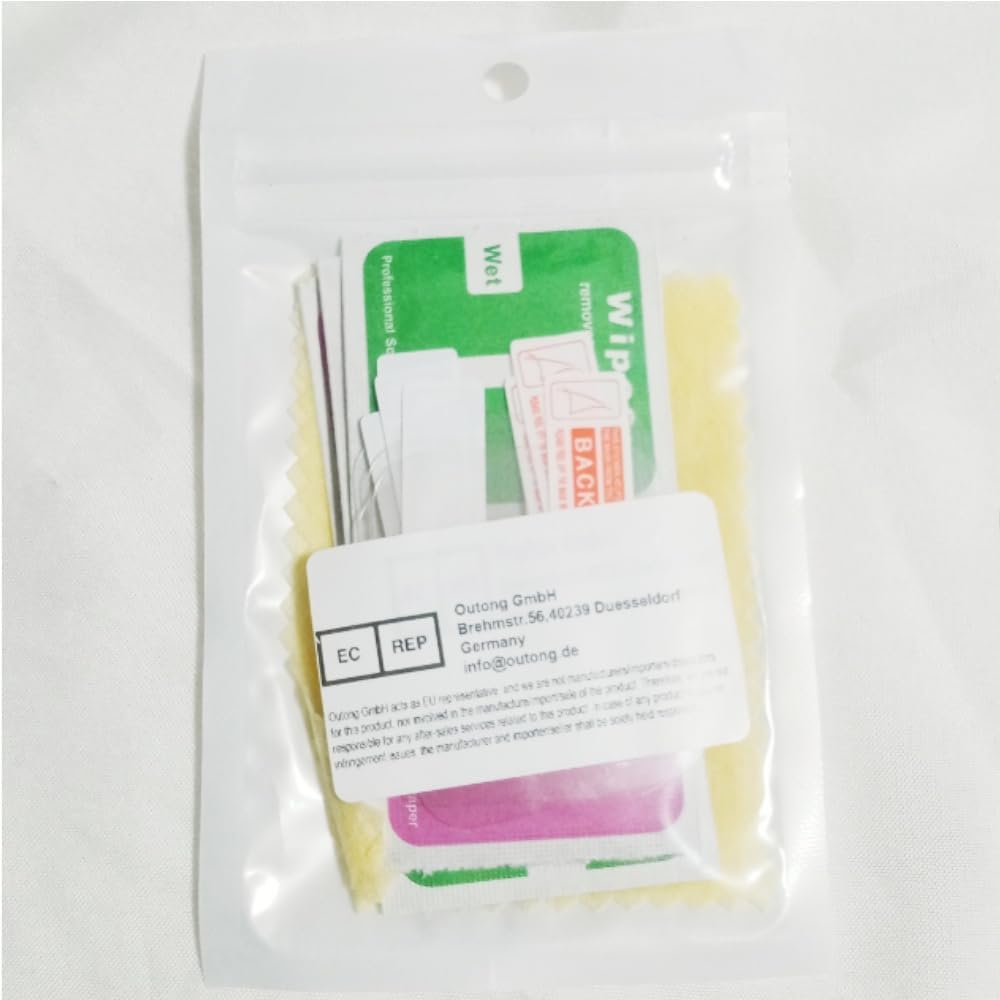
Image: Manufacturer contact information on product packaging.
Ask a question about this manual
Ask about setup, troubleshooting, compatibility, parts, safety, or missing instructions. Manuals+ will review the question and use this page’s manual context to help answer it.