
1. Introduction
This manual provides instructions for the setup, operation, and maintenance of your Fossil Men's Hybrid Smartwatch HR, model FTW7018. This device combines the classic aesthetics of an analog watch with essential smartwatch functionalities, including an always-on readout display, heart rate monitoring, activity tracking, and smartphone notifications.
2. Package Contents
Verify that all items are present in the package:
- Fossil Men's Hybrid Smartwatch HR (FTW7018)
- Magnetic USB Rapid Charger
- Quick Start Guide (if included)
3. Device Overview
Familiarize yourself with the physical components of your smartwatch.

Image 3.1: Front view of the Fossil Hybrid Smartwatch HR FTW7018, showing the analog hands and the e-ink display.

Image 3.2: Side view of the smartwatch, highlighting the crown and two push-buttons for interaction.

Image 3.3: Rear view of the smartwatch, showing the optical heart rate sensor and charging contacts.
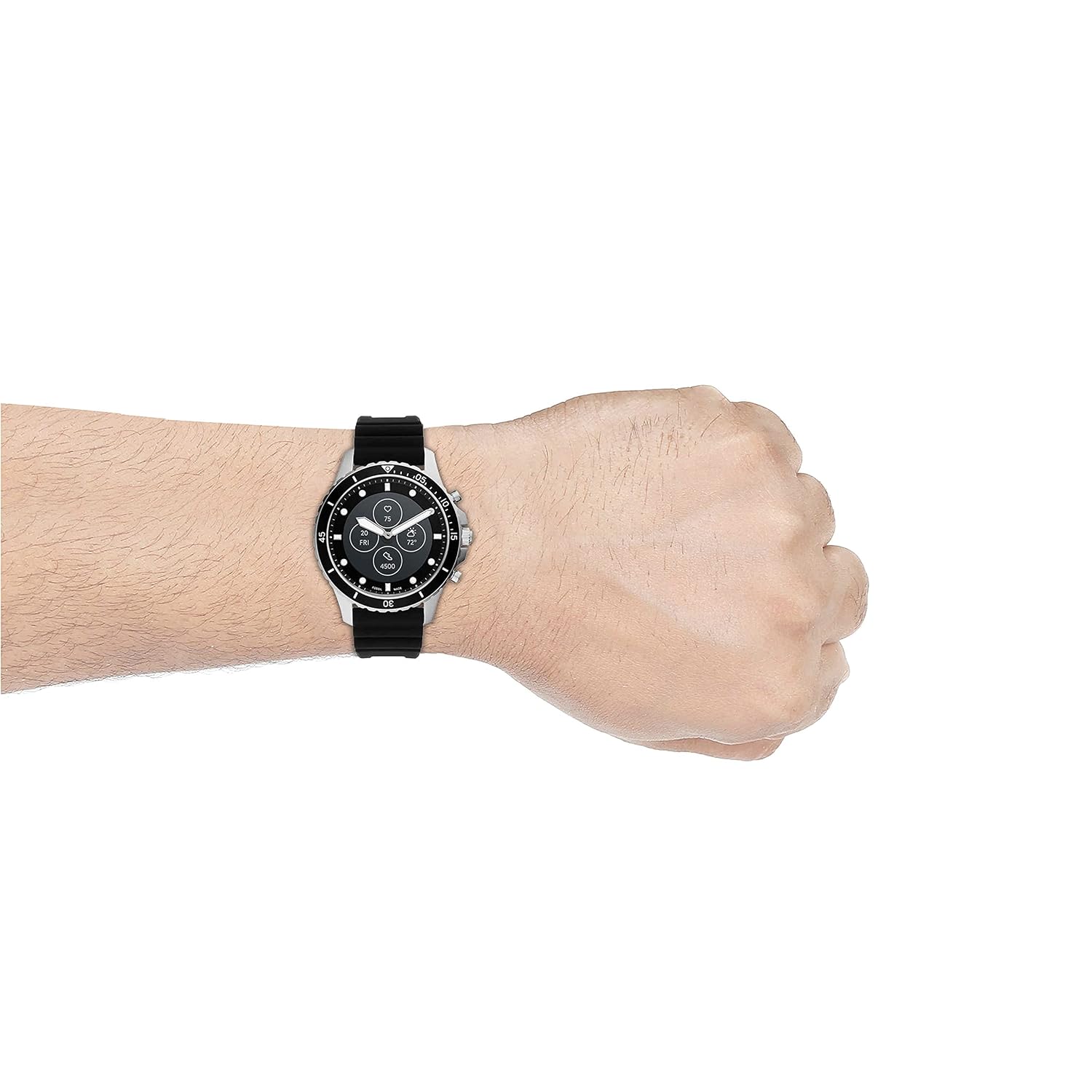
Image 3.4: The smartwatch worn on a wrist, demonstrating its appearance during use.
4. Setup
4.1 Charging the Smartwatch
Before initial use, fully charge your smartwatch. The magnetic USB rapid charger can charge the device up to 80% in under an hour.
- Connect the USB end of the charger to a power source (e.g., computer USB port, USB wall adapter).
- Align the magnetic end of the charger with the charging contacts on the back of the smartwatch. The charger will snap into place.
- The watch display will indicate charging status.
4.2 Installing the Fossil Smartwatch App
The Fossil Hybrid Smartwatch HR requires the Fossil Smartwatch app for full functionality and customization.
- Compatibility: Android 5.0+ or iOS 12.0+ smartphones.
- Download the "Fossil Smartwatch" app from your smartphone's app store (Google Play Store for Android, Apple App Store for iOS).
- Install the app and follow the on-screen instructions to create an account or log in.
4.3 Pairing with Your Smartphone
Pairing your smartwatch with the app enables data synchronization and notification delivery.
- Ensure your smartwatch is charged and powered on.
- Open the Fossil Smartwatch app on your smartphone.
- Follow the in-app instructions to add a new device. The app will guide you through the pairing process using Bluetooth Smart Enabled / 5.0 Low Energy.
- Confirm the pairing code on both your watch and smartphone if prompted.
5. Operating Instructions
5.1 Basic Navigation
The Hybrid Smartwatch HR uses a combination of physical buttons and the e-ink display for interaction.
- Crown: Typically used for navigating menus or scrolling through information on the display.
- Push-buttons: Customizable for quick access to features like heart rate, activity tracking, or notifications. Refer to the app for button customization options.
- E-ink Display: Provides an always-on readout for notifications, activity data, and other selected information.
5.2 Key Features and Functions
- Heart Rate Monitoring: The optical heart rate sensor continuously measures your heart rate. Data is synced to the Fossil Smartwatch app.
- Activity Tracking: Tracks steps, distance, and calories burned. Supports various sport types like walking.
- Smartphone Notifications: Receive alerts for calls, messages, and app notifications directly on your watch. Message previews are displayed on the e-ink screen.
- Customizable Watch Faces: Personalize the e-ink display through the Fossil Smartwatch app.
- Music Control: Control music playback on your smartphone (functionality may vary).
- Alarm: Set alarms that vibrate on your wrist.
6. Maintenance
6.1 Cleaning Your Smartwatch
Regular cleaning helps maintain the appearance and functionality of your device.
- Wipe the watch case and band with a soft, damp cloth.
- Avoid using harsh chemicals, abrasive cleaners, or solvents.
- Ensure the charging contacts and heart rate sensor are clean and free of debris.
6.2 Water Resistance
The smartwatch is water resistant up to 30 meters (3 ATM) and has an IP68 rating. This means it is suitable for everyday use and can withstand splashes or brief immersion in water, such as hand washing. It is not recommended for swimming, diving, or high-pressure water activities.
6.3 Band Replacement
The watch features interchangeable 22mm bands. To replace the band:
- Locate the quick-release pins on the underside of the watch band.
- Pull the pin inwards to detach the band from the watch case.
- Align the new 22mm band with the lug holes and slide the quick-release pin into place until it clicks.
7. Troubleshooting
- Watch not turning on: Ensure the watch is fully charged using the magnetic USB rapid charger.
- Not connecting to smartphone:
- Verify Bluetooth is enabled on your smartphone.
- Ensure the Fossil Smartwatch app is open and running in the background.
- Try restarting both your smartphone and the smartwatch.
- Unpair and re-pair the device through the app settings.
- Inaccurate heart rate or activity data:
- Ensure the watch is worn snugly on your wrist, not too loose or too tight.
- Clean the optical heart rate sensor on the back of the watch.
- Notifications not appearing:
- Check notification settings within the Fossil Smartwatch app.
- Verify that your smartphone's notification permissions allow the Fossil app to send alerts.
- Ensure the watch is connected via Bluetooth.
8. Specifications
| Model Number | FTW7018 |
| Brand | Fossil |
| Product Dimensions | 44 x 22 x 13 Millimeters (Case size: 44mm, Band size: 22mm) |
| Item Weight | 196 Grams |
| Case Material | Stainless Steel |
| Band Material Type | Silicone |
| Display Type | Analog with E-ink Readout |
| Operating System | Smartwatch (Hybrid) |
| Connectivity Technology | Bluetooth Smart Enabled / 5.0 Low Energy, USB (for charging) |
| Compatible Devices | Smartphones (Android 5.0+, iOS 12.0+) |
| Water Resistance Level | 30 Metres (3 ATM), IP68 |
| Metrics Measured | Optical Heart Rate Sensor, Steps, Calories, Distance |
| Battery Type | Lithium Ion (1 CR2 battery included) |
| Human Interface Input | Buttons |

Image 8.1: Diagram illustrating the dimensions of the smartwatch: Height (52 mm) and Length (47 mm).
9. Warranty and Support
9.1 Warranty Information
Your Fossil Hybrid Smartwatch HR comes with a 2-year manufacturer warranty from the date of purchase. This warranty is limited.
To avail warranty services:
- Register your product online at https://www.fossilcare.com/registration/.
- Present the original bill copy or invoice at an authorized Fossil service center. A warranty card and stamp are not mandatory for online purchases.
9.2 Customer Support
For service-related inquiries and feedback, please contact Fossil India customer support:
- Toll-Free Number: 000-800-9190-951 (Monday to Sunday, 10:00 AM to 7:00 PM)
- Email: service.in@fossil.com
Manufacturer/Importer/Packer Contact Information:
Fossil India Pvt Ltd Khasra no: 2058/1754/18 & 2059/1754/18. WAKA MOUZA, Bhatauli Kalan, Tehsil BADDI, Solan, Baddi. Himachal Pradesh 173205


