
1. Introduction
1.1 Welcome
Thank you for choosing the Motile 37694 Neoprene Sport Backpack. This manual provides essential information for the proper setup, operation, and maintenance of your new backpack. Designed for an active and mobile lifestyle, this backpack features a premium neoprene construction and an integrated wireless battery system to keep your devices powered on the go.
1.2 Key Features
- Wireless battery system for powering up on the go.
- Ergonomic design prevents backpack from slipping off shoulders.
- Padded reinforced shoulder straps for maximum comfort and ease of wearing.
- Double zipper system for secure closure.
- Exterior water bottle pocket for convenient access.
- Fully lined interior for added protection.
- Front storage pocket with 6 utility pockets in multiple sizes, 3 pen slots, 3 card slots, and 2 memory card slots.
- Horizontal luggage strap slides over rolling luggage handle or can hold straps in place while traveling.
2. Product Overview
2.1 Components
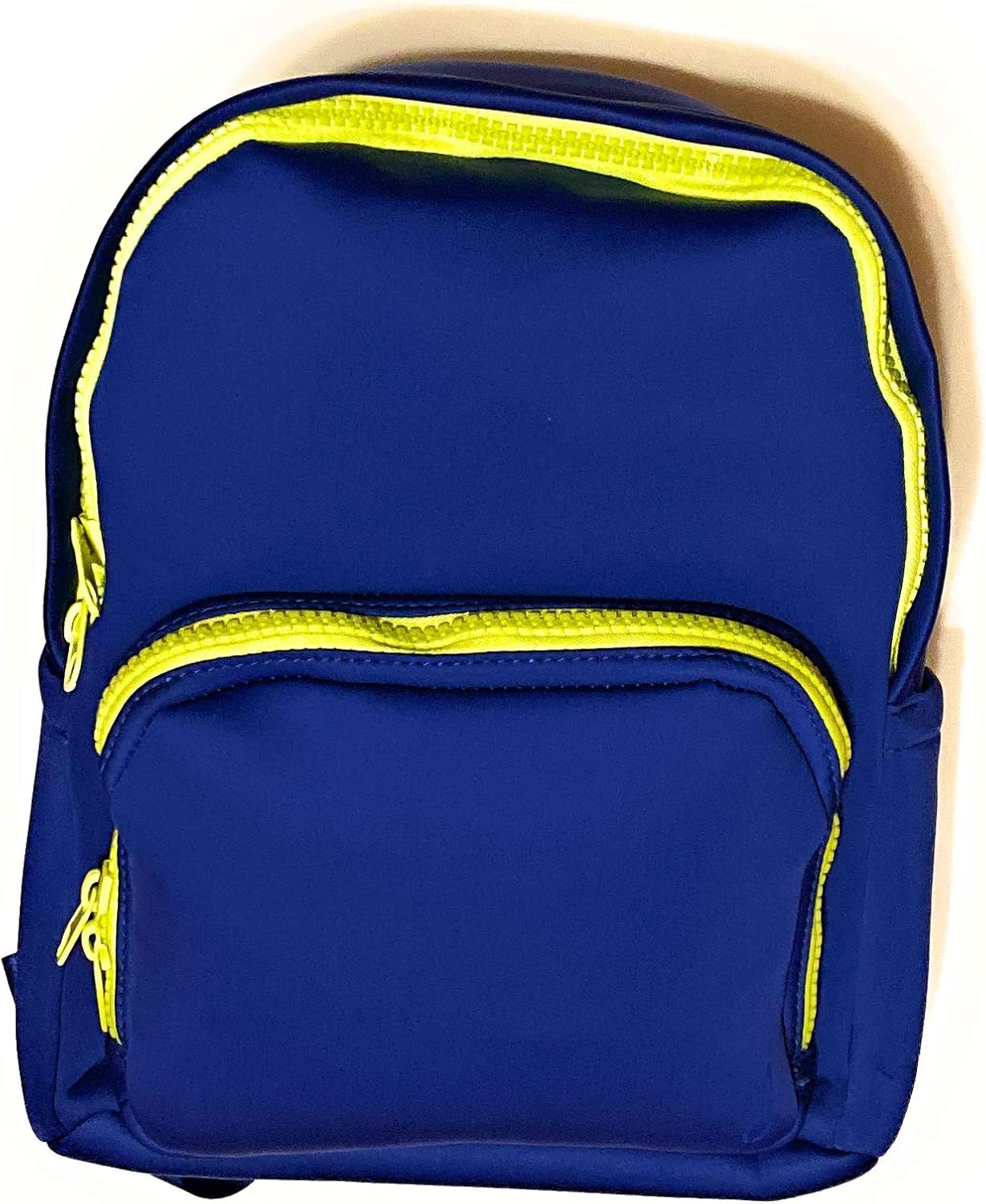
Figure 2.1: Front view of the Motile Neoprene Sport Backpack, showcasing its sleek design and main compartments.

Figure 2.2: Angled front view highlighting the durable neoprene material and bright zipper accents.
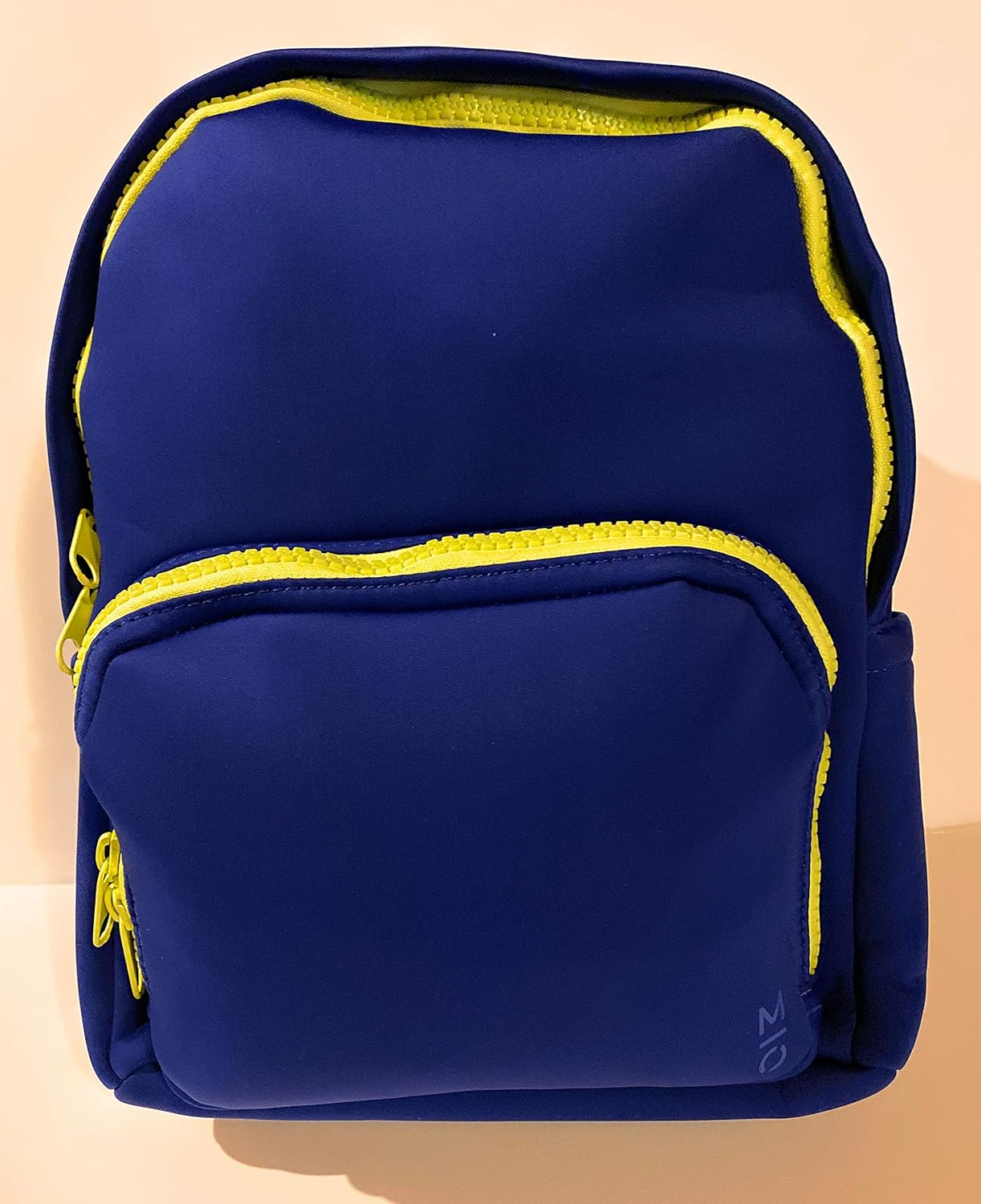
Figure 2.3: Close-up front view showing the quality of the zippers and the texture of the neoprene fabric.

Figure 2.4: Rear view of the backpack, displaying the padded shoulder straps and the horizontal luggage strap.
3. Setup
3.1 Initial Setup of Wireless Battery System
The Motile wireless battery system utilizes Qi technology for wireless charging of your Qi compatible phone. The 10,000 mAh battery is easily removed from its interior pocket for security checks or separate use.
- Locate the 10,000 mAh wireless battery pack inside the designated interior pocket of the backpack.
- Ensure the battery is charged before first use. (Refer to Section 4.1 for charging instructions).
- Place your Qi-compatible phone in the exterior phone pocket.
- Turn on the battery pack. Wireless charging should begin automatically.
4. Operating Instructions
4.1 Charging the Battery
To recharge the internal 10,000 mAh battery, connect the included micro-USB to USB-A charge cord to a compatible power source (e.g., wall adapter, computer USB port).
4.2 Charging Additional Devices
In addition to wireless charging, you can also charge other devices through the USB-A port located on the battery pack using their respective charging cables.
4.3 Wearing the Backpack
The backpack features an ergonomic design and padded, reinforced shoulder straps to prevent slipping and ensure maximum comfort during wear. Adjust the straps to achieve a snug and comfortable fit.
4.4 Utilizing Storage
The backpack offers various storage solutions:
- Main Compartment: Accessed via the double zipper system, providing ample space for larger items.
- Front Storage Pocket: Features 6 utility pockets of multiple sizes, 3 pen slots, 3 card slots, and 2 memory card slots for organized storage of smaller essentials.
- Exterior Water Bottle Pocket: Conveniently located for easy access to your hydration.
- Horizontal Luggage Strap: Designed to slide over a rolling luggage handle for easy transport or to secure the shoulder straps when not in use.
5. Maintenance
5.1 Cleaning Instructions
The premium neoprene material is water-resistant. For general cleaning, wipe the backpack with a damp cloth and mild soap. Avoid harsh chemicals or abrasive cleaners. Allow to air dry completely before storing.
5.2 Storage
Store the backpack in a cool, dry place away from direct sunlight and extreme temperatures to preserve the integrity of the material and electronic components.
6. Troubleshooting
6.1 Common Issues
- Wireless Charging Not Working:
- Ensure the battery pack is turned on and sufficiently charged.
- Verify your phone is Qi-compatible.
- Adjust the phone's position in the exterior pocket to ensure proper alignment with the charging coil.
- Remove any thick phone cases that might interfere with wireless charging.
- Battery Pack Not Charging:
- Check that the micro-USB cable is securely connected to both the battery pack and the power source.
- Try a different power source or USB port.
- Ensure the charging cable is not damaged.
7. Specifications
7.1 Technical Data
| Specification | Value |
|---|---|
| Product Dimensions | 12.5 x 8 x 16 inches |
| Item Weight | 2.94 pounds |
| Department | unisex-adult |
| Manufacturer | Motile |
| ASIN | B0815VYNF7 |
| Age Range Description | Children |
| Number Of Items | 1 |
| Units | 1.00 Count |
| Capacity Total | 23 Liters |
8. Warranty and Support
8.1 Warranty Information
For detailed warranty information regarding your Motile 37694 Neoprene Sport Backpack, please refer to the documentation included with your purchase or visit the official Motile website. Warranty terms and conditions may vary.
8.2 Customer Support
If you encounter any issues or have questions not covered in this manual, please contact Motile customer support through their official website or the contact information provided with your product.