Introduction
This manual provides essential information for the proper setup, operation, and maintenance of your UGREEN USB C Micro SD Card Reader. Designed for seamless data transfer, this compact adapter allows you to easily access and manage files from your Micro SD cards on various USB-C enabled devices.
Setup
Follow these steps to set up your UGREEN USB C Micro SD Card Reader:
- Insert Micro SD Card: Gently insert your Micro SD card into the designated slot on the UGREEN card reader. Ensure the card is oriented correctly as indicated by the reader's design.

Image: The UGREEN USB C Micro SD Card Reader shown with a Micro SD card positioned for insertion into its slot.
- Connect to USB-C Device: Plug the USB-C connector of the card reader into the USB-C port of your compatible device (e.g., smartphone, tablet, laptop). The device is plug-and-play, requiring no additional drivers for most operating systems.

Image: A hand holding a smartphone with the UGREEN USB C Micro SD Card Reader plugged into its USB-C port, demonstrating its compact size.
Operating Instructions
Once connected, your device should automatically detect the Micro SD card. You can then access its contents through your device's file manager or photo gallery.
- Data Transfer: The card reader supports USB 3.0 standard, offering data transfer rates up to 5Gbps (Gigabits per second), which is significantly faster than USB 2.0. This allows for quick transfer of large files such as photos and videos. Read speeds can reach up to 104MB/s.
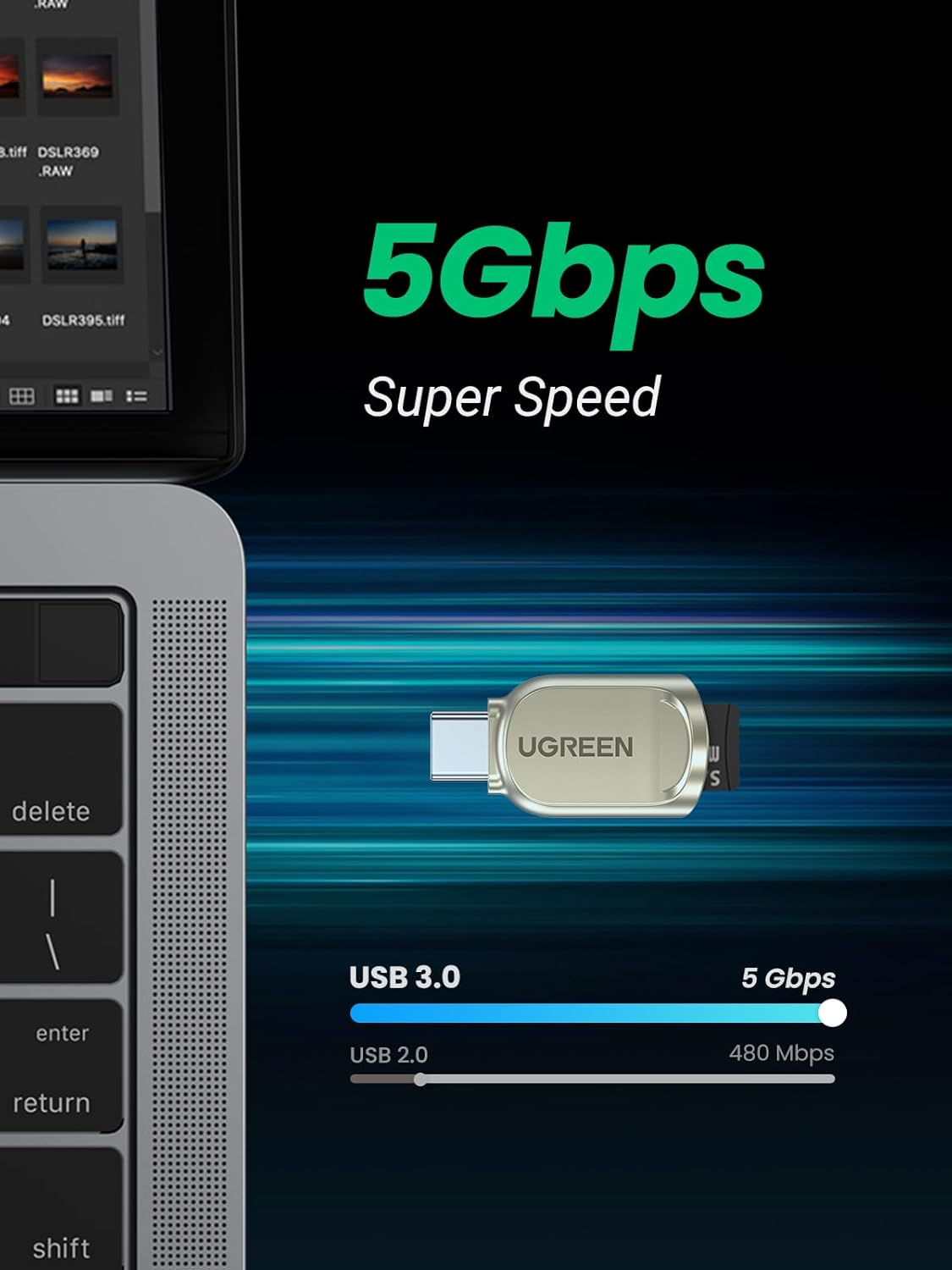
Image: A visual representation highlighting the 5Gbps Super Speed data transfer capability of the UGREEN card reader, comparing it to USB 2.0 speeds.
- Wide Compatibility: The reader is compatible with a broad range of USB-C devices, including smartphones (e.g., Samsung Galaxy S23/S20/S10/Note 20/Note 10, Google Pixel 4 XL, Moto G8/G7), tablets (e.g., iPad Mini 6 2021, iPad Pro), and laptops (e.g., Macbook Pro, Macbook Air, MacBook, XPS 13). It supports TF, Micro SD, Micro SDHC, and Micro SDXC cards.

Image: The UGREEN card reader positioned among a smartphone, laptop, and tablet, illustrating its wide compatibility with various USB-C devices.
- On-the-Go Access: This portable design with a keychain allows for convenient access to your Micro SD card content anytime, anywhere. It's ideal for quickly reviewing footage from digital cameras, dash cams, trail cameras, security cameras, and drones without needing a PC.
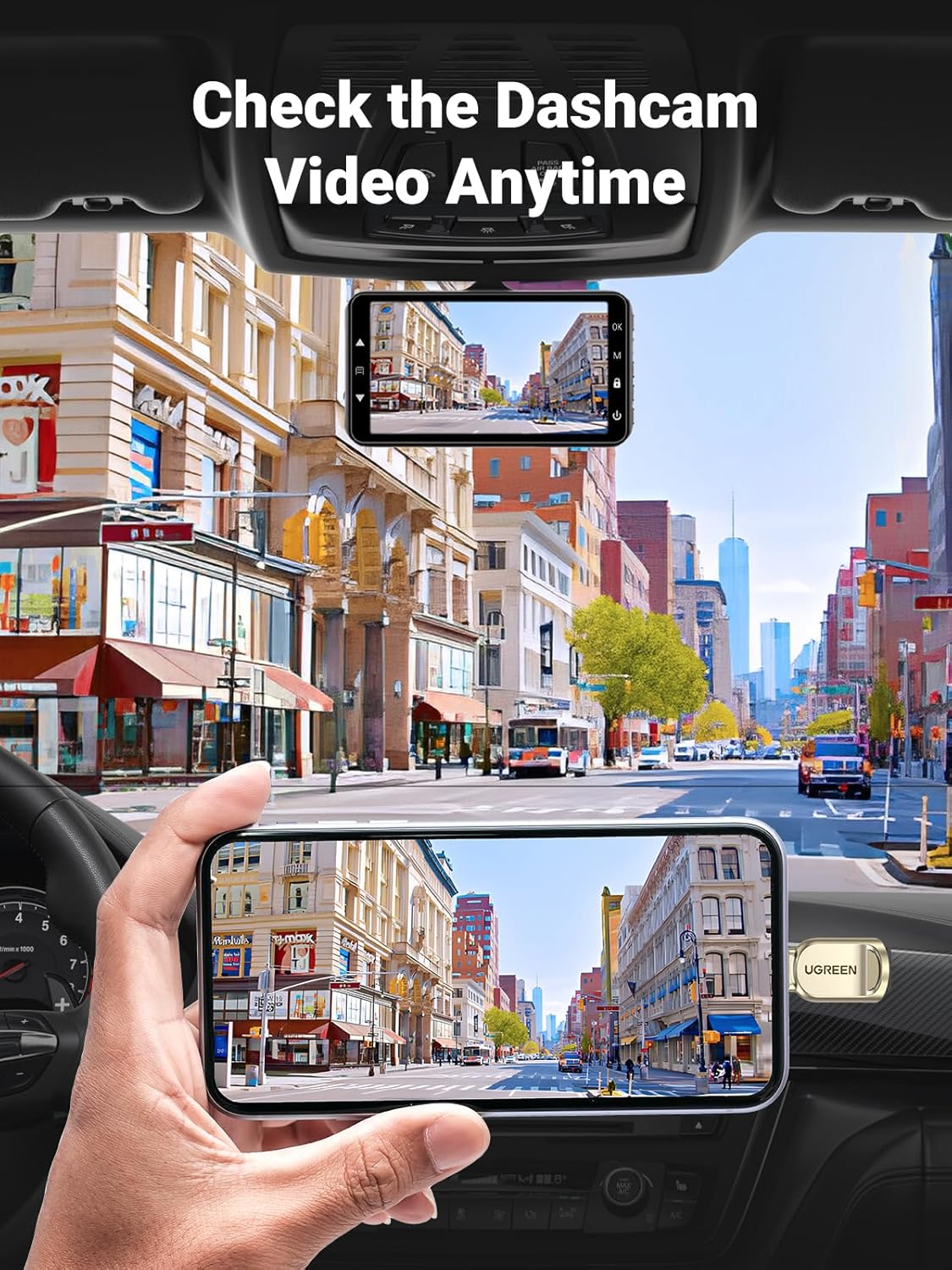
Image: A hand holding a smartphone displaying dashcam footage, with the UGREEN card reader connected, demonstrating its use for on-the-go video review.
Maintenance
To ensure the longevity and optimal performance of your UGREEN USB C Micro SD Card Reader, consider the following:
- Material and Heat Dissipation: The reader is constructed from premium zinc alloy, which aids in efficient heat dissipation. It is normal for the device's surface temperature to rise during prolonged use or high-speed data transfer, especially in warm environments. This is a normal phenomenon and helps protect the internal chip.
- Cleaning: Keep the card reader clean and free from dust and debris. Use a soft, dry cloth for cleaning. Avoid using liquid cleaners or abrasive materials.
- Storage: Store the device in a cool, dry place when not in use. The included keychain can help prevent loss.
Troubleshooting
If you encounter issues with your UGREEN USB C Micro SD Card Reader, refer to the following common solutions:
- Device Not Recognized:
- Ensure the Micro SD card is fully and correctly inserted into the reader.
- Try unplugging and re-plugging the card reader into your USB-C device.
- Test the card reader with a different USB-C port or a different compatible device to rule out port or device issues.
- Verify that your device's operating system is up-to-date and supports external storage devices.
- Slow Data Transfer:
- Ensure both your Micro SD card and your USB-C device support USB 3.0 speeds for optimal performance.
- Avoid running multiple demanding applications during large file transfers.
- Overheating:
- As mentioned in Maintenance, it is normal for the zinc alloy casing to become warm during operation due to its heat dissipation properties. If the device becomes excessively hot and causes performance issues, discontinue use and allow it to cool down.
- Phone Case Interference:
- The SD card reader supports phone cases within 1.8mm/0.07 inches thickness. Thicker cases may prevent a proper connection.
Specifications
| Brand | UGREEN |
| Model Number | 80124 |
| Connectivity Technology | USB Type C |
| Media Type Supported | TF, Micro SD Card (Micro SDHC, Micro SDXC) |
| Data Transfer Rate | Up to 5Gbps (USB 3.0 standard), Read speed up to 104MB/s |
| Material | Zinc Alloy External |
| Dimensions (LxWxH) | 3.8 x 2.6 x 0.55 inches |
| Item Weight | 0.704 ounces |
| Operating System Compatibility | Windows, macOS, Android |
| Color | Silver |
Warranty and Support
UGREEN products are designed with quality and reliability in mind. For any product-related inquiries, technical support, or warranty claims, please refer to the official UGREEN website or contact their customer service directly. Keep your purchase receipt for warranty validation.
For more information, visit: UGREEN Official Store


