
1. Product Overview
This SureFit 36" Deck Drive Belt (Model 504-01608) is a high-quality replacement part designed for specific John Deere commercial walk-behind mowers. It ensures proper power transmission from the engine to the mower deck, crucial for efficient cutting performance. This belt is engineered to meet or exceed OEM specifications for durability and fit.
Compatibility: This belt is compatible with John Deere WH36A and WHP36A commercial walk-behind mowers. It replaces John Deere OEM Part Number TCA20591.

Figure 1: SureFit 36" Deck Drive Belt with its product label, showing the model number and compatibility information.
2. Safety Information
Always prioritize safety when performing maintenance or repairs on power equipment. Failure to follow safety instructions can result in serious injury or damage to equipment.
- Disconnect Power: Before beginning any work, ensure the mower engine is off, the spark plug wire is disconnected, and the key is removed to prevent accidental starting.
- Allow Cooling: Let the engine and exhaust system cool down completely before touching any components.
- Wear Protective Gear: Always wear appropriate personal protective equipment (PPE), including safety glasses and heavy-duty gloves, to protect against sharp edges and hot surfaces.
- Stable Surface: Work on a flat, stable surface. If lifting the mower, ensure it is securely supported with jack stands or blocks.
- Read Mower Manual: Refer to your John Deere mower's owner's manual for specific safety procedures and belt routing diagrams.
3. Installation Guide
This section provides general steps for replacing a deck drive belt. Specific procedures may vary slightly depending on your exact mower model. Always consult your mower's service manual for detailed instructions.
- Prepare the Mower:
Ensure the mower is turned off, the spark plug wire is disconnected, and the engine is cool. Position the mower on a flat, stable surface. You may need to raise the front of the mower or remove the deck for better access.
- Locate the Old Belt:
Identify the deck drive belt routing around the engine pulley, deck pulleys, and tensioner pulleys. Take a photo or draw a diagram of the current belt routing for reference.
- Relieve Belt Tension:
Most mowers have a tensioner pulley system. Use a wrench or lever to release the tension on the old belt. This may involve moving a spring-loaded idler pulley.
- Remove the Old Belt:
Once tension is relieved, carefully remove the old belt from all pulleys. Inspect the old belt for wear patterns, cracks, or fraying, which can indicate underlying issues with pulleys or alignment.
- Install the New Belt:
Route the new SureFit belt around the pulleys according to your diagram or photo. Ensure the belt is seated correctly in all pulley grooves. Start by placing the belt on the fixed pulleys, then work towards the tensioner pulley.
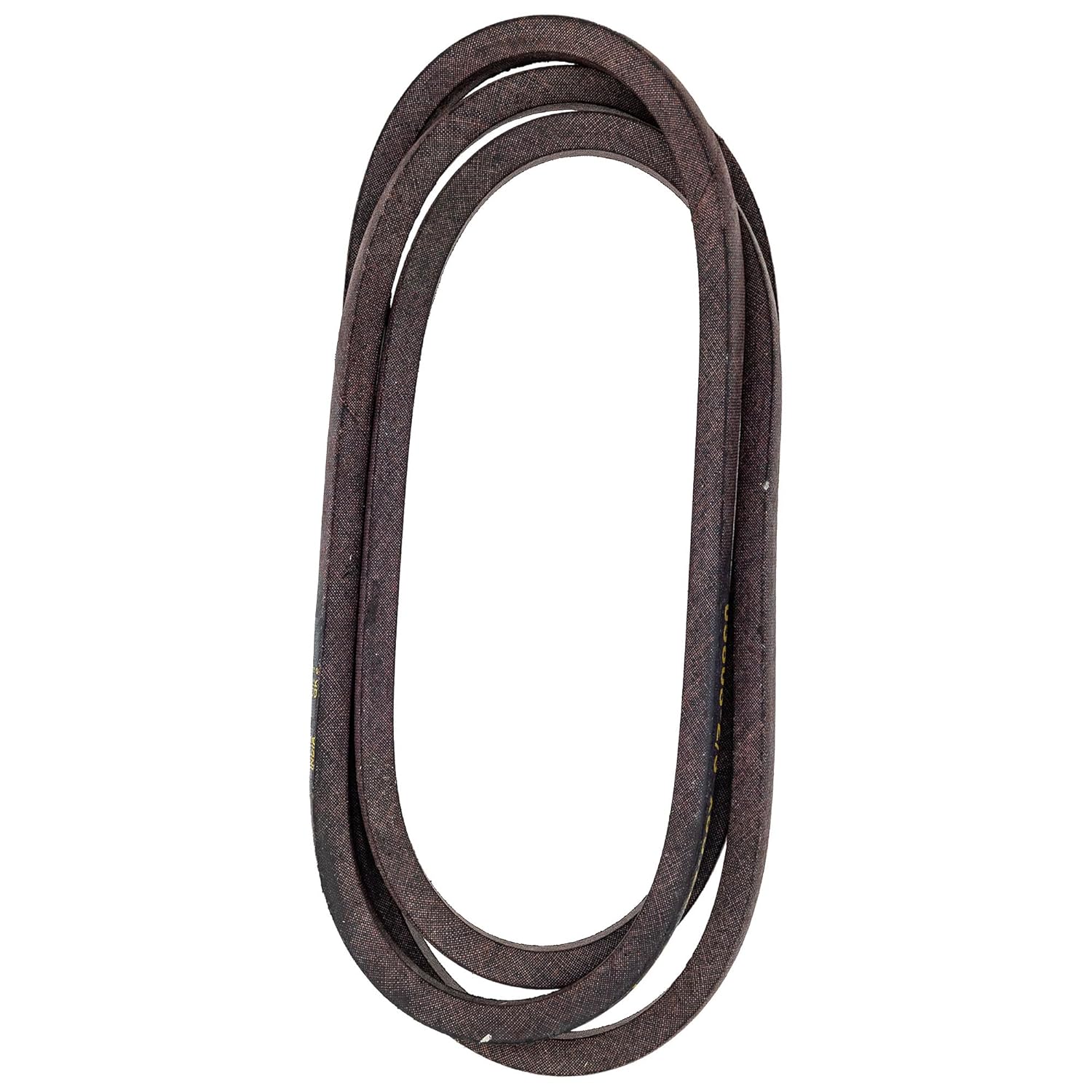
Figure 2: The SureFit 36" Deck Drive Belt uncoiled, ready for installation. Note the smooth, consistent surface.
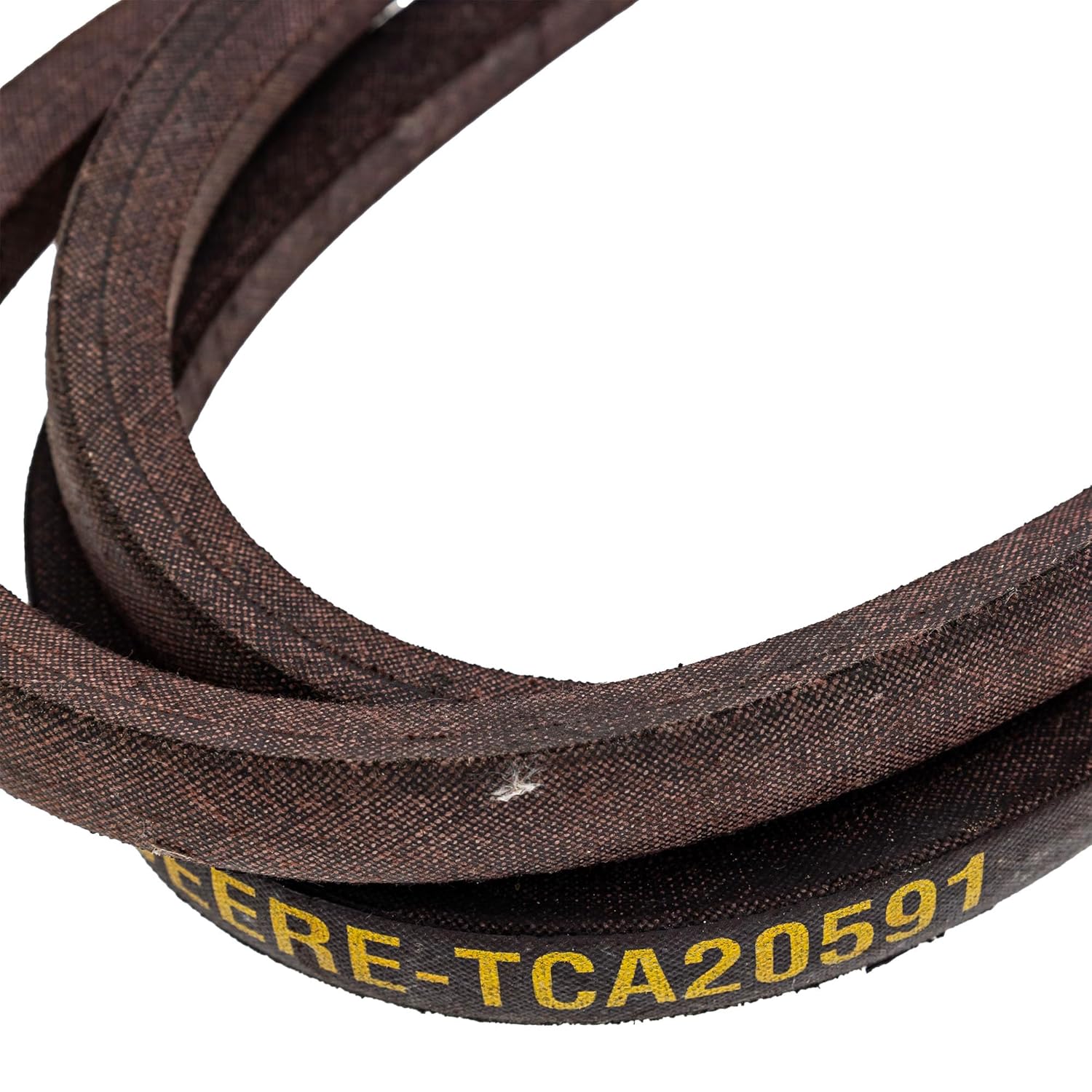
Figure 3: A close-up view of the belt, highlighting the "DEERE-TCA20591" marking, confirming its compatibility and OEM replacement status.
- Apply Belt Tension:
Re-engage the tensioner pulley to apply proper tension to the new belt. Double-check that the belt is securely seated on all pulleys and that there are no twists or kinks.
- Test Operation:
Reconnect the spark plug wire. Start the mower and engage the deck (if safe to do so in a controlled environment) to ensure the belt operates smoothly without slipping or unusual noises. Disengage the deck and turn off the mower before making any further adjustments.
4. Maintenance and Care
Proper maintenance extends the life of your deck drive belt and ensures optimal mower performance.
- Regular Inspection: Periodically inspect the belt for signs of wear, such as cracks, fraying, glazing, or stretching. Replace the belt if any significant wear is observed.
- Clean Pulleys: Keep pulleys free of debris, grass clippings, and rust. Contaminants can cause premature belt wear and slippage.
- Proper Tension: Ensure the belt tensioning system is functioning correctly. Too much tension can overstress the belt and pulleys, while too little tension can cause slippage and excessive wear.
- Avoid Overloading: Do not attempt to cut grass that is too tall or wet, as this can put excessive strain on the belt and other mower components.
5. Troubleshooting
| Symptom | Possible Cause | Solution |
|---|---|---|
| Belt Slipping | Incorrect tension, worn belt, glazed pulleys, debris on pulleys. | Adjust tension, replace belt, clean pulleys, remove debris. |
| Belt Breaking Frequently | Misaligned pulleys, worn bearings, incorrect belt type, excessive load. | Check pulley alignment, inspect bearings, ensure correct belt, reduce load. |
| Squealing Noise from Belt | Belt slippage, worn belt, misaligned pulleys, worn idler pulley bearing. | Check tension, inspect belt for wear, verify pulley alignment, replace worn bearings. |
| Deck Not Engaging | Broken belt, dislodged belt, faulty PTO clutch (if applicable). | Inspect and replace/re-route belt, check PTO clutch operation. |
6. Specifications
| Attribute | Detail |
|---|---|
| Brand | SureFit |
| Model Number | 504-01608 |
| Belt Style | Deck Belt |
| Compatible OEM Part Number | John Deere TCA20591 |
| Compatible Mower Models | John Deere WH36A, WHP36A |
| Material | Plastic (Note: Belts are typically made of rubber compounds, "Plastic" might be a generic classification in the data. Assume it refers to the primary material composition for durability.) |
| Product Dimensions | 16 x 10 x 1 inches (packaged) |
| Item Weight | 16 ounces (1 Pound) |
7. Warranty and Support
For warranty information or technical support regarding your SureFit Deck Drive Belt, please refer to the product packaging or contact the SureFit customer service directly. Keep your purchase receipt as proof of purchase.
For specific issues related to your John Deere mower, please consult your mower's owner's manual or contact an authorized John Deere service center.