
Edifier TWS6
Edifier TWS6 True Wireless Earbuds User Manual
Model: TWS6
Brand: Edifier
1. Introduction
Thank you for choosing the Edifier TWS6 True Wireless Earbuds. These ultra-slim, in-ear headphones are designed for comfort and high-quality audio, featuring Bluetooth 5.0 with Qualcomm aptX technology and Knowles balanced armature drivers. They are built to withstand workouts with an IP55 dust and water resistance rating, offering extended battery life with their portable wireless charging case.
2. Package Contents
Please ensure all items are present in your package:
- Edifier TWS6 True Wireless Earbuds (Left and Right)
- Charging Case
- USB Type-C Charging Cable
- Silicone Ear Tips (Multiple sizes: 11mm, 12mm, 13mm)
- "Shark Fin" Sleeves (Multiple sizes)
- Memory Foam Tips (Multiple sizes)
- User Manual (this document)
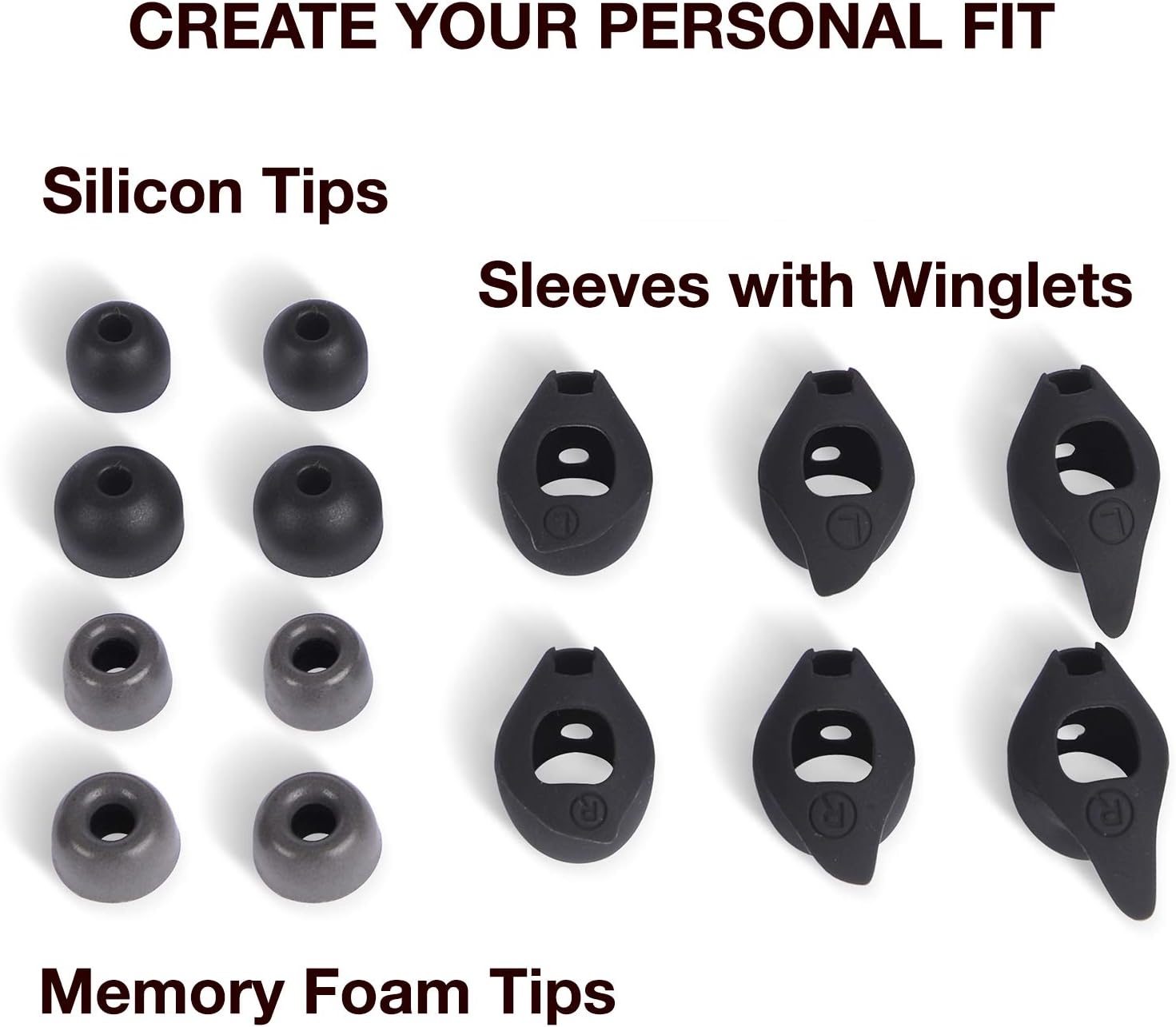
Image: Various sizes of silicone ear tips, memory foam tips, and "shark fin" sleeves for personalized fit.
3. Product Overview
3.1 Earbuds
The TWS6 earbuds feature a compact, in-ear design with Knowles balanced armature drivers for clear audio. Each earbud is marked with 'L' (Left) or 'R' (Right) for proper placement and includes touch-sensitive surfaces for control. A small LED indicator provides status feedback.

Image: Close-up of the top surface of an Edifier TWS6 earbud, showing the Edifier logo and touch control area.

Image: Side profile of an Edifier TWS6 earbud, highlighting its ergonomic shape and the attached winglet for secure fit.
3.2 Charging Case
The ultra-slim charging case provides additional battery life and protects your earbuds. It supports both wireless (Qi-compatible) and USB Type-C charging. The earbuds magnetically snap into place inside the case for secure charging.

Image: The Edifier TWS6 charging case open, showing one earbud inside and the other earbud positioned outside the case.

Image: The sleek, closed charging case for the Edifier TWS6 earbuds, displaying the Edifier brand name.
4. Setup
4.1 Initial Charging
Before first use, fully charge the charging case and earbuds. Connect the USB Type-C cable to the charging port on the case and a power source. Alternatively, place the case on a Qi-compatible wireless charging pad. The indicator light on the case will show charging status.
4.2 Bluetooth Pairing
- Ensure the earbuds are inside the charging case and the case lid is open.
- On your device (smartphone, tablet, etc.), enable Bluetooth.
- The earbuds will automatically enter pairing mode. Look for "Edifier TWS6" in your device's Bluetooth list.
- Select "Edifier TWS6" to connect. Once connected, the earbud indicator lights will turn off.
- If pairing fails, close the case, wait a few seconds, and repeat the steps.
5. Operating the Earbuds
The Edifier TWS6 earbuds utilize touch controls for various functions:
| Action | Function |
|---|---|
| Single Tap (Left/Right Earbud) | Play/Pause music, Answer/End call |
| Double Tap (Right Earbud) | Next Track |
| Double Tap (Left Earbud) | Previous Track |
| Triple Tap (Left/Right Earbud) | Activate Voice Assistant |
| Long Press (2 seconds) | Reject Call |
Note: Volume control is typically managed directly from your connected device.
6. Achieving a Secure Fit
A proper fit is crucial for optimal sound quality and comfort. The Edifier TWS6 comes with 20 different fitting choices, including various sizes of silicone ear tips, "shark fin" sleeves, and memory foam tips.
- Experiment with different sizes and types of ear tips to find the best seal for your ear canal.
- If using "shark fin" sleeves, ensure they are correctly oriented to provide stability within your outer ear.
- Gently insert the earbud into your ear and twist slightly until it feels snug and secure. The sound should be full and rich, indicating a good seal.
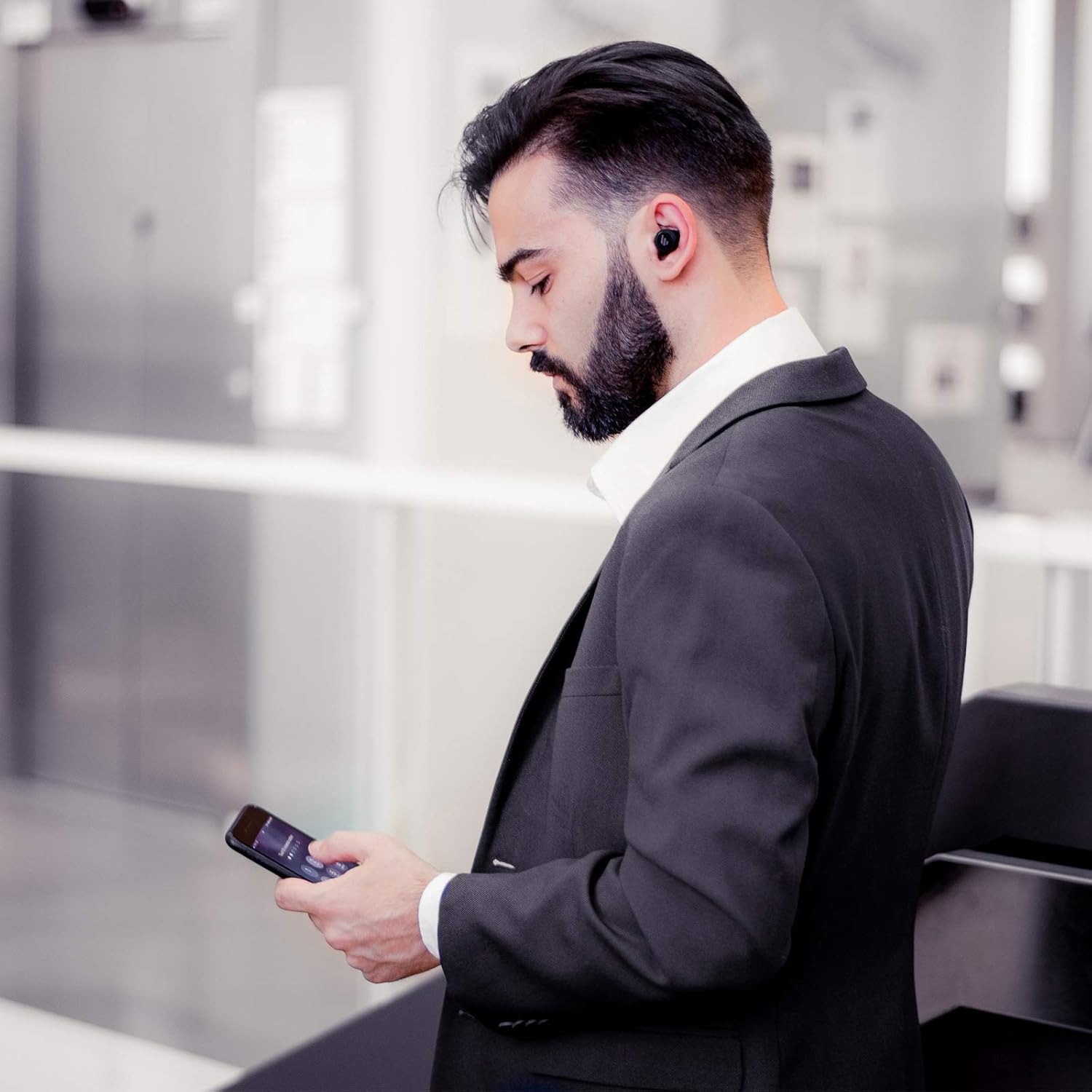
Image: A user demonstrating the comfortable and discreet fit of the Edifier TWS6 earbuds during use.
7. Maintenance
7.1 Cleaning
Regularly clean your earbuds and charging case to maintain performance and hygiene. Use a soft, dry, lint-free cloth to wipe down the surfaces. For ear tips, remove them from the earbuds and clean with a damp cloth, ensuring they are completely dry before reattaching.
7.2 Water and Dust Resistance (IP55)
The Edifier TWS6 earbuds are rated IP55, meaning they are protected against limited dust ingress and low-pressure water jets from any direction. This makes them suitable for workouts and light rain. Do not submerge the earbuds in water or expose them to high-pressure water streams.
7.3 Storage
When not in use, always store the earbuds in their charging case to protect them and ensure they are charged for your next use.
8. Battery and Charging
The earbuds provide approximately 8 hours of playback on a single full charge. The charging case holds an additional 3 full charges, extending the total listening time to up to 32 hours.
8.1 Charging the Case
- USB-C Charging: Connect the provided USB Type-C cable to the charging port on the case and a compatible USB power adapter. The case takes approximately 8 hours to fully charge.
- Wireless Charging: Place the charging case on a Qi-compatible wireless charging pad. Ensure the case is properly aligned with the charging coil.
8.2 Charging the Earbuds
Place the earbuds into their respective slots in the charging case. They will automatically begin charging. The LED indicators on the earbuds will show their charging status.
9. Specifications
| Feature | Detail |
|---|---|
| Model Name | Edifier TWS6 |
| Connectivity Technology | Wireless (Bluetooth 5.0) |
| Audio Driver Type | Knowles Balanced Armature Driver |
| Bluetooth Codec | Qualcomm aptX |
| Frequency Range | 20 Hz - 20,000 Hz |
| Earbud Battery Life | Up to 8 hours |
| Total Playback Time (with case) | Up to 32 hours |
| Charging Interface | USB Type-C, Wireless (Qi-compatible) |
| Water Resistance Rating | IP55 (Dust and Water Resistant) |
| Control Method | Touch |
| Color | Black |
| Material | Silicone, Memory Foam, Plastic |
| Item Weight | 9.9 ounces |
10. Troubleshooting
10.1 Earbuds Not Pairing
- Ensure both earbuds are fully charged.
- Place earbuds back into the charging case, close the lid, wait 5 seconds, then open the lid to re-enter pairing mode.
- On your device, forget "Edifier TWS6" from your Bluetooth settings and attempt to pair again.
- Ensure your device is within the 10-meter Bluetooth range.
10.2 Only One Earbud Playing Sound
- Place both earbuds back into the charging case and close the lid.
- Open the lid and remove both earbuds simultaneously. They should automatically re-sync.
- If the issue persists, try resetting the earbuds (refer to the full manual for specific reset instructions, if available).
10.3 Charging Case Not Charging
- Verify the USB Type-C cable is securely connected to both the case and the power source.
- Try a different USB cable or power adapter.
- If using wireless charging, ensure the case is correctly positioned on the charging pad and the pad is powered on.
11. Warranty and Support
Edifier products come with a limited warranty. For detailed warranty information, product registration, or technical support, please visit the official Edifier website or contact their customer service. Keep your purchase receipt as proof of purchase.
Official Edifier Website: www.edifier.com
Related documentsTWS6


Ask a question about this manual
Ask about setup, troubleshooting, compatibility, parts, safety, or missing instructions. Manuals+ will review the question and use this page’s manual context to help answer it.