
Introduction
This manual provides detailed instructions for the safe and efficient use of your Somfy Charger for V2 Wirefree Motors. This charger is designed to power external lithium-ion battery packs used with Somfy motorized shades, including Sonesse 30/40 and Altus 28 series. It features a 3-pin connector and an LED indicator for charging status. Please read this manual thoroughly before operating the device.
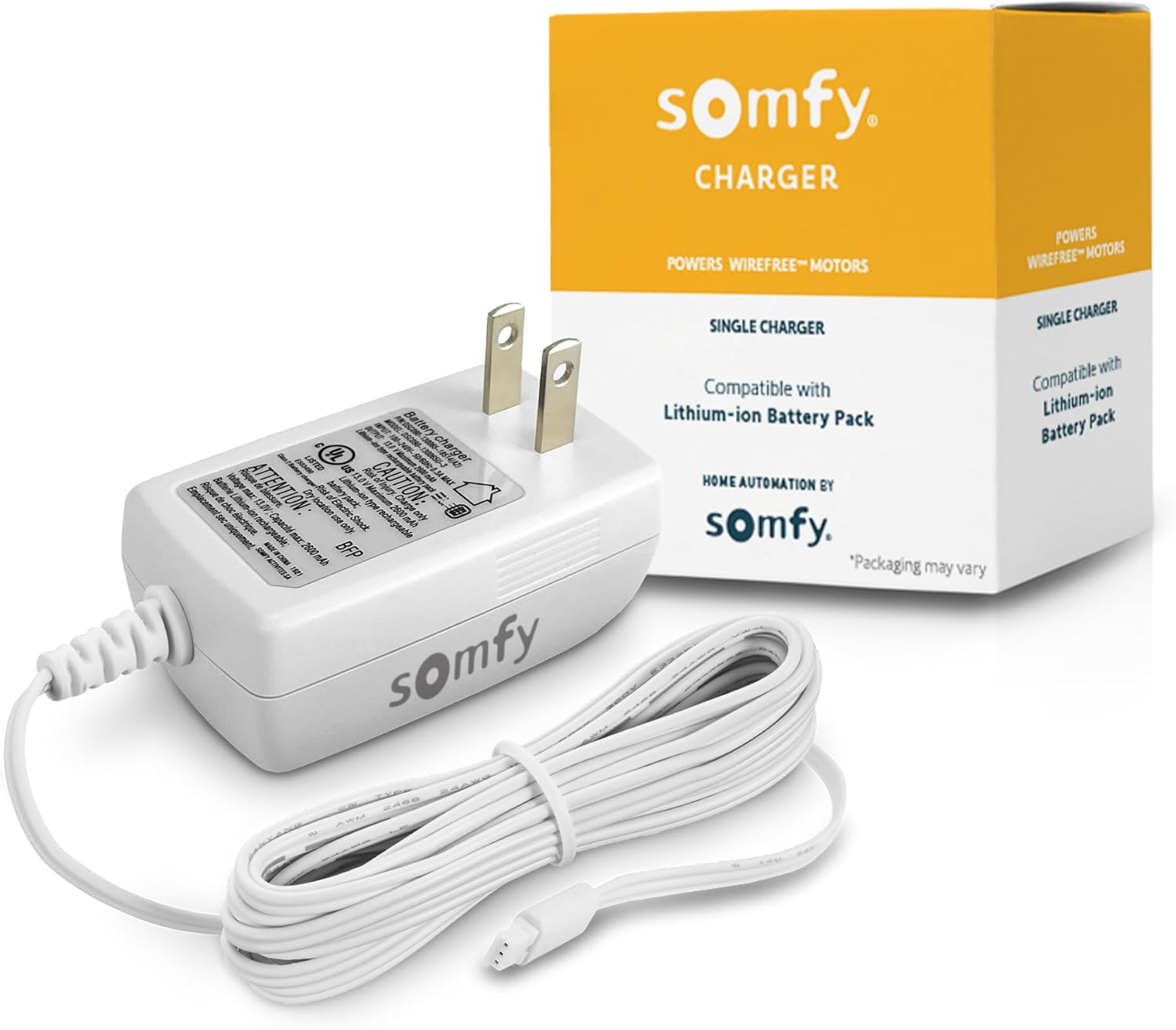
Image: The Somfy Charger for V2 Wirefree Motors, showing the white charger unit with its attached cable and 3-pin connector, alongside its orange and white product packaging.
Setup and Connection
Follow these steps to properly set up and connect your Somfy charger to your motorized shade's battery pack.
- Identify the Battery Pack: Locate the 12V rechargeable lithium-ion battery pack connected to your Somfy motorized wire-free shade. Ensure it is an external battery pack compatible with V2 motors.
- Connect the Charger: Insert the 3-pin connector of the Somfy charger into the corresponding port on the battery pack. Ensure the connection is firm and secure.
- Plug into Power Outlet: Plug the charger's power adapter into a standard wall outlet (120V AC).
- Observe LED Indicator: The charger features an LED indicator.
- A red light indicates that the battery pack is currently charging.
- A green light indicates that the battery pack is fully charged.
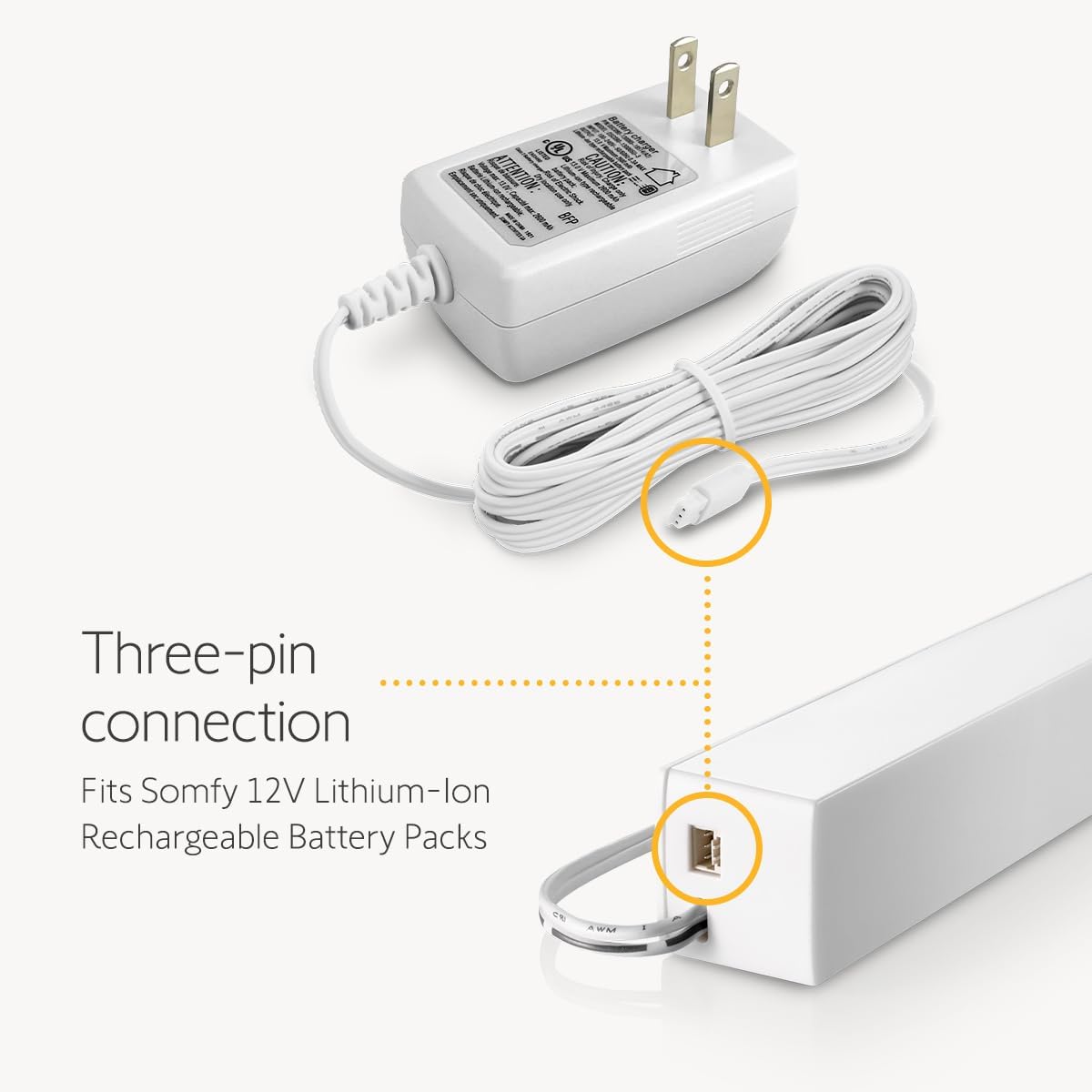
Image: A detailed view illustrating the 3-pin connector of the charger aligning with and connecting to the port on a Somfy 12V Lithium-Ion Rechargeable Battery Pack.

Image: The Somfy charger plugged into a wall outlet, displaying a green LED light, indicating a fully charged battery or readiness.
The 6-foot cable length provides flexibility for reaching window treatments. For extended reach, Somfy's 94.5" extension cable (not included) can be used.

Image: A person connecting the Somfy charger cable to a motorized window shade, demonstrating the reach provided by the 6-foot cable.
Operating the Charger
The Somfy charger is designed for convenient and efficient recharging of your motorized shade's battery pack.
- Charging Frequency: Due to the power efficiency of lithium-ion batteries, most users will only need to charge their battery pack approximately once a year. This frequency may vary based on usage.
- Operation During Charging: Your motorized shades can still be operated normally while the battery pack is connected to the charger.
- Power Efficiency: Utilizing rechargeable battery packs and this charger contributes to a more sustainable and cost-effective solution compared to disposable batteries.
Maintenance
Proper care ensures the longevity and safe operation of your Somfy charger.
- Cleaning: Wipe the charger with a dry, soft cloth. Do not use liquid cleaners or abrasive materials.
- Storage: Store the charger in a cool, dry place away from direct sunlight and extreme temperatures when not in use.
- Genuine Product: Always use a genuine Somfy charger. Using non-genuine or imitation chargers may damage your battery pack and void any warranties.

Image: A close-up of the Somfy charger's label, highlighting safety certifications and the importance of using a genuine product to prevent damage to the battery pack.
Troubleshooting
If you encounter issues with your Somfy charger, refer to the following common problems and solutions:
- Charger LED is Off:
- Ensure the charger is securely plugged into a working wall outlet.
- Verify the 3-pin connector is fully inserted into the battery pack.
- Test the wall outlet with another device to confirm it has power.
- Battery Pack Not Charging (LED remains red or off):
- Confirm that the battery pack is compatible with this V2 charger (model #9025166). Refer to the compatibility table in the Specifications section.
- Check for any visible damage to the charger cable or connector.
- If the battery pack has not been used for a very long time, it might require a longer initial charge.
- Shade Not Responding After Charging:
- Ensure the battery pack is fully charged (green LED).
- Verify the battery pack is properly connected to the shade motor.
- Consult your shade's specific instruction manual for motor reset procedures if necessary.
If problems persist, contact Somfy customer support for further assistance.
Specifications
Detailed technical specifications for the Somfy Charger for V2 Wirefree Motors.
| Feature | Detail |
|---|---|
| Model Number | #9025166 |
| Package Dimensions | 4.13 x 3.9 x 2.68 inches |
| Item Weight | 3.84 ounces |
| Connector Type | 3-Pin |
| Compatible Devices | Somfy motorized wire-free shades and blinds with a 12V rechargeable battery wand (V2 motors: Sonesse 40, ULTRA 30, Sonesse 28, Roll Up 28 & Roll Up 24, and external battery pack 9021217) |
| Special Feature | Charging Indicator (LED) |
| Color | White |
| Input Voltage | 12 Volts |
| Amperage | 0.06 Amps |
| Wattage | 11 watts |
| Number of Items | 1 |
| Output Current | 0.06 Amps |

Image: A visual comparison table detailing the differences between Somfy V1 (9020672) and V2 (9025166) chargers, including connector types, compatible motors, battery types, and LED indicators.
Warranty Information
This Somfy product is covered by the manufacturer's standard warranty. For specific details regarding warranty terms, duration, and conditions, please refer to the documentation included with your original product purchase or visit the official Somfy website. Keep your proof of purchase for warranty claims.
Customer Support
For technical assistance, product inquiries, or troubleshooting beyond the scope of this manual, please contact Somfy customer support. You can typically find contact information, including phone numbers and online support portals, on the official Somfy website:
Visit Somfy's Official Website
When contacting support, please have your product model number (#9025166) and purchase details readily available.