
JW Shears S -- TS40
JW S2 Professional Shear and TS40 Blender Set (5.0 Inch) User Manual
Brand: JW Shears | Model: S -- TS40
Product Overview
The JW S2 Professional Shear and TS40 Blender Set is designed for professional hair cutting and styling. This set includes a 5.0-inch S2 Shear with a convex edge and offset handle, and a TS40 Blender with 40 teeth, providing an 18% cut ratio. Both tools are crafted from premium stainless steel, ensuring durability and precision. The set comes complete with a durable zipper shear case for convenient storage and transport, and is backed by a lifetime warranty.
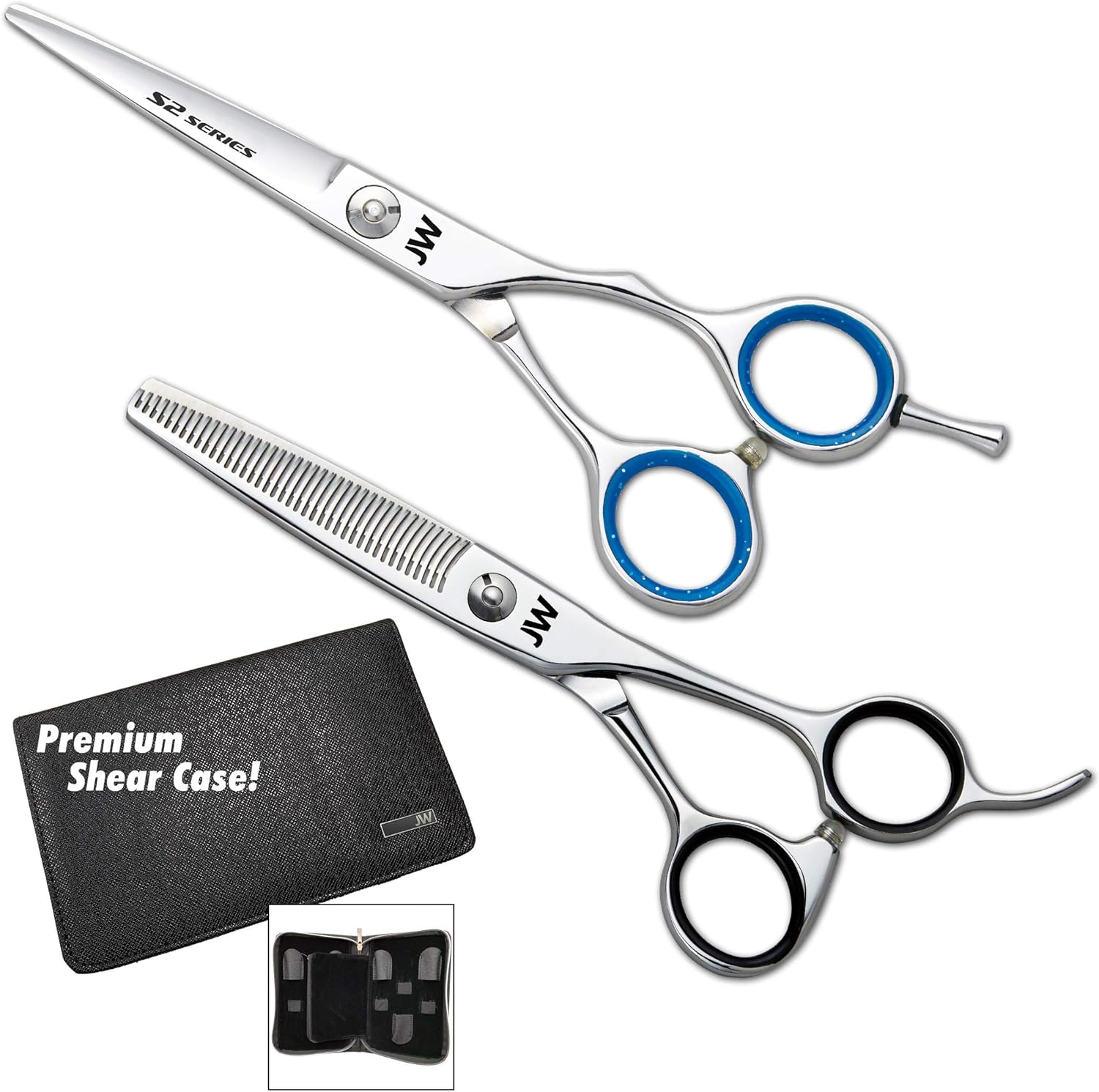
Image: The JW S2 Professional Shear and TS40 Blender Set, showcasing both the straight shear and the thinning shear, along with the included premium shear case.
Setup
Upon receiving your JW S2 Professional Shear and TS40 Blender Set, carefully unbox the items. Inspect both the S2 Shear and the TS40 Blender for any visible damage or manufacturing defects. The tools are pre-oiled for protection during shipping; gently wipe them with a soft, dry cloth before first use. Store the shears and blender in the provided zipper shear case when not in use to protect their blades and maintain their sharpness.
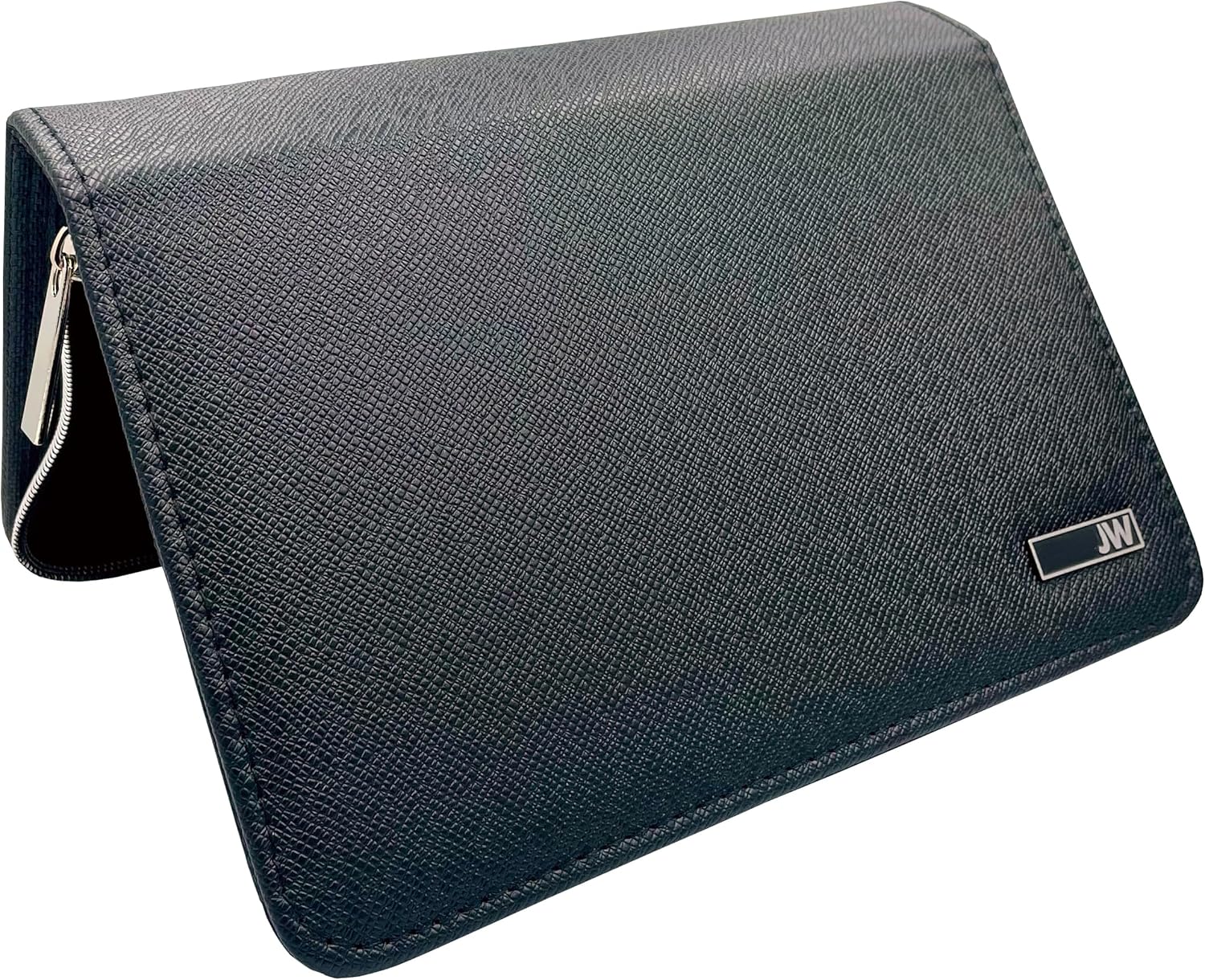
Image: The premium zipper shear case, designed for secure storage and transport of your professional shears.
Operating Instructions
The JW S2 Shear and TS40 Blender are precision tools designed for professional hair cutting. Proper technique is essential for optimal performance and longevity of the tools.
Using the S2 Shear (Convex Edge)

Image: Close-up of the JW S2 Professional Shear, highlighting its convex edge and offset handle design.
The S2 Shear features a convex edge, which provides a very sharp and smooth cutting action, ideal for slide cutting, point cutting, and general hair cutting. The offset handle design is ergonomically crafted to reduce strain on the hand and wrist during extended use. Ensure the hair is clean and properly sectioned before cutting. Hold the shear with a comfortable grip, utilizing the removable finger rest for added stability and control. Make clean, precise cuts, avoiding bending or forcing the blades through the hair.
Using the TS40 Blender (Thinning Shear)

Image: Close-up of the JW TS40 Blender, showing its 40 teeth designed for blending and texturizing hair.
The TS40 Blender is equipped with 40 teeth and provides an 18% cut ratio, making it suitable for blending, texturizing, and removing bulk from hair without creating harsh lines. Use the blender on dry or damp hair, depending on the desired effect. Insert the hair into the teeth and close the blades gently. Avoid over-thinning a section. The blender is excellent for softening blunt lines, adding volume, or creating seamless transitions in hairstyles.
Maintenance
Proper maintenance is crucial for preserving the performance and lifespan of your JW Shears. Follow these guidelines to keep your tools in excellent condition:
- Cleaning: After each use, wipe the blades clean with a soft, dry cloth to remove any hair, moisture, or product residue. For a deeper clean, use a shear cleaning spray specifically designed for professional shears.
- Oiling: Apply a small drop of shear oil to the pivot screw area daily or as needed, especially if the shears feel stiff. Open and close the shears several times to distribute the oil evenly, then wipe off any excess.
- Storage: Always store your shears and blender in the provided zipper shear case. This protects the blades from damage, dust, and moisture, and prevents accidental drops.
- Handling: Handle your shears with care. Avoid dropping them or using them to cut anything other than hair, as this can dull or damage the blades.
- Sharpening: Professional shears require professional sharpening. Do not attempt to sharpen them yourself, as this can ruin the blade edge. Consult a reputable shear sharpener when your shears begin to feel dull or pull hair.

Image: The interior of the premium zipper shear case, showing compartments designed to securely hold and protect your shears.
Troubleshooting
If you encounter issues with your JW Shears, consider the following common problems and solutions:
| Problem | Possible Cause | Solution |
|---|---|---|
| Shears feel dull or pull hair | Blades are dull; hair or debris caught between blades; tension is incorrect. | Clean blades thoroughly. Adjust tension screw (clockwise to tighten, counter-clockwise to loosen) until blades close smoothly without resistance. If still dull, seek professional sharpening. |
| Blades not closing smoothly | Lack of lubrication; tension too tight; debris in pivot area. | Apply shear oil to the pivot. Loosen the tension screw slightly. Clean any visible debris from the pivot area. |
| Shears making a grinding noise | Debris in pivot; blades misaligned or damaged. | Clean and oil the pivot area. If the noise persists or blades appear damaged, professional inspection and repair may be required. |
Specifications
| Feature | Detail |
|---|---|
| Product Name | JW S2 Professional Shear and TS40 Blender Set |
| Model Number | S -- TS40 |
| Brand | JW Shears |
| Size | 5.0 Inch |
| Color | Silver |
| Material | Stainless Steel |
| Blade Material | Stainless Steel |
| Blade Edge (S2 Shear) | Convex |
| TS40 Blender Teeth | 40 Teeth |
| TS40 Blender Cut Ratio | 18% |
| Handle Style | Offset (S2 Shear) |
| Hand Orientation | Ambidextrous |
| Included Accessories | Zipper Shear Case |
| Item Weight | 14.3 ounces |
| UPC | 615446594923 |
Warranty and Support
The JW S2 Professional Shear and TS40 Blender Set comes with a Lifetime Warranty. This warranty covers manufacturing defects and ensures the quality and craftsmanship of your shears. For warranty claims, product support, or any inquiries, please contact JW Shears directly through their official website or the retailer from whom the product was purchased. Retain your proof of purchase for warranty validation.
For additional resources and information, you may visit the JW Shears Store on Amazon.
Ask a question about this manual
Ask about setup, troubleshooting, compatibility, parts, safety, or missing instructions. Manuals+ will review the question and use this page’s manual context to help answer it.