
Important Safety Instructions
READ ALL INSTRUCTIONS CAREFULLY BEFORE USE.
- Do not use with infants, children, incapacitated persons, or animals/pets.
- Do not tuck in the wired area or the plug/supply cord.
- Do not use on pull-out beds or fold-up beds.
- Do not use pins.
- Do not dry clean.
- Ensure the controller and blanket are in a well-ventilated area during use.
- Do not cover or wrap the controller.
- Do not use an extension cord or power strip with this blanket.
- Overheat protection is integrated for a safe user experience.
Product Overview
The Biddeford Microplush Electric Heated Throw Blanket provides warmth and comfort. It features a soft microplush fabric and a digital controller for personalized heat settings. The blanket is designed for ease of use and includes safety features such as an auto shut-off timer.
- Material: Ultra-soft microplush (100% Polyester)
- Heat Settings: Adjustable digital controller with 6 heat settings
- Auto Shut-Off: 10-hour automatic shut-off for safety
- Care: Machine washable and dryer safe
- Size: Throw (50 x 62-Inches)

The Biddeford Microplush Electric Heated Throw Blanket, folded neatly, with its digital controller resting on top. The blanket is a soft taupe color.
Package Contents
Your Biddeford Microplush Electric Heated Throw Blanket package includes:
- 1 x Microplush Electric Heated Throw Blanket
- 1 x Digital Controller with Power Cord
Setup
Follow these steps to set up your heated throw blanket:
- Connect the Controller: Locate the connection port on the blanket. Align the connector from the digital controller with the port and push firmly until it clicks into place. Ensure a secure connection.
- Position the Blanket: Spread the heated throw blanket evenly over your desired surface (e.g., bed, couch). Ensure the controller cord is not tangled or obstructed.
- Plug into Power: Insert the power cord plug into a standard 120V AC wall outlet. Do not use extension cords or power strips.

A detailed view of the white digital controller, featuring blue up/down arrows for temperature adjustment and a blue power button. The display shows a red light indicating operation.
Operating Instructions
Use the digital controller to manage your blanket's heat settings:
- Power On/Off: Press the power button (usually a blue button) on the controller to turn the blanket on or off. A red indicator light will illuminate when the blanket is powered on.
- Adjust Heat Settings: Use the up (▲) and down (▼) arrow buttons to select your desired heat level. The controller offers 6 heat settings.
- Auto Shut-Off: The blanket is equipped with a 10-hour automatic shut-off feature for safety and energy conservation. It will turn off automatically after 10 hours of continuous use.
Maintenance
Proper care ensures the longevity and performance of your heated blanket:
- Disconnect Power: Always disconnect the power cord from the wall outlet and detach the controller from the blanket before washing.
- Machine Wash: Wash by hand or on a slow/normal spin cycle in an automatic washer using warm water, mild detergent, and minimal agitation. Agitate for 2-5 minutes.
- Rinse: Rinse alone with warm water on a normal spin cycle for 1 minute.
- Drying: Tumble dry on low heat for five minutes or air dry. Stretch to original size and drape to finish drying.
- Do Not: Do not bleach, iron, or dry clean the blanket.

A close-up shot highlighting the soft, microplush texture of the taupe blanket material.
Troubleshooting
If your heated blanket is not functioning as expected, please check the following:
- Ensure the controller is securely connected to the blanket.
- Verify that the power cord is firmly plugged into a working wall outlet.
- Confirm that the controller is not covered or wrapped, allowing for proper ventilation.
- If the issue persists, refer to the complete safety instructions included with your product or contact customer support.
Specifications
| Feature | Detail |
|---|---|
| Material | 100% Polyester (Microplush) |
| Color | Taupe |
| Size | Throw (50 x 62-Inches) |
| Product Dimensions | 11.5"L x 5"W (packaged/folded) |
| Heat Settings | 6 |
| Auto Shut-Off | 10 Hours |
| Special Feature | Antistatic |
| Model Name | Micro Plush |
| Item Model Number | 4460-906196-700 |
| UPC | 657812138485 |
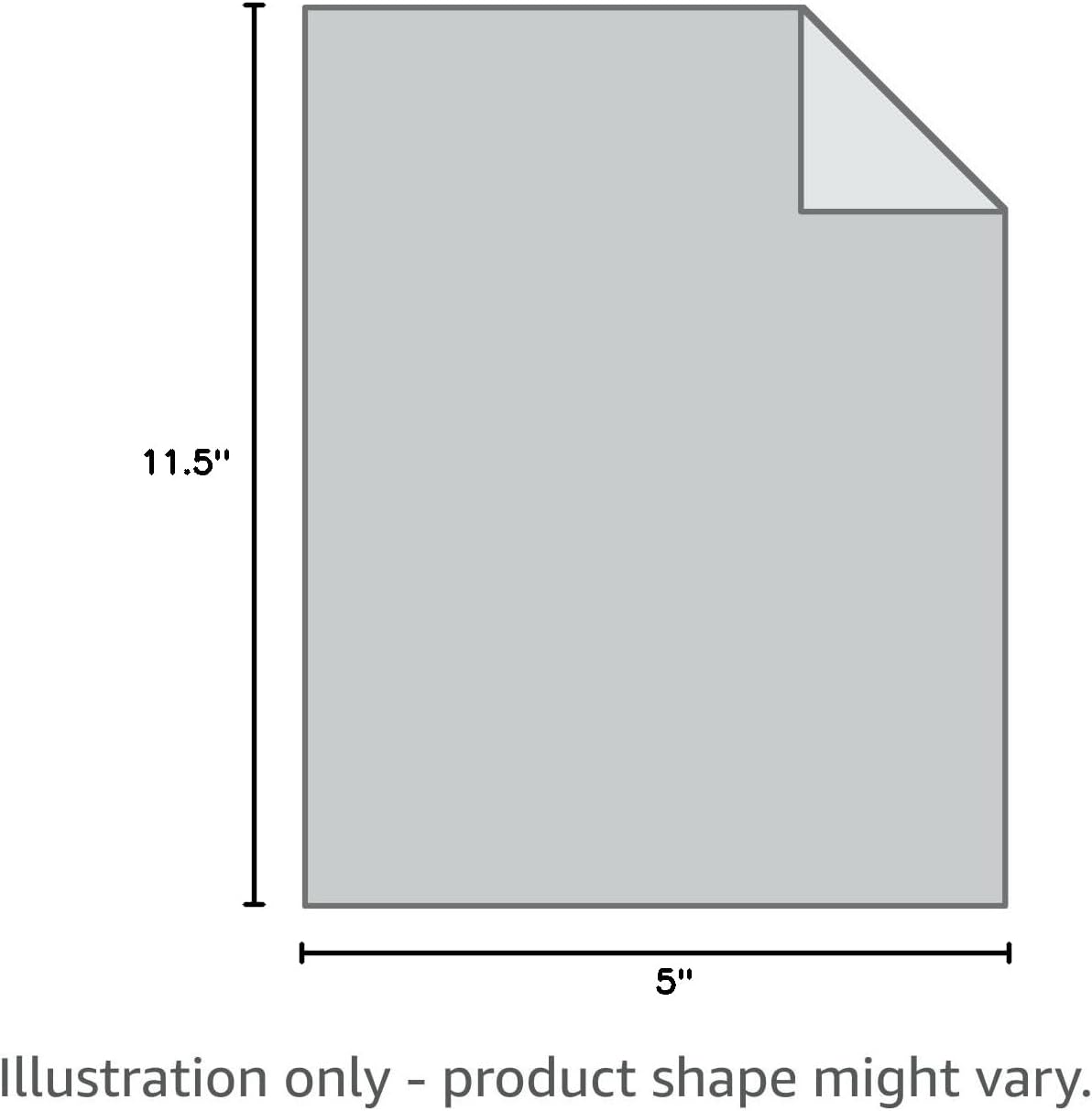
An illustrative diagram indicating the product dimensions of 11.5 inches in length and 5 inches in width, noting that the product shape might vary.
Warranty & Support
This Biddeford Blankets product comes with a 5-year limited manufacturer's warranty. For warranty claims or further support, please refer to the contact information provided in your product packaging.
Additional safety certification for this product can be viewed on the UL or Intertek websites.
Official Product Videos
Micro Plush Heated Blanket by Biddeford Blankets
Official product video showcasing the features and comfort of the Biddeford Microplush Heated Blanket. This video highlights the blanket's soft texture and ease of use.
Micro Plush Heated Throw by Biddeford Blankets
An official product video demonstrating the Biddeford Microplush Heated Throw, emphasizing its warmth, adjustable settings, and cozy feel for various uses.