
1. Introduction
Thank you for choosing the X-DRAGON 24000mAh Solar Phone Charger. This portable power bank is designed for outdoor enthusiasts, offering a high-capacity battery, solar charging capabilities, and integrated features like a flashlight and compass. This manual provides essential information for safe and efficient use of your device.

Image 1.1: The X-DRAGON 24000mAh Solar Phone Charger, showcasing its rugged design and solar panel.
2. Safety Guidelines
- Do not expose the power bank to extreme temperatures (above 60°C/140°F) or direct sunlight for prolonged periods, especially when not in use.
- Avoid dropping, disassembling, or attempting to repair the device yourself.
- Keep away from water, moisture, and flammable materials. While waterproof, it is not designed for submersion.
- Use only certified charging cables and adapters.
- Keep out of reach of children.
- Dispose of the product according to local regulations for electronic waste.
3. Package Contents
- X-DRAGON Solar Power Bank (24000mAh) x 1
- USB-C Cable x 1
- Travel Pouch x 1
- User Manual x 1
4. Product Features & Components
The X-DRAGON solar charger integrates multiple functionalities for convenience and reliability in outdoor environments.

Image 4.1: Detailed view of the power bank's ports and indicators.
- Monocrystalline Solar Panel: For emergency solar charging.
- LED Battery Indicator: Displays remaining power level.
- Power Control Switch & Flashlight Switch: Controls power and flashlight functions.
- Type-C Output/Input Port: Supports both charging the power bank and charging devices (up to 18W).
- USB 1 Output: 5V/3.0A, 9V/2A, 12V/1.5A (Max) for fast charging compatible devices.
- USB 2 Output: 5V/3.0A (Max) for charging devices.
- Mini USB Input: For charging the power bank.
- Integrated Compass: Located on the back for navigation assistance.
- Bright LED Flashlight: With Steady, SOS, and Strobe modes.

Image 4.2: Internal structure highlighting the Class A Li-polymer Battery Cell, 1.5W Solar panel, and Advanced Power Management.
5. Setup
Before first use, it is recommended to fully charge the power bank via a wall outlet to ensure optimal performance and battery calibration.
5.1 Initial Charging (Recommended)
- Connect the provided USB-C cable or a Micro USB cable to the corresponding input port on the power bank.
- Plug the other end of the cable into a wall adapter (not included) connected to a power outlet.
- The LED battery indicators will illuminate, showing the charging progress. All four LEDs will be solid when fully charged.
5.2 Solar Charging (Emergency Use)
The solar panel is designed for emergency charging and to maintain battery life, not as a primary charging method due to its slower speed.
- Place the solar panel directly under strong sunlight.
- The LED indicator will show charging activity.
- For best results, ensure the panel is clean and unobstructed.
6. Operating Instructions
6.1 Charging External Devices
The power bank features dual USB-A output ports and one USB-C port, allowing you to charge up to three devices simultaneously.

Image 6.1: Illustrates fast charging capabilities for various devices.
- Connect your device's charging cable to one of the USB-A output ports or the USB-C port on the power bank.
- Connect the other end of the cable to your device.
- The power bank will automatically begin charging your device. If not, press the power button once.
- The LED indicators will show the remaining battery level of the power bank.

Image 6.2: Demonstrates the 24000mAh capacity by showing multiple devices being charged.
6.2 Flashlight Operation
The integrated LED flashlight offers three modes: Steady, SOS, and Strobe.
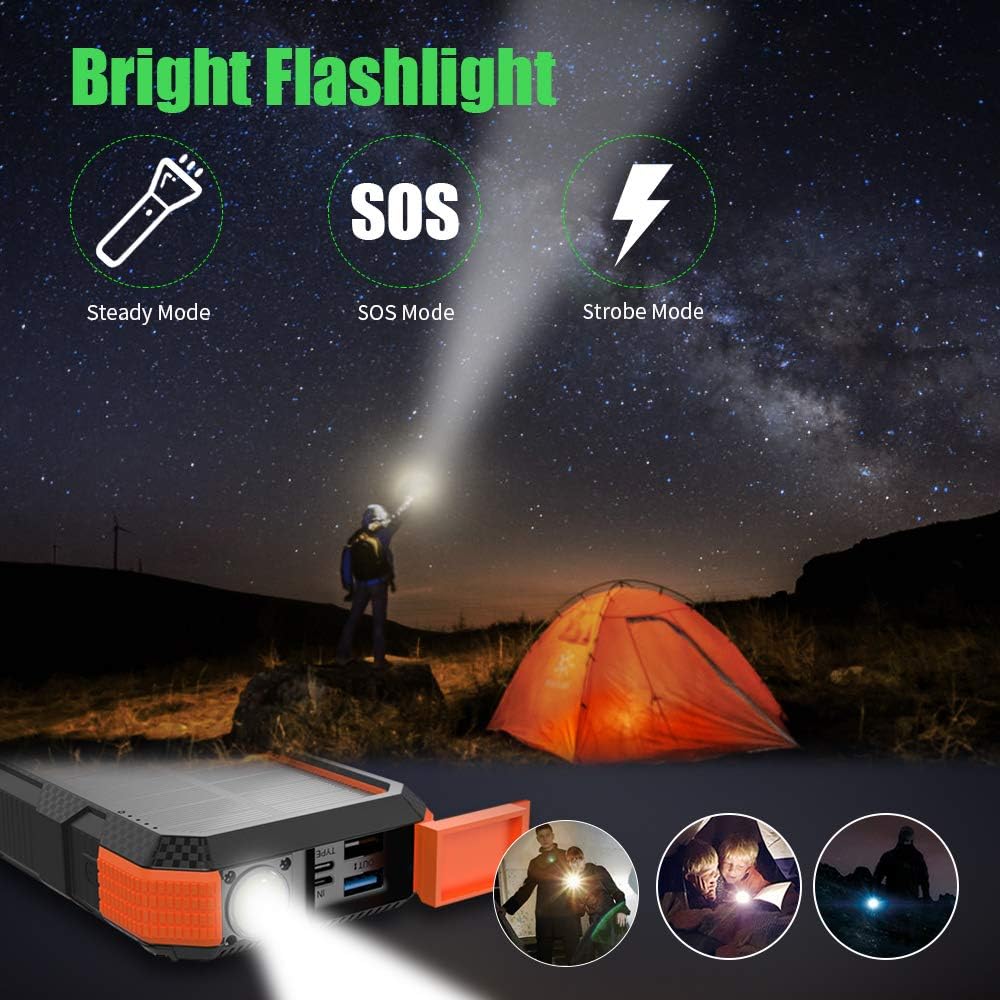
Image 6.3: Visual representation of the Steady, SOS, and Strobe flashlight modes.
- To turn on/off: Press and hold the power button for approximately 3 seconds.
- To cycle modes: Once the flashlight is on, short press the power button to switch between Steady, SOS, and Strobe modes.
6.3 Compass Usage
A basic compass is integrated on the back of the device for general directional guidance. For precise navigation, a dedicated compass or GPS device is recommended.
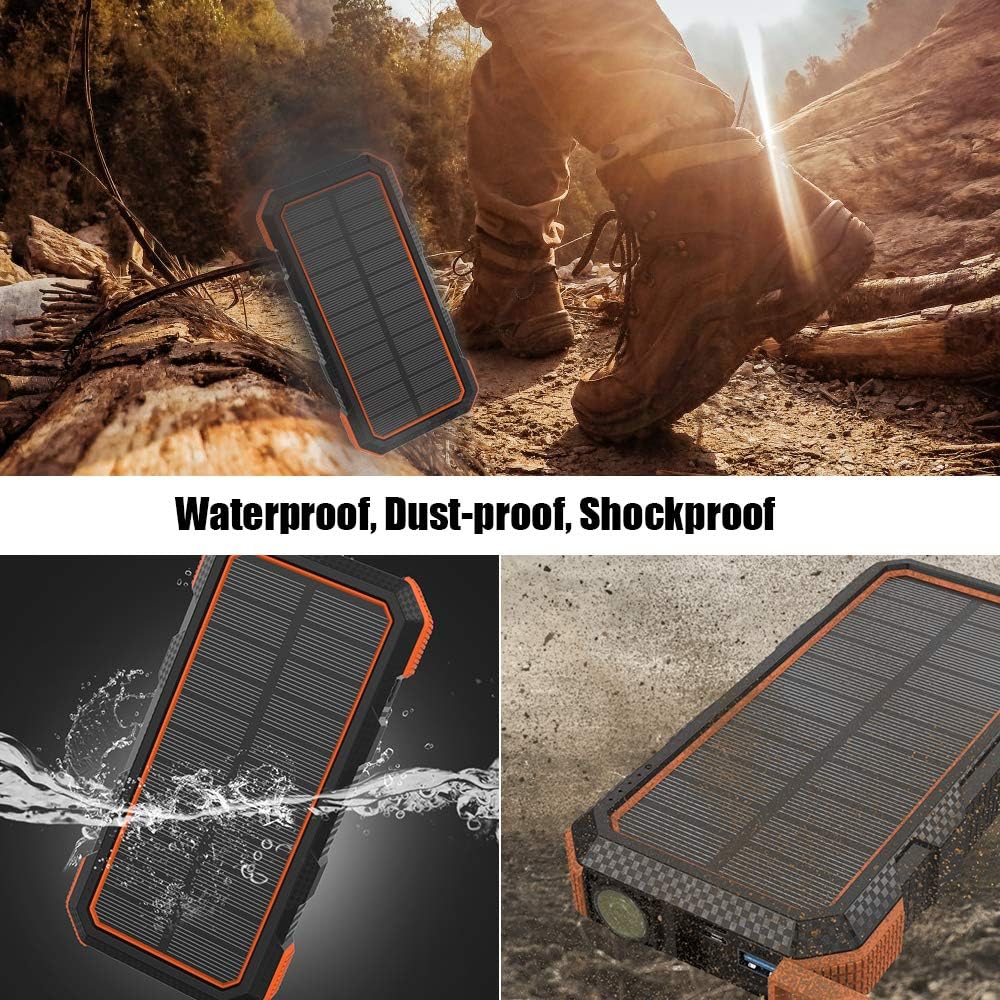
Image 6.4: The power bank demonstrating its waterproof and shockproof design, suitable for outdoor use.
7. Care and Maintenance
- Clean the device with a soft, dry cloth. Do not use harsh chemicals or abrasive materials.
- Ensure the port covers are securely closed when not in use to maintain water and dust resistance.
- Store the power bank in a cool, dry place away from direct sunlight and extreme temperatures.
- If storing for extended periods, charge the power bank to approximately 50-75% every 3 months to preserve battery health.
8. Troubleshooting
| Problem | Possible Cause | Solution |
|---|---|---|
| Power bank not charging | Cable issue, adapter issue, power outlet issue, solar panel not receiving sufficient light. | Try a different cable, adapter, or power outlet. Ensure solar panel is in direct, strong sunlight. |
| Device not charging from power bank | Power bank low on battery, cable issue, device compatibility. | Recharge the power bank. Try a different charging cable. Ensure your device is compatible with USB charging. Press the power button on the power bank. |
| Solar charging is slow | Solar charging is inherently slower than wall charging. Insufficient sunlight. | This is normal. Solar charging is for emergency use. Ensure direct, unobstructed sunlight. For faster charging, use a wall adapter. |
| Flashlight not working | Power bank low on battery, button not pressed correctly. | Recharge the power bank. Press and hold the power button for 3 seconds to activate. |
9. Technical Specifications
| Feature | Specification |
|---|---|
| Battery Capacity | 24000mAh |
| Battery Type | Lithium Polymer |
| Solar Panel | Monocrystalline, 1.5W |
| USB-C Input/Output | Up to 18W (5V/3A, 9V/2A, 12V/1.5A) |
| USB 1 Output | 5V/3.0A, 9V/2A, 12V/1.5A (Max) |
| USB 2 Output | 5V/3.0A (Max) |
| Mini USB Input | Standard 5V input |
| Special Features | Fast Charging, Short Circuit Protection, Travel-friendly, Flashlight, Compass |
| Dimensions | 8.46 x 5.04 x 1.34 inches |
| Weight | 2.46 ounces |
| Color | Orange |
10. Warranty and Customer Support
The X-DRAGON 24000mAh Solar Phone Charger is FCC, RoHS, and CE certified. We provide 24/7 friendly customer support and back our products with an 18-month warranty from the date of purchase.
For any questions, concerns, or warranty claims, please contact our customer support team through the retailer's platform or visit the official X-DRAGON website for contact information.