
1. Introduction
This manual provides detailed instructions for the installation, operation, and maintenance of your Homewerks 7130-16-BT Bathroom Fan. This unit integrates a ventilation fan, a 4000K Cool White LED light, and a Bluetooth speaker, designed to enhance comfort and functionality in your bathroom or other suitable areas. Please read this manual thoroughly before installation and use to ensure proper function and safety.

Figure 1.1: Homewerks 7130-16-BT Bathroom Fan with included multi-function wall switch.
2. Safety Information
WARNING: To reduce the risk of fire, electric shock, or injury to persons, observe the following:
- Installation must be performed by a qualified electrician in accordance with all applicable codes and standards, including fire-rated construction codes and standards.
- Always disconnect power at the service panel before wiring or servicing the unit.
- This unit is designed for general ventilating use only. Do not use to exhaust hazardous or explosive materials and vapors.
- To avoid motor bearing damage and noisy and/or unbalanced impellers, keep drywall spray, construction dust, etc., off the power unit.
- This product is designed for ceiling mount installation only. Ensure attic access is available for proper installation.
- Do not use this fan with any solid-state speed control device.
- Ensure all wiring connections are secure and properly insulated.
3. Package Contents
Verify that all components are present before beginning installation:
- Homewerks 7130-16-BT Bathroom Fan Unit
- Multi-function Wall Switch
- Mounting Hardware
- Installation Manual (this document)
4. Installation
This fan is designed for ceiling installation and requires attic access. Refer to the detailed instructions provided in the separate installation guide for specific wiring and mounting procedures. Below is a general overview:
- Prepare the Installation Area: Ensure power is disconnected. Locate a suitable ceiling joist or framing for mounting.
- Cut Ceiling Opening: Create an opening in the ceiling according to the fan's dimensions.
- Mount the Fan Housing: Secure the fan housing to the ceiling joists using the provided mounting hardware.
- Connect Ductwork: Attach appropriate ducting to the fan's exhaust port and vent to the outside.
- Electrical Wiring: Connect the fan and wall switch to the electrical supply according to local codes. This typically involves connecting the fan, light, and speaker wires to the multi-function wall switch.
- Install Grille and Light Assembly: Once wiring is complete and tested, secure the grille and light assembly to the fan housing.

Figure 4.1: Product dimensions for installation planning. The unit measures approximately 14.6 inches deep, 14.6 inches wide, and 7.3 inches high.
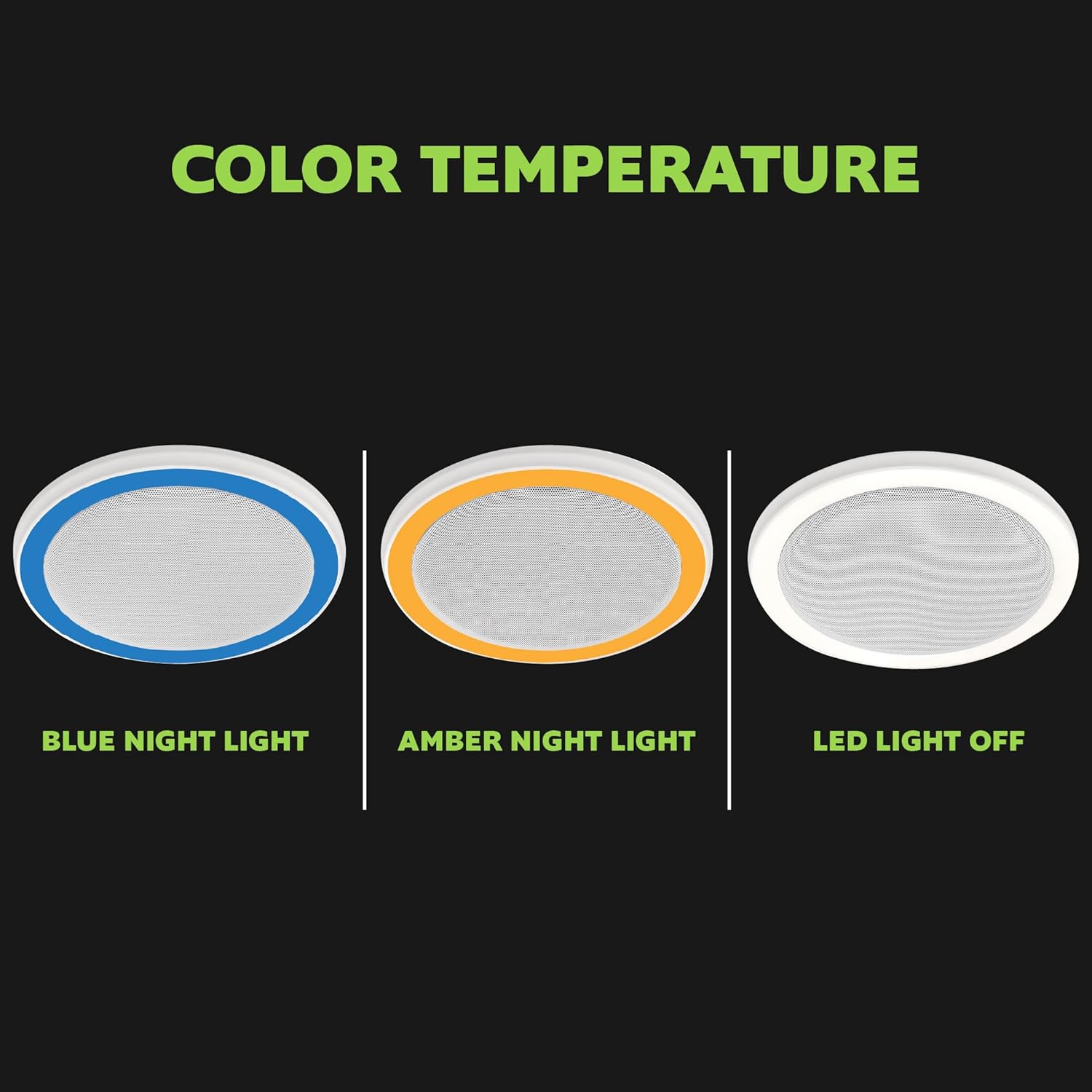
Figure 4.2: Front view of the fan unit, showing the speaker grille and LED light ring.

Figure 4.3: The fan can be installed in various rooms such as laundry rooms, home gyms, or other areas requiring ventilation.
5. Setup
5.1 Bluetooth Pairing
To connect your smart device to the fan's Bluetooth speaker:
- Ensure the fan unit has power and the "MUSIC" button on the wall switch is pressed to activate the speaker.
- On your smartphone or tablet, navigate to the Bluetooth settings.
- Search for available devices. The fan will appear as "Homewerks Fan" or similar.
- Select the fan to pair. A confirmation sound may play from the speaker.
- Once paired, you can stream audio from your device. The Bluetooth range is approximately 30 feet.
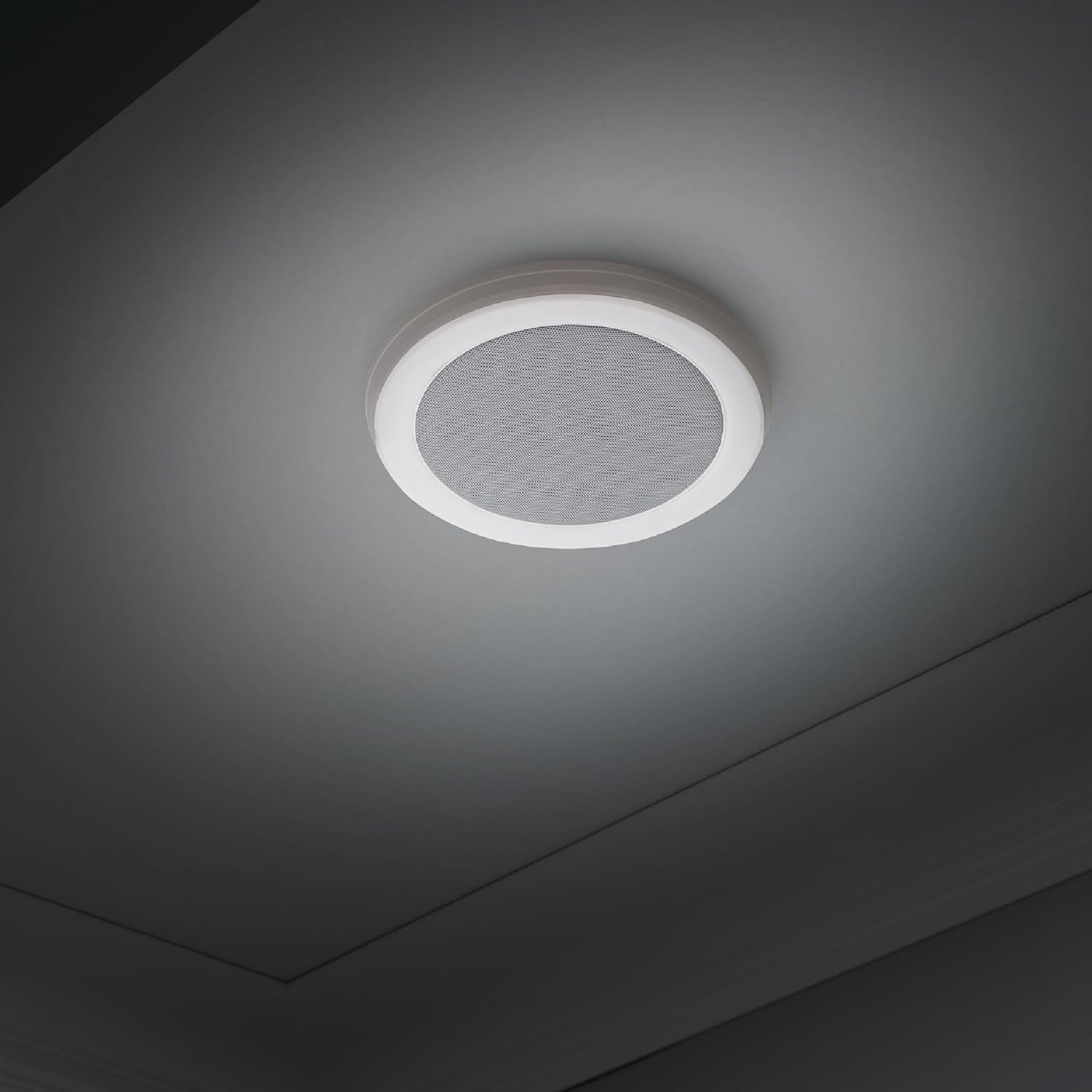
Figure 5.1: Illustration of the built-in Bluetooth speaker, allowing wireless audio streaming from smart devices.
5.2 Resetting Bluetooth Pairing
If you experience issues with Bluetooth connectivity, you can reset the pairing mode. While the fan is powered on, quickly toggle the main power switch (connected to the fan/light/speaker) off and on 4-5 times. This will reset the speaker's pairing memory.
6. Operation
The included multi-function wall switch controls the fan's features:
- NIGHT LIGHT Button: Toggles between Cool Blue night light, Warm Amber night light, and off.
- LIGHT Button: Turns the main 4000K Cool White LED light on or off.
- FAN Button: Activates or deactivates the ventilation fan.
- MUSIC Button: Turns the Bluetooth speaker on or off.
- Main Power Switch (Toggle): Controls overall power to the unit.

Figure 6.1: The fan's LED night light offers both a soothing cool blue and a calming warm amber option.
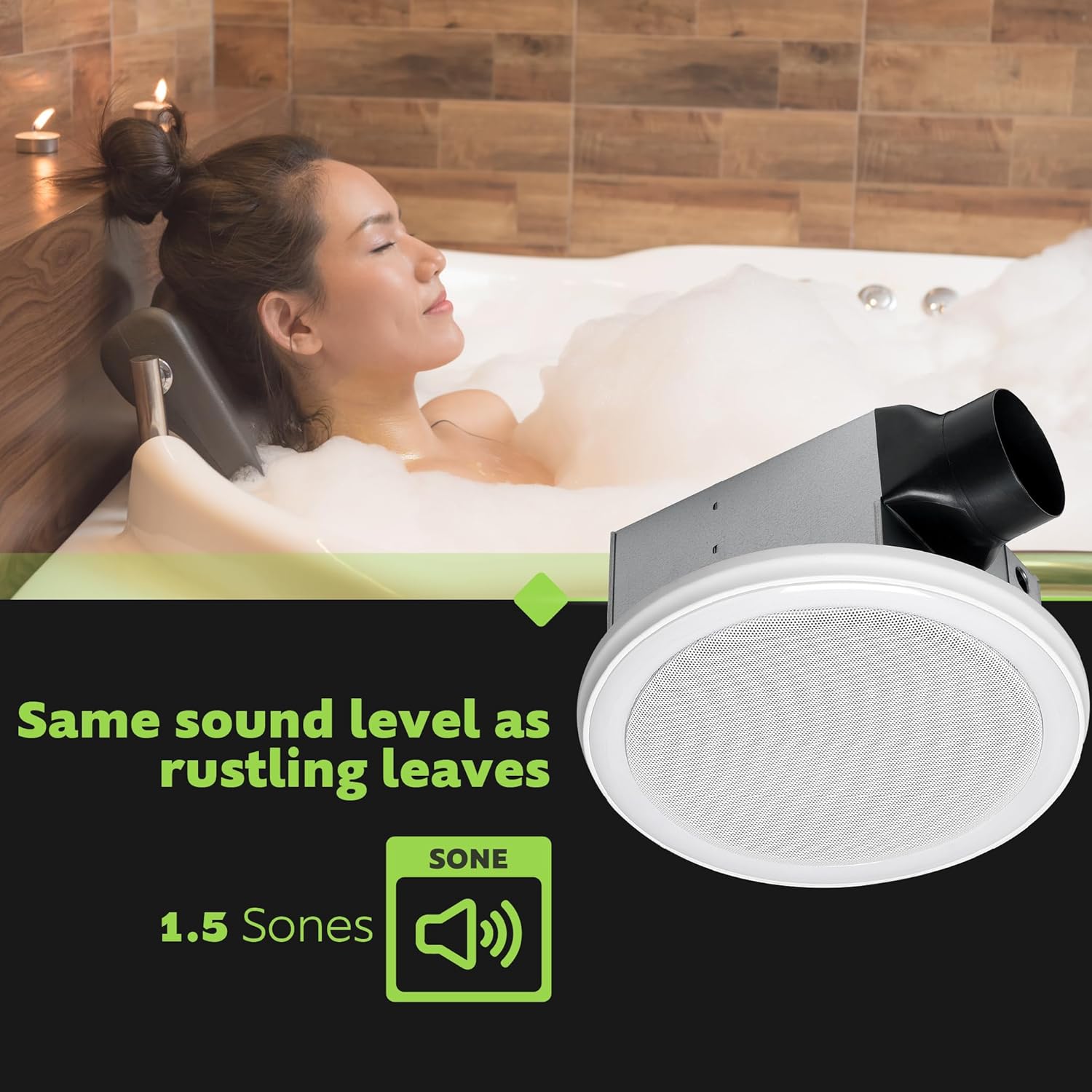
Figure 6.2: Visual representation of the available color temperature settings for the integrated LED light.

Figure 6.3: The fan operates at a quiet 1.5 Sones, a sound level similar to rustling leaves.
7. Maintenance
Regular maintenance ensures optimal performance and longevity of your fan unit.
7.1 Cleaning the Grille and Light Assembly
- Disconnect Power: Always turn off power at the service panel before cleaning.
- Remove Grille: Gently pull down the grille assembly from the ceiling.
- Clean: Wipe the grille and light diffuser with a soft, damp cloth. A mild, non-abrasive cleaner can be used if necessary. Do not spray water directly onto the electrical components.
- Reinstall: Ensure the grille is completely dry before reattaching it to the fan housing.
7.2 Motor and Impeller Cleaning
Periodically, the fan motor and impeller may require cleaning. This typically requires removing the grille and potentially the motor assembly. If you are not comfortable performing this, consult a qualified technician.
- Disconnect Power: Turn off power at the service panel.
- Access Motor: Follow the installation instructions in reverse to access the motor and impeller.
- Clean: Use a vacuum cleaner with a brush attachment to remove dust and debris from the motor housing and impeller blades. Do not bend the impeller blades.
- Reassemble: Carefully reassemble all components and restore power.
8. Troubleshooting
| Problem | Possible Cause | Solution |
|---|---|---|
| Fan does not operate. | No power; loose wiring; faulty switch. | Check circuit breaker. Ensure all wiring connections are secure. Test wall switch. |
| Light does not turn on. | No power; loose wiring; faulty LED module. | Check power. Verify wiring to light. Contact support if LED module is suspected faulty. |
| Bluetooth speaker does not connect or has poor sound. | Device out of range; speaker not in pairing mode; interference; multiple devices trying to connect. | Ensure device is within 30 ft. Reset Bluetooth pairing (see Section 5.2). Disconnect other devices. |
| Excessive noise or vibration. | Loose mounting; debris in fan blades; damaged impeller. | Check mounting screws. Clean fan blades. Inspect impeller for damage. |
| Fan not effectively removing humidity. | Improper ducting; blocked vent; fan undersized for room. | Check ductwork for kinks or blockages. Ensure exterior vent is clear. Verify room size is within 110 sq. ft. for 110 CFM model. |
9. Specifications
| Feature | Detail |
|---|---|
| Model Number | 7130-16-BT |
| Air Flow Capacity | 110 CFM (Cubic Feet Per Minute) |
| Sound Level | 1.5 Sones |
| LED Light Color Temperature | 4000K Cool White |
| LED Light Brightness | 600 Lumens |
| Night Light Options | Cool Blue, Warm Amber |
| Bluetooth Range | Up to 30 feet |
| Control Method | Multi-function Wall Switch (included) |
| Mounting Type | Ceiling Mount (requires attic access) |
| Product Dimensions (D x W x H) | 14.6" x 14.6" x 7.3" |
| Item Weight | 12.27 pounds (5.58 Kilograms) |
| Power Source | AC |
| UPC | 820633942573 |

Figure 9.1: Key features including Bluetooth speaker, 110 CFM airflow, and 4000K Cool White light.
10. Warranty and Support
This Homewerks product comes with the following limited warranties:
- Bath Fan: 3-year limited warranty
- Bluetooth Speaker: 1-year limited warranty
For warranty claims, technical support, or replacement parts, please contact Homewerks Worldwide customer service. Refer to the official Homewerks website or product packaging for current contact information.
Manufacturer: Homewerks Worldwide


