
Fisher FBX818M
Fisher Portable Bluetooth Wireless Speaker System
Model: FBX818M
User Instruction Manual
Introduction
This manual provides detailed instructions for the safe and effective operation of your Fisher Portable Bluetooth Wireless Speaker System. Please read this manual thoroughly before using the product and retain it for future reference.

Image: Front view of the Fisher Portable Bluetooth Wireless Speaker System, showcasing its black grille and illuminated speaker cone.
The Fisher Portable Bluetooth Wireless Speaker System is designed to deliver powerful audio with versatile connectivity options. Featuring an 8-inch subwoofer and 20W peak power, it provides loud HD bass sound. Integrated LED lights enhance the audio experience with dynamic visual effects. The system is rechargeable, supports karaoke functions, TWS (True Wireless Stereo) pairing for connecting two speakers, and includes USB port and FM radio capabilities.
Package Contents
Upon opening the package, please ensure all items listed below are present and in good condition:
- Fisher Portable Bluetooth Wireless Speaker System
- Microphone
- Power Cable (USB charging cable)
- Warranty Card
Setup Guide
1. Charging the Speaker
Before first use, fully charge the speaker. Connect the provided USB power cable to the DC 5V charging port on the speaker's back panel. Connect the other end to a compatible USB power adapter (not included) or a powered USB port. The LED indicator will show charging status. A full charge provides up to 3 hours of playtime.

Image: Illustration showing the speaker and text indicating "Up to 3 Hours of playtime" with a 1200 mAh built-in rechargeable battery.
2. Powering On/Off
Locate the Power switch on the back panel of the speaker. Slide the switch to the "ON" position to power on the device. Slide it to "OFF" to power off.

Image: Detailed view of the speaker's back panel, highlighting the various input ports and controls including the DC Input/Charging Port, Mic Input, Volume/Power knob, AUX Input, MODE/LED SWITCH, Play/Pause, USB Flash Reader, Micro SD Card Reader, Microphone Volume Control, and Microphone Echo Control.
3. Connecting the Microphone
Insert the microphone cable into the "MIC IN" port on the back panel of the speaker. Adjust the microphone volume and echo using the dedicated knobs.

Image: Close-up of a hand inserting a microphone jack into the "MIC IN" port on the speaker's back panel.
Operating Instructions
1. Mode Selection
Press the "MODE/LED SWITCH" button on the back panel to cycle through available input modes: Bluetooth, FM Radio, AUX, USB, and TF Card. The LED display will indicate the current mode.
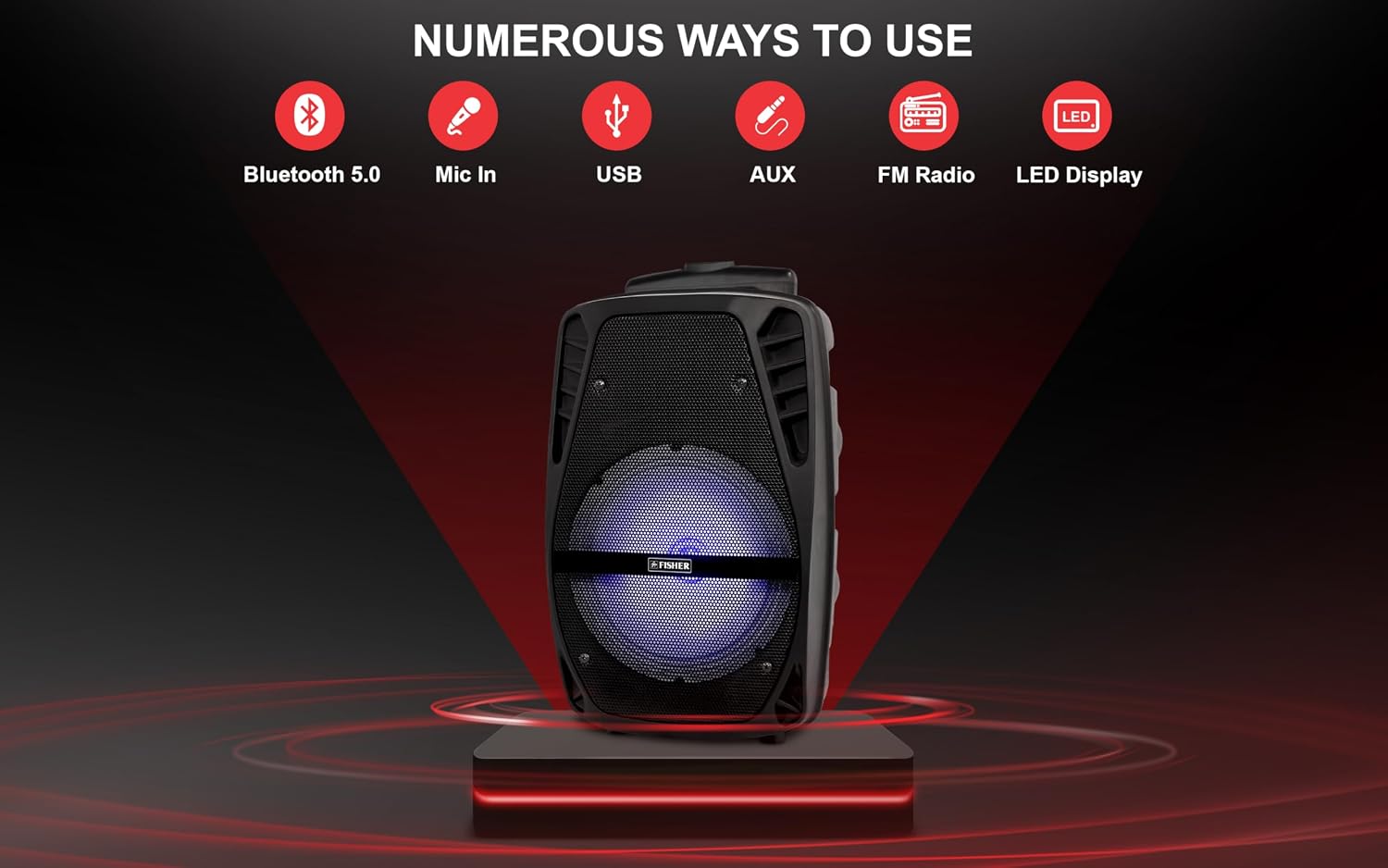
Image: The speaker shown with icons representing its numerous connectivity options: Bluetooth 5.0, Mic In, USB, AUX, FM Radio, and LED Display.
2. Bluetooth Pairing
In Bluetooth mode, the speaker will automatically enter pairing mode. Enable Bluetooth on your device (smartphone, tablet, etc.) and select "FBX818M" from the list of available devices. A confirmation sound will indicate successful pairing.
3. True Wireless Stereo (TWS) Pairing
To pair two FBX818M speakers for a stereo experience:
- Ensure both speakers are powered on and in Bluetooth mode, but not connected to any device.
- On one speaker (this will be the primary speaker), press and hold the "MODE/LED SWITCH" button for a few seconds until you hear a pairing tone.
- The two speakers will automatically connect to each other. A confirmation sound will indicate successful TWS pairing.
- Now, connect your Bluetooth device to the primary speaker as described in the "Bluetooth Pairing" section. Audio will play through both speakers in stereo.

Image: Two Fisher speakers shown side-by-side with musical notes and "TWS" text, illustrating the multi-speaker connection capability.
4. USB/TF Card Playback
Insert a USB flash drive or a TF (Micro SD) card into the respective ports on the back panel. The speaker will automatically switch to USB or TF mode and begin playing compatible audio files.
5. FM Radio Operation
In FM Radio mode, press the "PLAY/PAUSE" button to auto-scan and save available radio stations. Use the "CH+" and "CH-" buttons to navigate between saved stations.
6. Adjusting Volume and Controls
Use the "Volume/Power" knob to adjust the master volume. The "MIC VOL" knob controls the microphone volume, and the "ECHO" knob adjusts the microphone echo effect. Use the remote control for convenient adjustment of volume, track skipping, and playback control.
7. LED Light Effects
The speaker features dynamic LED light effects. Press the "MODE/LED SWITCH" button briefly to cycle through different light modes or to turn the lights off. The lights synchronize with the music for an immersive experience.

Image: Four Fisher speakers displaying various multi-color LED light patterns, illustrating the dynamic and multi-dimensional lightshow feature.
Maintenance
- Cleaning: Use a soft, dry cloth to clean the speaker's exterior. Do not use abrasive cleaners, waxes, or solvents.
- Storage: Store the speaker in a cool, dry place away from direct sunlight and extreme temperatures.
- Battery Care: To prolong battery life, avoid fully discharging the battery frequently. Charge the speaker regularly, even if not in use, to maintain battery health.
- Water Exposure: This speaker is not waterproof. Avoid exposing it to water or excessive moisture.
Troubleshooting
| Problem | Possible Cause | Solution |
|---|---|---|
| No power/Speaker does not turn on. | Battery is depleted; Power switch is off; Charging port issue. | Charge the speaker fully. Ensure the power switch is in the "ON" position. If charging port is damaged, contact customer support. |
| No sound or low volume. | Volume too low; Incorrect mode selected; Device not connected properly. | Increase the speaker's volume. Ensure the correct input mode (Bluetooth, AUX, USB, TF) is selected. Re-pair Bluetooth device or re-insert cables/cards. |
| Bluetooth pairing fails. | Speaker not in pairing mode; Device too far; Interference. | Ensure speaker is in Bluetooth mode and not connected to another device. Move device closer to speaker. Turn off other Bluetooth devices nearby. |
| Remote control not working. | Battery depleted in remote; Obstruction between remote and speaker. | Replace remote control battery. Ensure clear line of sight to the speaker's IR receiver. |
| Poor sound quality. | Low battery; Source audio quality; Speaker placement. | Charge the speaker. Try a different audio source or file. Adjust speaker placement for optimal sound. |
Product Specifications
| Model Number | FBX818M |
| Brand | Fisher |
| Mounting Type | Floor Standing |
| Power Source | Battery Powered |
| Connectivity Technology | Bluetooth |
| Connector Type | Aux, USB |
| Item Weight | 5.51 pounds (2.5 kg) |
| Frequency Response | 40 Hz |
| Product Dimensions (L x W x H) | 9.44 x 8.8 x 15.7 inches (23.98 x 22.35 x 39.88 cm) |
| Color | Black |
| Compatible Devices | DVD Player, MP3 Player, Smartphone, Tablet |
| UPC | 694026820515 |
| Manufacturer | Migear Intl, LLC |
Warranty Information
Your Fisher Portable Bluetooth Wireless Speaker System comes with a Warranty Card included in the package. Please refer to the Warranty Card for specific details regarding warranty coverage, terms, and conditions. Retain your proof of purchase for warranty claims.
Customer Support
For technical assistance, troubleshooting beyond this manual, or warranty inquiries, please contact Fisher customer support. Refer to the contact information provided on the Warranty Card or the official Fisher website.
Note: Always refer to the latest information available on the official Fisher website for the most up-to-date support details.
no relevant documents
Ask a question about this manual
Ask about setup, troubleshooting, compatibility, parts, safety, or missing instructions. Manuals+ will review the question and use this page’s manual context to help answer it.