
1. Setup Instructions
1.1 Unpacking
Carefully remove all packaging materials from the appliance. Ensure no parts are left inside the refrigerator or freezer compartments. Retain packaging for future transport if necessary.
1.2 Placement
- Place the appliance on a firm, level surface to prevent vibrations and noise.
- Ensure adequate ventilation around the appliance. Maintain a minimum clearance of 10 cm (4 inches) from walls and other furniture to allow for proper heat dissipation.
- Avoid placing the appliance near direct sunlight, heat sources (e.g., ovens, radiators), or in excessively damp areas.
- The appliance is designed for indoor use only.
1.3 Electrical Connection
- Before plugging in, ensure the voltage and frequency indicated on the rating plate match your household power supply.
- Connect the appliance to a properly grounded electrical outlet. Do not use extension cords or multiple socket adapters.
- Allow the appliance to stand upright for at least 2-4 hours before plugging it in to allow the refrigerant to settle.
1.4 Initial Cleaning
Before first use, clean the interior of the appliance with a solution of warm water and a mild detergent. Wipe dry thoroughly with a soft cloth. Do not use abrasive cleaners or solvents.
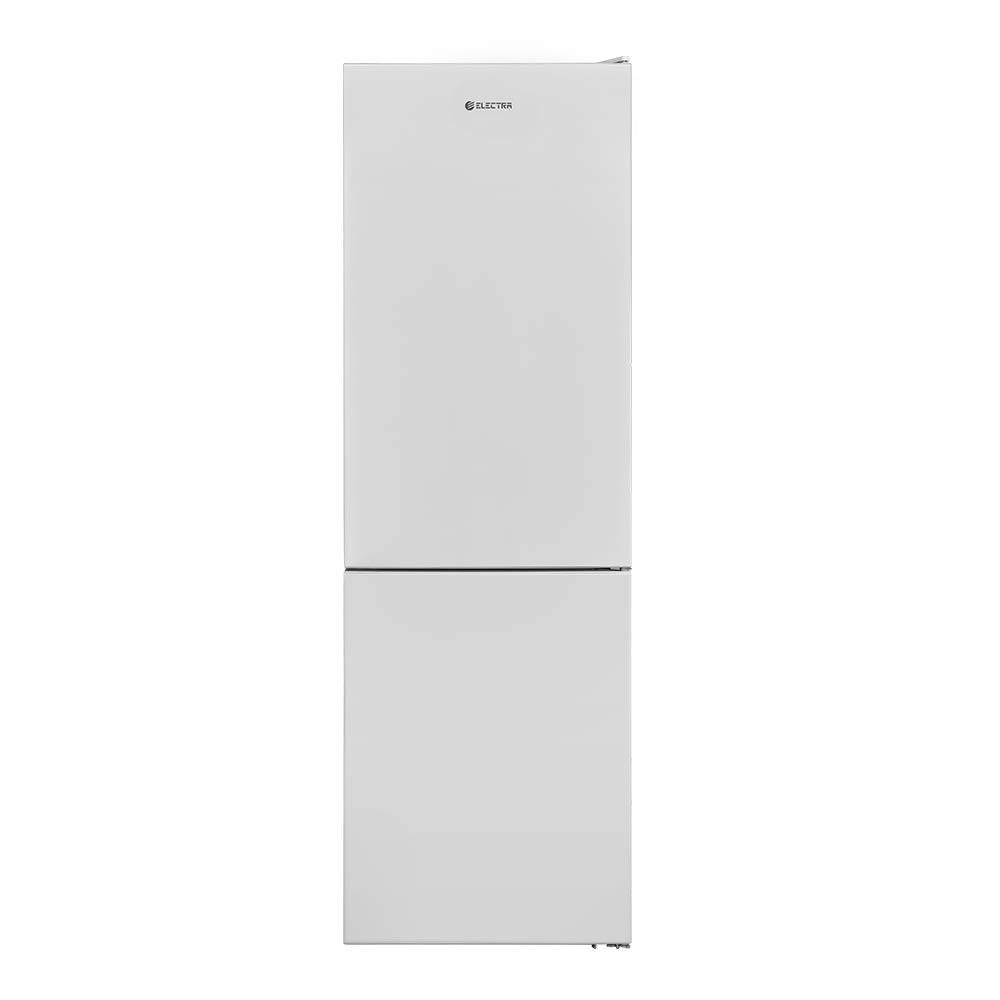
This image displays the interior layout of the Electra Fridge Freezer Model 373, featuring adjustable glass shelves in the refrigerator compartment and multiple transparent drawers in the freezer section. The refrigerator door also has storage bins for bottles and smaller items.
2. Operating Instructions
2.1 Temperature Control
- The appliance features an internal monitor for temperature adjustment. Refer to the display for current settings.
- Adjust the temperature settings according to your needs and the ambient temperature. Higher settings provide colder temperatures.
- Allow several hours for the temperature to stabilize after making adjustments or after initial power-on.
2.2 Storage Guidelines
- Refrigerator Compartment: Store fresh foods such as fruits, vegetables, dairy products, and cooked meals. Utilize the 0-degree drawer for items requiring colder storage without freezing.
- Freezer Compartment: Suitable for long-term storage of frozen foods. Ensure food is properly sealed to prevent freezer burn.
- Do not place hot food directly into the appliance; allow it to cool to room temperature first.
- Avoid overloading the shelves and drawers to ensure proper air circulation.
2.3 Special Features
- No Frost System: This appliance is equipped with a No Frost system, which prevents ice build-up in the freezer compartment, eliminating the need for manual defrosting.
- MULTI COOLING COOLING SYSTEM: Ensures even temperature distribution throughout both compartments for optimal food preservation.
- 0 Degree Drawer: A specialized drawer designed to maintain a temperature close to 0°C (32°F), ideal for storing fresh meat, fish, and delicate produce.
- Bottle Special Facility: Dedicated storage area in the door for bottles, providing secure and convenient access.
- LED Lighting: Energy-efficient LED lights illuminate the interior, providing clear visibility of contents.
3. Maintenance
3.1 Cleaning
- Interior: Regularly clean the interior with a soft cloth, warm water, and a mild, non-abrasive detergent. Rinse and dry thoroughly. Remove shelves and drawers for easier cleaning.
- Exterior: Wipe the exterior surfaces with a soft, damp cloth. For stubborn stains, use a mild detergent. Avoid harsh chemicals or abrasive materials.
- Door Seals: Clean door seals regularly to ensure they remain flexible and maintain a tight seal.
- Always unplug the appliance before cleaning.
3.2 Power Outage
In case of a power outage, keep the appliance doors closed to maintain the internal temperature for as long as possible. Food can remain frozen for several hours depending on the duration of the outage and the amount of food stored.
4. Troubleshooting
| Problem | Possible Cause | Solution |
|---|---|---|
| Appliance does not operate. | No power supply. | Check if the power plug is securely inserted into the outlet. Verify if the circuit breaker has tripped. |
| Appliance is not cooling sufficiently. | Door not closed properly; temperature setting too high; excessive food load; poor ventilation. | Ensure door is fully closed. Adjust temperature to a colder setting. Do not overload the compartments. Check for adequate clearance around the appliance. |
| Unusual noise. | Appliance not level; objects touching the back wall; internal components vibrating. | Adjust leveling feet to ensure the appliance is stable. Move any objects away from the back wall. Some operational noises (e.g., refrigerant flow) are normal. |
| Water on the floor. | Drain hole blocked; door left open. | Clear any blockage from the drain hole at the back of the refrigerator compartment. Ensure the door is closed properly. |
5. Specifications
| Feature | Detail |
|---|---|
| Brand | ELECTRA |
| Model Number | 373 (Manufacturer Part Number: 253113) |
| Gross Volume | 327 liters |
| Refrigerator Compartment Volume | 230 liters |
| Freezer Compartment Volume | 94 liters |
| Dimensions (H x W) | 186 cm x 60 cm |
| Capacity (Approx.) | 8.12 cubic feet |
| Special Features | No Frost, 0 Degree Drawer, Bottle Special Facility, Internal Monitor, LED Lighting, MULTI COOLING COOLING SYSTEM |
| Finish Type | Matte |
| UPC | 608614330225 |
6. Warranty Information
This Electra appliance comes with a manufacturer's warranty. Please refer to the separate warranty card included with your purchase for specific terms, conditions, and duration. Keep your proof of purchase for any warranty claims.
7. Customer Support
For technical assistance, spare parts, or service inquiries, please contact Electra customer support. Contact details can typically be found on the Electra official website or in your warranty documentation.
When contacting support, please have your appliance model number (373) and serial number ready to expedite service.