
1. Introduction
Thank you for choosing Vealvion TWS Wireless Earbuds. This manual provides essential information for setting up, operating, and maintaining your new earbuds. Please read it thoroughly to ensure optimal performance and longevity of your device.
2. Package Contents
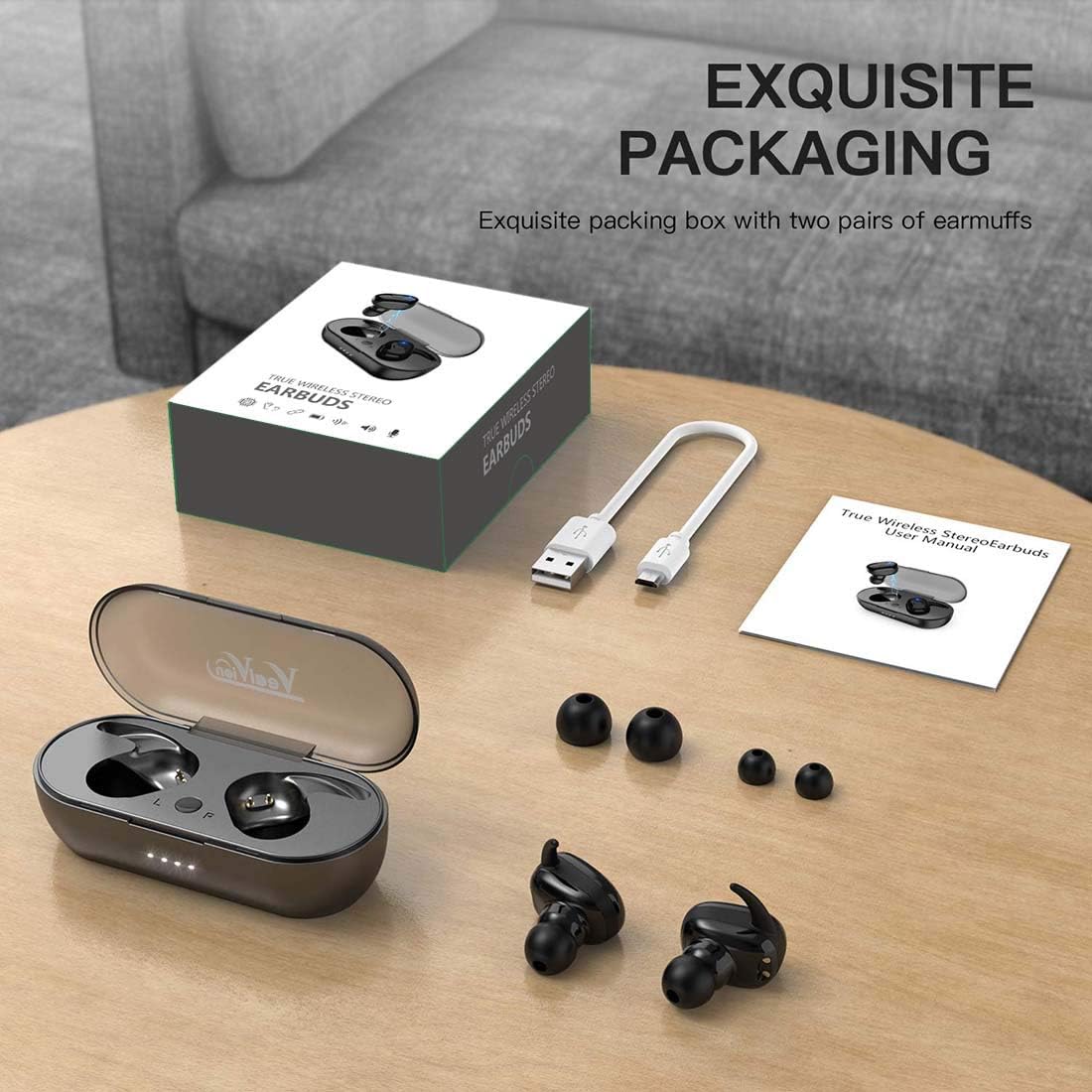
Upon unpacking, please ensure all items listed below are present:
- Vealvion TWS Wireless Earbuds (Left and Right)
- Portable Charging Case
- USB Charging Cable
- Multiple Sizes of Ear Tips (Small, Medium, Large)
- User Manual
3. Product Overview
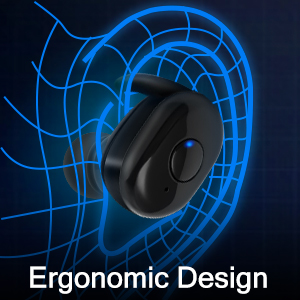
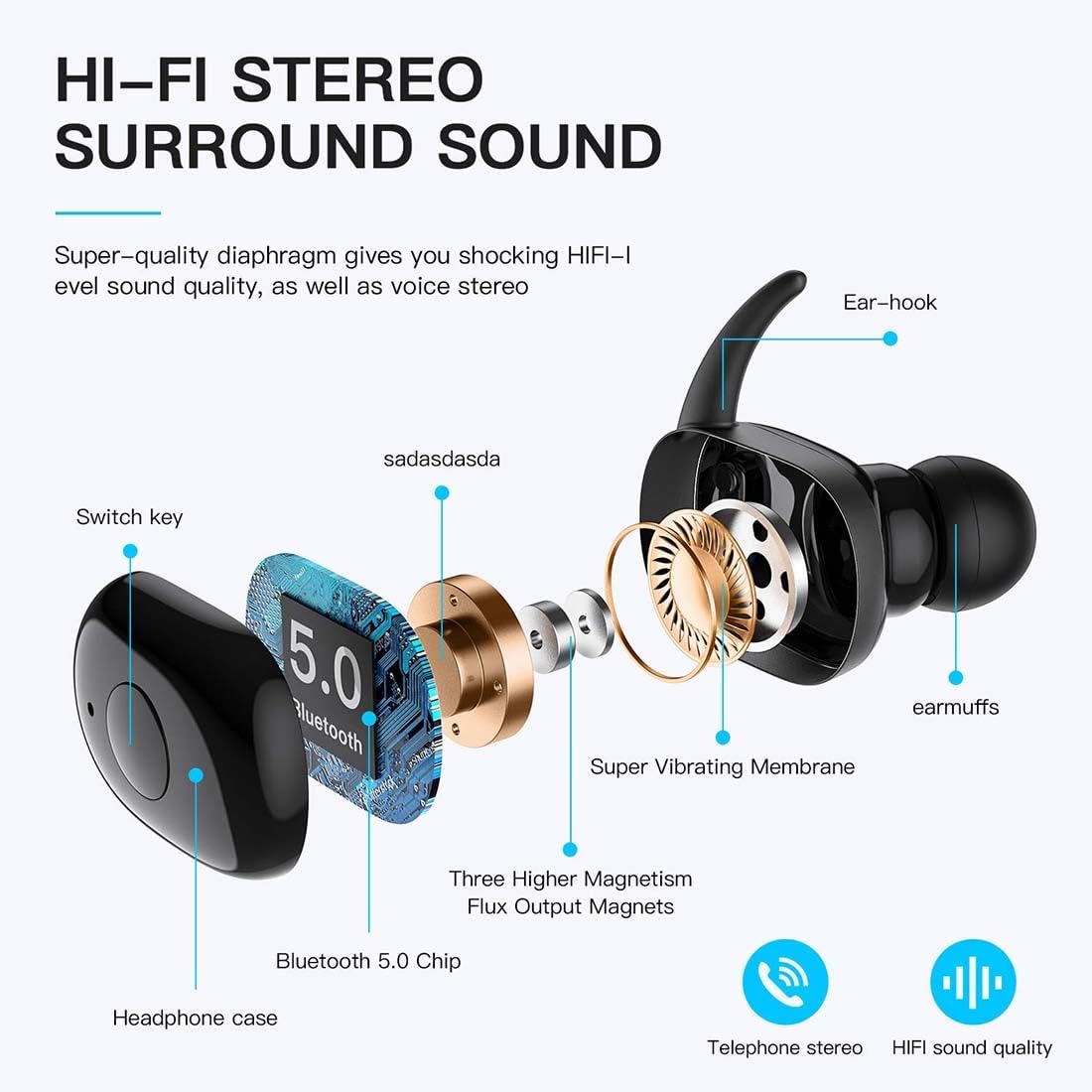
The Vealvion TWS Wireless Earbuds are designed for comfort and high-fidelity audio. They feature an ergonomic design for a secure fit during activities and come with a portable charging case.

4. Setup
4.1 Initial Charging
Before first use, fully charge the earbuds and the charging case. Place the earbuds into the charging case. Connect the provided USB charging cable to the charging port on the case and to a compatible USB power source. The indicator lights on the case will show the charging status.

4.2 Bluetooth Pairing
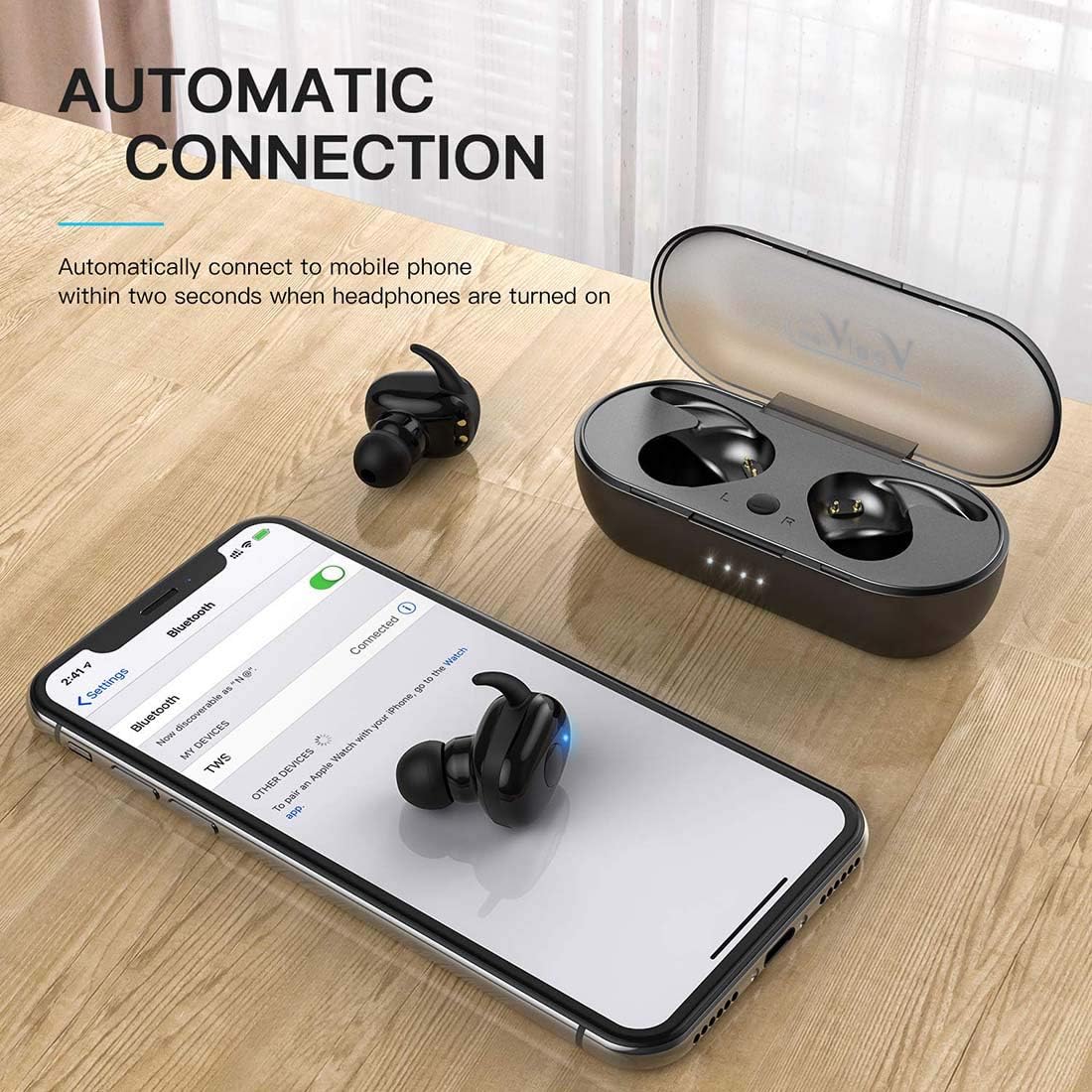
- Ensure the earbuds are charged and removed from the charging case. They will automatically enter pairing mode.
- On your device (smartphone, tablet, etc.), enable Bluetooth.
- Search for available Bluetooth devices.
- Select "TWS" or "Vealvion" from the list to connect.
- Once connected, you will hear an audio prompt, and the earbud indicator lights will change.
The earbuds feature automatic pairing. Once initially paired, they will automatically connect to your last paired device when removed from the case.

5. Operating Instructions
The Vealvion TWS Wireless Earbuds utilize touch controls for various functions.
5.1 Music Playback
- Play/Pause: Single tap on either earbud.
- Next Track: Double tap the right earbud.
- Previous Track: Double tap the left earbud.
5.2 Call Management
- Answer/End Call: Single tap on either earbud.
- Reject Call: Press and hold either earbud for 2 seconds.
5.3 Voice Assistant
- Activate Voice Assistant: Triple tap on either earbud.
6. Maintenance
Proper maintenance ensures the longevity and performance of your earbuds.
- Cleaning: Regularly clean the earbuds and charging case with a soft, dry cloth. Avoid using liquids or abrasive cleaners.
- Ear Tips: Remove and clean the silicone ear tips periodically with mild soap and water. Ensure they are completely dry before reattaching.
- Storage: When not in use, store the earbuds in their charging case to protect them and keep them charged.
- Water Resistance: The earbuds are IPX5 waterproof, meaning they are resistant to splashes and sweat. Do not submerge them in water.
7. Troubleshooting
7.1 Earbuds Not Connecting to Each Other (Stereo Mode Issue)
If the left and right earbuds do not connect to each other for stereo sound:
- Take both earbuds out of the charging case.
- Double-tap the left earbud. They should automatically pair with each other.
Note: Vealvion Wireless Earbuds have an automatic pairing function that does not require distinguishing between left and right. When you use one, the other will automatically connect when picked up.
7.2 Compatibility Issues with Laptops or PCs
If the earbuds are not connecting well with your laptop or PC, this can sometimes be caused by interference from other wireless devices.
- Solution: Disconnect any wireless or Bluetooth mice installed on your laptop or PC. This can often resolve connectivity issues with Bluetooth earbuds.
7.3 Audio Latency (Delay)
Audio latency can vary depending on the earbuds, your mobile device, and the specific applications being used.
- Latency is generally less noticeable on iOS devices.
- On Android and Windows devices, some latency may be observed in certain apps, though performance is typically good for video streaming platforms like YouTube.
- These earbuds are not specifically designed for competitive gaming where minimal latency is critical.
8. Specifications
| Model Name | TWS |
| Connectivity Technology | Bluetooth |
| Bluetooth Version | 5.0 |
| Bluetooth Range | Up to 100 Meters |
| Water Resistance Level | IPX5 (Waterproof) |
| Control Method | Touch |
| Battery Type | 2 Lithium Ion batteries (earbuds), 500mAh (charging case) |
| Frequency Response | 20000 Hz |
| Ear Placement | In Ear |
| Form Factor | In Ear |
| Product Dimensions | 3.15 x 1.57 x 0.79 inches |
| Item Weight | 4.2 ounces |
9. Warranty and Support
For warranty information or technical support, please refer to the product packaging or contact Vealvion customer service directly. Contact details are typically provided on the product box or on the official Vealvion website.