
Introduction
Thank you for purchasing the Tojock DVP-506 HD DVD Player. This manual provides essential information for setting up, operating, and maintaining your new device. Please read this manual thoroughly before use to ensure proper operation and to maximize your entertainment experience.
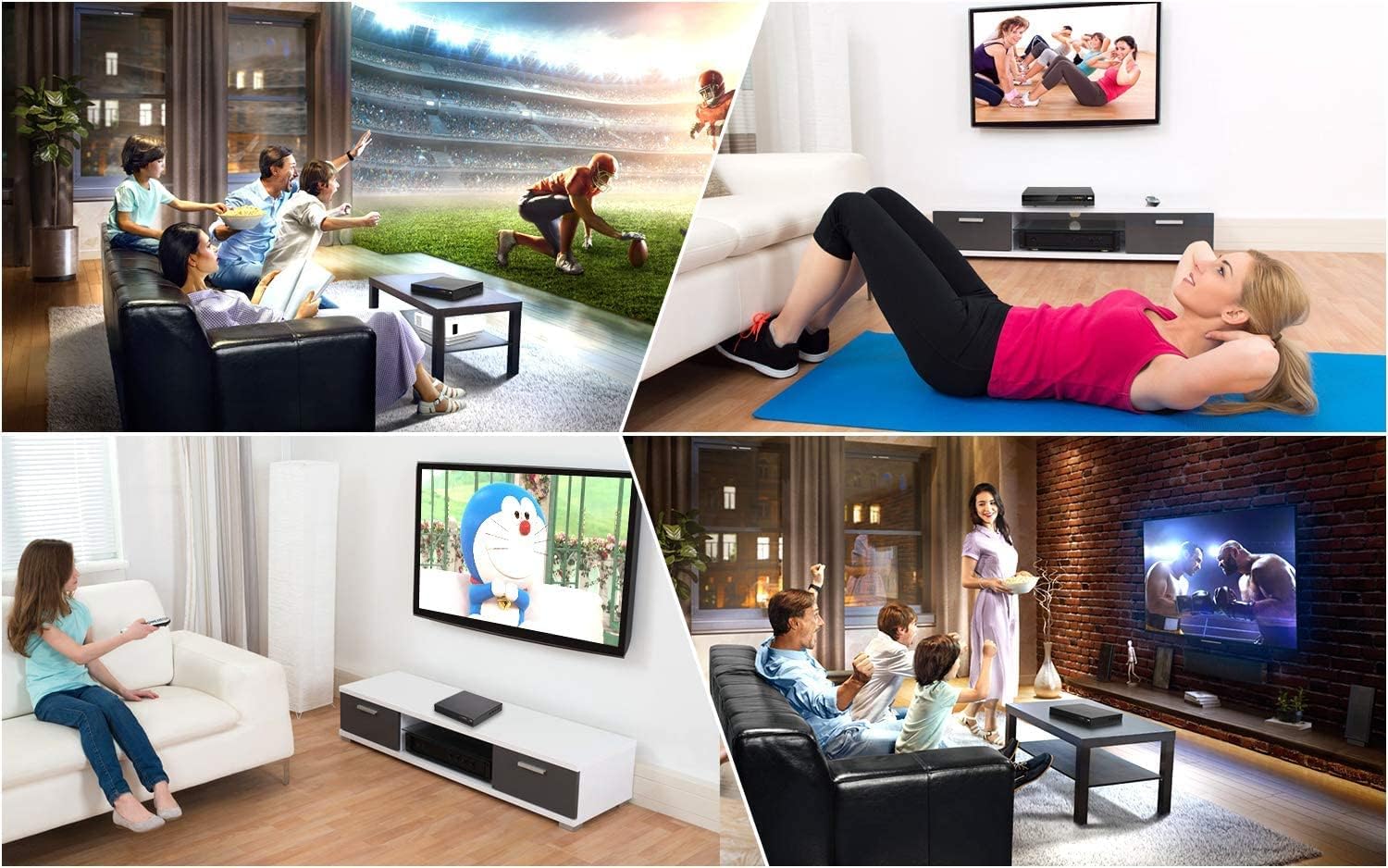
The Tojock DVP-506 is designed to enhance your home entertainment, offering versatile playback options for various media formats.
Safety Information
To ensure safe operation and prevent damage, please observe the following precautions:
- Do not expose the unit to rain or moisture to prevent fire or electric shock.
- Do not block ventilation openings. Ensure adequate space around the unit for proper airflow.
- Avoid placing the unit on unstable surfaces.
- Do not open the casing. Refer all servicing to qualified personnel.
- Unplug the unit during lightning storms or when unused for long periods.
Package Contents
Verify that all items are included in your package:
- 1x Tojock DVP-506 DVD Player
- 1x Remote Control (Batteries not included)
- 1x HDMI Cable
- 1x AV Cable
- 1x User Manual

All components included in the Tojock DVP-506 package.
Product Overview
Familiarize yourself with the components of your DVD player.
Front Panel

The front panel features the disc tray, LED display, and essential control buttons.
- Disc Door: Insert DVDs and CDs here.
- Display: Shows current status, track number, and time.
- USB Input: Connect USB flash drives for media playback.
- Control Buttons: Play/Pause, Stop, Next/Previous, Power.
Rear Panel

The rear panel provides various connectivity options for your television and audio system.
- HDMI Output: For high-definition video and audio connection to modern TVs or projectors.
- Audio Left/Right Output (RCA): For analog audio connection.
- Video Output (RCA): For analog video connection.
- Coaxial Digital Output: For digital audio connection to compatible audio receivers.
- AC Input: Power connection.
Setup
Follow these steps to connect your Tojock DVP-506 DVD Player to your television.
Connecting to TV
You have two primary options for connecting the DVD player to your TV:
- HDMI Connection (Recommended for HD Quality):
- Connect one end of the provided HDMI cable to the HDMI Output port on the back of the DVD player.
- Connect the other end of the HDMI cable to an HDMI Input port on your TV. Note the HDMI input number (e.g., HDMI 1, HDMI 2).
- RCA (AV) Connection (Standard Definition):
- Connect the yellow plug of the provided AV cable to the Video Output (yellow) port on the back of the DVD player.
- Connect the white plug to the Audio Left Output (white) port.
- Connect the red plug to the Audio Right Output (red) port.
- Connect the other ends of the yellow, white, and red plugs to the corresponding Video In and Audio In ports on your TV.

Connect your DVD player using either HDMI for high-definition or RCA for standard-definition output.
Powering On
- Connect the power cord to the AC Input on the back of the DVD player and then to a power outlet.
- Press the Power button on the front panel of the DVD player or on the remote control.
- Turn on your TV and select the correct input source (e.g., HDMI 1, AV) that corresponds to your connection.
Operating
Learn how to play various media formats on your Tojock DVP-506.
Disc Playback
The Tojock DVP-506 supports a wide variety of disc formats, including CD, DVD, DVD-R/+R, DVD-/+RW, CD-R/-RW, VCD, and SVCD. It is also an all-region free player (except for CPRM), allowing playback of DVDs from any region (1-6).
- Ensure the DVD player is powered on and connected to your TV.
- Gently insert a disc into the disc tray with the label side facing up. The player will automatically load the disc.
- Playback should begin automatically. If a menu appears, use the remote control's arrow keys and OK button to navigate.
- Use the Play, Pause, Stop, Fast Forward, Rewind, and Skip buttons on the remote control to manage playback.

Experience enhanced visual quality with 1080p up-conversion and enjoy discs from any region.
USB Playback
The built-in USB 2.0 port allows direct playback of digital media files (AVI/MPG/MPEG4/VOB video files up to 720*480/576 resolution, JPEG images, MP3/WMA audio) from a USB flash drive (FAT/FAT32 format, up to 32GB).
- Insert your USB flash drive into the USB port on the front panel.
- The player should automatically detect the USB drive and display a menu for file selection.
- Navigate through your files using the remote control and press OK to play.

Easily play your digital media files directly from a USB flash drive.
Resume Function
The player features a breakpoint memory function, allowing it to resume playback from where you left off on a previously played disc.

The resume function allows you to continue watching from your last viewing point.
Official Product Video
This video demonstrates how the Tojock DVP-506 DVD player can boost the quality of your DVD collection, showcasing its performance and features.
Maintenance
Proper care will extend the life of your DVD player.
- Cleaning the Unit: Wipe the exterior with a soft, dry cloth. Do not use abrasive cleaners or solvents.
- Cleaning Discs: Use a soft, lint-free cloth to wipe discs from the center outwards. Avoid touching the playback surface.
- Ventilation: Ensure the player's ventilation slots are not blocked to prevent overheating.
Troubleshooting
If you encounter issues, refer to the following common problems and solutions:
| Problem | Possible Cause | Solution |
|---|---|---|
| No power | Power cord not connected; Power outlet faulty. | Ensure power cord is securely connected. Try a different outlet. |
| No picture | Incorrect TV input selected; Video cable loose or damaged. | Select the correct HDMI/AV input on your TV. Check video cable connections. |
| No sound | Audio cable loose or damaged; TV/receiver volume too low or muted. | Check audio cable connections. Adjust TV/receiver volume and ensure it's not muted. |
| Disc not playing / Disc error | Disc is dirty, scratched, or incompatible format. | Clean the disc. Try a different disc. Ensure the disc format is supported. |
| USB drive not recognized | Incorrect USB format; Drive capacity too large. | Ensure USB drive is FAT/FAT32 format and up to 32GB. Try reformatting the drive (backup data first). |
If problems persist, please contact customer service.
Specifications
- Product Dimensions: 10.43 x 9.25 x 1.97 inches
- Item Weight: 2.16 pounds
- Model Number: DVP-506
- Media Type: CD, DVD, JPG, JPEG, MP3, WMA
- Special Features: Region Free, Anti-Shock, Upscaling
- Resolution: 1920x1080 (Upscaled)
- Connector Type: HDMI, RCA, USB, Coaxial
- Connectivity Technology: RCA, Infrared, USB, HDMI, Coaxial
- Color: Black
- Manufacturer: Tojock
- Country of Origin: China
Warranty and Support
Your Tojock DVP-506 DVD Player comes with a 12-Month Warranty from the date of purchase. This warranty covers manufacturing defects under normal use.
For technical support, warranty claims, or any questions regarding your product, please contact our customer service team. We offer 24-hour customer service to assist you.
Please refer to the contact information provided on the product packaging or the official Tojock website for the most up-to-date support details.


