
1. Introduction
Thank you for choosing the usamjtable T200 Foldable Ultra-Thin Automatic Mahjong Table. This manual provides essential information for the safe and efficient operation, setup, and maintenance of your new mahjong table. Please read these instructions thoroughly before use and retain them for future reference.
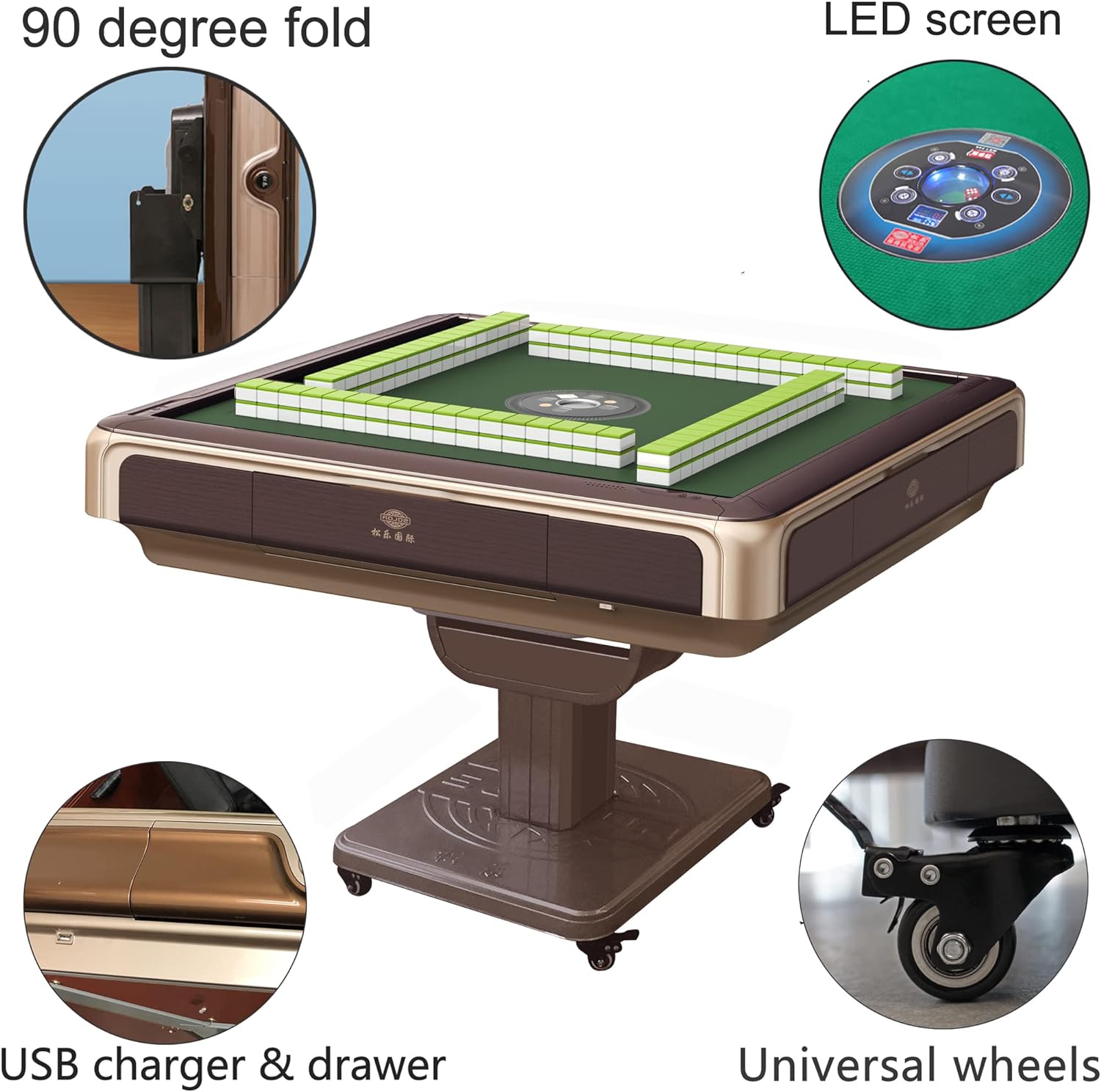
The usamjtable T200 Automatic Mahjong Table in a typical home setting.
2. Safety Information
This product is designed for adult use. No specific safety warnings are applicable beyond general electrical appliance precautions. Always ensure the table is placed on a stable, level surface before operation.
- Electrical Safety: Ensure the power cord is not damaged and is properly connected to a 110V power outlet. Do not operate the table with wet hands or in wet conditions.
- Tile Compatibility: Only use the magnetic mahjong tiles provided with the table. Do not use metal chips or non-magnetic tiles, as this may cause the shuffling mechanism to jam or malfunction.
- Moving the Table: Use caution when moving the table due to its weight. Utilize the built-in wheels for easier relocation.
3. Package Contents
Verify that all components are present in the package:
- 1 x usamjtable T200 Automatic Mahjong Table (Machine)
- 2 x Sets of Magnetic Mahjong Tiles (1 Blue & 1 Green)
- 1 x Hard Table Cover
- Power Cable (110V, 5 feet long)

The included 40mm numbered Mahjong tiles, suitable for various game styles.
4. Setup and Assembly
Assembly is required for this product. It is recommended that two people assist with the initial setup due to the table's weight (approximately 220 lbs).
4.1 Unfolding the Table
The T200 table features a 90-degree folding mechanism for compact storage. To unfold the table from its vertical storage position to the playing position:
- Ensure the table is on a stable surface and the wheels are locked if necessary.
- Carefully tilt the table from its folded position.
- Lower the tabletop until it is fully horizontal and locked into place.
Illustration of the 90-degree folding mechanism.

The mahjong table in its folded, space-saving configuration.
4.2 Power Connection
Connect the 110V power cable to the designated port on the table and then to a standard wall outlet.
4.3 Video Guide for Folding
Video demonstrating how to fold and unfold the usamjtable T200 Automatic Mahjong Table.
5. Operating Instructions
5.1 Powering On and Off
Locate the power button, typically on the side or underside of the table. Press to turn the table on. The central control panel should illuminate.
5.2 Loading Tiles
To begin a game, load the magnetic mahjong tiles into the designated slots around the table's perimeter. Ensure tiles are placed correctly, face down, to allow the automatic shuffling mechanism to function properly.

Close-up view of the tile loading area before automatic shuffling.
5.3 Automatic Shuffling and Dice Roll
Once tiles are loaded, the table will automatically shuffle them. Press the designated button on the central control panel to roll the dice and initiate the game. The shuffling process is designed to be quick, typically completing in about 3 seconds.
5.4 Switching Game Modes
The T200 table supports Chinese, Filipino, and American style mahjong games. You can switch between these modes using the controls on the central panel. Refer to the on-screen indicators or control panel markings to select your preferred game style. The table comes with 166 tiles, which is suitable for American/Filipino mahjong games, and can be adapted for Chinese style (typically 144 tiles).
5.5 Using the Hard Table Cover
The included hard table cover can be placed over the playing surface when the table is not in use or when folded. This protects the table and allows it to function as a regular table for other activities.
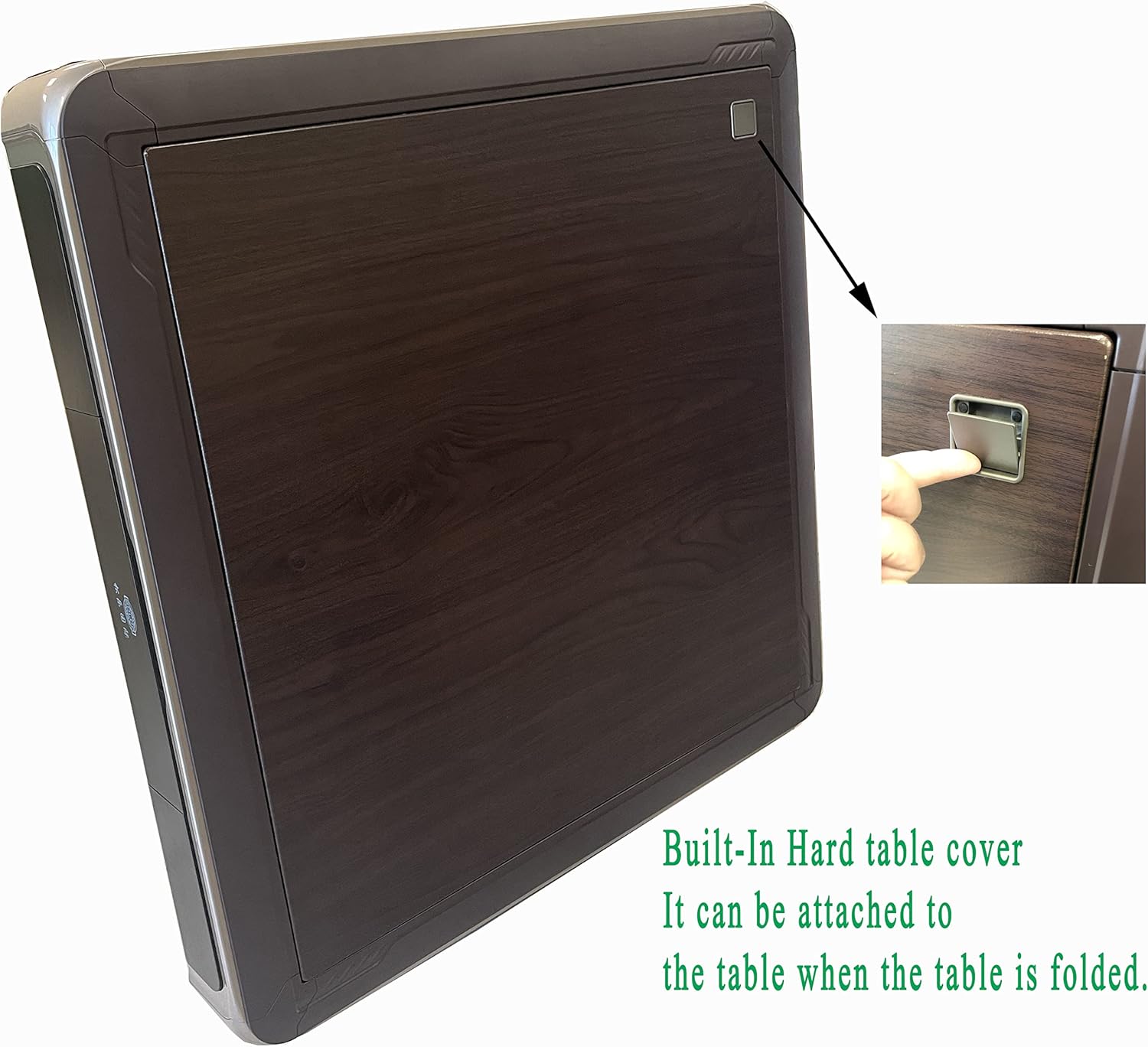
The mahjong table with its hard cover in place, converting it for general use.
5.6 USB Charging Port
The table is equipped with a USB charging port, allowing you to charge mobile devices during gameplay.
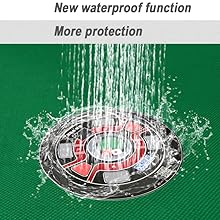
The table features a USB charging port and a waterproof surface.
5.7 Video Guide for Operation
Video demonstrating the automatic shuffling and general operation of the usamjtable T200 Mahjong Table.
6. Maintenance
To ensure the longevity and optimal performance of your automatic mahjong table, follow these maintenance guidelines:
- Cleaning: Wipe the table surface and exterior with a soft, damp cloth. Avoid abrasive cleaners or solvents that could damage the finish.
- Tile Care: Keep the mahjong tiles clean and free of debris. Store them properly when not in use.
- Water Resistance: The table surface has a waterproof function, offering protection against spills. However, it is not fully submersible. Clean up any spills promptly.
- Storage: When not in use for extended periods, fold the table and store it in a dry, cool place.
7. Troubleshooting
If you encounter issues with your mahjong table, refer to the following common problems and solutions:
7.1 Tiles Not Shuffling or Jamming
- Incorrect Tiles: Ensure you are only using the magnetic mahjong tiles provided. Metal chips or non-magnetic tiles can interfere with the mechanism.
- Tile Orientation: Verify that tiles are loaded face down into the slots.
- Obstructions: Check for any foreign objects or debris in the tile loading area or shuffling mechanism.
- Overloading: Do not overload the tile slots. Follow the recommended tile quantity for your chosen game style.
7.2 Table Not Powering On
- Power Connection: Ensure the power cable is securely plugged into both the table and a working wall outlet.
- Power Source: Verify that the outlet is supplying power. Test with another appliance if necessary.
For persistent issues or problems not listed here, please contact customer support.
8. Product Specifications
| Feature | Specification |
|---|---|
| Brand | usamjtable |
| Model Name | T200 |
| Item Type | Mahjong Table |
| Included Components | Tiles, Hard Table Cover, Machine |
| Tile Size | 39mm x 28mm x 20mm |
| Table Dimensions (L x W x H) | 39 x 39 x 31.5 inches |
| Tabletop Dimensions (L x W) | 38" x 38" |
| Weight | 220 lb |
| Material Type | Plastic (Melamine tiles) |
| Number of Players | 2-4 |
| Operation Mode | Automatic |
| Power Source | AC adapter (110V, 5 feet cable) |
| Assembly Required | Yes |
| Indoor/Outdoor Usage | Indoor |
| Special Features | Foldable, Wheels, USB charger, Hard Table Cover, Waterproof surface |
9. Warranty Information
The usamjtable T200 Automatic Mahjong Table comes with a one-year warranty from the date of purchase. This warranty covers manufacturing defects and malfunctions under normal use. Please retain your proof of purchase for warranty claims.
10. Customer Support
For any questions, concerns, or assistance with your usamjtable T200 Automatic Mahjong Table, please do not hesitate to contact the seller. We are committed to resolving your issues and ensuring your satisfaction.