
Product Overview
Zeiss Pre-Moistened Smartphone Cleaning Wipes are specifically developed for the gentle and effective cleaning of smartphones, tablets, laptops, PCs, TVs, and other electronic device screens. These wipes efficiently remove fingerprints, grease, and dirt, delivering a streak-free finish. They are made with soft cellulose tissue and are free from alcohol, ensuring safe use on screens without causing damage or scratches. Each wipe is fast-drying and individually wrapped to maintain moisture, making them convenient for use at home or while traveling.
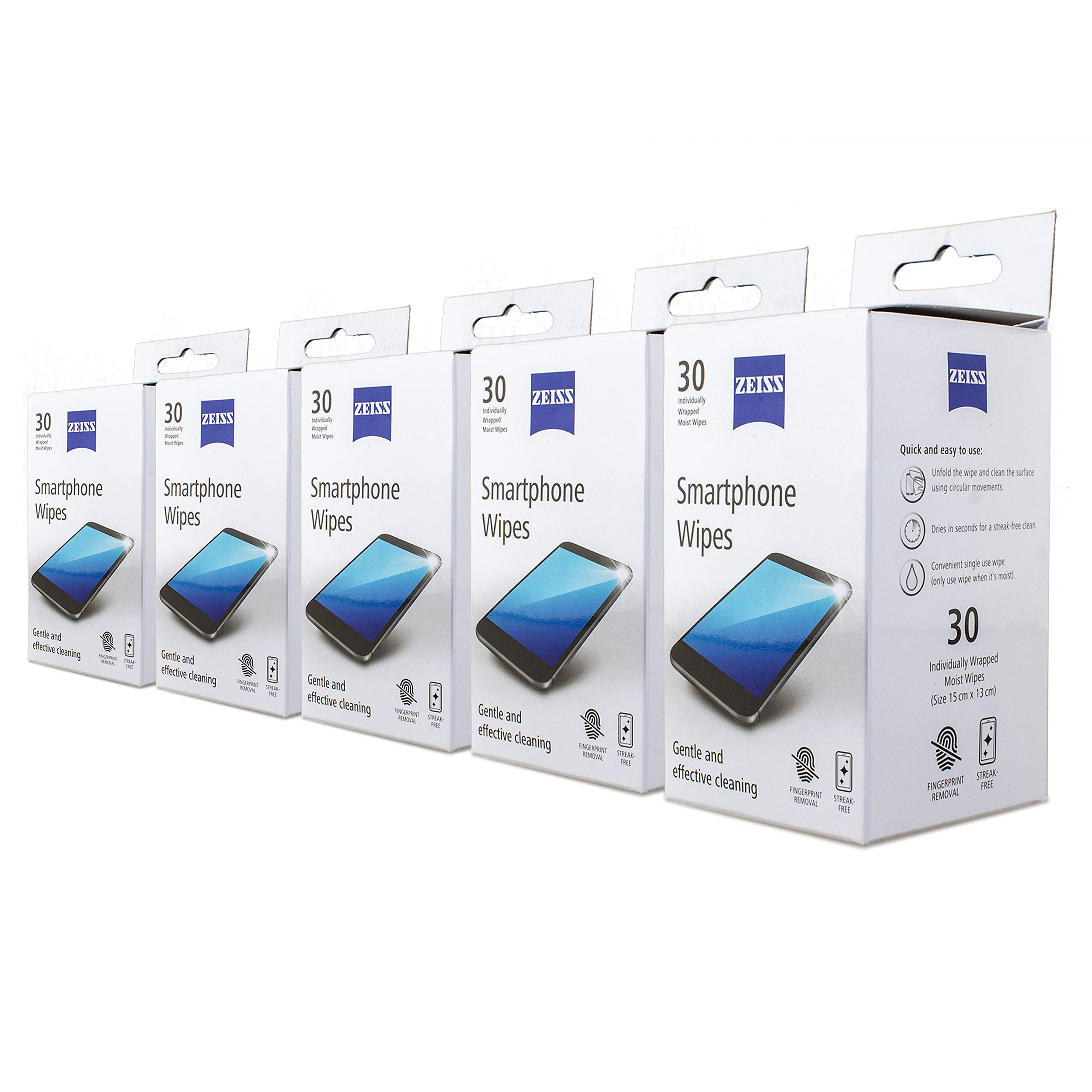
Image: Front view of the Zeiss Smartphone Wipes packaging, highlighting the product name and key features.
Setup and Preparation
Before using the cleaning wipes, ensure the electronic device you intend to clean is powered off. This helps prevent accidental input and allows for a clearer view of the screen for effective cleaning. Open one individually wrapped wipe just before use to ensure it remains moist and effective.

Image: The product box alongside a stack of individually packaged wipes, ready for use.
Operating Instructions
- Tear open one individually sealed sachet of Zeiss Smartphone Wipe.
- Unfold the wipe completely.
- Gently wipe the surface of your electronic device using circular movements. Apply light pressure.
- Allow the cleaned surface to air dry for a few seconds. The fast-drying formula ensures a streak-free finish without the need for additional wiping.
- Dispose of the used wipe responsibly.
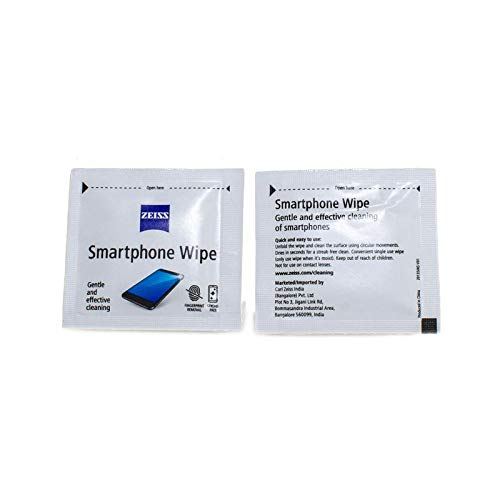
Image: Two individual wipes, demonstrating the product's ready-to-use format.
Maintenance and Storage
To ensure the longevity and effectiveness of your Zeiss Smartphone Cleaning Wipes, store them in their original packaging in a cool, dry place, away from direct sunlight and extreme temperatures. Ensure that individual sachets remain sealed until immediately before use to prevent the wipes from drying out.
Troubleshooting
- Streaks appear after cleaning: Ensure the wipe is adequately moist. If the wipe feels dry, discard it and use a fresh one. Allow the surface to air dry completely after wiping; do not rub excessively.
- Wipe feels dry upon opening: This indicates the sachet may have been compromised. Discard the dry wipe and use a new, properly sealed one.
Specifications
| Model Number | Zeiss-M-Wipes-150+Gel. |
| Product Dimensions (Pack) | 25 x 2.2 x 6 cm |
| Item Weight (Pack) | 30 g |
| Wipe Dimensions | 15 cm x 13 cm (approx.) |
| Quantity | 30 wipes per pack (Total 150 wipes in 5-pack) |
| Country of Origin | India |
| Manufacturer | Carl Zeiss Vision UK Ltd, Zeiss |
| Importer | Visions India, Mumbai |
Safety Information
- Keep out of reach of children.
- Not for use on contact lenses. These wipes are formulated for electronic screens, not for ophthalmic use.
- Avoid contact with eyes. In case of contact, rinse eyes thoroughly with water.
- Do not ingest. If swallowed, seek medical advice immediately.
- Flammable: Keep away from open flames and heat sources.
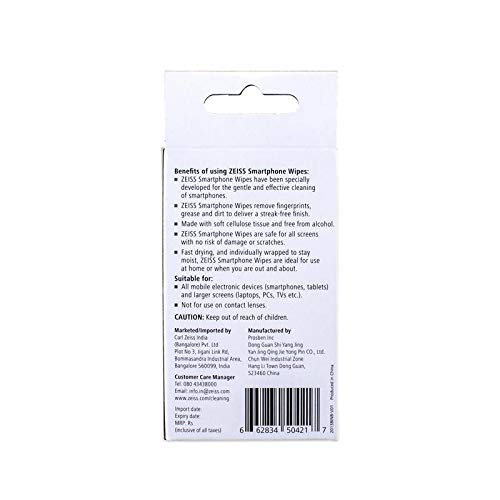
Image: Back of the product packaging, detailing benefits, suitable applications, and important cautions.
Warranty and Support
For product support, inquiries, or warranty information, please contact the manufacturer or importer directly.
- Customer Care Manager: +91-80-4133-4000
- Email: info.in@zeiss.com
- Website: www.zeiss.com/cleaning
- Manufacturer: Carl Zeiss Vision UK Ltd, Zeiss
- Importer: Visions India, Mumbai
