
Abletop 150A
Abletop 150A RC Watt Meter and Power Analyzer User Manual
Model: 150A
1. Introduction
The Abletop 150A RC Watt Meter and Power Analyzer is a high-precision digital instrument designed for measuring various electrical parameters in RC applications and other electrical systems. It provides real-time readings of voltage, current, power, charge, and energy, making it an essential tool for monitoring and optimizing electrical performance.
This device helps verify sufficient working voltage under load, prevents peak currents from damaging components, and assists in checking battery charger operation. Its clear LCD screen ensures easy readability of all measurements.

Image 1: The Abletop 150A RC Watt Meter and Power Analyzer, showing its compact design with input and output wires.
2. Key Features
- Digital LCD Screen Display: Provides clear digital readings for easy monitoring of electrical parameters.
- Eight Electrical Readings: Measures Current (A), Voltage (V), Watts (W), Amp-hours (Ah), Watt-hours (Wh), Peak Amps (Ap), Minimum Volts (Vm), and Peak Watts (Wp).
- High Precision Measurement: Measures 0-150 Amps (0.01A resolution), 0-60 Volts (0.01V resolution), 0-6554 Watts (0.1W resolution), 0-65 Amp-hours (0.001Ah resolution), and 0-6554 Watt-hours (0.01Wh resolution).
- Multi-functional Tool: Useful for verifying working voltage, preventing component damage from peak currents, and checking battery charger operation.
- Real-Time Readings: All measurement screen values are updated every 0.4 seconds.
3. Package Contents
Upon opening the package, please ensure all items are present and in good condition:
- 1 x Abletop 0-60V 150A Watt Meter and Power Analyzer
- 1 x User Manual

Image 2: The watt meter shown alongside its instruction manual.
4. Specifications
| Parameter | Value |
|---|---|
| Working Voltage Range | 0 to 60 Volts (Operates from 4.8-60V, 0V with optional auxiliary battery) |
| Current Measurement Range | 0-150 Amps (Resolution: 0.01A) |
| Voltage Measurement Range | 0-60 Volts (Resolution: 0.01V) |
| Power Measurement Range | 0-6554 Watts (Resolution: 0.1W) |
| Charge Measurement Range | 0-65 Amp-hours (Resolution: 0.001Ah) |
| Energy Measurement Range | 0-6554 Watt-hours (Resolution: 0.01Wh) |
| Display | 16x2 Backlit LCD |
| Dimensions | 85 x 42 x 25 mm |
| Weight | 82g (approximately 0.01 ounces) |
| Material | ABS |
| Power Source | Battery Powered (external) |
5. Setup and Connection
The Abletop 150A Watt Meter is designed for straightforward connection. It features two sets of wires: SOURCE and LOAD. Ensure correct polarity when connecting.
- Identify Connections: The meter has clearly labeled 'SOURCE' and 'LOAD' terminals. The 'SOURCE' side connects to your power supply (e.g., battery), and the 'LOAD' side connects to the device you wish to measure (e.g., motor, ESC).
- Connect Source: Connect the positive (+) lead from your power source to the red wire on the 'SOURCE' side of the meter. Connect the negative (-) lead from your power source to the black wire on the 'SOURCE' side.
- Connect Load: Connect the positive (+) lead of your load device to the red wire on the 'LOAD' side of the meter. Connect the negative (-) lead of your load device to the black wire on the 'LOAD' side.
- Power On: Once connections are secure, the meter will power on and begin displaying real-time measurements.
The meter operates within a voltage range of 0 to 60 Volts. For measurements at 0V, an optional auxiliary battery is required to power the meter's display.

Image 3: A detailed view of the watt meter, highlighting the 'SOURCE' and 'LOAD' input/output connections.
6. Operation and Measurement
Once connected, the Abletop 150A Watt Meter continuously displays various electrical parameters on its LCD screen. The display updates every 0.4 seconds, providing dynamic real-time data.
6.1 Displayed Parameters
- Current (A): Instantaneous current flow in Amperes.
- Voltage (V): Instantaneous voltage in Volts.
- Watts (W): Instantaneous power consumption in Watts.
- Amp-hours (Ah): Total charge consumed over time.
- Watt-hours (Wh): Total energy consumed over time.
- Peak Amps (Ap): The highest current recorded during the measurement session.
- Minimum Volts (Vm): The lowest voltage recorded during the measurement session.
- Peak Watts (Wp): The highest power recorded during the measurement session.
6.2 Measurement Examples
The meter can be used to perform various tests, such as voltage and current measurements, as shown in the following examples:

Image 4: The watt meter displaying voltage (20.08V) during a voltage test, compared with a multimeter.
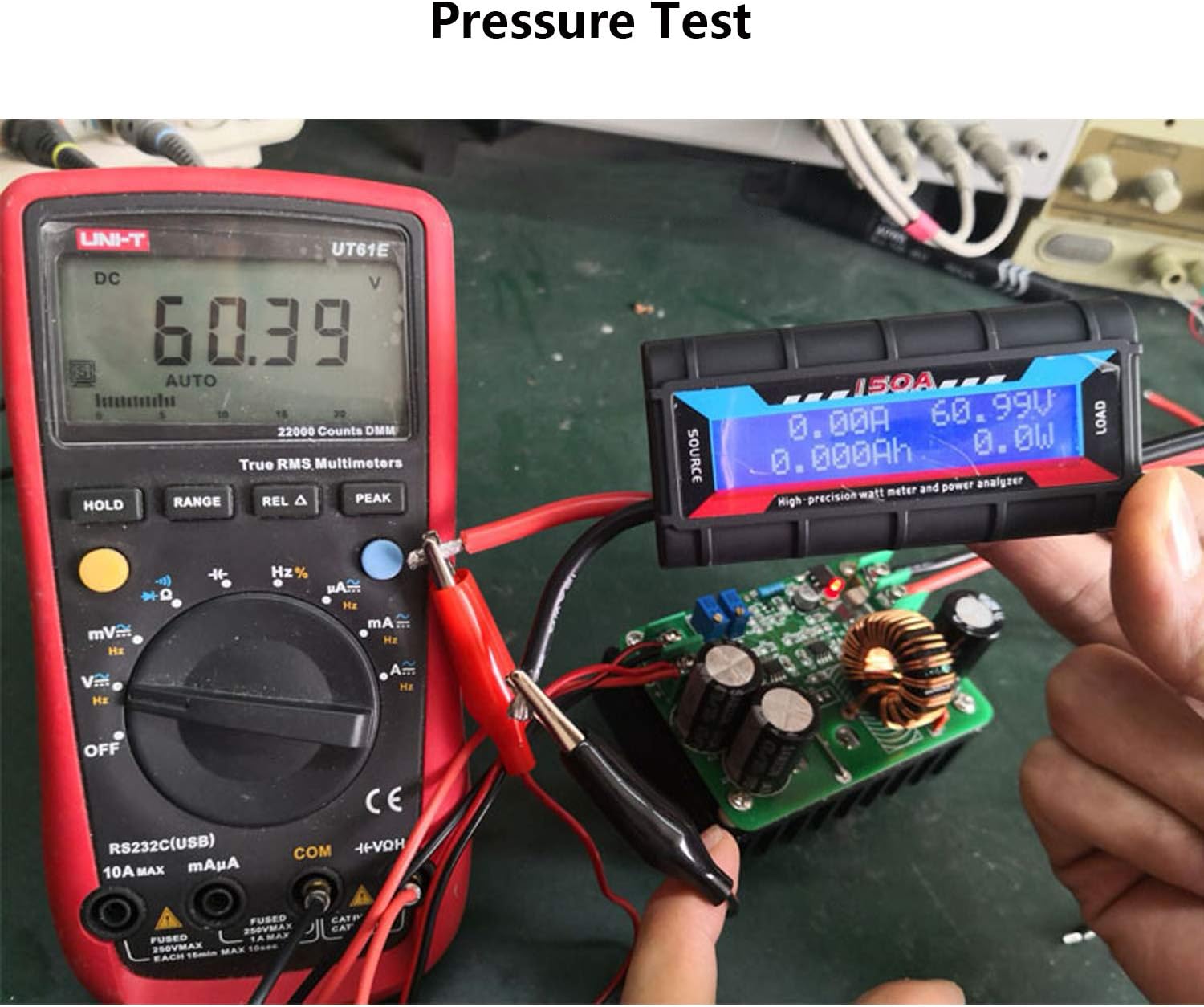
Image 5: The watt meter displaying voltage (60.99V) during a pressure test, indicating high voltage measurement capability.

Image 6: The watt meter displaying current (5.04A) and voltage (12.00V) during a current test.
6.3 Power Efficiency Calculation
The unit of force effect is G/W (grams per Watt). To calculate power efficiency, divide the take-off weight by the current power consumption. For example, if the take-off weight is 2800G and the power consumption in hovering state after take-off is 230W, the force efficiency of the aircraft is 2800g / 230w = 1.21g/w.
7. Maintenance
To ensure the longevity and accurate performance of your Abletop 150A Watt Meter, follow these general maintenance guidelines:
- Cleaning: Use a soft, dry cloth to clean the exterior of the device. Avoid using abrasive cleaners or solvents.
- Storage: Store the meter in a cool, dry place away from direct sunlight and extreme temperatures.
- Handling: Handle the device with care to prevent physical damage. Avoid dropping or subjecting it to strong impacts.
- Connections: Periodically inspect the wires and connectors for any signs of wear or damage. Ensure connections are secure before each use.
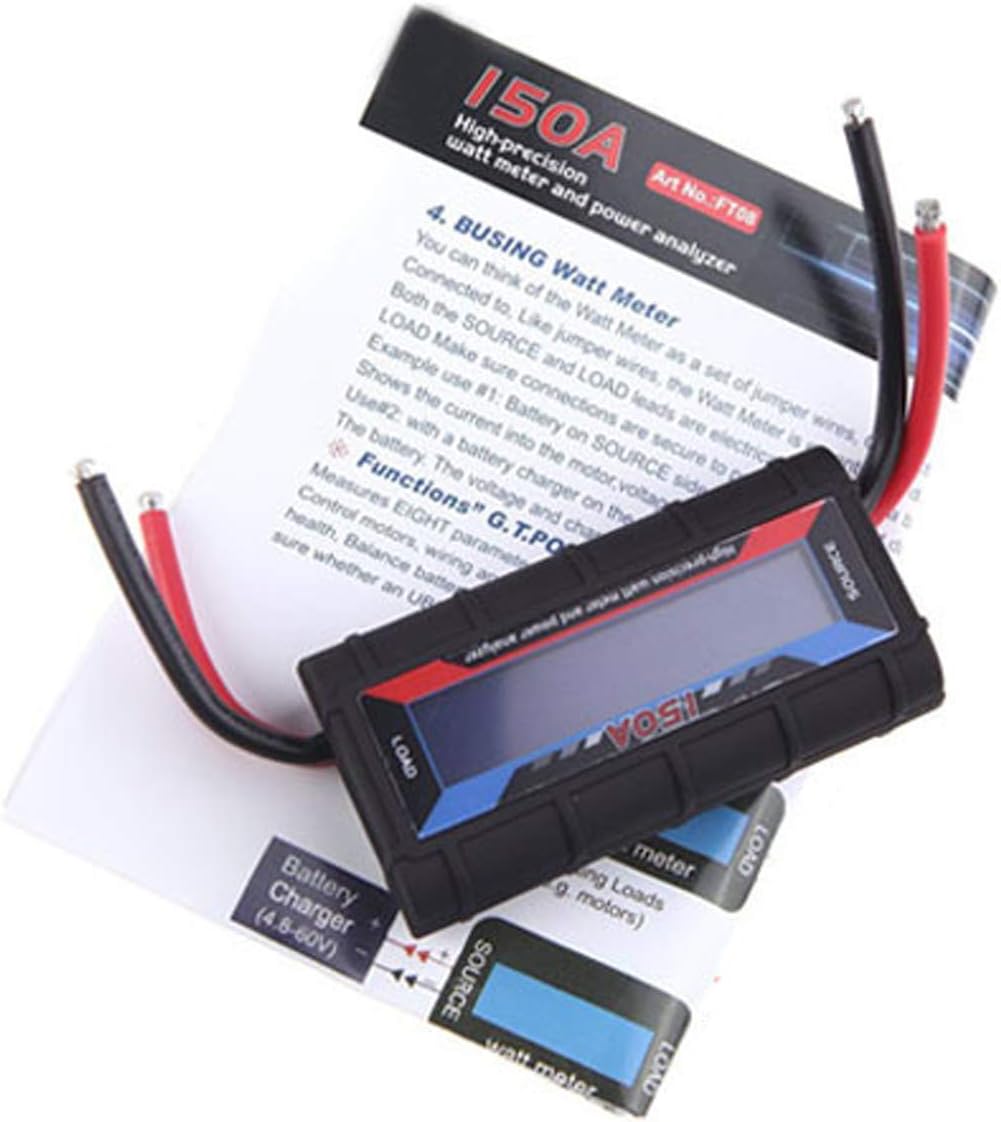
Image 7: The underside of the watt meter, revealing cooling vents designed to dissipate heat during operation.
8. Troubleshooting
If you encounter issues with your Abletop 150A Watt Meter, consider the following common problems and solutions:
- No Display/Power:
- Check all connections to ensure they are secure and correctly polarized (positive to red, negative to black).
- Verify that the power source is providing sufficient voltage within the meter's operating range (4.8-60V). If measuring 0V, ensure an auxiliary battery is connected to power the display.
- Inaccurate Readings:
- Ensure the meter is connected in series with the load for current measurements.
- Compare readings with a known calibrated multimeter if possible to verify accuracy.
- Check for any loose internal components or damaged wiring if the device has been subjected to impact.
- Displaying Strange Characters:
- This may indicate an internal fault. Disconnect power immediately and contact customer support.
- Leads Too Short:
- While the included leads are standard, for specific applications requiring longer leads, users with appropriate soldering skills may replace them with longer, suitable gauge wires. Ensure proper insulation and connection integrity.
9. Warranty and Support
Abletop provides a warranty for this product. If the product experiences any quality problems within one year from the date of purchase, Abletop will provide free maintenance or replacement services.
For technical support, warranty claims, or any other inquiries, please contact Abletop customer service through the retailer where the product was purchased or refer to the official Abletop website for contact information.
Ask a question about this manual
Ask about setup, troubleshooting, compatibility, parts, safety, or missing instructions. Manuals+ will review the question and use this page’s manual context to help answer it.