
Introduction
The Kokoon Gen 1 Wireless Active Noise Cancelling Headphones are designed to assist with relaxation, meditation, and sleep by providing a personalized audio experience. These headphones integrate advanced sensor technology with an intelligent audio library via a companion application to help users manage stress, relax, and fall asleep more easily. The unique design and features aim to create a peaceful environment anytime, anywhere.
Product Features
- Active Noise Cancellation: Reduces ambient noise to create a quiet listening environment.
- Flexmould Comfort System: Patented design ensures headphones remain cool and comfortable, even during extended wear or while sleeping.
- EEG (Brainwave) Sensors: Accurately track relaxation and sleep stages.
- Motion Sensors: Monitor head movements for enhanced tracking.
- Disturbance Protection: Automatically introduces protective white noise to mask out disturbances as you fall asleep.
- Intelligent Audio Adjustment: Audio automatically fades out and pauses as you fall asleep, based on sensor data.
- Companion App: Provides access to clinically validated audio techniques, coaching, and personalized recommendations for relaxation and sleep.

Image: The Kokoon Gen 1 Wireless Active Noise Cancelling Headphones, presented in black, showcasing their sleek design and over-ear form factor.

Image: A close-up view of the interior of a Kokoon headphone earcup, highlighting the integrated sensors designed to track brainwave activity and motion for personalized audio adjustments.
Product Overview Video
Video: An overview of the Kokoon headphones, demonstrating their use for relaxation and sleep, highlighting features like disturbance protection, comfort, and sensor technology for personalized audio experiences.
Setup
1. Charging the Headphones
Before initial use, fully charge your Kokoon headphones. Connect the provided charging cable to the charging port on the headphones and a USB power source. The LED indicator will show charging status and turn off when fully charged.
2. Downloading the Kokoon App
The Kokoon headphones require the companion app for full functionality. Download the "Kokoon" app from your device's app store (available for iOS and Android).
3. Bluetooth Pairing
- Ensure your headphones are charged and powered off.
- Press and hold the power button on the headphones until the LED indicator flashes, indicating pairing mode.
- On your smartphone or tablet, go to Bluetooth settings and select "Kokoon Gen 1" from the list of available devices.
- Once paired, the LED indicator will show a solid light.
4. App Setup
Open the Kokoon app and follow the on-screen instructions to create an account or log in. The app will guide you through connecting to your headphones and calibrating the sensors for optimal performance.
Operating Instructions
Powering On/Off
- To Power On: Press and hold the power button until the LED indicator lights up.
- To Power Off: Press and hold the power button until the LED indicator turns off.
Using Active Noise Cancellation (ANC)
The ANC feature can be activated or deactivated via a dedicated button on the headphones or through the Kokoon app. When activated, ANC reduces external environmental noise.
App-Controlled Relaxation and Sleep Programs
The Kokoon app offers a library of audio content, including guided meditations, soundscapes, and Cognitive Behavioral Therapy (CBT) techniques. Select a program within the app to begin. The headphones' sensors will monitor your state and adjust the audio accordingly, fading it out as you fall asleep and introducing white noise to prevent disturbances.

Image: A person wearing Kokoon headphones while relaxing, with a smartphone displaying the Kokoon companion app, illustrating the integrated experience.

Image: A couple sleeping in bed, with one individual wearing the Kokoon headphones, demonstrating their use for undisturbed sleep.
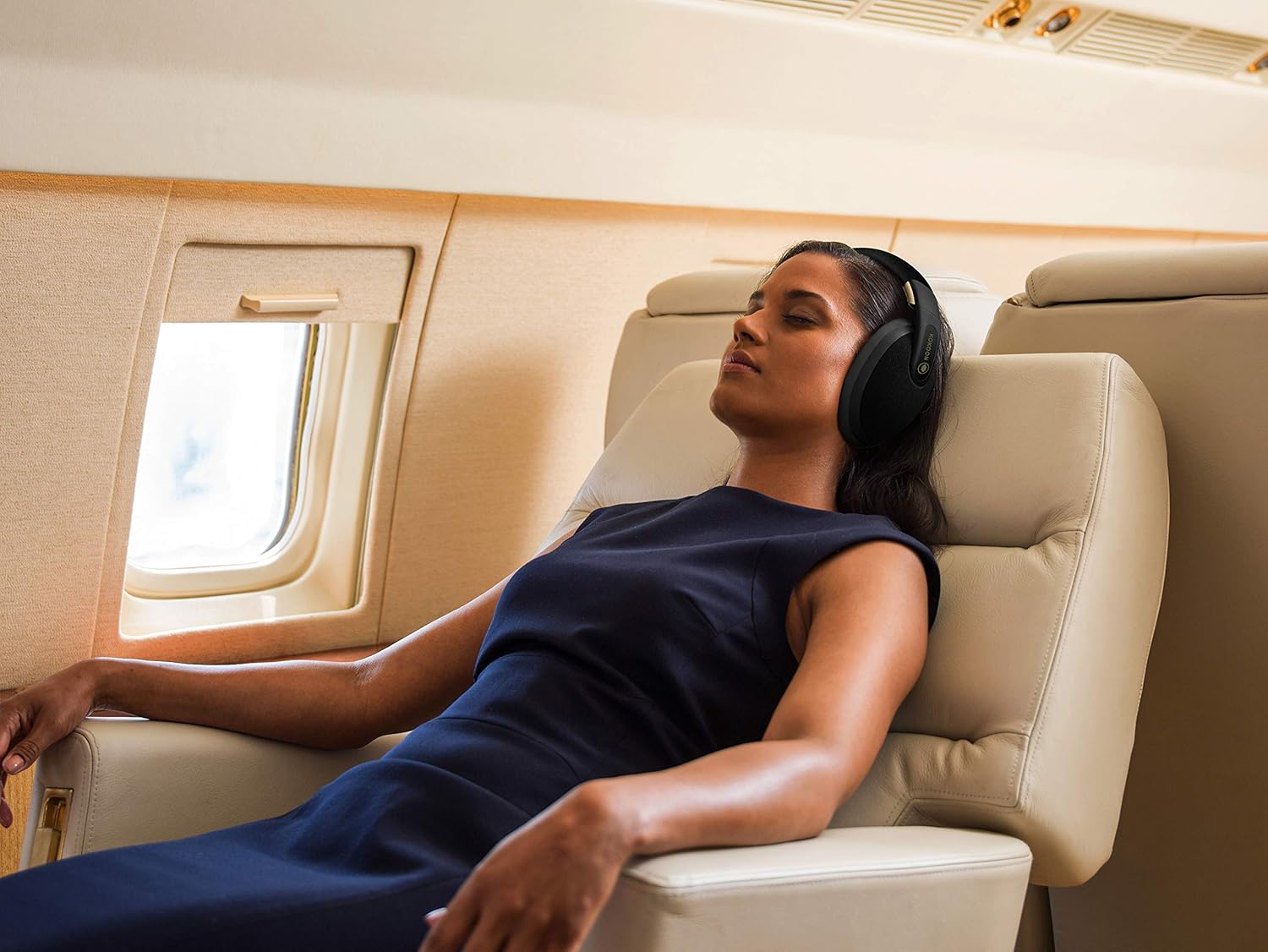
Image: A person resting comfortably on an airplane seat, wearing Kokoon headphones, illustrating their suitability for travel and creating a personal quiet space.
Maintenance
Cleaning
Wipe the headphones with a soft, dry cloth. For earcups, gently clean with a slightly damp cloth and mild soap if necessary, ensuring no moisture enters the speaker grilles or charging port. Do not use harsh chemicals or abrasive materials.
Storage
When not in use, store the headphones in their protective carrying case to prevent damage from dust, scratches, and impacts. Avoid storing in extreme temperatures or high humidity.

Image: The Kokoon headphones neatly folded and placed inside their custom protective carrying case, ready for storage or travel.
Battery Care
To prolong battery life, avoid fully discharging the headphones frequently. Charge them regularly, even if not used for extended periods.
Troubleshooting
- No Power: Ensure the headphones are fully charged. Try a different charging cable or power adapter.
- Cannot Pair via Bluetooth: Make sure the headphones are in pairing mode (flashing LED). Turn off and on your device's Bluetooth. Try unpairing and re-pairing.
- No Sound: Check volume levels on both headphones and your connected device. Ensure the headphones are properly paired.
- App Not Syncing/Crashing: Ensure the app is updated to the latest version. Restart the app and your device. Check for sufficient storage space on your device.
- ANC Not Effective: Ensure ANC is activated. Adjust headphone fit to ensure a good seal around the ears.
- Discomfort During Sleep: Experiment with different pillow types or sleeping positions. The Flexmould system is designed for comfort, but individual preferences vary.
For further assistance, refer to the support section within the Kokoon app or visit the official Kokoon website.
Specifications
| Feature | Detail |
|---|---|
| Model Number | K1V0BW-2_SML |
| Connectivity Technology | Wireless (Bluetooth) |
| Noise Control | Active Noise Cancellation |
| Ear Placement | Over Ear |
| Form Factor | In Ear (referring to the internal sensor placement, external is over-ear) |
| Material | Silicone (earcups/padding) |
| Item Weight | 12 ounces |
| Control Method | App |
| Special Feature | Noise Cancellation |
| Manufacturer | Kokoon |
| Package Dimensions | 8.94 x 8.15 x 4.02 inches |
| Date First Available | September 13, 2019 |
Warranty and Support
For detailed warranty information, please refer to the official Kokoon website or the documentation included with your product at the time of purchase. Support resources, including FAQs and contact options, are available within the Kokoon companion app and on the manufacturer's website.