1. Product Overview
The ECOVACS DEEBOT 711S is a robotic vacuum cleaner designed to automate floor cleaning. It features Smart Navi 2.0 visual mapping technology for systematic navigation, ensuring efficient coverage of your home. The DEEBOT 711S is equipped with Max Mode for increased suction power, suitable for various floor types including hard floors and carpets, and is effective in managing pet hair. Control is facilitated through the ECOVACS Home App and voice commands via Alexa and Google Assistant. The unit is self-charging and operates quietly, offering up to 130 minutes of runtime.
2. Setup
2.1 Unpacking and Placement
Carefully remove all components from the packaging. Select a suitable location for the charging dock. Ensure the area around the dock is clear of obstacles to allow the DEEBOT to easily return for charging. It is recommended to place the charging dock against a wall with at least 0.5 meters (1.6 feet) of clear space on either side and 1.5 meters (4.9 feet) in front.
2.2 Initial Charge
Place the DEEBOT onto the charging dock. Ensure the charging pins on the DEEBOT align with those on the dock. The indicator light on the DEEBOT will illuminate to confirm it is charging. Allow the DEEBOT to fully charge before its first use. A full charge typically takes several hours.
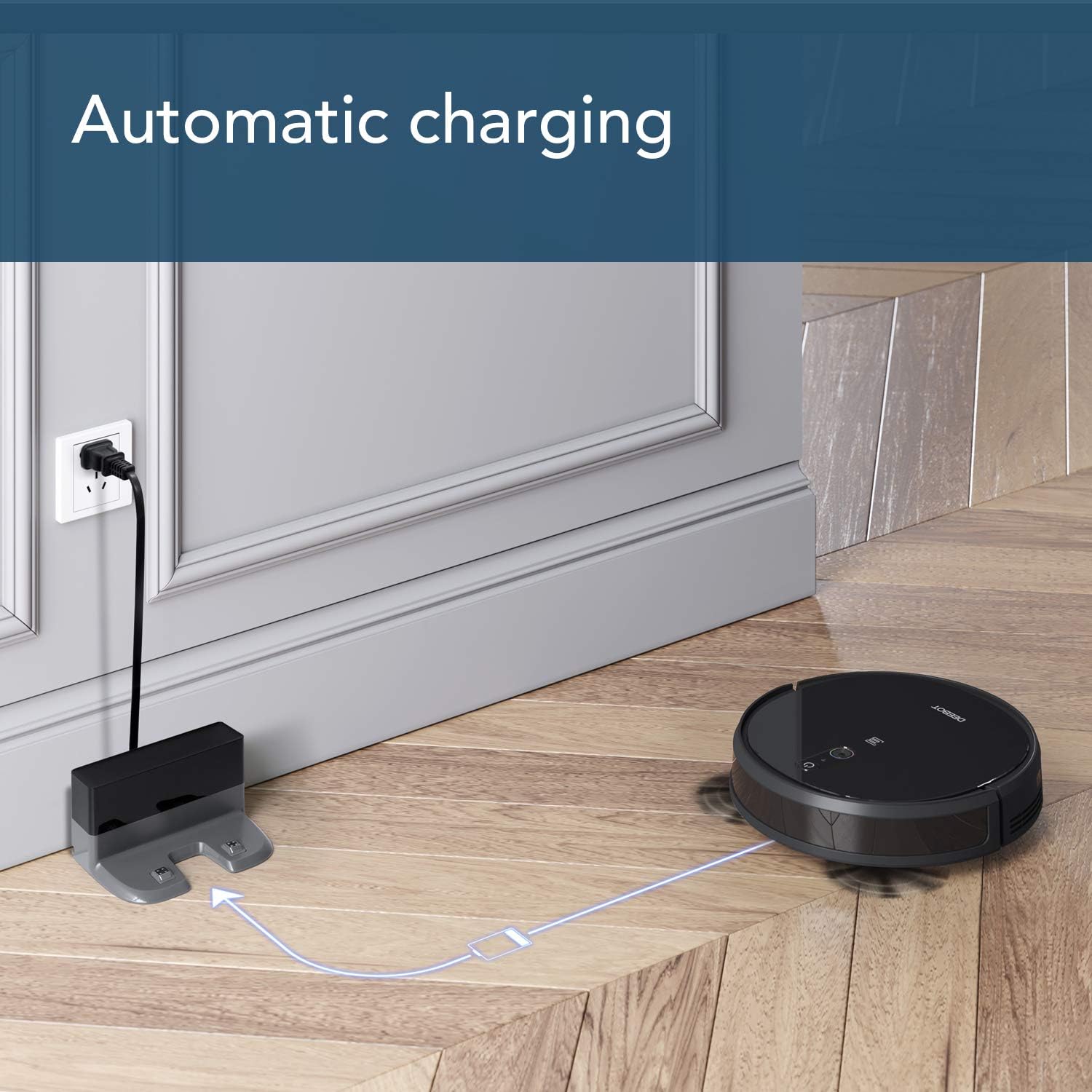
Image: The ECOVACS DEEBOT 711S robot vacuum automatically returning to its charging dock, illustrating the self-charging feature.
2.3 App Installation and Connection
Download the ECOVACS Home App from your device's app store (compatible with Android, iPad, iPhone). Follow the in-app instructions to connect your DEEBOT 711S to your home Wi-Fi network and pair it with the app. This enables remote control, scheduling, and access to advanced features.

Image: A smartphone displaying the ECOVACS Home App interface, showing a mapped area and cleaning status for the DEEBOT 711S.
3. Operation
3.1 Smart Navi 2.0 Visual Mapping
The DEEBOT 711S utilizes Smart Navi 2.0 technology to create a systematic cleaning path. During its first few cleaning cycles, the robot will map your home's layout, allowing it to clean efficiently without repeating areas. This visual mapping ensures comprehensive coverage of up to 1100 square feet per cycle.

Image: The ECOVACS DEEBOT 711S robot vacuum navigating a living room, with blue lines illustrating its Smart Navi 2.0 visual mapping technology.
3.2 Cleaning Modes
- Auto Clean: The DEEBOT cleans your home automatically, adapting to different floor types.
- Max Mode: Activates 2X suction power for deep cleaning on carpets or heavily soiled hard floors.
- Edge Mode: Focuses cleaning along walls and corners.
- Spot Mode: Concentrates cleaning on a specific area for localized messes.
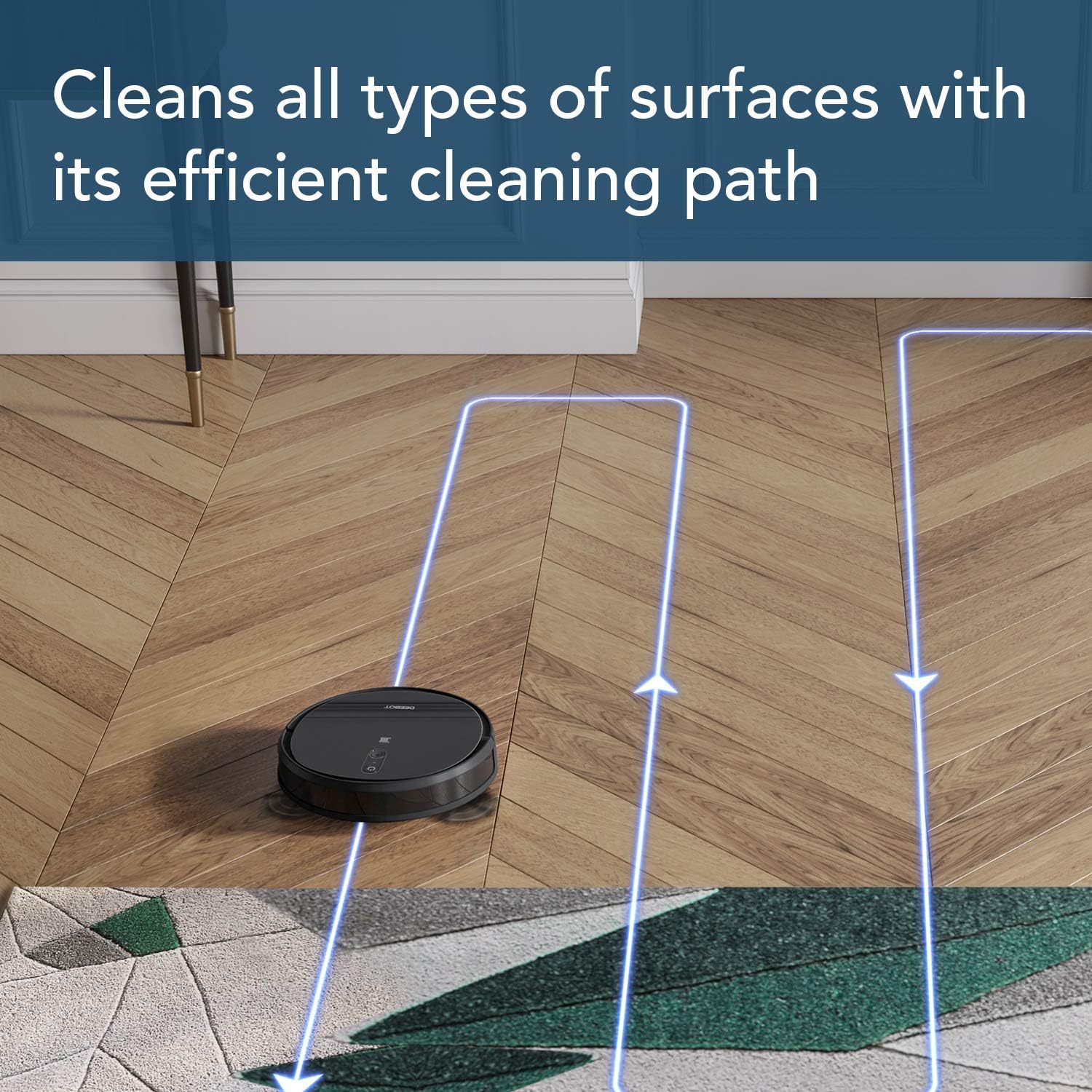
Image: The ECOVACS DEEBOT 711S robot vacuum cleaning a hard floor, demonstrating its efficient and systematic cleaning path.
3.3 Voice and App Controls
Control your DEEBOT using the ECOVACS Home App for direct control, scheduling, status updates, and mode selection. The DEEBOT 711S is also compatible with Alexa and Google Assistant, allowing for convenient voice commands such as “Alexa, ask DEEBOT to start cleaning”.
3.4 Runtime and Charging
The DEEBOT 711S provides up to 130 minutes of cleaning runtime on a single charge. When the battery is low or cleaning is complete, the robot will automatically return to its charging dock.
4. Maintenance
Regular maintenance ensures optimal performance of your DEEBOT 711S. Always turn off the robot and disconnect it from the charging dock before performing any maintenance.
4.1 Dustbin and Filter Cleaning
The DEEBOT 711S features a 520ml dustbin. Empty the dustbin after each cleaning cycle. The high-efficiency air filter should be cleaned regularly by tapping it against a trash can to remove debris. Replace the filter every 3-6 months, or as needed, to maintain suction performance.
4.2 Brush Cleaning
Regularly inspect and clean the main brush and side brushes. Remove any tangled hair or debris using the cleaning tool provided. Replace worn or damaged brushes to ensure effective cleaning.
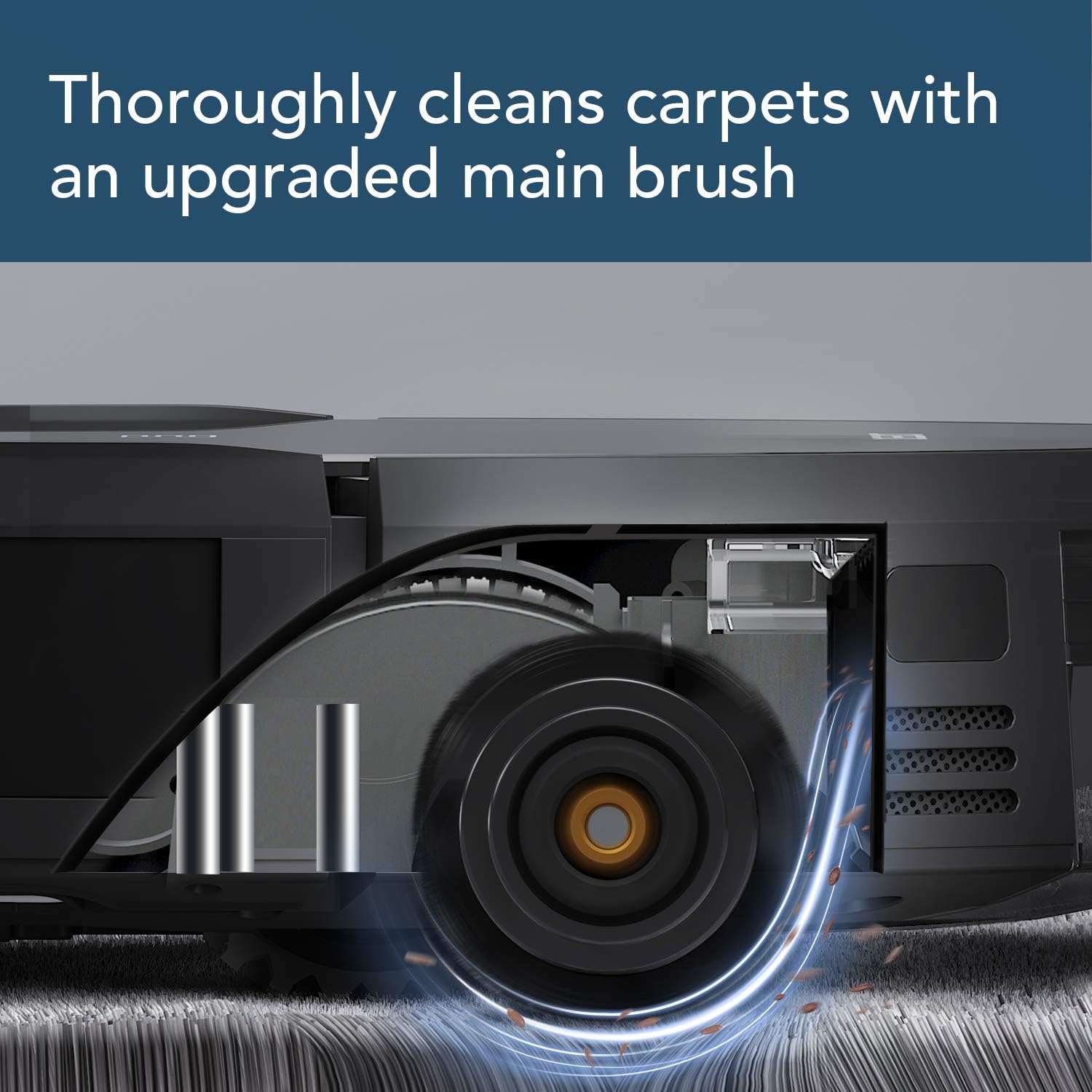
Image: A close-up view of the ECOVACS DEEBOT 711S's upgraded main brush effectively cleaning debris from a carpet.
4.3 Sensor Cleaning
Wipe the anti-drop sensors, anti-collision sensors, and charging contacts with a clean, dry cloth to ensure they function correctly and prevent navigation issues.
5. Troubleshooting
If your DEEBOT 711S encounters an issue, refer to the following common troubleshooting tips:
- Robot not charging: Ensure the charging dock is powered on and the DEEBOT's charging contacts are clean and properly aligned with the dock.
- Robot getting stuck: Clear cables, small objects, and loose rugs from the cleaning area. The robot may get entangled or stuck on high thresholds.
- Poor cleaning performance: Empty the dustbin, clean the main brush and side brushes, and check if the filter needs replacement.
- Navigation issues: Clean all sensors on the robot. Ensure there are no sudden changes in lighting or reflective surfaces confusing the sensors.
- App connectivity problems: Ensure your Wi-Fi network is stable and the DEEBOT is within range. Restart both the robot and your router if necessary.
6. Specifications
| Feature | Detail |
|---|---|
| Brand | ECOVACS |
| Model Name | deebot |
| Item Model Number | 711S |
| Special Feature | Cordless |
| Color | Black |
| Included Components | Robot, Charging Dock, Side Brushes (4), High Efficiency Air Filter (2), Remote Control with Battery (1), Cleaning Tool (1) |
| Filter Type | Disk |
| Battery Life | 130 minutes |
| Voltage | 14.4 Volts (AC) |
| Dustbin Capacity | 520 Milliliters |
| Power Source | Battery Powered |
| Control Method | Voice, App |
| Compatible Devices | Android, iPad, iPhone |
| Form Factor | Robotic |
| Product Dimensions | 12.8 x 12.8 x 3.18 inches |
| Item Weight | 7.93 pounds |
| Surface Recommendation | Carpet, Hard Floor, Dual Action |
7. Warranty and Support
The ECOVACS DEEBOT 711S comes with a 1-year manufacturer warranty. For technical assistance, troubleshooting, or warranty claims, please contact ECOVACS customer support. Refer to the official ECOVACS website or your product packaging for the most current contact information.


