
1. Introduction
Thank you for choosing the LVYUAN Pure Sine Wave Power Inverter. This device is designed to convert 12V DC power from your vehicle battery or solar system into stable 230V/240V AC power, suitable for a wide range of household appliances and electronic devices. With a continuous output of 3500W and a peak power of 7000W, it provides reliable power for your on-the-go needs. This manual provides essential information for safe and efficient operation of your inverter.

Figure 1.1: LVYUAN 3500W Pure Sine Wave Power Inverter with included accessories.
2. Safety Instructions
Please read and understand all safety instructions before operating the inverter. Failure to follow these instructions may result in electric shock, fire, or serious injury.
- Do Not Overload: The inverter has a continuous power rating of 3500W and a peak power of 7000W (for less than 10ms). Do not exceed the continuous power rating of the inverter. For inductive loads (e.g., refrigerators, drills, pumps, microwaves with motors), choose an inverter with a continuous power rating 3 to 7 times higher than the appliance's wattage.
- Correct Polarity: Ensure correct connection of positive (+) and negative (-) terminals. Reverse polarity connection is strictly prohibited and will damage the inverter.
- Ventilation: Ensure adequate ventilation around the inverter. Do not block cooling vents.
- Environment: Do not expose the inverter to water, rain, snow, or spray. Do not operate in areas with flammable fumes or gases.
- Cable Usage: Always use the standard battery cables provided with the inverter to ensure full power output and safety.
- Fuses: The inverter includes built-in fuses for short-circuit protection. Replacement fuses are provided for accidental burning.
- Children: Keep the inverter out of reach of children.
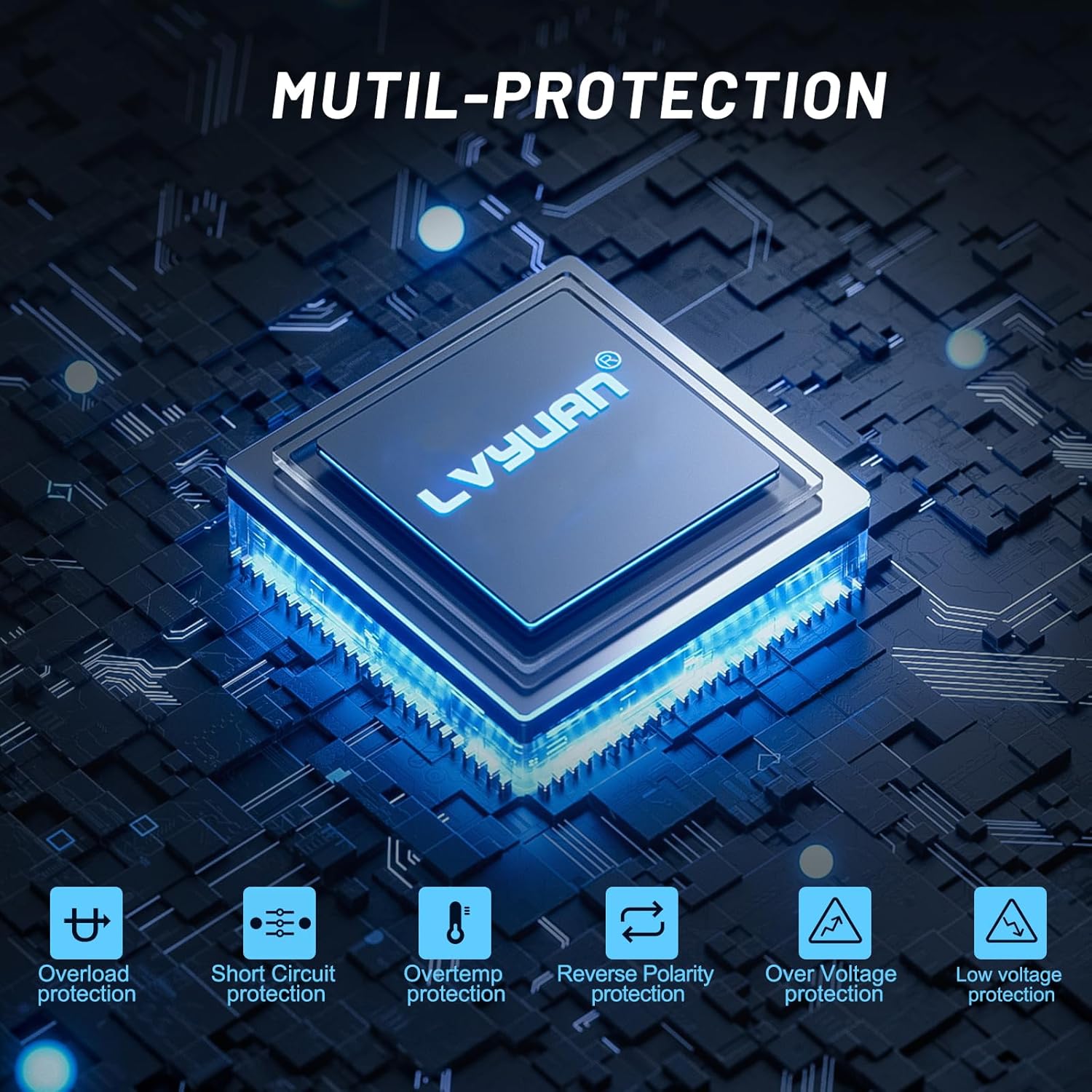
Figure 2.1: The inverter features multiple protection mechanisms for enhanced safety.

Figure 2.2: Comprehensive safety design protects your devices and the inverter.
3. Package Contents
Upon opening the package, please verify that all items listed below are present and undamaged:
- 1 x LVYUAN Pure Sine Wave Power Inverter
- 2 x Battery Connection Cables (Red for Positive, Black for Negative)
- 1 x Wireless Remote Control
- 6 x Spare Fuses
- 1 x User Manual (This document)

Figure 3.1: All components included in the package, along with the inverter's dimensions.
4. Product Features
The LVYUAN Pure Sine Wave Power Inverter is equipped with several features designed for convenience and performance:
- Pure Sine Wave Output: Provides clean and stable AC power, ideal for sensitive electronics.
- High Power Output: Delivers 3500W continuous power and 7000W peak power.
- Multiple Outlets: Features two UK AC outlets and one USB port for versatile charging.
- Wireless Remote Control: Allows convenient power control from a distance (A for ON, B for OFF).
- Dual LED Display: Shows real-time input (battery) voltage and output voltage for easy monitoring.
- Intelligent Cooling Fans: Automatically activate based on temperature to maintain optimal operating conditions.
- Comprehensive Protection: Includes overload, short-circuit, over-temperature, reverse polarity, over-voltage, and under-voltage protection.

Figure 4.1: Key features and connection points of the LVYUAN Power Inverter.

Figure 4.2: The wireless remote control provides convenient operation.
5. Setup and Installation
The inverter is designed for easy installation in both home and vehicle environments. Follow these steps for proper setup:
- Choose a Location: Select a dry, well-ventilated area away from direct sunlight, heat sources, and flammable materials. Ensure sufficient space around the inverter for air circulation.
- Prepare the Battery: Ensure your 12V DC battery is fully charged and in good condition. Disconnect any loads from the battery before connecting the inverter.
- Connect Cables:
- Connect the red battery cable to the positive (+) terminal of the inverter and then to the positive (+) terminal of the battery.
- Connect the black battery cable to the negative (-) terminal of the inverter and then to the negative (-) terminal of the battery.
- Ensure all connections are tight and secure to prevent loose connections and sparking.
- Grounding: For safety, connect the inverter's grounding terminal to a proper earth ground (e.g., vehicle chassis or a dedicated ground rod).
- Initial Power On: Before turning on the inverter, ensure the small switch between the AC sockets is in the 'OFF' position. Once connected to the battery terminals, you can turn the inverter 'ON'.
Note: It is recommended to install an inline fuse on the positive cable between the battery and the inverter for additional protection, although the inverter has internal protection.
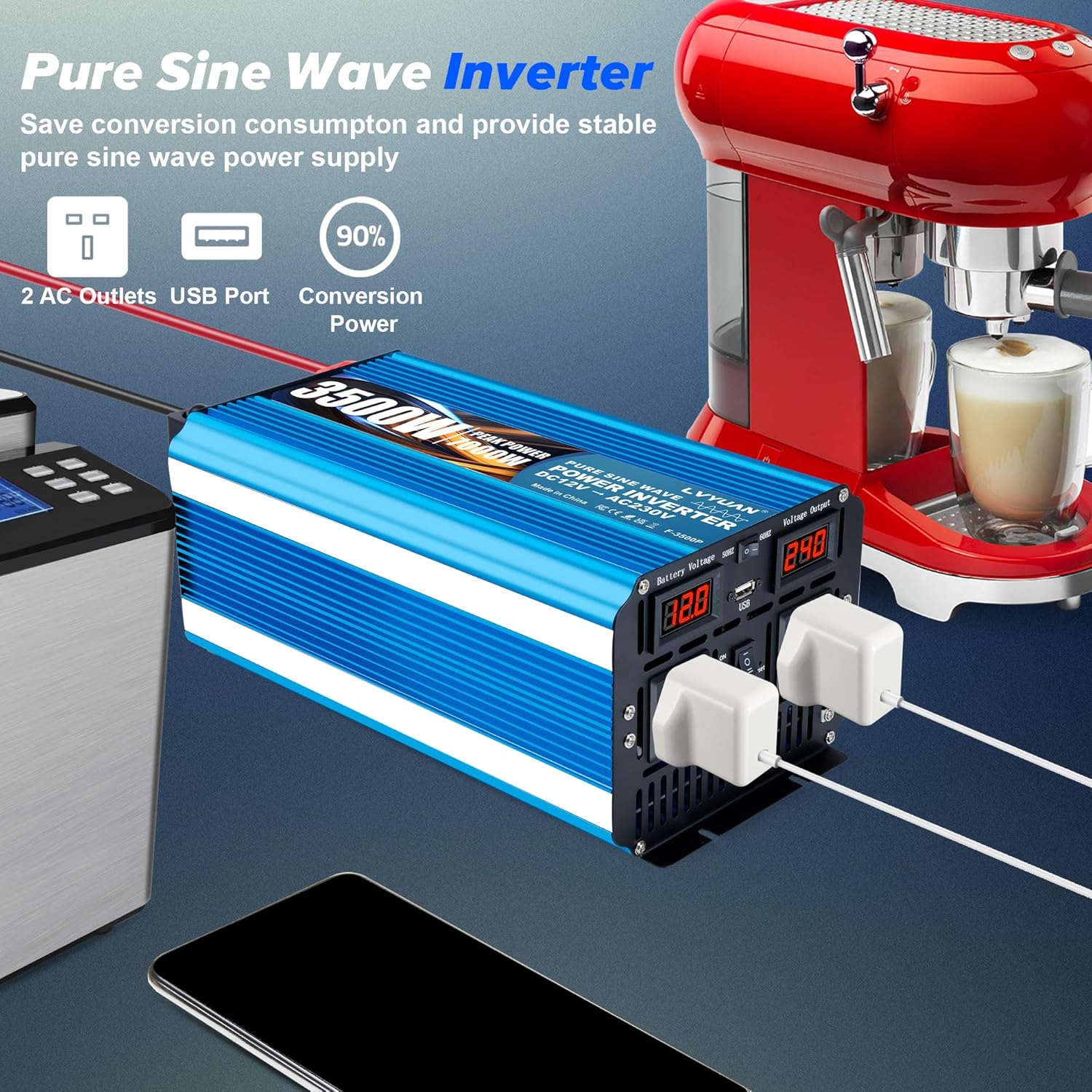
Figure 5.1: The inverter provides stable power for various appliances.
6. Operating Instructions
Once properly installed, operating your LVYUAN inverter is straightforward:
- Power On: Press the 'ON' button on the inverter's control panel or the 'A' button on the wireless remote control. The LED display will illuminate, showing the battery input voltage and AC output voltage.
- Connect Appliances: Plug your AC appliances into the 230V AC outlets and/or your USB devices into the USB port. Ensure the total power consumption of your appliances does not exceed the inverter's continuous power rating (3500W).
- Monitor Displays: Regularly check the dual LED display to monitor the input battery voltage and output AC voltage. This helps in understanding the power situation and preventing battery over-discharge.
- Power Off: When you are finished using the inverter, press the 'OFF' button on the control panel or the 'B' button on the wireless remote control. Disconnect appliances before powering off the inverter.
Applications: This inverter is ideal for powering laptops, fans, game consoles, Kindles, TVs, LED lights, cameras, electric drills, hair dryers, kettles, chainsaws, and other electronic devices in various settings such as RVs, camping cars, trucks, yachts, and during outdoor activities or emergencies.

Figure 6.1: The inverter supports a wide range of applications.

Figure 6.2: The inverter helps protect and extend the life of your electronics by providing stable power.
7. Maintenance
Regular maintenance ensures the longevity and optimal performance of your inverter:
- Cleaning: Keep the inverter clean and free from dust and debris. Use a dry cloth to wipe the exterior. Do not use liquid cleaners.
- Ventilation: Periodically check that the cooling vents are not obstructed. Ensure the intelligent cooling fans are operating correctly when the inverter is under load.
- Connections: Regularly inspect battery cable connections to ensure they remain tight and free from corrosion. Clean terminals if necessary.
- Storage: If storing the inverter for an extended period, disconnect it from the battery and store it in a cool, dry place.
8. Troubleshooting
If you encounter issues with your inverter, refer to the following common problems and solutions:
| Problem | Possible Cause | Solution |
|---|---|---|
| No output voltage / Inverter not turning on | Loose battery connections; Low battery voltage; Blown fuse; Inverter switch off. | Check and tighten battery connections; Recharge or replace battery; Check and replace fuses (if necessary); Ensure inverter switch is ON. |
| Low output voltage | Overload; Low battery voltage; Excessive cable length/gauge. | Reduce load; Recharge battery; Use shorter/thicker battery cables. |
| Inverter shuts down (alarm sounds) | Overload; Over-temperature; Low/High battery voltage; Short circuit. | Reduce load; Allow inverter to cool down; Check battery voltage and charge if low; Disconnect shorted appliance. |
| Fan not running | Inverter not under sufficient load/temperature; Fan malfunction. | Fans activate based on temperature/load; If inverter overheats without fan, contact support. |
9. Specifications
Technical specifications for the LVYUAN Pure Sine Wave Power Inverter:
| Parameter | Value |
|---|---|
| Input Voltage | DC 12V (10V - 15.5V) |
| Output Voltage | AC 230V ± 5% / AC 240V ± 5% |
| Continuous Power | 3500W |
| Peak Power | 7000W (< 10ms) |
| Output Frequency | 50Hz ± 5% |
| Output Waveform | Pure Sine Wave |
| Max Efficiency | > 90% |
| Low Battery Alarm (no load) | DC 10 ~ 10.5V |
| Low Battery Shutdown (no load) | DC 9 ~ 9.5V |
| High Battery Shutdown (no load) | DC 15 ~ 15.5V |
| Operating Temperature | 0°C ~ 40°C |
| Dimensions (L x W x H) | 390mm x 180mm x 140mm (approx. 400mm x 180mm x 140mm) |
| Net Weight | 5.8 kg |
| Cable Length | 50 cm |
| AC Outlets | 2 (UK Type) |
| USB Port | 1 |
10. Warranty and Support
LVYUAN provides a 12-month warranty for this product from the date of purchase. This warranty covers manufacturing defects and workmanship under normal use. It does not cover damage caused by misuse, neglect, improper installation, unauthorized modifications, or natural disasters.
For technical support, warranty claims, or any questions regarding your LVYUAN Pure Sine Wave Power Inverter, please contact LVYUAN customer service through the retailer or the official LVYUAN website. Please have your model number and purchase details ready when contacting support.