
1. Introduction
Welcome to your new Fossil FS5571 Analog Silver Dial Men's Watch. This manual provides essential information for the proper use and care of your timepiece. Please read it thoroughly to ensure optimal performance and longevity of your watch.
2. Product Overview
2.1 Components
- Case: The main body of the watch, housing the movement.
- Dial: The face of the watch displaying the time.
- Hands: Hour, minute, and second hands indicating the time.
- Crown: The knob on the side of the case used for setting the time.
- Strap: The black leather band used to secure the watch to your wrist.
- Buckle: The clasp mechanism on the strap for secure fastening.

Figure 2.1: Front view of the Fossil FS5571 watch, showing the silver dial, hands, and black leather strap.

Figure 2.2: Side view of the Fossil FS5571 watch, highlighting the gold-tone case and crown.
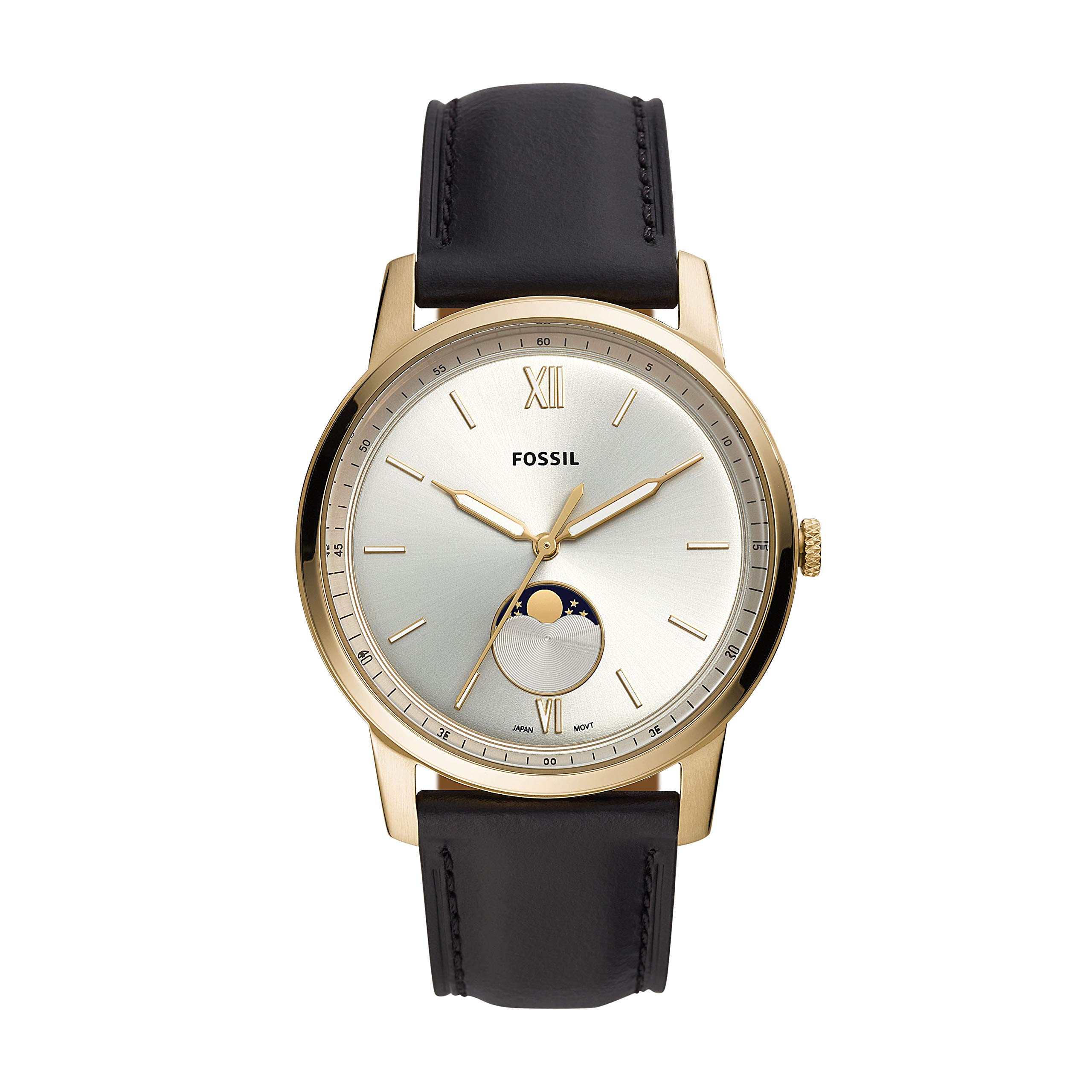
Figure 2.3: Rear view of the Fossil FS5571 watch, displaying the black leather strap with a gold-tone buckle featuring the Fossil logo.
3. Setup
3.1 Setting the Time
- Gently pull the crown outwards to the time-setting position.
- Rotate the crown clockwise or counter-clockwise to move the hour and minute hands to the desired time.
- Once the correct time is set, push the crown back into its original position to start the watch movement.
3.2 Adjusting the Strap
The black leather strap features a traditional buckle closure. To adjust, simply slide the strap through the buckle and secure the pin into the desired hole for a comfortable fit on your wrist.
4. Operating Your Watch
The Fossil FS5571 is an analog watch designed for accurate timekeeping. Once the time is set, the watch will continuously display the current time through its hour, minute, and second hands. No further operation is typically required for basic time display.
5. Maintenance and Care
5.1 Cleaning
- Wipe the watch case and crystal with a soft, dry, lint-free cloth.
- For the leather strap, avoid excessive moisture. If it gets wet, gently pat it dry and allow it to air dry completely.
5.2 Strap Care
Leather straps can be affected by sweat, water, and direct sunlight. To prolong the life of your leather strap, avoid prolonged exposure to these elements. Regular cleaning and conditioning (with a product suitable for leather watch straps) can help maintain its appearance and flexibility.
5.3 Battery Replacement
The watch is powered by a product-specific battery. When the watch stops or the time becomes inaccurate, it may be time for a battery replacement. It is recommended to have the battery replaced by an authorized Fossil service center or a qualified watch technician to ensure proper sealing and function.
6. Troubleshooting
- Watch Not Running: Check if the crown is fully pushed in. If it is, the battery may need replacement.
- Time Inaccurate: Ensure the crown is fully pushed in after setting the time. If the issue persists, the battery may be low or the movement may require servicing.
- Condensation Under Crystal: This may indicate a loss of water resistance. Avoid further contact with water and seek professional servicing immediately.
7. Specifications
| Model Number | FS5571 |
| Case Diameter | 44 Millimetres |
| Case Thickness | 8 Millimetres |
| Band Width | 22 Millimetres |
| Movement Type | Analog |
| Strap Material | Leather |
| Item Weight | 48.9 Grams |
| Battery | 1 Product Specific battery (included) |
8. Warranty and Support
Your Fossil watch is covered by a limited warranty. For detailed information regarding warranty terms, conditions, and service, please refer to the warranty card included with your purchase or visit the official Fossil website. For customer support, please contact Fossil directly through their official channels.