
1. Introduction
Thank you for choosing Govee Color Changing Light Bulbs. These RGB LED bulbs offer 16 vibrant colors and 4 dynamic modes, along with adjustable warm white and cool white lighting, all controllable via the included remote. They are ideal for creating various atmospheres in your home, for stage lighting, or for parties.
2. Safety Information
- Ensure the power is off before installing or removing the bulbs.
- Do not use in wet locations or where directly exposed to water. These bulbs are designed for indoor use only.
- Do not disassemble or modify the bulbs. This will void the warranty and may pose a safety risk.
- Operate within the specified voltage range of 100-120 Volts and 60 Hertz.
- Keep out of reach of children.
3. Package Contents
- Govee Color Changing Light Bulbs (4-Pack)
- 16-Key Remote Controllers (2 units)

4. Setup
- Ensure the power to the light fixture is turned off at the switch.
- Carefully screw the Govee Color Changing Light Bulb into a standard E27 bulb base. Do not overtighten.
- Turn on the power to the light fixture. The bulb should illuminate in its default setting.
- The remote controls come with pre-installed batteries and are ready for immediate use. No complex pairing is required.
5. Operating Instructions
5.1 Remote Control Functions
The included 16-key remote control allows for full customization of your Govee light bulbs. The effective range of the remote is approximately 26.24 feet (8 meters).
- Power On/Off: Use the power button to turn the bulbs on or off.
- Color Selection: Choose from 16 vibrant colors using the dedicated color buttons.
- Brightness Adjustment: Increase or decrease the brightness level to your preference.
- Warm White / Cool White: Switch between 2700K warm white and 6500K cool white for daily lighting needs.

5.2 Dynamic Modes
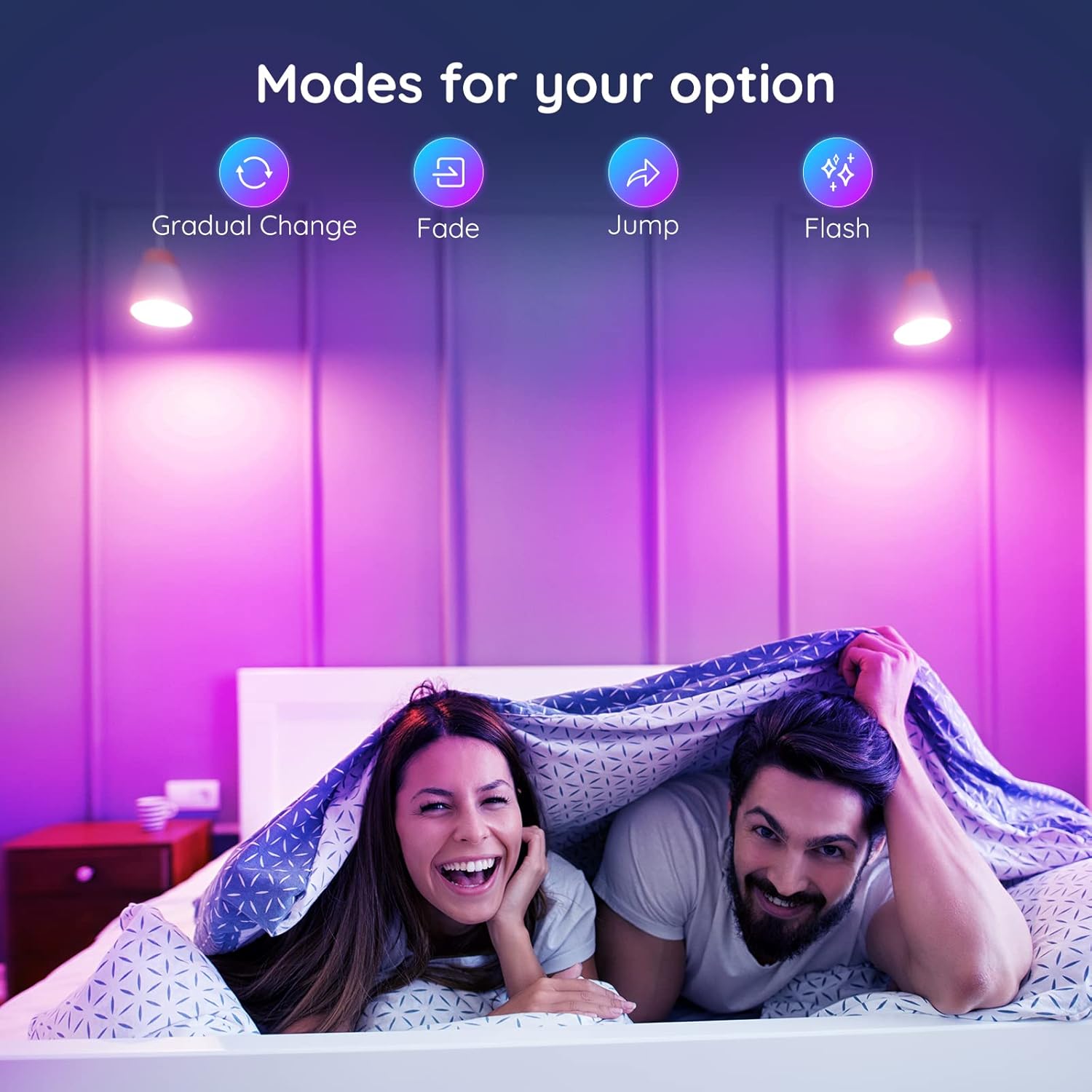
The bulbs feature 4 dynamic modes to enhance your environment:
- Shade Mode: Smooth transition between colors.
- Fade Mode: Gradual fading in and out of colors, ideal for relaxation.
- Jump Mode: Colors change abruptly.
- Flash Mode: Rapid flashing of colors, perfect for parties.

5.3 Memory Function
The Govee LED light bulbs can store your preferred lighting effects. Simply press and hold the designated storage button on the remote for 2 seconds. The next time you tap this button, the light will instantly revert to your saved mode.

5.4 Timer Function
Set the bulbs to automatically turn off after 2 hours or 4 hours using the 2H/4H delay buttons on the remote. This feature provides convenience, especially at bedtime.


6. Maintenance
- To clean the bulbs, ensure they are off and cool. Wipe gently with a dry, soft cloth. Do not use liquid cleaners.
- The bulbs do not contain any user-serviceable parts. Do not attempt to open or repair them.
- Store bulbs in a cool, dry place when not in use for extended periods.
7. Troubleshooting
7.1 Light not turning on
- Check if the bulb is screwed in properly and securely into the lamp holder.
- Ensure the light fixture is receiving power and the wall switch is on.
- Verify the remote control's battery is functional.
7.2 Remote control not responding
- Ensure you are within the remote's effective range (approximately 26.24 feet) and there are no major obstructions between the remote and the bulb.
- Check the remote control's battery and replace if necessary.
- Minimize interference from other infrared devices (e.g., TV remotes) by pointing the Govee remote directly at the bulb or using it in a less cluttered environment.
7.3 Bulbs are out of sync or displaying different colors
- If multiple bulbs are controlled by the same remote and become out of sync, try turning them off and then on again.
- Select a base color (e.g., Red, Green, Blue, or Warm White) to reset all bulbs to a synchronized state before applying dynamic modes or custom colors.
8. Specifications
| Brand | Govee |
| Model Number | B60180A1 |
| Light Type | LED |
| Wattage | 3 watts |
| Bulb Shape Size | A19 |
| Bulb Base | E27 |
| Color Temperature | 2700K (Warm White) - 6500K (Cool White) |
| Brightness | 300 Lumens |
| Voltage | 110 Volts |
| Frequency | 60 Hertz |
| Material | Plastic |
| Connectivity | Infrared (Remote Control) |
| Indoor/Outdoor Use | Indoor Only |
9. Warranty and Support
For warranty information and customer support, please refer to the documentation provided with your purchase or visit the official Govee store on Amazon. You can find the Govee Store at https://www.amazon.com/stores/Govee/page/955085B3-85CC-417B-AD85-4028F36EFEAB.


