
Product Overview
The AXAGON ECO EE25-XA6 Aline Box is a compact external aluminum enclosure designed for 2.5-inch SATA III/II/I SSDs or HDDs with a maximum height of 9.5 mm. It features a USB 3.0 interface with UASP support for high-speed data transfer up to 6 Gb/s (SATA III) and is backward compatible with USB 2.0. The robust aluminum housing provides mechanical protection and efficient heat dissipation for your drive. This enclosure supports TRIM functionality to maintain SSD performance and allows monitoring of drive health via S.M.A.R.T. information. It also includes automatic sleep mode for inactivity and drive power-off upon disconnection.
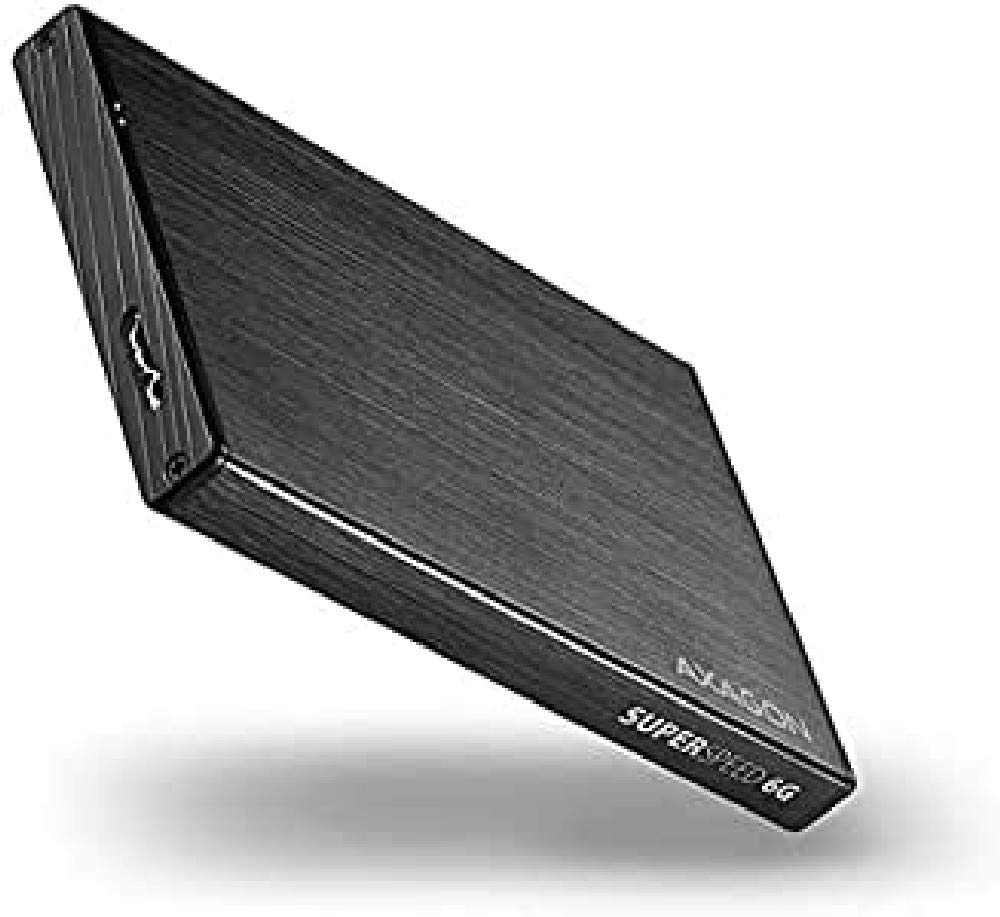
Image: The AXAGON ECO EE25-XA6 USB 3.0 Aline Box, a sleek black aluminum enclosure.
Package Contents
Before proceeding with installation, please ensure all components are present:
- AXAGON ECO EE25-XA6 USB 3.0 External Box
- USB 3.0 cable (USB A-type male / USB micro B male, 60 cm)
- Mounting screws
- Small screwdriver

Image: Contents of the AXAGON ECO EE25-XA6 package, including the enclosure, USB cable, screws, and screwdriver.
Setup and Installation
Follow these steps to install your 2.5-inch SATA SSD or HDD into the AXAGON ECO EE25-XA6 enclosure:
- Prepare the Enclosure: Using the provided screwdriver, carefully remove the two screws located on the front panel of the enclosure. Gently slide open the enclosure to access the internal SATA connector.
- Insert the Drive: Align your 2.5-inch SATA SSD or HDD with the internal SATA data and power connector. Gently push the drive firmly into the connector until it is securely seated. Ensure the drive is oriented correctly.
- Secure the Drive: Once the drive is fully inserted, slide the enclosure cover back into place.
- Close the Enclosure: Re-insert and tighten the two screws on the front panel to secure the enclosure.
- Connect to Computer: Connect one end of the provided USB 3.0 cable to the micro B port on the enclosure and the other end to an available USB 3.0 port on your computer. The device is Plug and Play, and drivers will install automatically.

Image: The enclosure with the included screwdriver and screws, ready for disassembly.
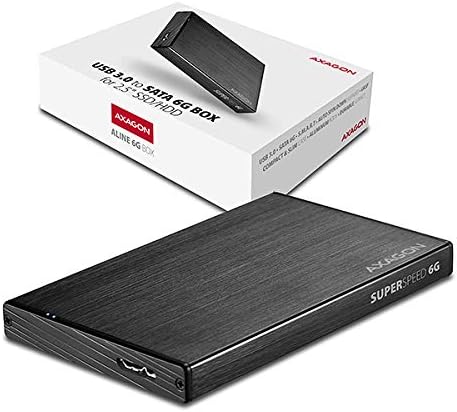
Image: A 2.5-inch SATA drive being inserted into the enclosure's internal connector.
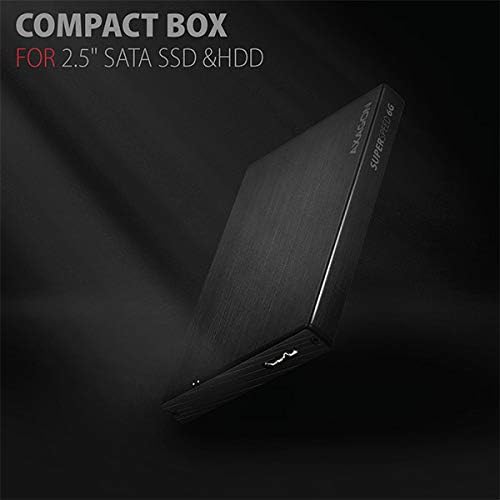
Image: The 2.5-inch SATA drive fully seated within the enclosure.
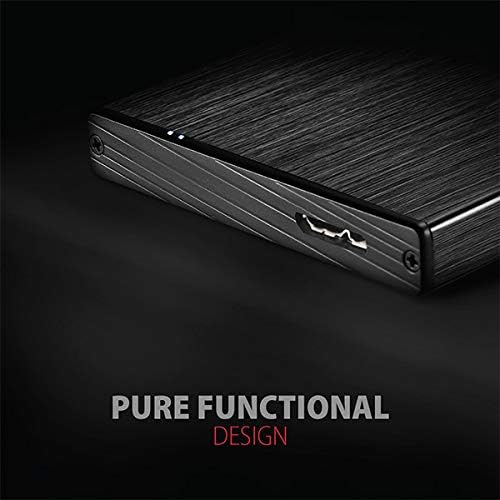
Image: Screws being tightened to secure the enclosure's front panel.
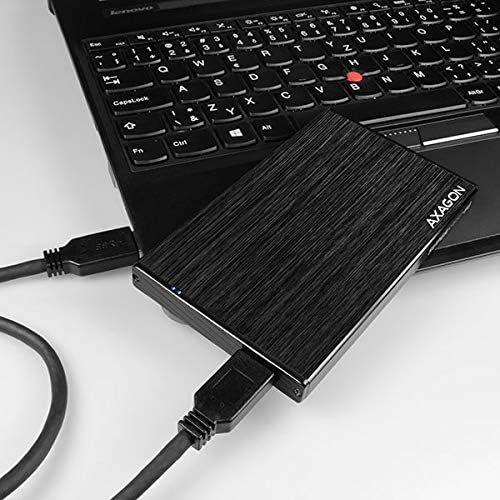
Image: The AXAGON ECO EE25-XA6 enclosure connected to a laptop via its USB 3.0 cable.
Operating Instructions
The AXAGON ECO EE25-XA6 is designed for straightforward operation:
- Power Indicator: A subtle, glare-free blue LED on the enclosure indicates connection to a USB port by continuous light and data transmission by flashing.
- Hot Plug Support: The device supports Hot Plug, allowing you to connect or disconnect the enclosure while your computer is running.
- Automatic Sleep Mode: The installed hard drive will automatically enter sleep mode after 10 minutes of inactivity to conserve power and extend drive life.
- Drive Power Off: The hard drive will power off automatically when the device is removed from the computer or when the computer enters sleep mode.
- UASP Support: For optimal performance with modern SSDs, ensure your operating system and USB 3.0 host controller support USB Attached SCSI Protocol (UASP).
- TRIM Function: The enclosure supports the TRIM function, which helps maintain the performance of SSDs over time.
- S.M.A.R.T. Monitoring: You can read S.M.A.R.T. information to monitor the health and status of your external hard drive.
Maintenance
To ensure the longevity and optimal performance of your AXAGON ECO EE25-XA6 enclosure:
- Cleaning: Use a soft, dry cloth to clean the exterior of the aluminum housing. Avoid using liquid cleaners or abrasive materials, as they may damage the finish.
- Handling: While the aluminum housing is sturdy, avoid dropping or subjecting the enclosure to strong impacts.
- Ventilation: Ensure the enclosure is placed in an area with adequate airflow to assist with heat dissipation, especially during prolonged use.
- Cable Care: Handle the USB cable by the connectors, not the cable itself, to prevent damage. Avoid sharp bends or kinks in the cable.
Troubleshooting
If you encounter issues with your AXAGON ECO EE25-XA6, consider the following:
- Device Not Detected:
- Ensure the USB cable is securely connected to both the enclosure and a functional USB port on your computer.
- Verify that the SSD/HDD is correctly installed and fully seated within the enclosure's SATA connector.
- Try connecting the enclosure to a different USB port on your computer or another computer to rule out port issues.
- Check your computer's Disk Management (Windows) or Disk Utility (macOS) to see if the drive is recognized but uninitialized or unformatted.
- Slow Data Transfer Speeds:
- Ensure you are connected to a USB 3.0 port on your computer. USB 2.0 ports will limit speeds significantly.
- Verify that your operating system and USB host controller support UASP for optimal performance.
- The actual transfer speed may vary depending on the performance of the installed SSD/HDD and your computer's hardware.
- LED Indicator Not Lighting Up:
- Confirm the enclosure is properly connected to a powered USB port.
- If the drive is not detected, refer to the 'Device Not Detected' steps above.
- Driver Installation: Drivers for the AXAGON ECO EE25-XA6 are part of supported operating systems (MS Windows XP / Vista / 7 / 8 / 8.1 / 10 and newer, Windows Server 2003 / 2008 / 2012 / 2016 and later, Mac OS X 10.x and above, Linux with kernel 2.6.x and above) and are installed automatically. No manual driver installation is required or available.
Specifications
| Feature | Specification |
|---|---|
| Model Number | EE25-XA6 |
| Compatible Drives | 2.5" SATA III/II/I SSD/HDD (max. 9.5 mm height) |
| Max Supported Devices | 1 |
| Internal Interface | SATA 6G (SATA III) |
| External Interface | USB 3.0 Micro-B Female |
| Data Transfer Rate (Theoretical) | Up to 5 Gbps (USB 3.0), Up to 6 Gbps (SATA III) |
| Supported Protocols | UASP, TRIM, S.M.A.R.T. |
| Power Supply | Via USB 3.0 interface (up to 900 mA) |
| Material | Aluminum |
| Dimensions (L x W x H) | 130 x 78 x 12.5 mm |
| Weight (without drive/cable) | 75 g (2.65 ounces) |
| Supported Operating Systems | MS Windows XP / Vista / 7 / 8 / 8.1 / 10 and newer, Windows Server 2003 / 2008 / 2012 / 2016 and later (all 32 and 64-bit versions), Mac OS X 10.x and above, Linux with kernel 2.6.x and above |
Warranty and Support
For warranty information or technical support, please refer to the official AXAGON ECO website or contact their customer service directly. Keep your purchase receipt as proof of purchase for any warranty claims.