
1. Introduction
Thank you for choosing the Geepas GFL4684 Rechargeable LED Flashlight. This manual provides essential information for the safe and efficient use of your new flashlight. Please read these instructions carefully before use and retain them for future reference.
2. Safety Instructions
- Do not look directly into the LED light beam to avoid eye injury.
- Keep the flashlight away from water and moisture.
- Do not attempt to disassemble or modify the flashlight. This may void the warranty and pose a safety risk.
- Store the flashlight in a cool, dry place when not in use.
- Keep out of reach of children.
- Use only the specified charging method and voltage (240 Volts) to prevent damage to the battery or flashlight.
3. Package Contents
Please check the package for the following items:
- Geepas GFL4684 Rechargeable LED Flashlight
- Built-in Lithium-ion Battery
- Charging Cable (if included, not explicitly stated but implied by 'rechargeable')
4. Product Overview
The Geepas GFL4684 is a compact and modern handheld LED flashlight designed for various lighting needs. It features a durable construction and a powerful LED light source.
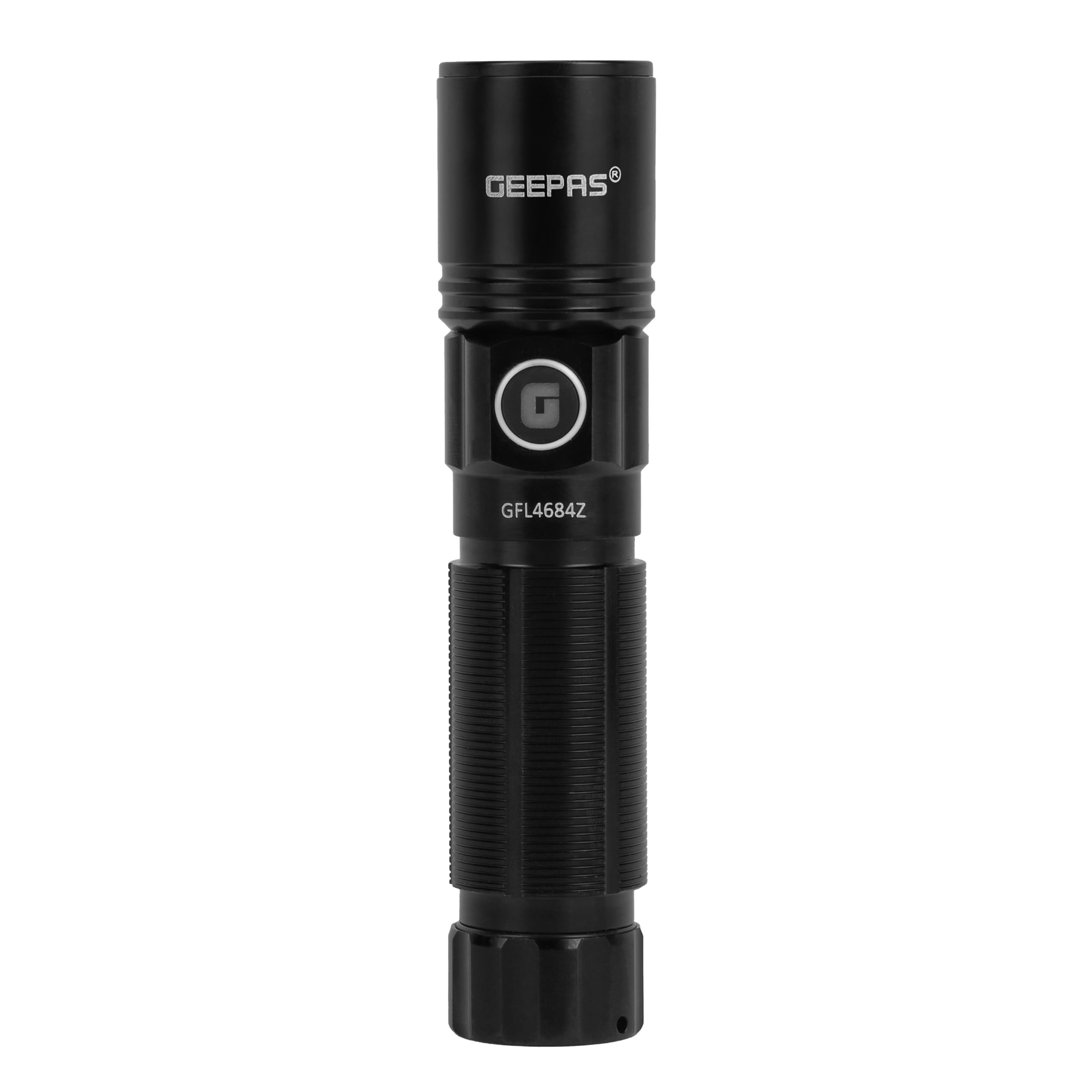
Image: Geepas GFL4684 Rechargeable LED Flashlight. This image displays the overall design of the flashlight, highlighting its compact form factor and the LED light head.
5. Setup
5.1 Initial Charging
Before first use, fully charge the flashlight's built-in Lithium-ion battery. Connect the charging cable to the flashlight's charging port and plug the other end into a compatible power source (e.g., a wall adapter) with a voltage of 240 Volts. An indicator light (if present) will typically show the charging status. Allow sufficient time for a full charge, as indicated by the flashlight's charging indicator or until the light changes color/turns off.
6. Operating Instructions
6.1 Power On/Off
To turn the flashlight on, press the power button located on the body of the flashlight. Press the button again to turn the flashlight off.
6.2 Light Modes (if applicable)
If your flashlight has multiple light modes (e.g., high, low, strobe), cycle through them by pressing the power button repeatedly while the flashlight is on. The flashlight will typically remember the last used mode when turned off and on again.
7. Maintenance
7.1 Cleaning
Wipe the flashlight's exterior with a soft, damp cloth. Do not use abrasive cleaners or solvents. Ensure the charging port is free of dust and debris.
7.2 Battery Care
To prolong battery life, avoid completely draining the battery before recharging. If storing the flashlight for an extended period, charge it to approximately 50% every 3-6 months.
8. Troubleshooting
| Problem | Possible Cause | Solution |
|---|---|---|
| Flashlight does not turn on. | Battery is depleted. | Charge the flashlight fully. |
| Flashlight does not charge. | Charging cable or adapter is faulty. Charging port is dirty. | Try a different charging cable or adapter. Clean the charging port gently. Ensure the power source is active. |
| Light output is dim. | Low battery. | Recharge the flashlight. |
9. Specifications
- Model: GFL4684
- Brand: Geepas
- Light Source Type: LED
- Power Source: Battery Operated
- Battery Type: Lithium-ion
- Battery Capacity: 900 mAh
- Rechargeable: Yes
- Voltage: 240 Volts
- Color: Black
- Design: Modern
- Product Dimensions: 11 x 6 x 13 cm
- Weight: 150 grams
10. Warranty and Support
For warranty information or technical support, please refer to the documentation provided with your purchase or contact Geepas customer service. Keep your proof of purchase for any warranty claims.