
mophie 401102947
Mophie powerstation 10,000mAh Universal Battery User Manual
Model: 401102947
Introduction
The Mophie powerstation 10,000mAh is a portable universal battery designed to charge smartphones, tablets, and other USB-C and USB-A compatible devices. Its compact design and high capacity ensure your devices stay powered on the go.
Package Contents
- Mophie powerstation 10,000mAh
- Charging Cable
- Quick Start Guide
Product Overview
Familiarize yourself with the Mophie powerstation's features and ports.

Image: Angled view of the Mophie powerstation, showing the USB-C input/output port, USB-A output port, and LED indicator lights.

Image: Close-up of the Mophie powerstation's ports, clearly showing the USB-C and USB-A ports.
- USB-C Port: Used for both charging the powerstation and charging compatible devices.
- USB-A Port: Used for charging compatible devices.
- LED Power Indicator: Four lights display the charging status and current battery life.
- Power Button: Activates the LED power indicator to check battery level.
Setup: Charging the powerstation
- Connect the provided charging cable to the USB-C port on the Mophie powerstation.
- Connect the other end of the charging cable to a compatible USB wall adapter (not included) or a computer's USB port.
- The LED indicators will illuminate to show the charging progress. All four LEDs will be solid when the powerstation is fully charged.
It is recommended to fully charge the powerstation before its first use.
Operating: Charging Your Devices
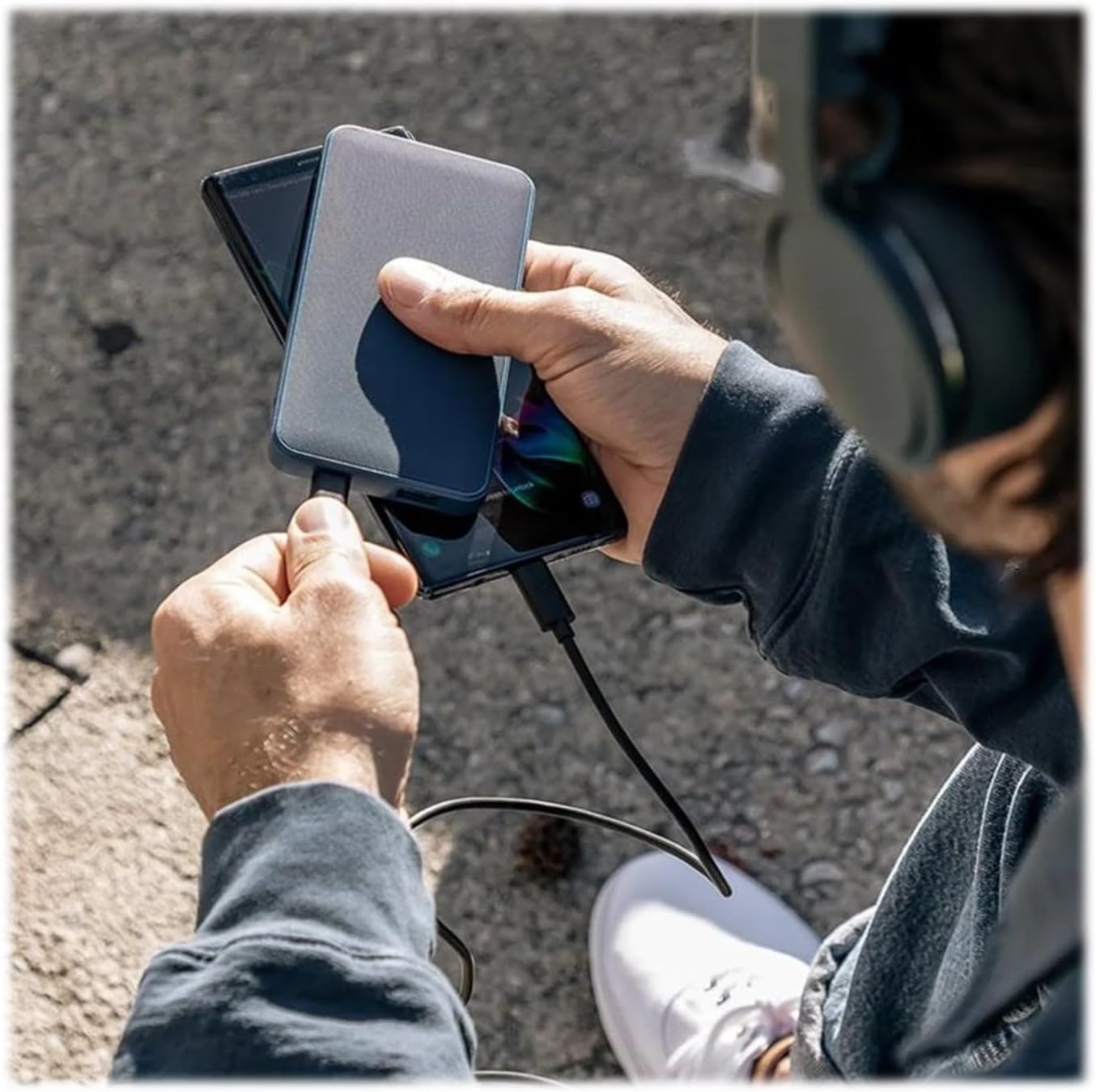
Image: A person holding the Mophie powerstation and a smartphone, demonstrating simultaneous device charging.
- Connect your device's charging cable to either the USB-C or USB-A output port on the powerstation.
- Connect the other end of the cable to your device.
- The powerstation will automatically begin charging your device. If charging does not start, press the power button on the powerstation.
- You can charge multiple devices simultaneously by utilizing both the USB-C and USB-A ports.
LED Indicator Guide
The four LED lights on the powerstation indicate the battery's charge level and charging status:
- Four Solid Lights: 75-100% charged
- Three Solid Lights: 50-75% charged
- Two Solid Lights: 25-50% charged
- One Solid Light: 0-25% charged
- Flashing Lights: Indicates the powerstation is currently charging.
Specifications
| Feature | Detail |
|---|---|
| Model Number | 401102947 |
| Battery Capacity | 10,000mAh |
| Product Dimensions | 2.83 x 0.65 x 5.47 inches |
| Item Weight | 5.4 ounces |
| Connector Type | USB Type C, USB Type A |
| Color | Black |
| Special Features | Lightweight, Portable |
Maintenance
- Keep the powerstation dry and away from moisture.
- Avoid extreme temperatures (hot or cold).
- Clean the device with a soft, dry cloth. Do not use harsh chemicals or abrasive materials.
- Store in a cool, dry place when not in use.
Troubleshooting
- Powerstation not charging: Ensure the charging cable is securely connected to both the powerstation's USB-C port and the power source. Try a different wall adapter or USB port.
- Device not charging from powerstation: Ensure your device's cable is securely connected to both the powerstation and your device. Press the power button on the powerstation to initiate charging. Verify the powerstation has sufficient charge.
- Slow charging: Ensure you are using appropriate cables and a compatible wall adapter for optimal charging speeds.
Safety Information
- Do not expose the powerstation to fire or extreme heat.
- Do not puncture, crush, or drop the powerstation.
- Do not disassemble or attempt to repair the powerstation.
- Keep out of reach of children.
- Dispose of the powerstation responsibly according to local regulations.
Warranty and Support
For warranty information and customer support, please refer to the official Mophie website or contact their customer service. You can visit the Mophie Store on Amazon for more product details and support resources.
Related documents401102947


Ask a question about this manual
Ask about setup, troubleshooting, compatibility, parts, safety, or missing instructions. Manuals+ will review the question and use this page’s manual context to help answer it.