1. Product Overview
This manual provides instructions for the installation and maintenance of isinlive HPA200 HEPA and Carbon Pre-Filters, designed for various Honeywell HPA200 series air purifiers.
What's Included:
- 2 x HPA200 HEPA 'R' Filters
- 4 x Precut Activated Carbon Pre-Filters 'A'
Compatibility:
These replacement filters are compatible with the following Honeywell Air Purifier models:
- Honeywell HPA200
- Honeywell HPA201
- Honeywell HA202
- Honeywell HPA204
- Honeywell HPA250
- Honeywell HPA5200 Series

Figure 1: isinlive HPA200 HEPA and Carbon Filters with a compatible Honeywell air purifier.
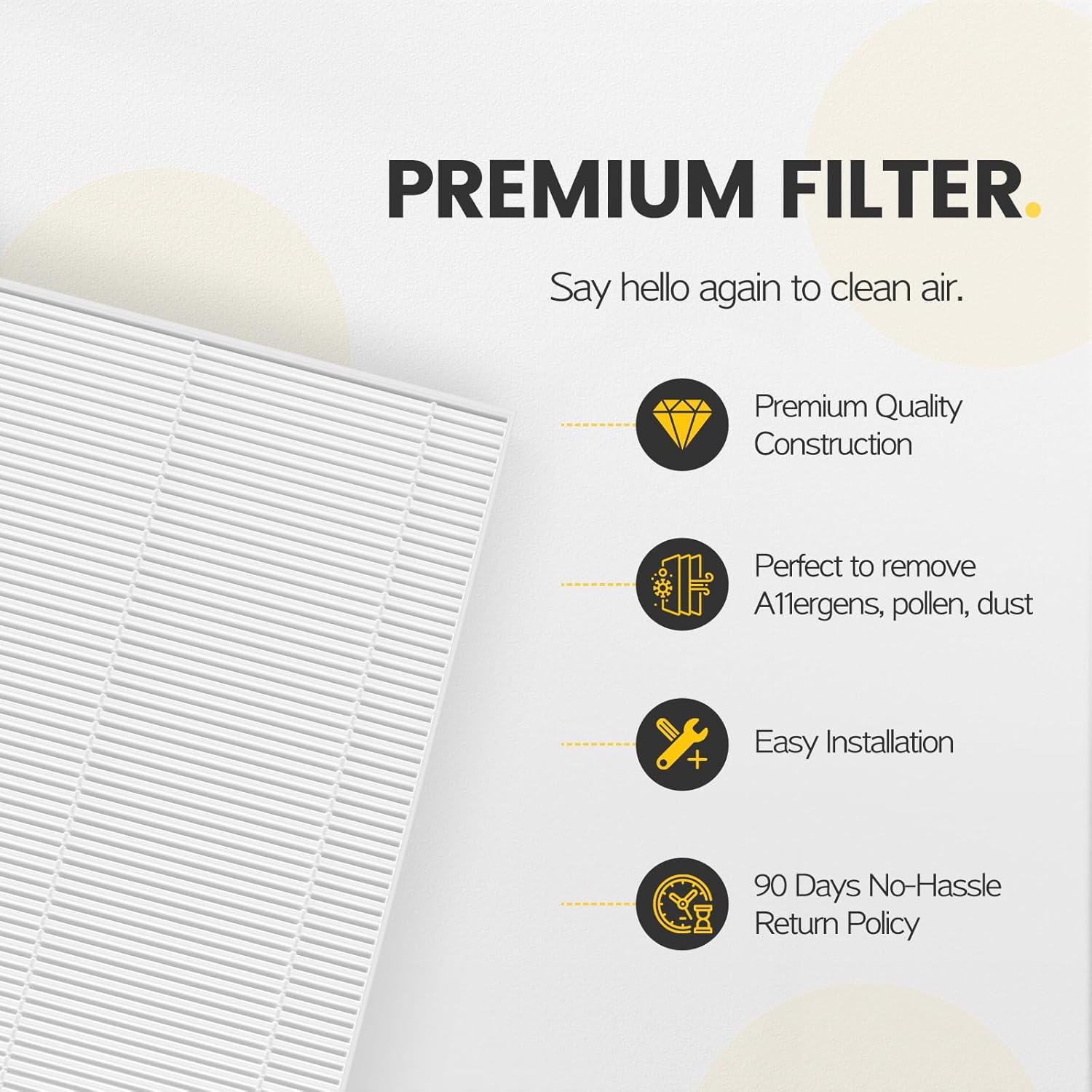
Figure 2: Overview of premium filter features.
2. Installation Instructions
Follow these steps to replace the filters in your compatible Honeywell air purifier. Always refer to your air purifier's specific user manual for detailed instructions on opening the unit.
- Prepare the Air Purifier: Unplug the air purifier from the power outlet. Open the filter compartment according to your air purifier's instructions.
- Remove Old Filters: Carefully remove the used carbon pre-filters and HEPA filters. Dispose of them properly.
- Install Carbon Pre-Filters: Place the new activated carbon pre-filters into their designated slots. Ensure they are seated correctly.
- Install HEPA Filters: Insert the new HEPA filters into the air purifier. Pay attention to the airflow direction arrows on the filters, ensuring they point inwards towards the unit.
- Close and Power On: Close the filter compartment securely. Plug the air purifier back into the power outlet. Reset the filter indicator light if your model has one.
Video 1: Installation guide for isinlive HPA200 HEPA Filter Replacement. This video demonstrates the unboxing and installation process for the filters.
Video 2: A demonstration of True HEPA filter replacement for a Honeywell air purifier, showing the process of changing filters.

Figure 3: Filter dimensions for proper fit.
3. Operating Principles
The isinlive HPA200 filter system utilizes a multi-stage filtration process to improve indoor air quality.
Multi-Level Filtration:
- Activated Carbon Pre-Filter: This layer captures larger particles such as dust, lint, and pet hair. It also helps to reduce common household odors, smoke, and volatile organic compounds (VOCs).
- True HEPA Filter: The H13 True HEPA filter is designed to capture up to 99.97% of airborne particles as small as 0.3 microns. This includes allergens like pollen, pet dander, dust mites, and other microscopic irritants.

Figure 4: Illustration of the multi-stage filtration process.
Benefits:
- Improved indoor air quality by removing common airborne pollutants.
- Reduction of odors from cooking, pets, and other sources.
- Alleviation of allergy symptoms by capturing pollen and pet dander.

Figure 5: Comparison of isinlive Premium H13 True HEPA Filter performance.
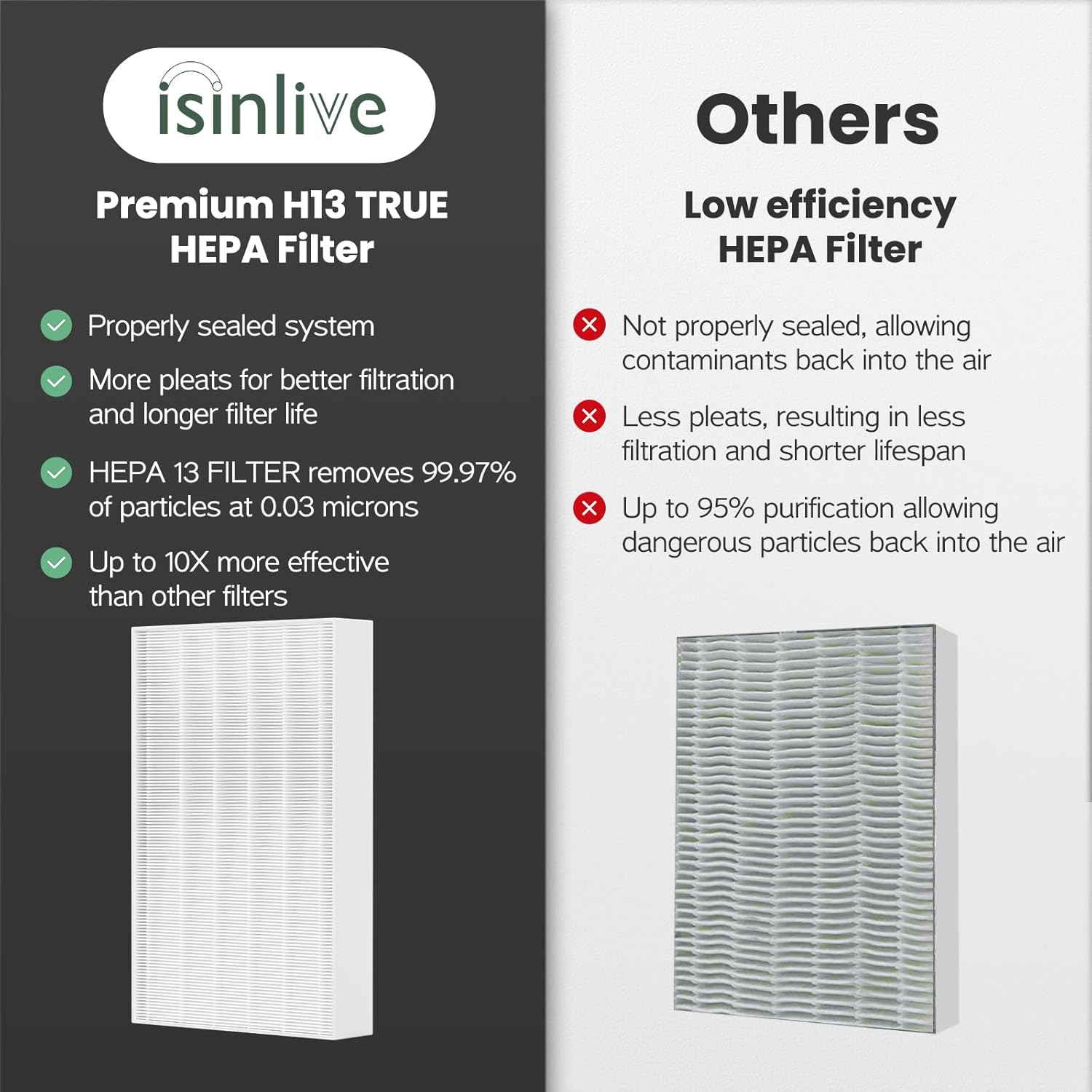
Figure 6: Benefits of the filters for pet owners.
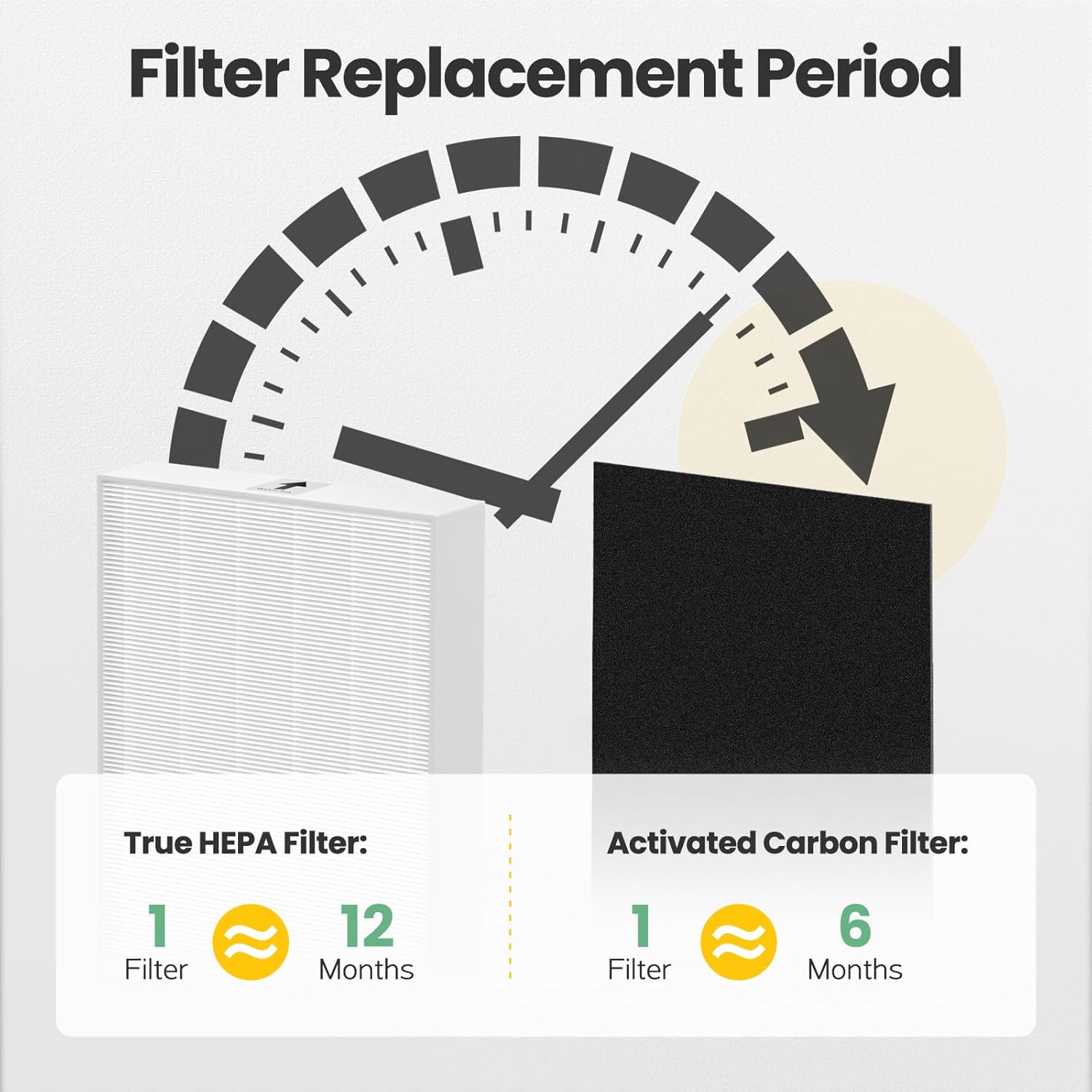
Figure 7: Visual representation of air quality improvement.
4. Maintenance
Regular filter replacement is crucial for maintaining optimal air purifier performance and ensuring clean air.
Filter Replacement Schedule:
- True HEPA Filters: Recommended to change every 8-12 months.
- Activated Carbon Pre-Filters: Recommended to change every 2-3 months.
Note: Actual replacement frequency may vary based on air quality, usage hours, and the presence of pets or smokers in the household.

Figure 8: Recommended filter replacement intervals.
5. Specifications
| Feature | Detail |
|---|---|
| Brand | isinlive |
| Material | H13 True HEPA (polypropylene or similar), Activated Carbon (within polyester paper) |
| Product Dimensions (HEPA) | 10.2"L x 6.5"W x 1.6"Th |
| Compatible Devices | Honeywell HPA200, HPA201, HA202, HPA204, HPA250, HPA5200 Series Air Purifiers |
| Air Filter Construction | Pleated |
| Number of Items | 6 (2 HEPA Filters, 4 Carbon Pre-Filters) |
| Model Number | HPA200 |
6. Troubleshooting
If you encounter any issues after replacing your filters, consider the following common troubleshooting steps:
- Reduced Airflow: Ensure all filters are correctly seated and the air purifier's cover is fully closed. Check for any obstructions in the air intake or output vents.
- Persistent Odors: Verify that the carbon pre-filters are new and installed correctly. If odors persist, consider replacing the carbon filters more frequently, especially in environments with high odor sources.
- Filter Indicator Light: If your air purifier has a filter replacement indicator, ensure you have reset it according to your air purifier's specific instructions after installing new filters.
- Air Purifier Not Functioning: Confirm the unit is properly plugged into a working power outlet. If the issue persists, refer to your air purifier's original user manual for further diagnostics.
7. Warranty and Support
For detailed warranty information regarding your isinlive filters, please refer to the product packaging or contact the manufacturer directly. For any product-related inquiries or support, please reach out to isinlive customer service.