
Avantree BTHS-AS90-BLK
Avantree Aria Bluetooth Noise Cancelling Over Ear Headphones
Model: BTHS-AS90-BLK
Product Overview
The Avantree Aria headphones are designed to provide a superior audio experience with active noise cancellation and a detachable boom microphone, making them suitable for both music listening and clear communication. They offer both wireless Bluetooth and wired connectivity options for versatile use with various devices.

Image: Avantree Aria headphones in black, shown with the detachable boom microphone.

Image: A man wearing the Avantree Aria headphones, demonstrating their comfortable fit for extended use.
Package Contents
Verify that all items are present in the package:
- Avantree Aria Headphones
- Detachable Boom Mic
- Charging Cable (USB)
- 3.5mm Audio Cable
- Protective Travel Case
- User Manual (this document)
Setup
1. Charging the Headphones
Before first use, fully charge the Avantree Aria headphones. Connect the provided USB charging cable to the charging port on the headphones and to a USB power source (e.g., computer USB port, USB wall adapter). The LED indicator will show charging status and turn off or change color when fully charged. A full charge provides approximately 35 hours of battery life.
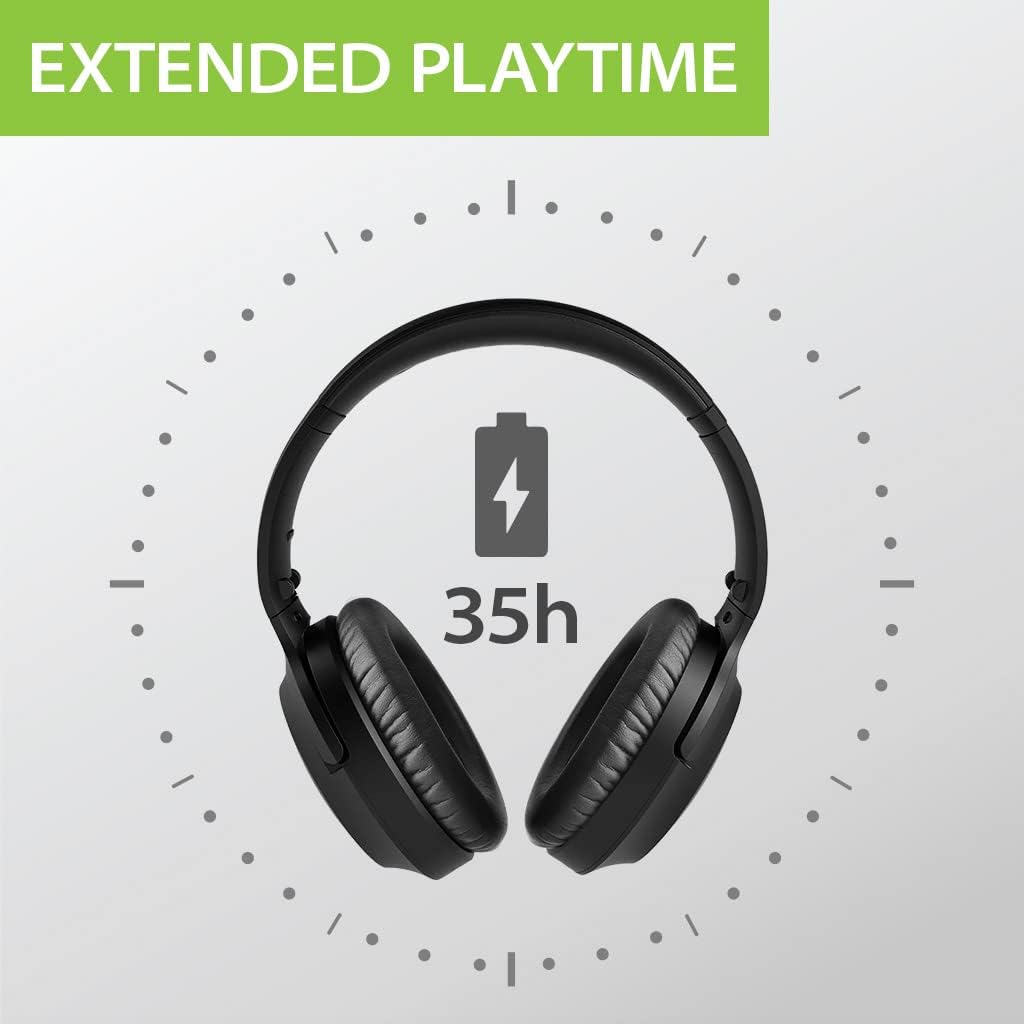
Image: An illustration indicating the extended playtime of the headphones, approximately 35 hours.
2. Bluetooth Pairing
To connect the headphones wirelessly to your device:
- Ensure the headphones are turned off.
- Press and hold the Multi-function button (usually the power button) for approximately 5-7 seconds until the LED indicator flashes blue and red alternately. This indicates pairing mode.
- On your device (smartphone, tablet, computer), enable Bluetooth and search for new devices.
- Select "Avantree Aria" from the list of found devices.
- Once connected, the LED indicator on the headphones will flash blue slowly or turn solid blue.
- If prompted for a password, enter "0000".
The headphones will automatically reconnect to the last paired device when turned on, if the device's Bluetooth is active and within range (up to 10 meters).
3. Attaching the Detachable Boom Microphone
For clear voice communication, attach the boom microphone to the dedicated port on the left earcup. Ensure it is securely inserted. The microphone can be detached when not needed.

Image: A woman using the Avantree Aria headphones with the detachable boom microphone, highlighting the convenient mute switch.
Operating Instructions
Headphone Controls
The Avantree Aria headphones feature intuitive controls located on the earcups:
- Power On/Off: Press and hold the Multi-function button.
- Volume Control: Use the '+' and '-' buttons to adjust volume.
- Play/Pause: Press the Multi-function button once.
- Next/Previous Track: Long press '+' for next, long press '-' for previous.
- Answer/End Call: Press the Multi-function button once.
- Reject Call: Long press the Multi-function button.
- Activate Voice Assistant: Double press the Multi-function button.
Active Noise Cancellation (ANC)
The ANC feature reduces ambient noise, providing a more immersive listening experience. To activate or deactivate ANC, locate the dedicated ANC switch on the earcup and slide it to the desired position. Note that ANC is most effective at reducing constant low-frequency sounds.

Image: An illustration depicting the active noise cancellation feature, showing sound waves being filtered by the headphones.
Using the Detachable Boom Microphone
The boom microphone is designed for clear voice pickup during calls. It features an instant mute switch for privacy. Simply slide the switch on the microphone to mute or unmute your voice.
Wired Mode Operation
The Avantree Aria headphones can be used in wired mode by connecting the provided 3.5mm audio cable to the headphone's audio jack and your device's audio output. In wired mode, the headphones do not require battery power for audio playback, but ANC functionality may still require power.

Image: Avantree Aria headphones shown with a 3.5mm audio cable connected, illustrating wired usage.

Image: A man listening to music with Avantree Aria headphones, emphasizing the rich stereo sound quality.
Maintenance
Cleaning
Regularly clean your headphones to ensure optimal performance and hygiene. Use a soft, dry, lint-free cloth to wipe the earcups and headband. For stubborn dirt, slightly dampen the cloth with water. Avoid using harsh chemicals or abrasive materials.
Earpad Replacement
The earpads on your Avantree Aria headphones are replaceable, extending the lifespan of your product. Replacement earpads can be purchased separately from Avantree. Refer to the specific instructions provided with replacement earpads for installation.

Image: A close-up view of the Avantree Aria headphones, showing the design for replaceable earpads.
Troubleshooting
If you encounter issues with your Avantree Aria headphones, try the following solutions:
- No Sound or Low Volume:
- Ensure headphones are powered on and charged.
- Check volume levels on both headphones and the connected device.
- If using Bluetooth, ensure the headphones are properly paired and connected. Try re-pairing.
- If using wired connection, ensure the 3.5mm audio cable is fully inserted into both the headphones and the device. Test with a different cable if possible.
- Cannot Pair via Bluetooth:
- Ensure headphones are in pairing mode (LED flashing blue and red).
- Turn off and on Bluetooth on your device.
- Clear the pairing history on your device and try pairing again.
- Move the headphones closer to the device and away from other wireless interference sources.
- Microphone Not Working:
- Ensure the detachable boom microphone is securely attached.
- Check if the microphone's mute switch is in the unmute position.
- Verify microphone input settings on your computer or device.
- Some operating systems (e.g., Windows) may switch to a lower quality audio profile when a microphone is active. Adjust audio settings if necessary.
- Active Noise Cancellation (ANC) Not Effective:
- Ensure the ANC switch is turned on.
- ANC is most effective against constant low-frequency sounds (e.g., engine hum, fan noise) and may not completely eliminate voices or sudden noises.
- Intermittent Connection/Audio Dropouts:
- Ensure the headphones are within the Bluetooth range (up to 10 meters) of your device.
- Minimize obstacles between the headphones and the device.
- Avoid strong Wi-Fi signals or other 2.4GHz wireless devices that may cause interference.
If the issue persists, please contact Avantree customer support for further assistance.
Specifications
| Feature | Detail |
|---|---|
| Model Name | Aria |
| Model Number | BTHS-AS90-BLK |
| Connectivity Technology | Wireless (Bluetooth), Wired (3.5mm Jack) |
| Wireless Communication Technology | Bluetooth |
| Noise Control | Active Noise Cancellation |
| Headphones Jack | 3.5 mm Jack |
| Battery Life | Up to 35 Hours (varies with usage and ANC) |
| Bluetooth Range | 10 Meters |
| Item Weight | 230 Grams (8.1 ounces) |
| Material | Faux Leather, Plastic |
| Ear Placement | Over Ear |
| Control Type | Volume Control, Multi-function Button |
| Special Features | Active Noise Cancelling, Detachable Boom Mic, Replaceable Spacious Ear Pads, Hi-Fi Sound, Comfortable Fit, Foldable |
Warranty and Support
Warranty Information
Avantree products typically come with a manufacturer's warranty. Please refer to the warranty card included in your product packaging or visit the official Avantree website for detailed warranty terms and conditions specific to your region and purchase date. Keep your proof of purchase for warranty claims.
Customer Support
For technical assistance, troubleshooting, or product inquiries, please contact Avantree customer support. You can usually find contact information (email, phone, or live chat) on the official Avantree website: www.avantree.com/support. When contacting support, please have your product model number (BTHS-AS90-BLK) and purchase details ready.
Official Product Videos
No official product videos from the seller were found that meet the embedding criteria (creator_type: Seller, m3u8 format, and not a preview video unless genuinely useful).
Ask a question about this manual
Ask about setup, troubleshooting, compatibility, parts, safety, or missing instructions. Manuals+ will review the question and use this page’s manual context to help answer it.