
1. Important Safety Instructions
Please read and understand all safety warnings and instructions before using this appliance. Failure to follow the warnings and instructions may result in electric shock, fire, and/or serious injury.
- This appliance is intended for indoor household use only.
- Do not use the appliance in wet conditions or for picking up liquids.
- Do not pick up flammable or combustible materials, such as hot ashes, cigarettes, or matches.
- Do not pick up toxic materials, such as bleach, ammonia, or drain cleaner.
- Keep hair, loose clothing, fingers, and all parts of the body away from openings and moving parts.
- Use only as described in this manual. Use only manufacturer's recommended attachments.
- Do not use with a damaged battery or charger. If the appliance is not working as it should, has been dropped, damaged, left outdoors, or dropped into water, return it to a service center.
- Do not handle the charger or appliance with wet hands.
- Always turn off the appliance before connecting or disconnecting the battery, or before performing any maintenance.
- Store the appliance indoors in a cool, dry place.
2. Product Components
Familiarize yourself with the parts of your BLACK+DECKER BHFEV182C-QW vacuum cleaner.

- Main Unit: Contains the motor, dustbin, and battery compartment.
- Extension Wand: Connects the main unit to the floor head for upright cleaning.
- Floor Head: Features a motorized brush bar and LED lights for effective cleaning on various surfaces.
- Dustbin Assembly: Transparent container for collecting debris, includes a washable filter.
- Battery: 18V Lithium-Ion battery (included).
- Charger: For recharging the battery.
- Crevice Tool: Narrow attachment for cleaning tight spaces and corners.
3. Setup and Assembly
Follow these steps to assemble your vacuum cleaner before first use.
3.1 Charging the Battery
Ensure the battery is fully charged before initial use. The battery life is approximately 58 minutes on a full charge.

- Connect the charger to a power outlet.
- Insert the battery into the charger. The indicator light on the charger will show the charging status.
- Once fully charged, remove the battery from the charger.
3.2 Assembling the Vacuum
- Attach the extension wand to the main unit until it clicks into place.
- Connect the floor head to the other end of the extension wand, ensuring it is securely fastened.
- Insert the charged battery into the main unit until it locks.
4. Operating Instructions
Learn how to effectively use your BLACK+DECKER BHFEV182C-QW vacuum cleaner for various cleaning tasks.
4.1 Powering On and Speed Selection
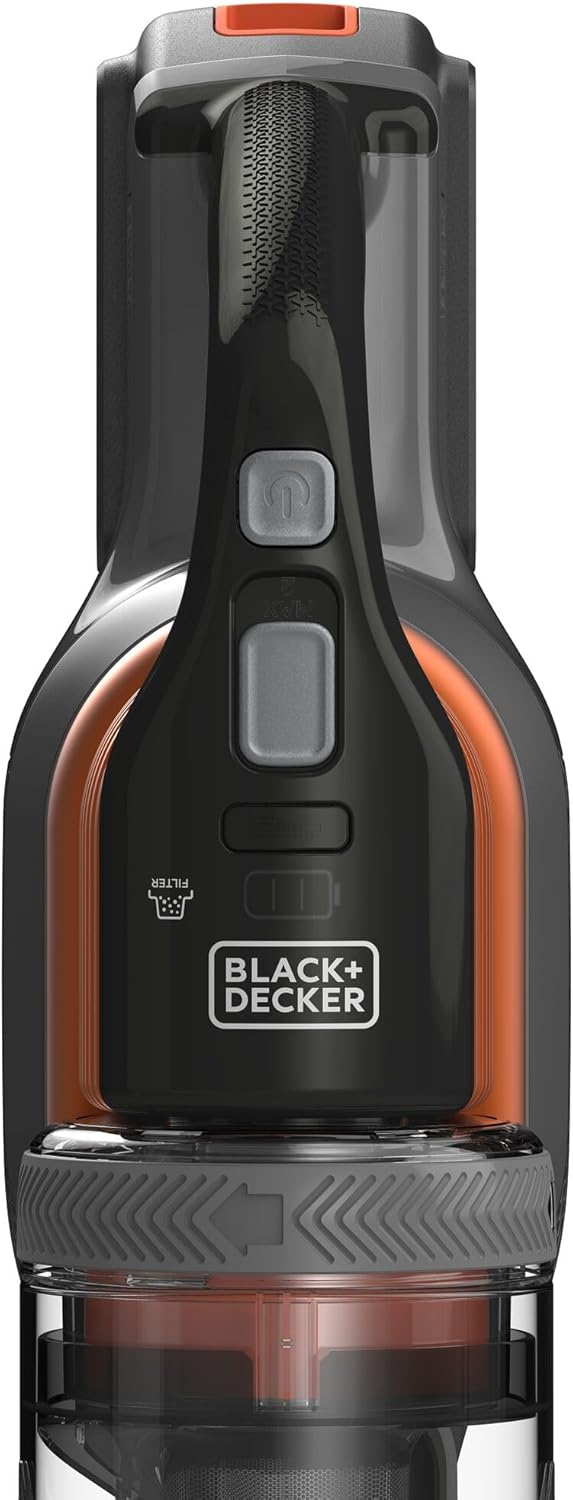
- Press the power button to turn the vacuum on.
- Use the speed selection button to switch between low and medium speed settings. Low speed is suitable for daily cleaning and extends battery life, while medium speed provides stronger suction for tougher messes.
- The battery charge indicator lights will show the remaining charge.
4.2 Cleaning Different Surfaces
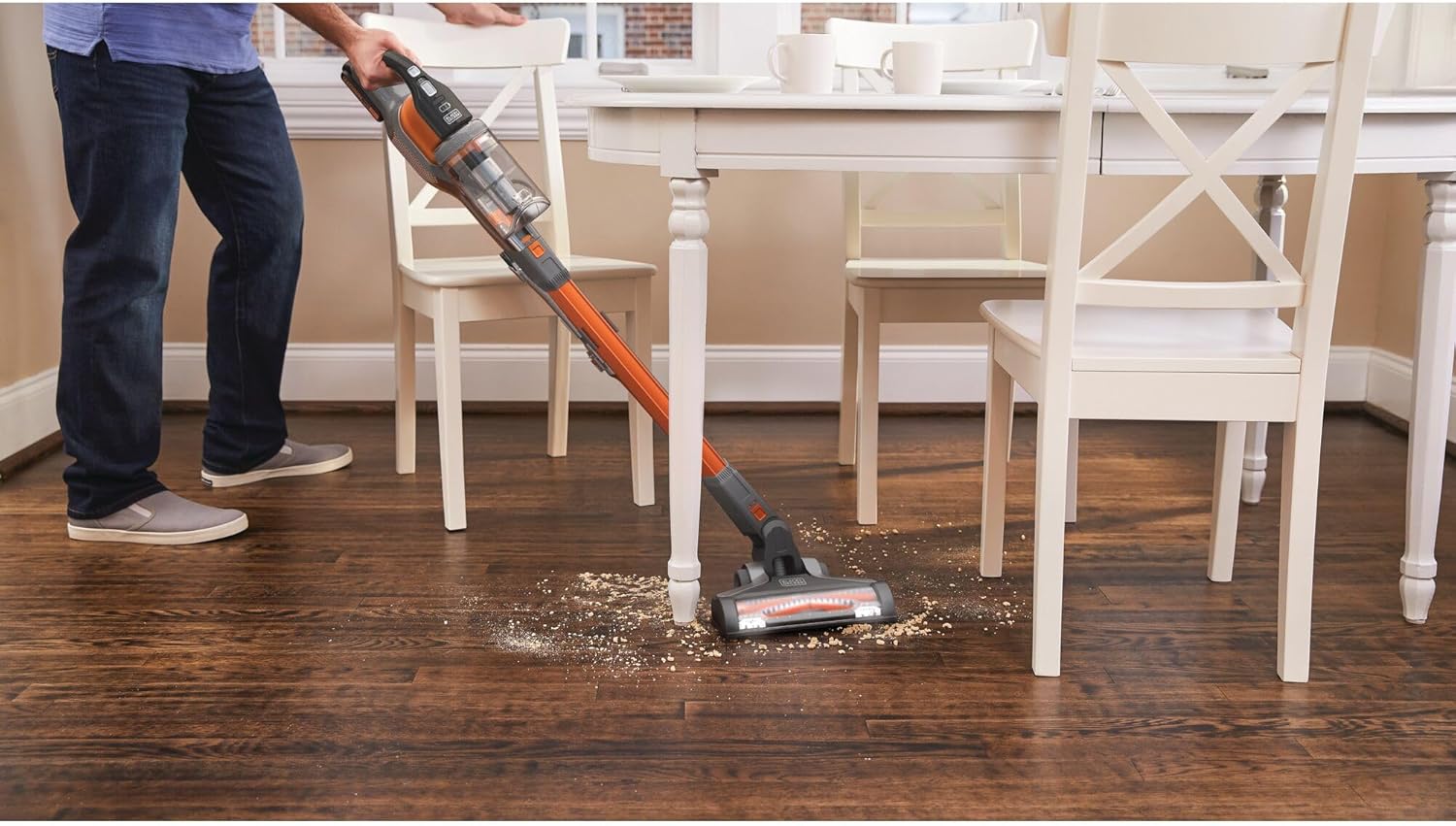

- Hard Floors and Bare Floors: The floor head is designed for effective cleaning on these surfaces. Use the appropriate speed setting.
- Carpets: The motorized brush bar helps agitate and lift dirt from carpets. The integrated LED lights assist in visibility.
4.3 Using as a Handheld Vacuum


- To convert to a handheld vacuum, press the release button to detach the extension wand and floor head.
- Attach the crevice tool directly to the main unit for cleaning tight spaces, upholstery, or car interiors.
4.4 High Reach Cleaning
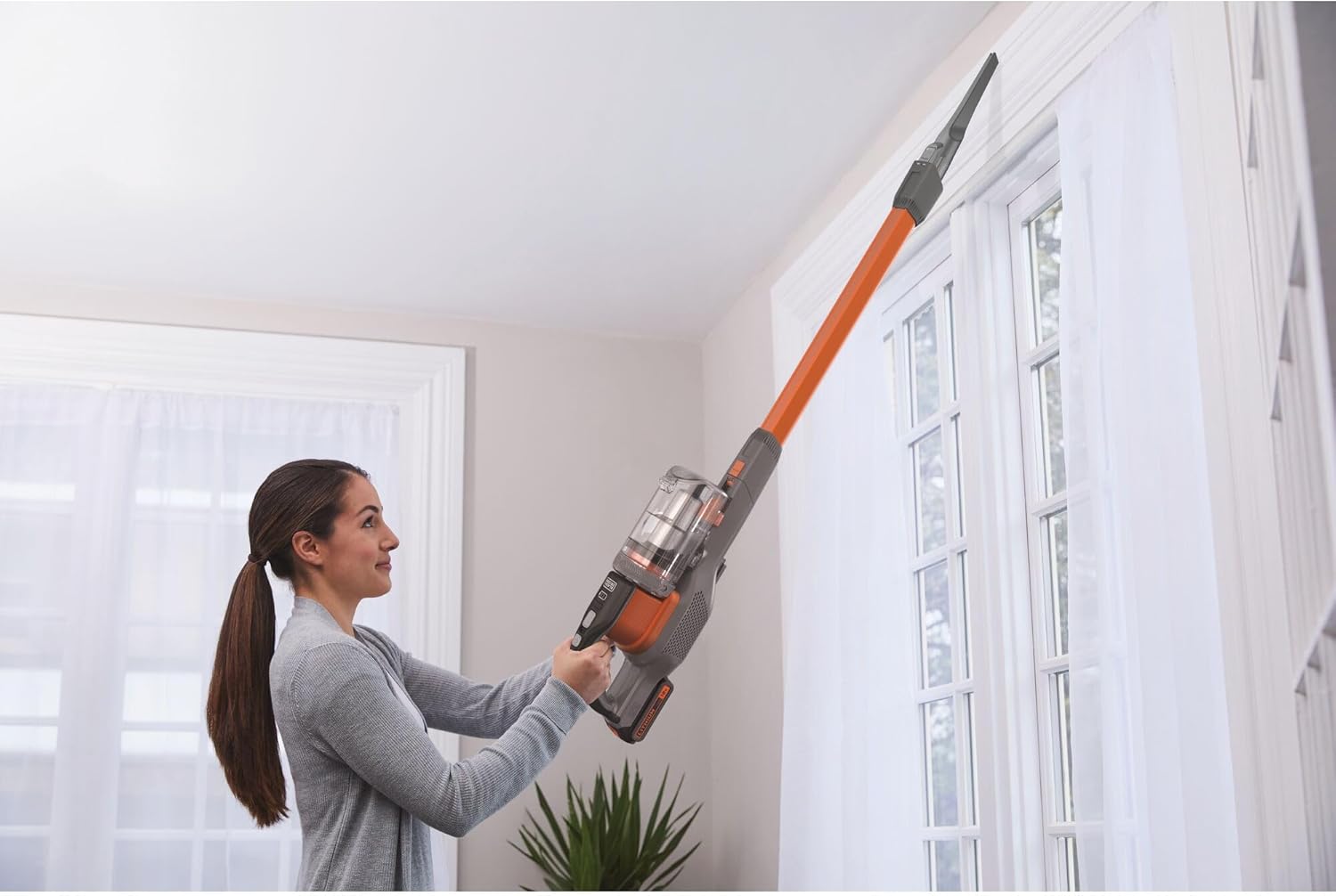
For high-reach cleaning, use the main unit with the extension wand and a suitable attachment (e.g., crevice tool) to access elevated areas.
5. Maintenance
Regular maintenance ensures optimal performance and extends the life of your vacuum cleaner.
5.1 Emptying and Cleaning the Dustbin
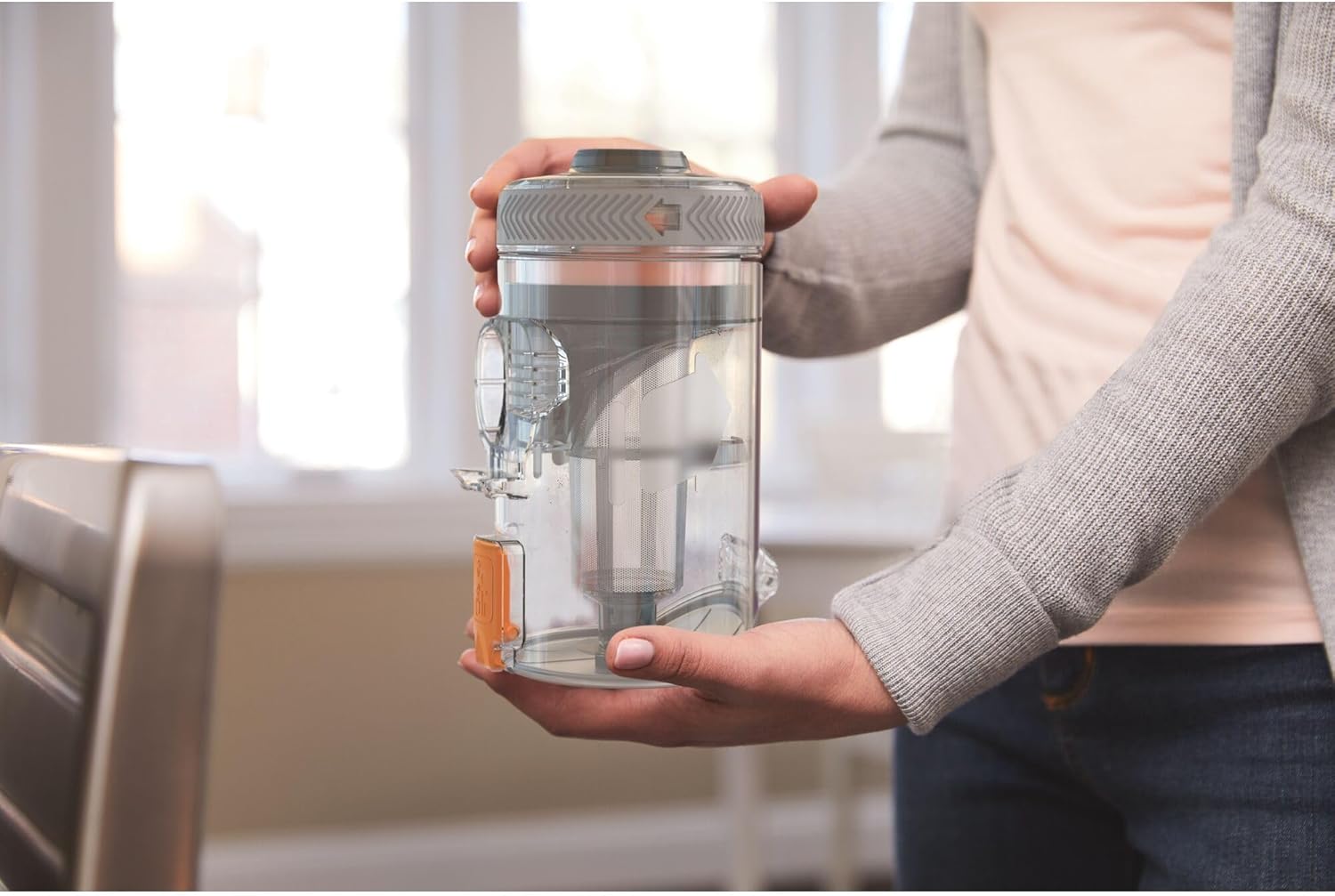
The vacuum features a bagless design with a 650 ml capacity dustbin and a cleanable cartridge filter.
- Ensure the vacuum is turned off and the battery is removed.
- Press the dustbin release button and detach the dustbin from the main unit.
- Empty the contents of the dustbin into a waste receptacle.
- Remove the filter from the dustbin. Tap the filter gently to dislodge any fine dust.
- The filter can be washed with warm, soapy water. Allow it to air dry completely before reinserting.
- Reassemble the filter and dustbin, then reattach to the main unit.
5.2 Cleaning the Brush Bar
Periodically check the brush bar in the floor head for tangled hair or debris. Remove any obstructions to maintain effective cleaning.
6. Troubleshooting
Refer to this section for common issues and their solutions.
| Problem | Possible Cause | Solution |
|---|---|---|
| Vacuum does not turn on. | Battery is not charged or not properly inserted. | Ensure battery is fully charged and securely inserted. |
| Reduced suction power. | Dustbin is full, filter is clogged, or brush bar is obstructed. | Empty dustbin, clean filter, and remove any obstructions from the brush bar. |
| Vacuum stops during operation. | Battery is depleted or motor is overheating. | Recharge battery. If overheating, turn off and allow to cool for 30 minutes before resuming use. |
| Brush bar not rotating. | Obstruction in brush bar or floor head. | Turn off vacuum, remove battery, and clear any debris from the brush bar. |
7. Technical Specifications
- Model: BHFEV182C-QW
- Brand: BLACK+DECKER
- Power Source: 18V Lithium-Ion Battery
- Battery Life: Up to 58 minutes
- Dustbin Capacity: 650 Milliliters
- Filter Type: Cartridge, Washable
- Number of Speeds: 2 (Low, Medium)
- Form Factor: Upright/Stick, Handheld convertible
- Recommended Use: Hard Floor, Bare Floor, Carpet (Indoor)
- Product Dimensions: 10.43"L x 7.68"W x 44.09"H
- Item Weight: 6.83 pounds
- Noise Level: 78 dB
8. Warranty and Support
For warranty information, service, or technical support, please contact BLACK+DECKER customer service or visit their official website. Keep your proof of purchase for warranty claims.
Manufacturer: Stanley Black&Decker
Website: www.blackanddecker.com
Customer Service: Refer to the contact information provided in your product packaging or on the official website for your region.