Introduction
This manual provides instructions for the Diesel DZ4662 Mega Chief Analog Watch. This timepiece features a 51mm case, chronograph movement, and a durable gold stainless steel bracelet. It is designed for reliability and functionality, with a water resistance depth of 100 meters.
1. Setup
1.1 Unboxing and Initial Inspection
Carefully remove the watch from its packaging. Inspect the watch for any visible damage. The package includes the watch and a battery (pre-installed).

Image: The red Diesel watch box, indicating the product's packaging.
1.2 Setting the Time
- Pull the crown (the knob on the right side of the watch case) out to the second position.
- Turn the crown clockwise or counter-clockwise to set the hour and minute hands to the correct time.
- Once the time is set, push the crown back into its original position to start the watch movement.

Image: Side profile of the watch, highlighting the crown and chronograph pushers for time and function adjustments.
1.3 Adjusting the Bracelet
The stainless steel bracelet can be adjusted for a comfortable fit. This typically involves removing or adding links. It is recommended to have this adjustment performed by a qualified jeweler or watch technician to prevent damage to the bracelet or clasp.

Image: A visual guide demonstrating various watch case diameters on a wrist, illustrating how different sizes appear.
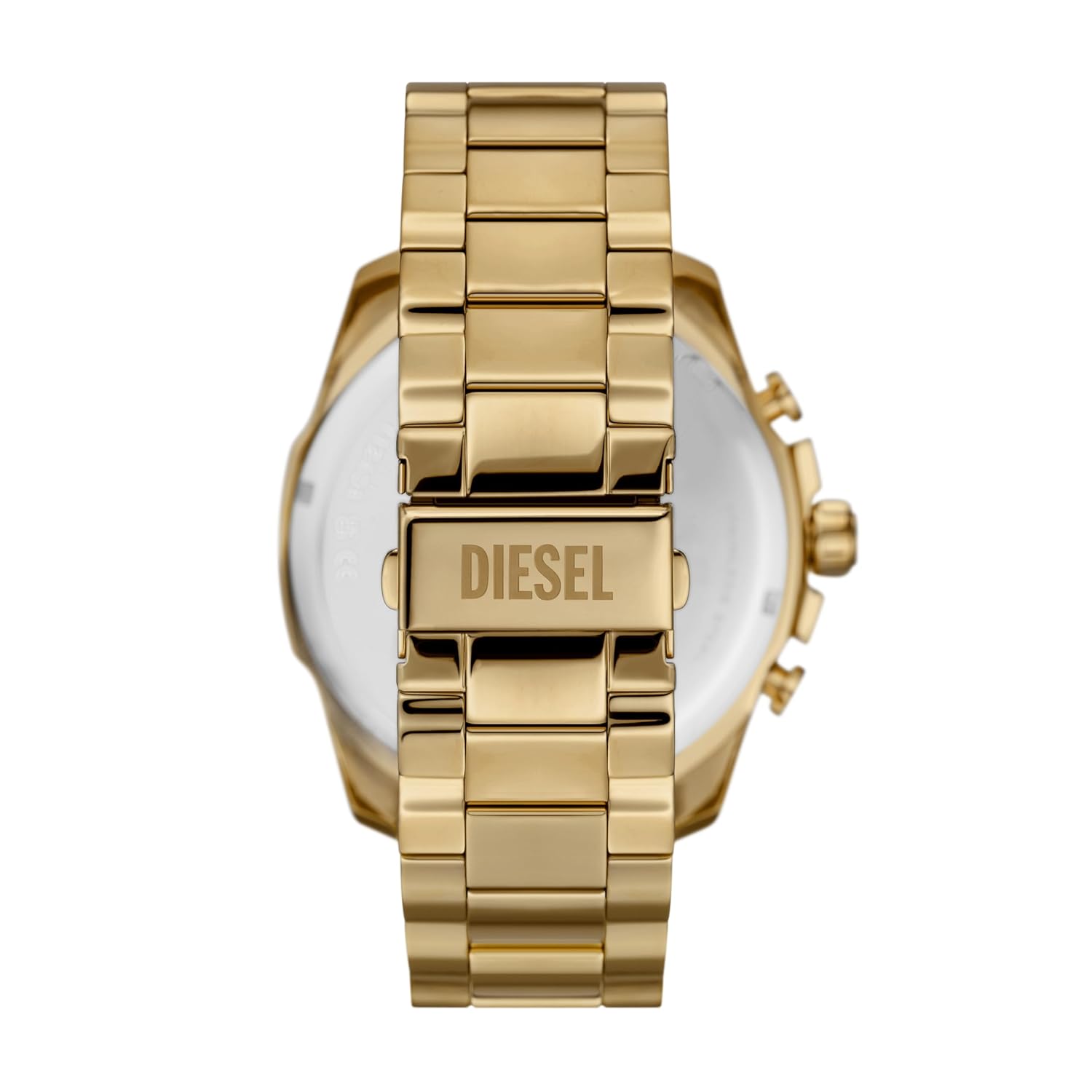
Image: Rear view of the watch, focusing on the stainless steel bracelet and the Diesel-branded clasp mechanism.
2. Operating the Watch
2.1 Basic Time Reading
The watch displays time using analog hour, minute, and second hands on a yellow sunray dial.
2.2 Using the Chronograph Function
The chronograph function allows for measuring elapsed time. The watch features three sub-dials for this purpose.
- Start: Press the upper pusher (button) to start the chronograph. The chronograph second hand will begin to move.
- Stop: Press the upper pusher again to stop the chronograph. The elapsed time will be indicated by the chronograph hands on the sub-dials.
- Reset: While the chronograph is stopped, press the lower pusher to reset all chronograph hands to their zero positions.
Refer to the side view image in Section 1.2 for the location of the pushers.
3. Maintenance
3.1 Cleaning Your Watch
- Wipe the watch case and bracelet with a soft, dry cloth regularly to remove dust and dirt.
- For stainless steel, a slightly damp cloth can be used, followed by a dry cloth. Avoid harsh chemicals or abrasive materials.
3.2 Water Resistance
This watch has a water resistance rating of 100 meters (10 ATM), making it suitable for swimming and showering. However, it is not recommended for diving. Ensure the crown is fully pushed in before any water exposure. Do not operate the pushers or crown while the watch is wet or submerged.
3.3 Battery Replacement
The watch is powered by a quartz movement with a battery. When the watch stops or the second hand begins to skip, the battery may need replacement. It is highly recommended to have the battery replaced by a professional watch technician to ensure proper sealing and maintain water resistance.
3.4 Storage
When not in use, store your watch in a cool, dry place, away from direct sunlight and extreme temperatures. The original watch box can be used for storage.
4. Troubleshooting
- Watch Not Running: Check if the crown is fully pushed in. If it is, the battery may need replacement.
- Incorrect Time: Reset the time as described in Section 1.2.
- Chronograph Not Resetting to Zero: This may indicate a need for calibration or service. Consult a professional watch technician.
- Moisture Inside the Watch: If you notice condensation or moisture, immediately take the watch to a professional for inspection and repair to prevent further damage.
5. Specifications
| Model Number: | DZ4662 |
| Brand: | Diesel |
| Movement Type: | Quartz |
| Display Type: | Analog |
| Case Diameter: | 51 Millimetres |
| Case Thickness: | 10 Millimetres |
| Band Material: | Stainless Steel |
| Band Colour: | Gold |
| Band Width: | 26 Millimetres |
| Band Length: | 205 Millimetres |
| Dial Colour: | Yellow |
| Water Resistance Depth: | 100 Metres (10 ATM) |
| Item Weight: | 210 g (0.21 Kilograms) |
| Included Components: | Battery |
| Manufacturer: | Fossil India Pvt Ltd |
| Country of Origin: | China |
| UPC: | 698615152780 |
6. Warranty and Support
6.1 Manufacturer's Warranty
This Diesel watch is covered by a standard manufacturer's warranty provided by Fossil India Pvt Ltd. Please refer to the warranty card included with your purchase for specific terms, conditions, and duration. The warranty typically covers manufacturing defects under normal use.
6.2 Customer Support
For any questions, service, or repair needs not covered in this manual, please contact Diesel customer support or an authorized service center. Contact information can usually be found on the official Diesel website or on your warranty documentation.
You can visit the official Diesel store for more information: Diesel Store


