
1. Product Overview
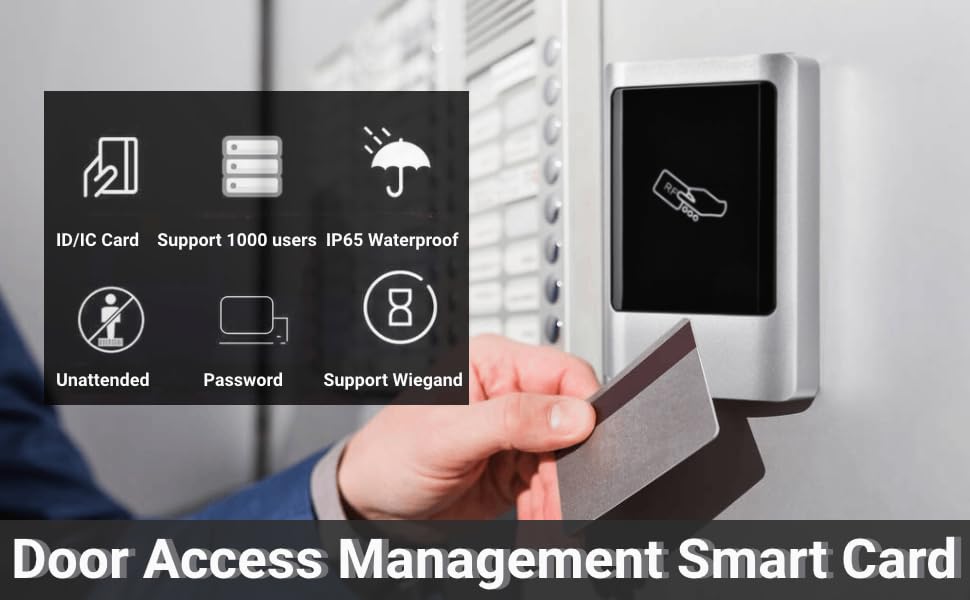
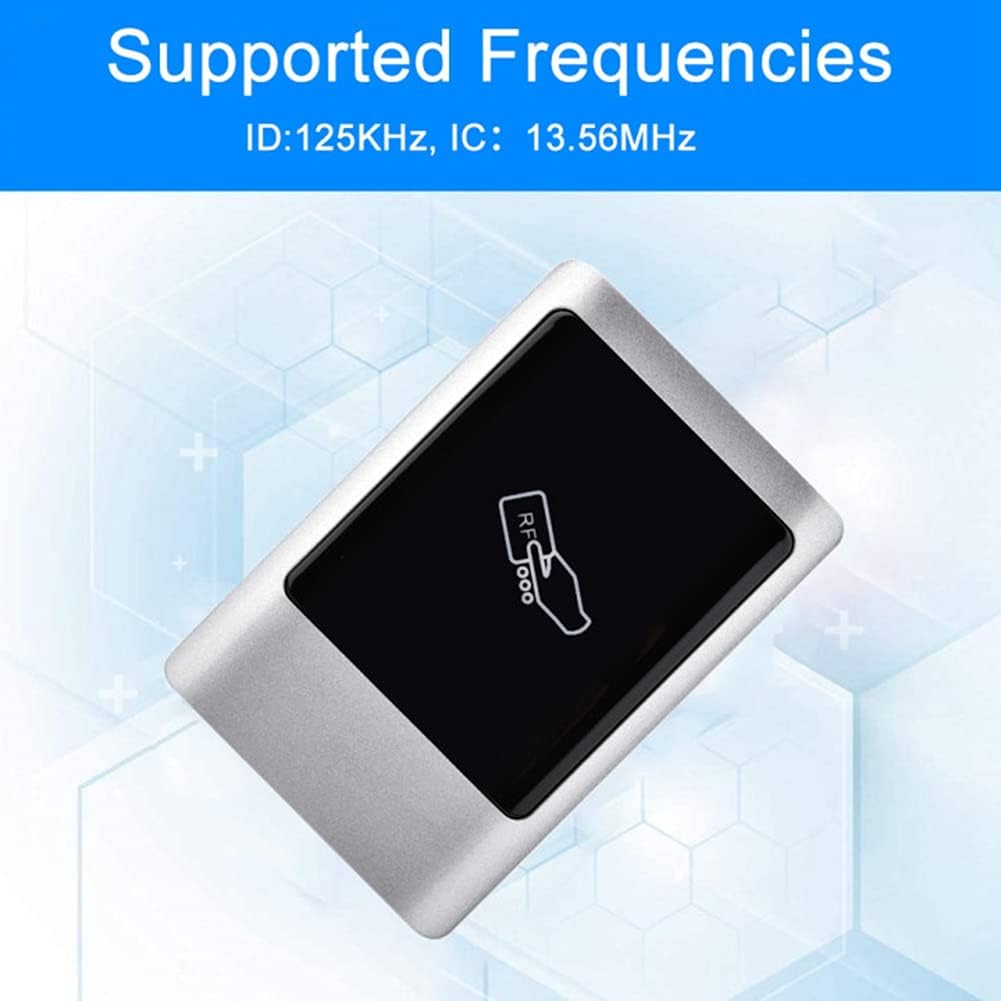
The ASHATA RFID Access Control Card Reader is an elegant, waterproof metal touch access controller designed for secure single-entry door management. It supports both 125KHz ID and 13.56MHz IC frequencies, offering versatile access solutions. This device allows for independent access control, managing up to 1000 users through RFID cards, passwords, or a combination of both.


2. Key Features
- Dual Frequency Support: Compatible with both 125KHz (ID) and 13.56MHz (IC) RFID cards.
- High User Capacity: Supports up to 1000 users for comprehensive access management.
- Multiple Verification Methods: Access can be granted via RFID card, password, or a combination of RFID card and password.
- Waterproof Design: Features an IP65 waterproof rating, making it suitable for outdoor installation.
- Durable Construction: Housed in an elegant metal casing with a narrow bezel design.
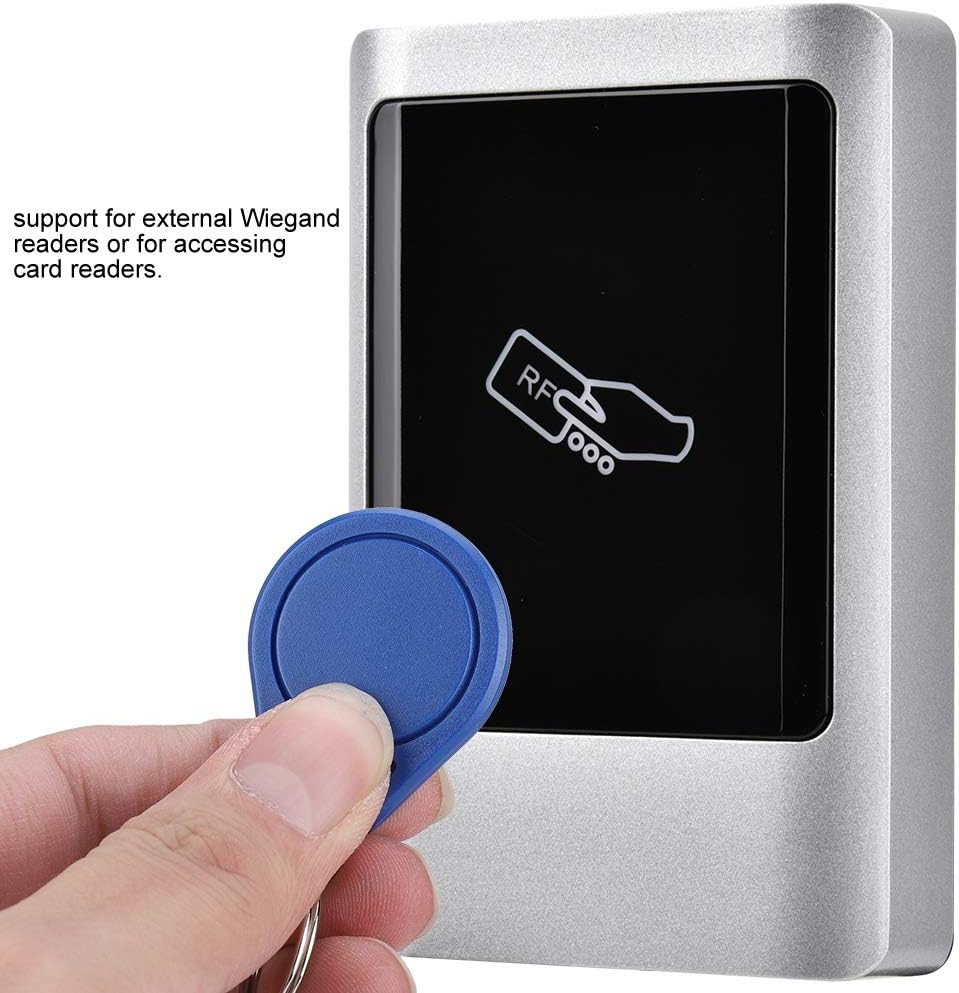
- Wiegand Support: Supports external Wiegand readers for enhanced system integration.
- Integrated Functions: Includes an exit button and doorbell input function for convenience.
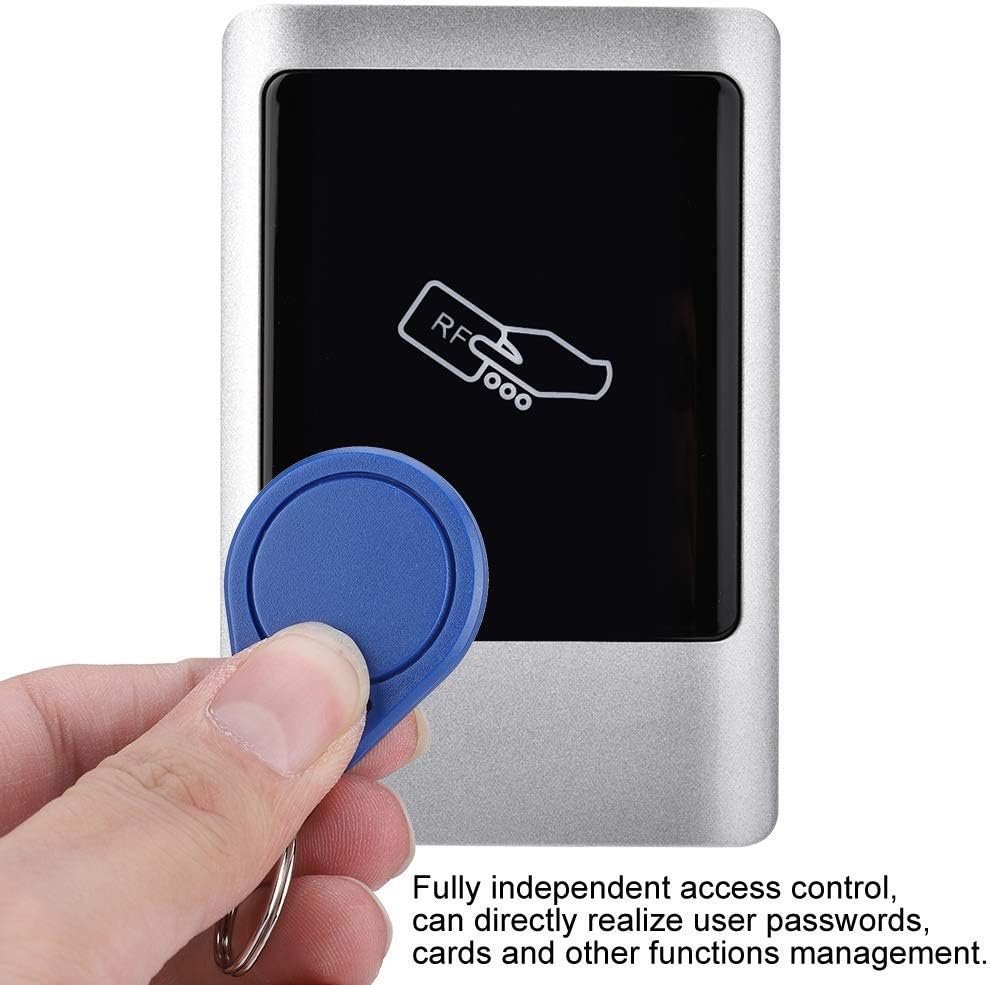
- Independent Access Control: Allows for direct management of user passwords and cards without requiring a separate controller.

3. Technical Specifications
| Specification | Detail |
|---|---|
| Model Number | ASHATAhbm95wxgrk-01 |
| Brand | ASHATA |
| Product Dimensions (L x W x H) | 1 x 1 x 1 cm; 380 grams |
| Color | ID (Refers to ID card frequency type) |
| Finish | Standard |
| Material | Metal |
| Power Source Type | AC Adapter Powered |
| Voltage | 1 Volts |
| Installation Method | DIY Wireless |
| Included Components | RFID Card Reader |
| Connectivity Technology | Wired |
| Control Method | Touch |
| Country of Origin | China |

4. Installation and Setup
This device is designed for DIY wireless installation, meaning it can be integrated into existing systems with appropriate wiring. Ensure all connections are secure and follow local electrical codes.
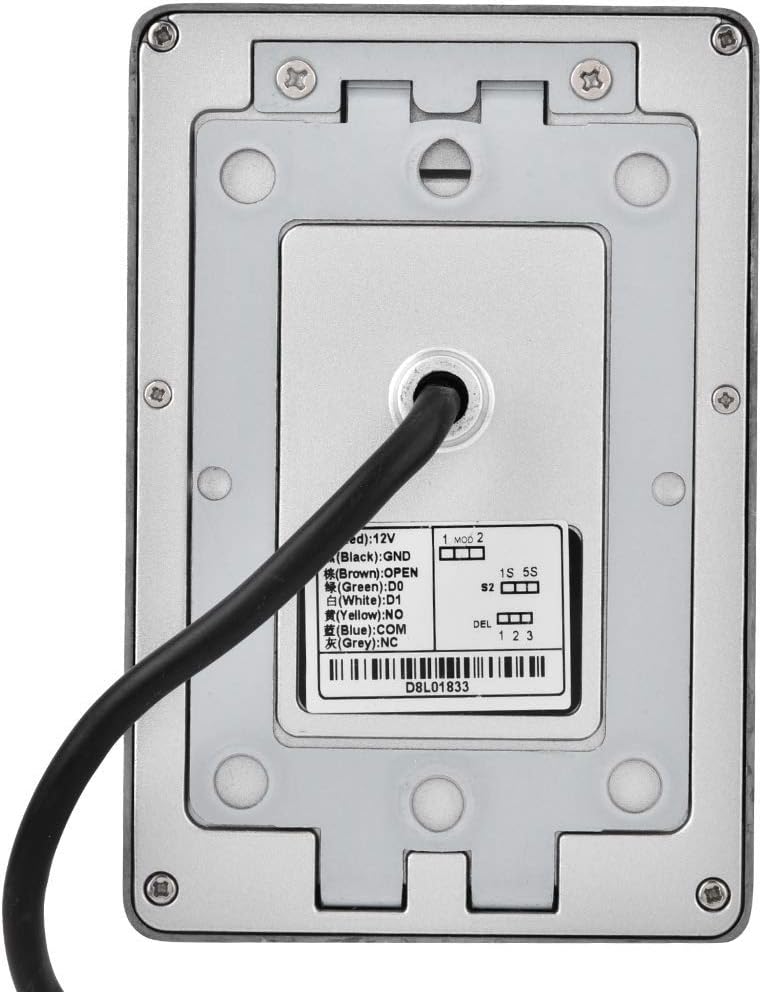
4.1 Wiring Diagram
Refer to the diagram below for proper wiring connections. The device typically requires a 12V power supply. Connect the appropriate wires for power, lock control, and any external Wiegand readers or doorbell functions.
4.2 Power Supply
The unit is powered by an AC adapter (not always included, check package contents). Ensure the power supply matches the device's voltage requirements (1 Volt, typically 12V DC for access control systems, please verify with product label if different from specification). Incorrect voltage can damage the device.

5. Operating Instructions
The ASHATA RFID Access Control Card Reader offers flexible access methods. Detailed programming instructions for adding/deleting users and setting up access modes are typically provided in a separate programming guide or on-screen menu (if applicable).
5.1 Adding Users (Cards/Passwords)
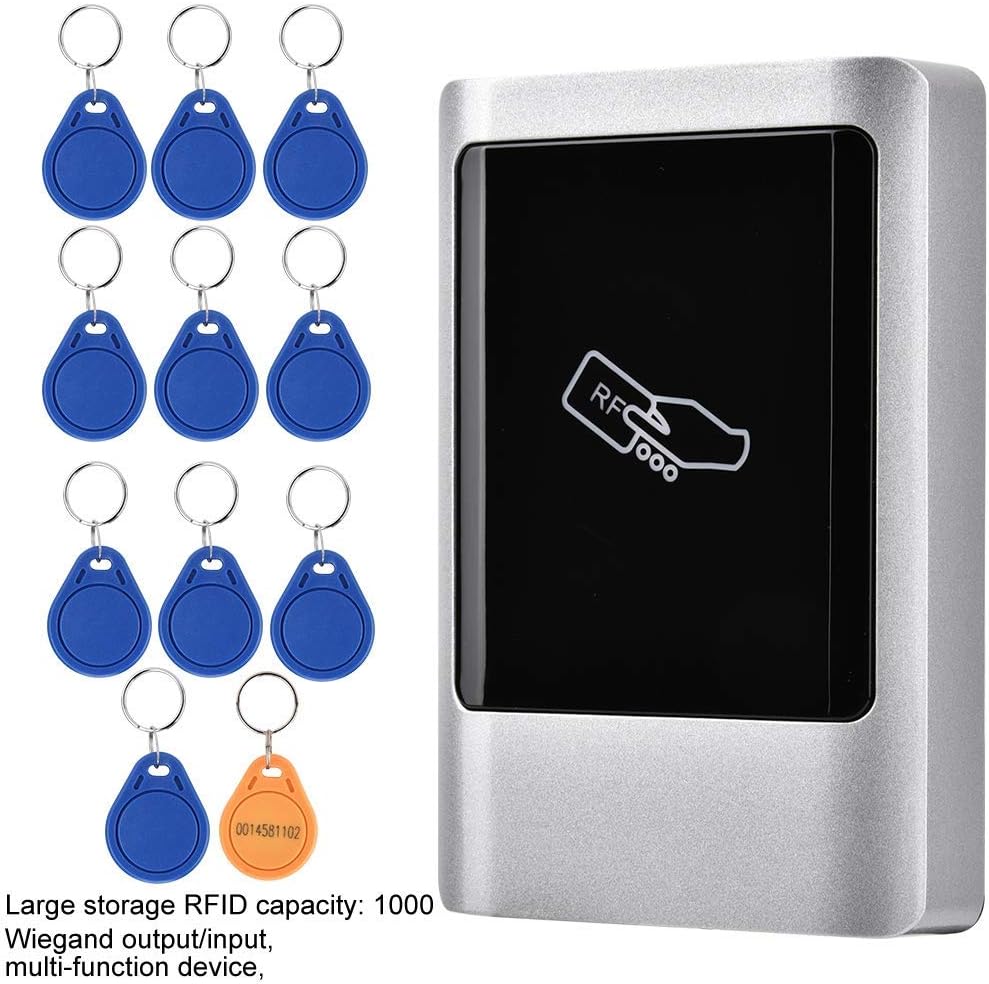
To add new RFID cards or user passwords, enter the programming mode (usually by a master password). Follow the on-screen prompts or specific key sequences to register new credentials. The device supports up to 1000 users.
5.2 Accessing with Card
Present a registered RFID card or key fob to the reader's surface. The device will emit an audible signal and/or illuminate an indicator light upon successful verification, unlocking the door.
5.3 Accessing with Password
Enter your registered password using the touch keypad. Confirm the entry (usually with a '#' or 'Enter' key). The device will verify the password and grant access if correct.
5.4 Accessing with Card + Password
For enhanced security, the device supports a card + password verification method. Present your registered RFID card, then immediately enter your password on the keypad to gain access.
6. Maintenance
To ensure the longevity and optimal performance of your ASHATA RFID Access Control Card Reader, follow these maintenance guidelines:
- Cleaning: Regularly wipe the surface of the reader with a soft, damp cloth. Avoid abrasive cleaners or solvents that could damage the finish or touch screen.
- Waterproof Integrity: While the device is IP65 waterproof, ensure that all wiring connections are properly sealed and protected from moisture to maintain its integrity, especially in outdoor installations.
- Environmental Conditions: Avoid exposing the device to extreme temperatures or direct sunlight for prolonged periods, as this may affect performance and lifespan.

7. Troubleshooting
If you encounter issues with your access control reader, refer to the following common problems and solutions:
- Device Not Powering On:
- Check the power supply connection and ensure it is securely plugged in.
- Verify that the power adapter is functioning correctly and providing the specified voltage (12V DC).
- Inspect wiring for any loose or incorrect connections.
- RFID Card Not Reading:
- Ensure the card is registered in the system.
- Confirm the card's frequency (125KHz ID or 13.56MHz IC) matches the device's supported frequencies.
- Present the card directly to the reader's surface.
- Check for any interference from other electronic devices nearby.
- Password Not Working:
- Verify that the correct password is being entered.
- Ensure the device is not in programming mode.
- If using card + password, ensure the card is presented correctly before entering the password.
- Door Not Unlocking:
- Check the wiring connection to the electric lock.
- Ensure the lock itself is functioning correctly.
- Verify that the access credentials (card/password) are valid and correctly entered.
8. Warranty and Support
ASHATA provides a manufacturer warranty for this product. For specific warranty terms and duration, please refer to your purchase documentation or contact the seller directly. The typical manufacturer warranty period is 1 year.
In case of any usage problems, technical difficulties, or dissatisfaction with your product, please do not hesitate to contact our professional customer service team. We are committed to addressing your concerns sincerely and providing timely support.
For support, please reach out to the seller or ASHATA customer service via the contact information provided at the point of purchase.