
1. Introduction
The WitMotion WT901BLECL is a high-precision 9-axis Inertial Measurement Unit (IMU) sensor designed for various applications requiring accurate motion and orientation tracking. It integrates an MPU9250 chip, providing data for acceleration, angular velocity (gyroscope), angle (pitch, roll, yaw), and magnetic field. Equipped with Bluetooth 5.0, it offers robust wireless connectivity and low power consumption. This manual provides essential information for setting up, operating, and maintaining your WT901BLECL sensor.

Image: The WT901BLECL sensor shown alongside a smartphone displaying its data interface, including graphs for X, Y, Z angles and numerical readouts.
2. Package Contents
Upon opening the package, please verify that all items listed below are present:
- 1 x WT901BLECL BLE 5.0 Sensor with Type-C Interface
- 1 x Type-C Data and Charging Cable
- 1 x Welcome Guide
Note: A BLE 5.0 adapter is sold separately and may be required for PC connectivity if your computer does not have built-in Bluetooth 5.0.
3. Product Overview
The WT901BLECL sensor is designed for reliable and accurate data acquisition. Its compact form factor and robust design make it suitable for various applications. Key features include:
- 9-Axis Data Output: Provides 3-axis acceleration, 3-axis angular velocity (gyroscope), 3-axis angle (Pitch, Roll, Yaw), and magnetic field data.
- Bluetooth 5.0 Connectivity: Offers a wireless range of up to 50 meters in open areas, ensuring stable data transmission with low power consumption.
- Kalman Filtering Algorithm: Integrates advanced dynamic fusion algorithms and Kalman filtering for stable data output, excellent bias stability, low noise levels, and improved measurement accuracy.
- USB Type-C Interface: For data communication and charging.
- Multi-Sensor Support: Compatible with Windows computers and Android smartphones, supporting simultaneous connection of up to 4 sensors.

Image: An illustration detailing the 9-axis data output of the sensor, showing icons for 3-axis acceleration, gyroscope, angle, magnetic field, quaternions, and serial port status.

Image: A visual representation of WitMotion's core advantages, highlighting the advanced MEMS technology chip and the Kalman filtering algorithm for high stability, noise reduction, and improved accuracy.

Image: A detailed hardware analysis showing the internal components of the sensor, including the integrated Bluetooth antenna, 168MHz MCU, power chip for voltage stability, and MEMS sensor chip for reliable data measurement.
4. Specifications
| Parameter | Value |
|---|---|
| Manufacturer | WitMotion Shenzhen Co.,Ltd |
| Model Number | WT901BLECL |
| Measurement Range (Acceleration) | ±16g |
| Measurement Range (Angular Velocity) | ±2000°/s |
| Measurement Range (Magnetic Field) | ±2 Gauss |
| Measurement Range (Angle) | X/Z ±180°, Y ±90° |
| Resolution (Acceleration) | 0.5mg/LSB (2048LSB/g) |
| Resolution (Angular Velocity) | 0.061(°/s)/LSB |
| Resolution (Magnetic Field) | 0.0667mG/LSB |
| Resolution (Angle) | 0.0055°/LSB |
| Accuracy (Angle) | X, Y axis: 0.2°; Z axis: 1° (without magnetic interference, after calibration) |
| Output Content | Acceleration, Angular Velocity, Angle, Magnetic Field (configurable) |
| Communication Method | BLE 5.0 technology, max 50m (in open area) |
| Usage Time | Approx. 8 hours |
| Weight | 18g |
| Battery Capacity | 130mAh |
| Dimensions | 32.5 x 23.5 x 11.6 mm |

Image: A table summarizing the product specifications, including measurement ranges, resolution, accuracy, communication method, battery life, weight, and dimensions.
5. Setup
Follow these steps to set up your WitMotion WT901BLECL sensor:
5.1 Charging the Sensor
- Connect the provided Type-C cable to the sensor's Type-C port.
- Connect the other end of the cable to a USB power source (e.g., computer USB port, USB wall adapter).
- The sensor will begin charging. A full charge typically takes approximately 2 hours.
5.2 Software Installation
WitMotion provides PC software and smartphone applications to facilitate data acquisition and analysis. These tools are essential for interacting with the sensor.
- PC Software: Download the latest version of the WitMotion PC software from the official website: www.wit-motion.com. Follow the installation instructions provided with the software.
- Smartphone App: Search for the WitMotion app on your Android device's app store. Install the application.
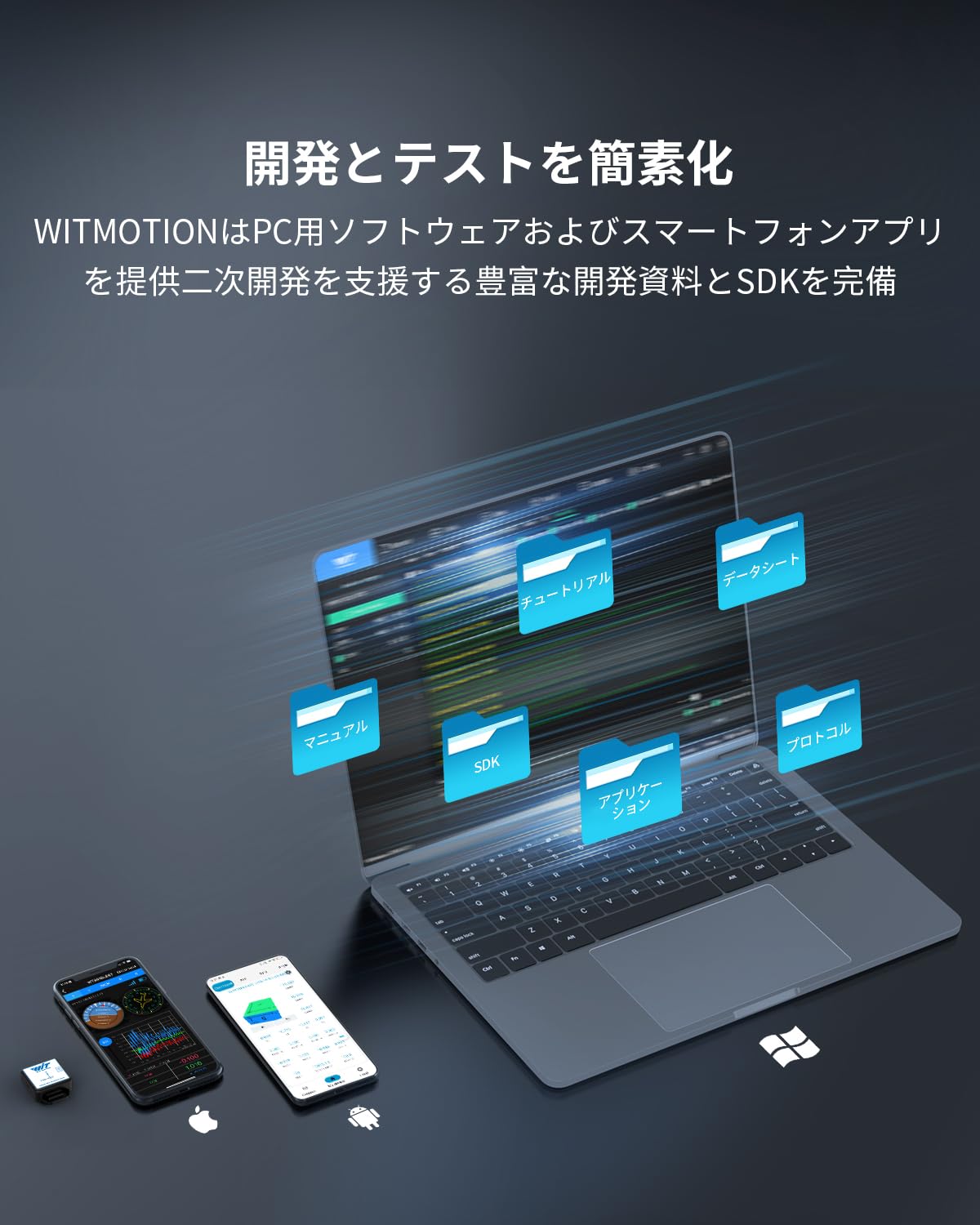
Image: An illustration demonstrating how WitMotion simplifies development and testing by providing PC software, smartphone apps, and comprehensive development resources like SDKs and manuals.
5.3 Connecting the Sensor
The WT901BLECL connects wirelessly via Bluetooth 5.0.
- Ensure the sensor is charged and powered on.
- For PC Connection:
- Ensure your PC has Bluetooth 5.0 capability. If not, a separate BLE 5.0 adapter is required.
- Open the WitMotion PC software.
- Navigate to the connection settings within the software and search for available Bluetooth devices.
- Select the WT901BLECL from the list and establish a connection.
- For Smartphone Connection (Android):
- Enable Bluetooth on your Android smartphone.
- Open the WitMotion smartphone app.
- The app should automatically scan for nearby WitMotion sensors. Select your WT901BLECL to connect.
6. Operating Instructions
Once connected, you can begin acquiring and analyzing data from the sensor.
6.1 Real-time Data Monitoring
Both the PC software and smartphone app provide real-time display of sensor data.
- The interface typically includes a dashboard showing current values for acceleration, angular velocity, angle, and magnetic field.
- Graphs visualize data trends over time, allowing for dynamic analysis of motion and orientation.
- The software supports multi-connection, allowing you to monitor up to 4 sensors simultaneously.

Image: A setup showing a laptop connected to multiple WitMotion sensors, demonstrating real-time data updates and analysis capabilities of the attitude sensor system, supporting up to 4 simultaneous connections.
6.2 Data Recording and Export
The WitMotion software allows you to record sensor data for later analysis.
- Data can typically be recorded in various formats, such as .bin, .play, .csv, and .txt.
- Refer to the software's user guide for detailed instructions on starting, stopping, and managing data recordings.
6.3 Sensor Calibration
For optimal accuracy, especially with magnetic field measurements, calibration may be required.
- The software includes calibration options for the accelerometer, gyroscope, and magnetometer.
- Follow the on-screen instructions within the software to perform calibration procedures.
- It is recommended to perform magnetic field calibration in an environment free from strong magnetic interference.
7. Maintenance
To ensure the longevity and optimal performance of your WT901BLECL sensor, follow these maintenance guidelines:
- Cleaning: Use a soft, dry cloth to clean the sensor. Avoid using harsh chemicals or abrasive materials.
- Storage: Store the sensor in a cool, dry place away from direct sunlight and extreme temperatures.
- Battery Care: For prolonged storage, ensure the battery is partially charged (around 50%). Avoid fully discharging the battery for extended periods.
- Environmental Considerations: Avoid exposing the sensor to water, dust, or strong electromagnetic fields, which can affect its performance and lifespan.
8. Troubleshooting
If you encounter issues with your WT901BLECL sensor, refer to the following common problems and solutions:
8.1 Sensor Not Connecting
- Check Power: Ensure the sensor is charged and powered on.
- Bluetooth Status: Verify that Bluetooth is enabled on your PC or smartphone.
- BLE Adapter: If connecting to a PC, confirm that your PC has Bluetooth 5.0 or that a compatible BLE 5.0 adapter is correctly installed.
- Range: Ensure the sensor is within the 50-meter Bluetooth range and there are no significant obstacles.
- Software/App: Restart the WitMotion software or app and try connecting again.
8.2 Inaccurate Data Readings
- Calibration: Perform a sensor calibration, especially for the magnetometer, in an environment free from magnetic interference.
- Interference: Keep the sensor away from strong magnetic fields, large metal objects, or other electronic devices that might cause interference.
- Firmware: Check the WitMotion website for any available firmware updates for your sensor model.
8.3 Short Battery Life
- Charging: Ensure the sensor is fully charged before use.
- Usage Conditions: Extreme temperatures can affect battery performance.
- Battery Age: Over time, rechargeable batteries naturally degrade.
9. Warranty and Support
WitMotion provides comprehensive support for its products.
- Warranty: The WT901BLECL sensor comes with a 12-month quality warranty.
- Tutorials and Resources:
- A tutorial link is printed on the guide card included in your package.
- Complete tutorial downloads and additional resources are available on the official WitMotion website: www.wit-motion.com.
- Contact Support: If you have any questions, require technical assistance, or need to claim warranty service, please do not hesitate to contact WitMotion support. They are committed to providing satisfactory service and solutions.
Email: support@wit-motion.com
10. Applications
The WitMotion WT901BLECL sensor is versatile and can be applied in various fields:
- Virtual Reality (VR): For head tracking and motion capture in VR environments.
- Robotics: For robot navigation, balance control, and orientation sensing.
- Motion Monitoring: In sports science, fitness tracking, and human-computer interaction.
- Medical Rehabilitation: For tracking patient movement and progress during therapy.
- Industrial Automation: For monitoring the orientation and movement of machinery.

Image: Examples of application fields for the sensor, including VR headsets, robots, motion tracking for athletes, and medical rehabilitation scenarios.