
Introduction
Thank you for choosing the BoxWave AccuPoint Active Stylus. This electronic stylus is designed to provide a precise and natural writing experience on your touchscreen device, such as the Garmin nuvi 1480. This manual will guide you through the setup, operation, and maintenance of your new stylus.
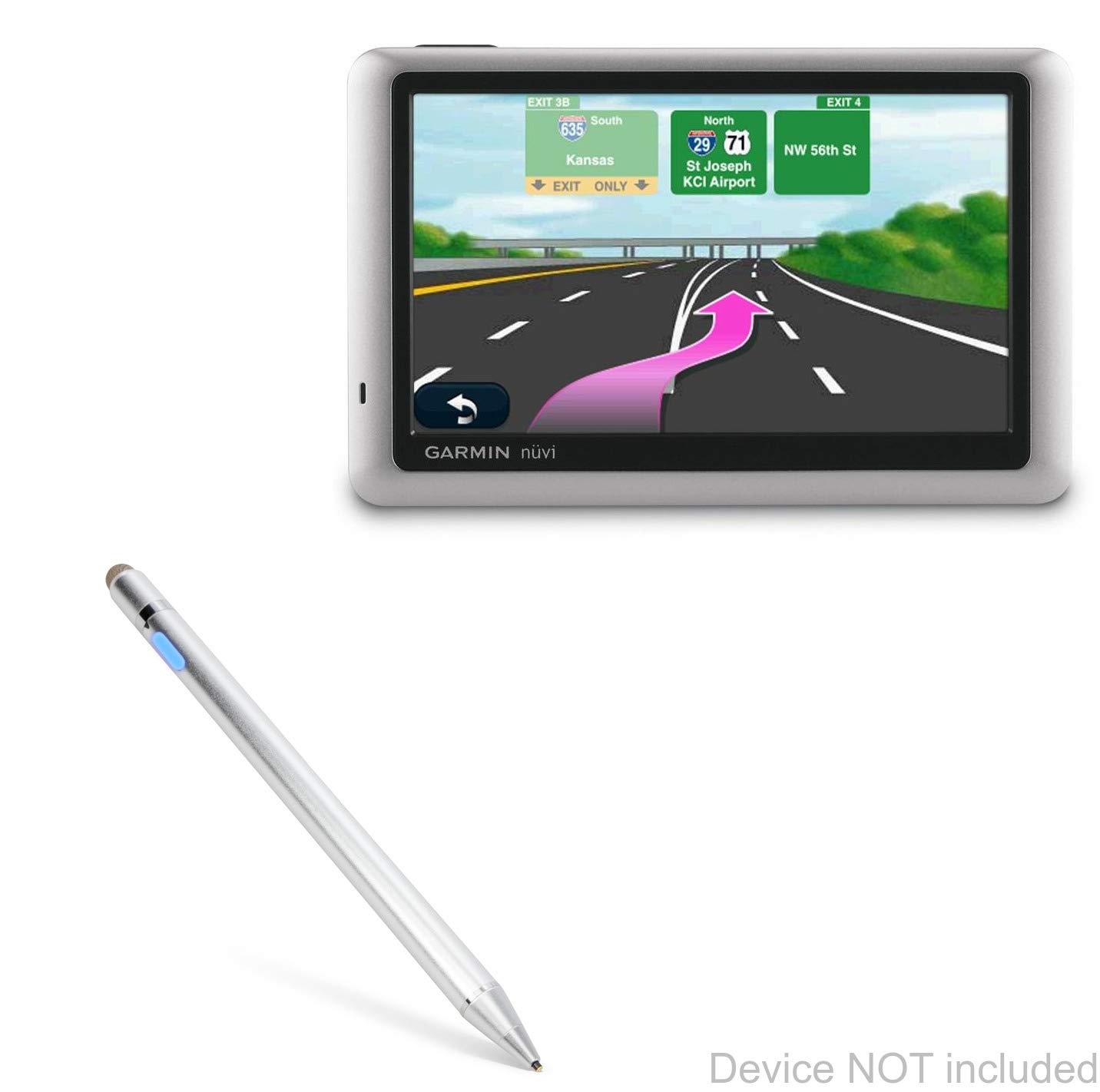
Image: The BoxWave AccuPoint Active Stylus in Metallic Silver, showcasing its sleek design.
Product Overview
The AccuPoint Active Stylus features a durable aluminum construction and an ultra-fine tip for accurate interaction with your screen. It operates without the need for Bluetooth pairing.

Image: A detailed view of the stylus highlighting its built-in charging port, indicator light, 1.9mm extra fine tip, and FiberMesh tip. It also indicates no Bluetooth is required.
Key Components:
- Ultra Fine Tip (1.9mm): Provides precise control for writing, drawing, and tapping.
- FiberMesh Tip: An alternative tip for smooth navigation and general use.
- Power Button/Indicator Light: Used to turn the stylus on/off and indicates power status.
- Built-in Charging Port: MicroUSB port for recharging the internal battery.
- Brushed Aluminum Barrel: Offers a comfortable grip and durable construction.
Setup
- Initial Charge: Before first use, fully charge the stylus using the provided MicroUSB cable. Connect the cable to the stylus's charging port and a standard USB power source (e.g., computer, wall adapter). The indicator light will show charging status.
- Power On: Press the power button located on the stylus barrel to turn it on. The indicator light will illuminate.
- No Pairing Required: The AccuPoint Active Stylus does not require Bluetooth pairing. It emits electronic pulses to interact directly with your touchscreen.

Image: The stylus connected to a laptop via its MicroUSB charging cable, demonstrating convenient charging.
Operating Instructions
Once powered on, the stylus is ready for use. Simply touch the tip to your device's screen to interact.
- Writing and Drawing: Use the ultra-fine tip for precise input, similar to using a traditional pen.
- Navigation: Tap, swipe, and select items on your screen with accuracy.
- Compatibility: Designed for use with various touchscreen devices, including the Garmin nuvi 1480.
Important Note: The AccuPoint Active Stylus does not support Palm Rejection or Pressure Sensitivity features.

Image: A hand demonstrating the use of the stylus to interact with application icons on a tablet screen.
Charging
The stylus is equipped with a built-in battery that provides approximately 12 hours of continuous use on a full charge.
- Charging Method: Use the included MicroUSB cable to connect the stylus to any standard USB power source.
- Indicator Lights:
- Blue: Power On
- Red: Charging
- Green: Full Charge

Image: Close-up of the stylus showing the indicator lights for Power On (blue), Charging (red), and Full Charge (green).
Maintenance
- Cleaning: Wipe the stylus barrel with a soft, dry cloth. For the tip, gently clean with a lint-free cloth. Avoid using harsh chemicals or abrasive materials.
- Storage: Store the stylus in a cool, dry place away from direct sunlight and extreme temperatures.
- Tip Care: Handle the stylus tip with care to prevent damage. Avoid dropping the stylus or applying excessive force to the tip.
Troubleshooting
| Problem | Possible Cause | Solution |
|---|---|---|
| Stylus does not turn on. | Battery is depleted. | Charge the stylus using the provided MicroUSB cable. |
| Stylus is not responding on screen. | Stylus is off or tip is dirty/damaged. | Ensure the stylus is powered on. Gently clean the tip. If damaged, consider replacing the stylus. |
| Indicator light is not working. | Stylus is off, battery is very low, or internal issue. | Ensure stylus is powered on. Charge the stylus. If problem persists, contact customer support. |
Specifications
- Model: AccuPoint Active Stylus
- Material: Aluminum
- Color: Metallic Silver
- Tip Size: 1.9mm (Ultra Fine Tip)
- Battery: 1 Product Specific battery (included)
- Battery Life: Approximately 12 hours of use
- Charging Port: MicroUSB
- Weight: 1.3 ounces (approx. 36.85 grams)
- Compatibility: Designed for touchscreen devices, including Garmin nuvi 1480 and other smartphones/tablets.
Warranty and Support
For warranty information or technical support, please refer to the documentation included with your purchase or visit the official BoxWave website. You may also contact BoxWave customer service directly for assistance.
Manufacturer: BoxWave Corporation
Website: www.boxwave.com (Example link, actual link may vary)