
1. Introduction
Thank you for choosing the Terra by Battat Rainbow Boa Infrared Remote Control Snake. This electronic toy is designed to mimic the realistic movement and appearance of a Rainbow Boa, providing an engaging play experience. This manual will guide you through the setup, operation, and care of your new RC snake.
2. Safety Information
- Age Recommendation: Suitable for children aged 6 years and older.
- Battery Safety: Do not mix old and new batteries. Do not mix alkaline, standard (carbon-zinc), or rechargeable (nickel-cadmium) batteries. Insert batteries with correct polarity. Remove exhausted batteries from the toy. Do not short-circuit the supply terminals.
- Choking Hazard: This product contains small parts and is not suitable for children under 3 years due to potential choking hazards.
- Supervision: Adult supervision is recommended during play.
- Usage Environment: Operate the snake on smooth, hard surfaces. It may not function correctly on carpets or uneven terrain.
3. Package Contents
Ensure all items are present before beginning setup:
- 1 x Terra by Battat Rainbow Boa RC Snake (Red)
- 1 x Infrared Remote Control
- 5 x AAA Batteries (included)

Image: Product packaging showing the RC snake and remote control.
4. Setup
4.1 Battery Installation (Snake)
- Locate the battery compartment on the underside of the snake's head.
- Using a small screwdriver (not included), open the battery compartment cover.
- Insert 3 AAA batteries, ensuring correct polarity (+/-).
- Replace the battery compartment cover and secure it with the screw.
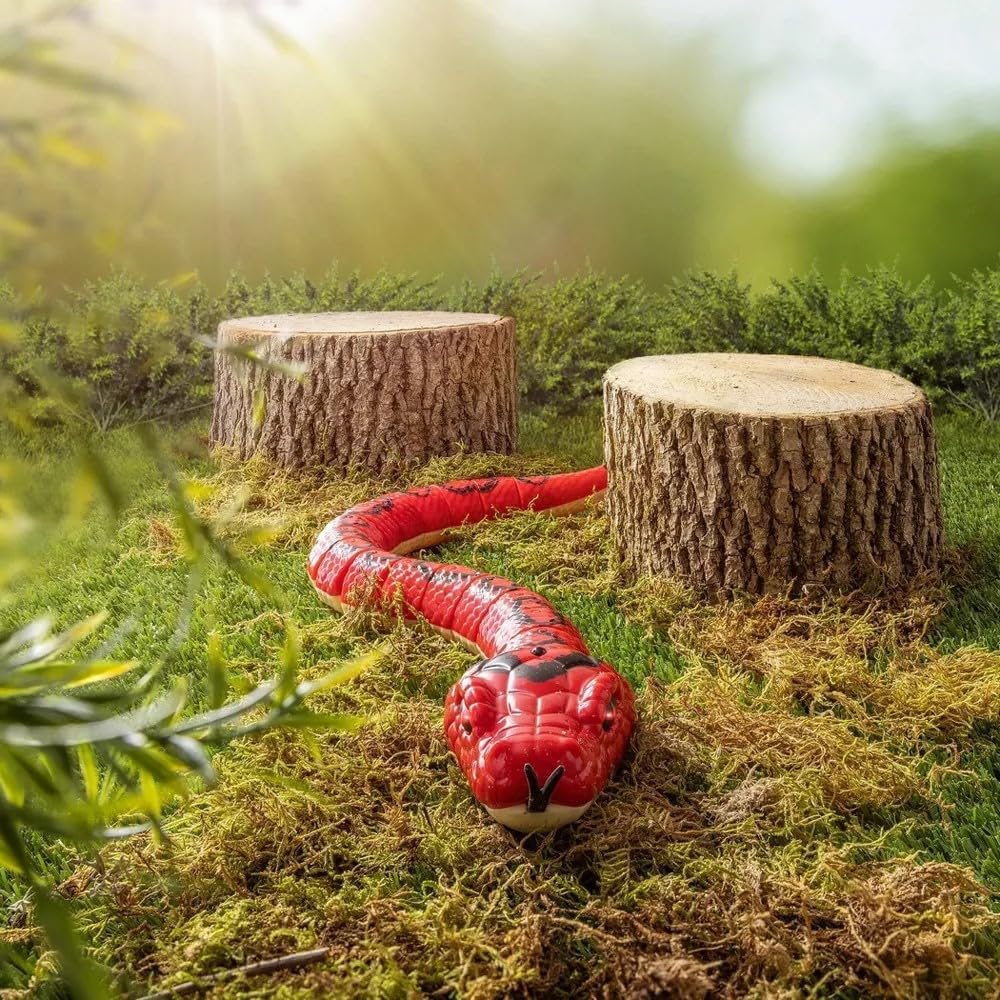
Image: Underside of the snake, indicating the battery compartment.
4.2 Battery Installation (Remote Control)
- Locate the battery compartment on the back of the remote control.
- Using a small screwdriver (not included), open the battery compartment cover.
- Insert 2 AAA batteries, ensuring correct polarity (+/-).
- Replace the battery compartment cover and secure it with the screw.
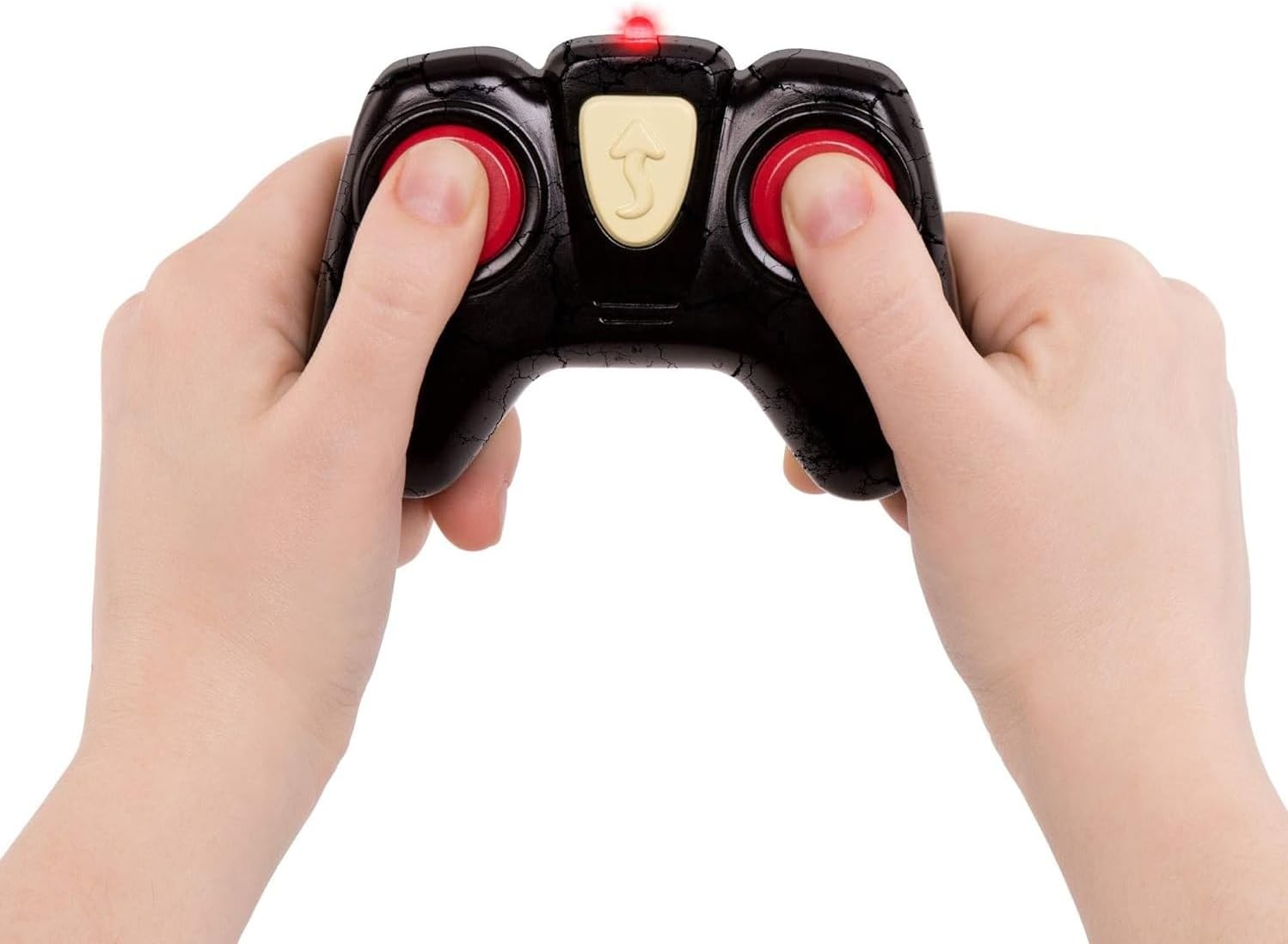
Image: Remote control for the RC snake.
4.3 Powering On
Once batteries are installed in both the snake and the remote, locate the ON/OFF switch on the underside of the snake's head and on the remote control. Switch both to the "ON" position. The snake's LED eyes will light up, indicating it is ready for operation.
5. Operating Instructions
The remote control allows you to guide the Rainbow Boa RC Snake with various movements. Ensure the snake and remote are within direct line of sight for optimal infrared signal transmission.
5.1 Basic Controls
- Forward: Press the forward button on the remote to make the snake move forward in a realistic S-shaped slithering motion.
- Turn Left/Right: Use the directional buttons to steer the snake left or right while moving forward.
- Stop: Release the control buttons to stop the snake's movement.

Image: The red RC snake demonstrating its S-shaped movement.
5.2 LED Eyes
The snake features light-up LED eyes that activate when the snake is powered on, adding to its realistic appearance, especially in low-light conditions.

Image: Close-up of the snake's head, highlighting its glowing LED eyes.
5.3 Official Product Video
Video: An official demonstration of the Terra by Battat RC Snake, showcasing its movement and features.
6. Maintenance
- Cleaning: Wipe the snake and remote with a damp cloth. Do not immerse in water.
- Storage: Store the toy in a cool, dry place away from direct sunlight when not in use. Remove batteries if storing for extended periods to prevent leakage.
- Battery Replacement: Replace batteries when the snake's movement becomes sluggish or the remote's indicator light dims.
7. Troubleshooting
| Problem | Possible Cause | Solution |
|---|---|---|
| Snake does not move or respond to remote. |
|
|
| LED eyes do not light up. |
|
|
8. Specifications
| Feature | Detail |
|---|---|
| Model Number | AN2800 |
| Brand | Terra by Battat |
| Item Type | RC Snake (Red) |
| Dimensions (L x W x H) | 20.7" x 2.3" x 1.98" (52.6 cm x 5.8 cm x 5.0 cm) |
| Weight | 1.2 pounds (0.54 kg) |
| Material | Plastic |
| Power Source | Battery Powered |
| Batteries Required | 5 AAA batteries (included) |
| Recommended Age | 6+ Years (Manufacturer Minimum Age: 72 Months) |
| Features | Remote Control, LED Eyes, Realistic S-shaped Movement |
9. Warranty and Support
This product is sold with No Warranty as per manufacturer specifications. For any product-related inquiries or assistance, please refer to the retailer where the product was purchased.