
N-Gear NGS828-BT
N-Gear NGS828-BT Karaoke System User Manual
Model: NGS828-BT / EKS828/9-BT
Introduction
This manual provides essential information for the safe and effective operation of your N-Gear NGS828-BT Karaoke System. Please read it thoroughly before use and retain it for future reference.
The N-Gear NGS828-BT karaoke system is designed to provide an immersive entertainment experience. It features two integrated speakers with a total power output of 30 watts, mounted on a sturdy stand that includes an integrated lighting system. The system comes complete with two wired microphones, allowing for duets and interactive performances. Music playback is versatile, supporting connections via Bluetooth, auxiliary audio input, or directly from a USB flash drive. A unique feature of this system is the ability to record your vocal performances directly onto a USB stick. Enhance your party atmosphere with two distinct light animations: one integrated into the stand and the second on the main unit, creating a dynamic disco-style effect. The system also offers convenient controls for microphone volume and an echo function to add professional vocal effects.

Image: Front view of the N-Gear NGS828-BT Karaoke System, showcasing its stand, main unit with controls, and integrated multi-color LED lights.
Safety Information
- Ensure the power adapter is compatible with your local power supply.
- Do not expose the unit to rain or moisture to prevent electric shock.
- Keep the unit away from heat sources, direct sunlight, and excessive dust.
- Do not block ventilation openings.
- Only use attachments/accessories specified by the manufacturer.
- Unplug the unit during lightning storms or when unused for long periods.
- Refer all servicing to qualified service personnel.
Package Contents
Please check that all items are present and in good condition:
- N-Gear NGS828-BT Karaoke System Main Unit
- Karaoke System Stand
- 2 x Wired Microphones
- Power Adapter (Cable included)
- User Manual (This document)
Product Features
- Integrated Stereo Speakers: Two speakers with 30W total power output.
- Dual Microphone Inputs: Comes with two wired microphones for duets.
- Versatile Connectivity: Bluetooth for wireless streaming, Auxiliary input, and USB port for MP3 playback.
- Recording Function: Record your vocal performances directly to a USB stick.
- Dynamic Light Shows: Integrated LED lights on the stand and a disco-style light on the main unit.
- Vocal Effects: Adjustable microphone volume and echo function.
- LED Display: For easy navigation and status indication.

Image: Detailed view of the main unit's control panel, highlighting the two microphone inputs, speaker grilles, and the display indicating 120W PMPO output.
Setup Guide
- Assemble the Stand: Carefully attach the main unit to the stand base. Ensure all connections are secure.
- Connect Microphones: Plug the two wired microphones into the designated microphone input jacks on the main unit.
- Power Connection: Connect the power adapter to the DC input port on the unit, then plug the adapter into a suitable power outlet.
- Initial Power On: Press the Power button to turn on the system. The LED display should illuminate.
Operating Instructions
1. Power On/Off
Press the Power button located on the control panel to turn the system on or off.
2. Mode Selection
Use the Mode button to switch between available input sources: Bluetooth, Auxiliary (AUX), and USB.
3. Bluetooth Connection
- Select Bluetooth mode using the Mode button. The LED display will show "BT" and a pairing indicator will flash.
- On your mobile device (phone, tablet, computer, laptop), enable Bluetooth and search for available devices.
- Select "N-Gear Karaoke" or similar from the list.
- Once connected, the pairing indicator will stop flashing, and you can play music from your device wirelessly.
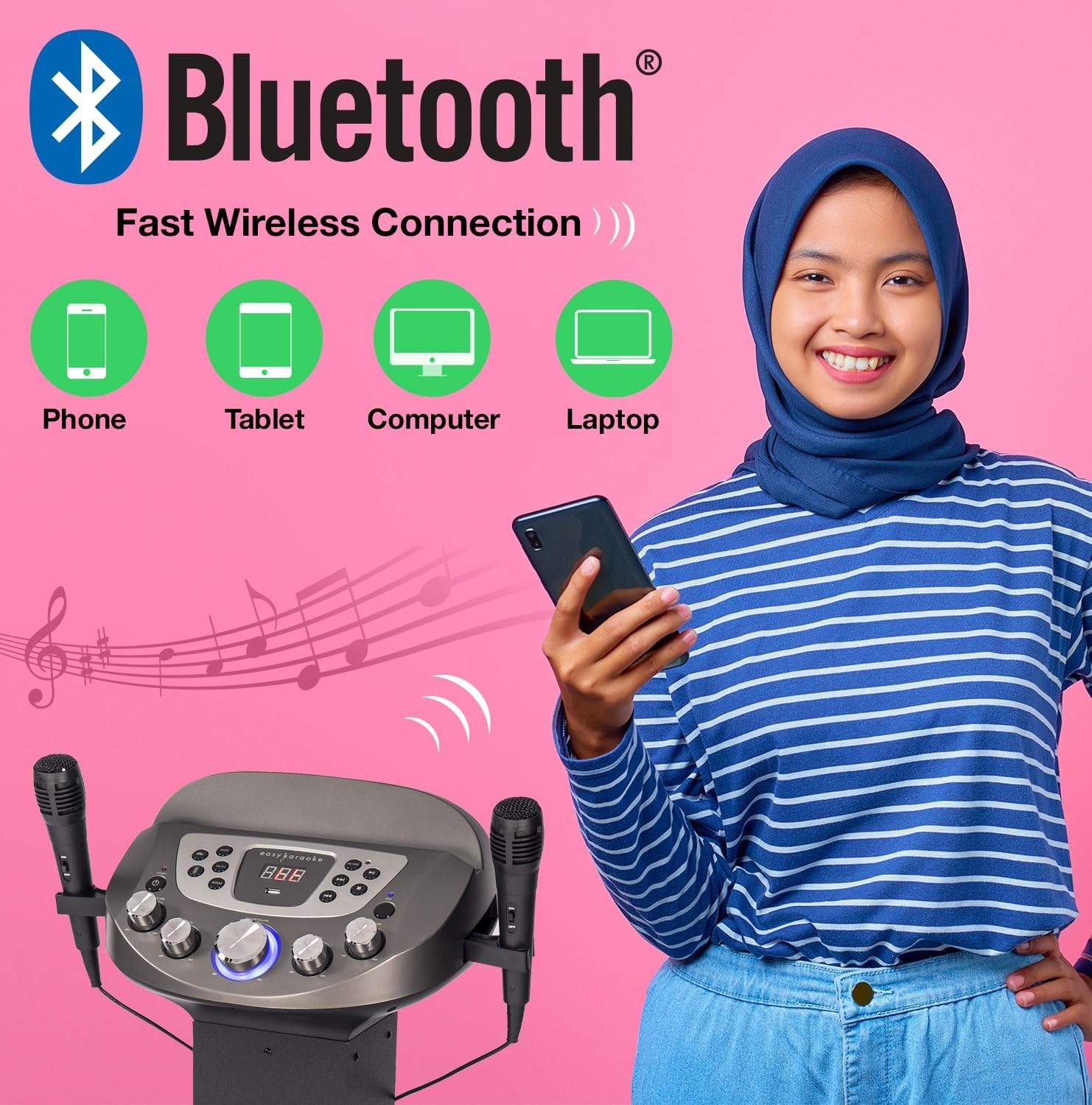
Image: Diagram illustrating various devices (phone, tablet, computer, laptop) that can connect to the karaoke system via Bluetooth for wireless music streaming.
4. USB Playback and Recording
- Insert a USB flash drive into the USB port.
- Select USB mode using the Mode button. The system will automatically detect and play compatible audio files (e.g., MP3).
- Use the Play/Pause, Next, and Previous buttons to control playback.
- To Record your singing: While playing music from USB or AUX, press the Record button. Sing into the microphones. Press Record again to stop. Your recording will be saved on the USB drive.
5. Auxiliary Input (AUX)
Connect an external audio device (e.g., smartphone, MP3 player) to the AUX input jack using a 3.5mm audio cable (not included). Select AUX mode to play audio from the connected device.
6. Microphone Usage
- Ensure microphones are securely plugged in.
- Adjust microphone volume using the dedicated MIC VOL knob on the control panel.
- Use the Echo knob to add vocal echo effects.

Image: A group of people enjoying the karaoke system, with visual cues pointing to the LED lights, disco ball, echo effect, and microphone volume control features.
7. Light Show Control
The system features integrated LED lights on the stand and a disco-style light on the main unit. These lights activate automatically when the system is powered on, enhancing the party atmosphere.
Maintenance
- Cleaning: Use a soft, dry cloth to clean the exterior of the unit. Do not use abrasive cleaners or solvents.
- Storage: When not in use, store the system in a cool, dry place, away from direct sunlight and extreme temperatures.
- Microphone Care: Handle microphones carefully. Avoid dropping them or exposing them to moisture.
Troubleshooting
| Problem | Possible Cause | Solution |
|---|---|---|
| No power | Power adapter not connected or faulty outlet. | Check power connections. Try a different outlet. |
| No sound from speakers | Volume too low; incorrect input mode; device not connected properly. | Increase master volume. Select correct input mode (Bluetooth, USB, AUX). Ensure external device is playing. |
| Microphone not working | Microphone not plugged in; MIC VOL too low; faulty microphone. | Ensure microphone is fully plugged in. Increase MIC VOL. Test with the other microphone if available. |
| Bluetooth pairing issues | Device too far; system not in Bluetooth mode; previously paired device connected. | Ensure device is within range (approx. 10m). Select Bluetooth mode. Disconnect from other Bluetooth devices. |
| USB playback error | Incompatible file format; corrupted USB drive; USB drive not inserted correctly. | Ensure files are MP3 format. Try a different USB drive. Reinsert the USB drive. |
Specifications
| Feature | Detail |
|---|---|
| Model Name | NGS828-BT |
| Model Number | EKS828/9-BT |
| Brand | N-Gear (EASY KARAOKE) |
| Color | Black |
| Speaker Output | 30 Watts Total (2 Speakers) / 120W PMPO |
| Connectivity | Bluetooth, Auxiliary (3.5mm), USB |
| USB Ports | 1 (for playback and recording) |
| Microphones | 2 x Wired Microphones included |
| Special Features | Integrated LED Light Show (Stand & Disco Ball), Echo Function, Microphone Volume Control, LED Display |
| Power Source | Power Adapter |
| Recommended Use | Family gatherings, parties, events, personal use with tablet-based karaoke apps |
Warranty and Support
For warranty information and technical support, please refer to the contact details provided with your purchase or visit the official N-Gear / EASY KARAOKE website. Keep your proof of purchase for any warranty claims.
While specific warranty details are not provided in this manual, N-Gear products typically come with a standard manufacturer's warranty covering defects in materials and workmanship. Please consult the packaging or the manufacturer's website for the most current warranty terms and conditions.
Related documentsNGS828-BT


Ask a question about this manual
Ask about setup, troubleshooting, compatibility, parts, safety, or missing instructions. Manuals+ will review the question and use this page’s manual context to help answer it.