
1. Product Overview
The 8Wireless Tempered Glass Screen Protector is designed to safeguard your tablet's display from scratches, impacts, and daily wear. It features high transparency for optimal viewing and an oleophobic coating to resist fingerprints and smudges.
Key Features
- 9H Surface Hardness: Provides robust protection against scratches and impacts.
- HD Retina Clarity: Ensures 99.99% transparency for a clear and natural viewing experience.
- Oleophobic Coating: Reduces fingerprints and smudges, making the screen easy to clean.
- High Touch Sensitivity: Ultra-thin 0.3mm design maintains original touchscreen responsiveness.
- Bubble-Free Installation: Engineered for a smooth application process.

Image 1.1: Overview of the screen protector's performance features.
Compatibility
This screen protector is specifically designed for the following 8-inch tablet models:
- Onn 8" Tablet (Model: ONA19TB002)
- FANGOR 8" Tablet (Model: F-863)
- Weelikeit 8" Tablet (Model: F82W)
Note: This screen protector is NOT compatible with other Onn 8" tablet models or any other tablet sizes.

Image 1.2: Visual guide for tablet model compatibility.
2. Package Contents
Please verify that all items are present in the package before beginning installation:
- 1 x 8Wireless Tempered Glass Screen Protector
- 1 x Wet Screen Cleaning Wipe
- 1 x Dry Screen Cleaning Cloth
- 1 x Dust Removal Sticker
- 1 x Installation Instructions (this manual)
3. Setup and Installation Instructions
Follow these steps carefully for a bubble-free and secure installation:
- Clean the Tablet Screen: Use the wet cleaning wipe to thoroughly clean the tablet screen, removing all dirt, oil, and smudges.
- Dry the Screen: Use the dry cleaning cloth to wipe the screen until it is completely dry and streak-free.
- Remove Dust: Use the dust removal sticker to dab the screen surface, ensuring all dust particles are lifted. Inspect the screen under good lighting to confirm it is perfectly clean.
- Align the Screen Protector: Carefully peel off the protective film from the adhesive side of the tempered glass. Hold the screen protector by its edges and align it precisely with your tablet's screen, paying attention to cutouts for the camera and sensors.
- Apply the Protector: Once aligned, gently lower the screen protector onto the tablet screen. The adhesive will begin to spread automatically.
- Remove Bubbles: If any bubbles appear, gently push them towards the edges of the screen using the dry cleaning cloth or your finger. Most small bubbles will disappear within 24-48 hours.
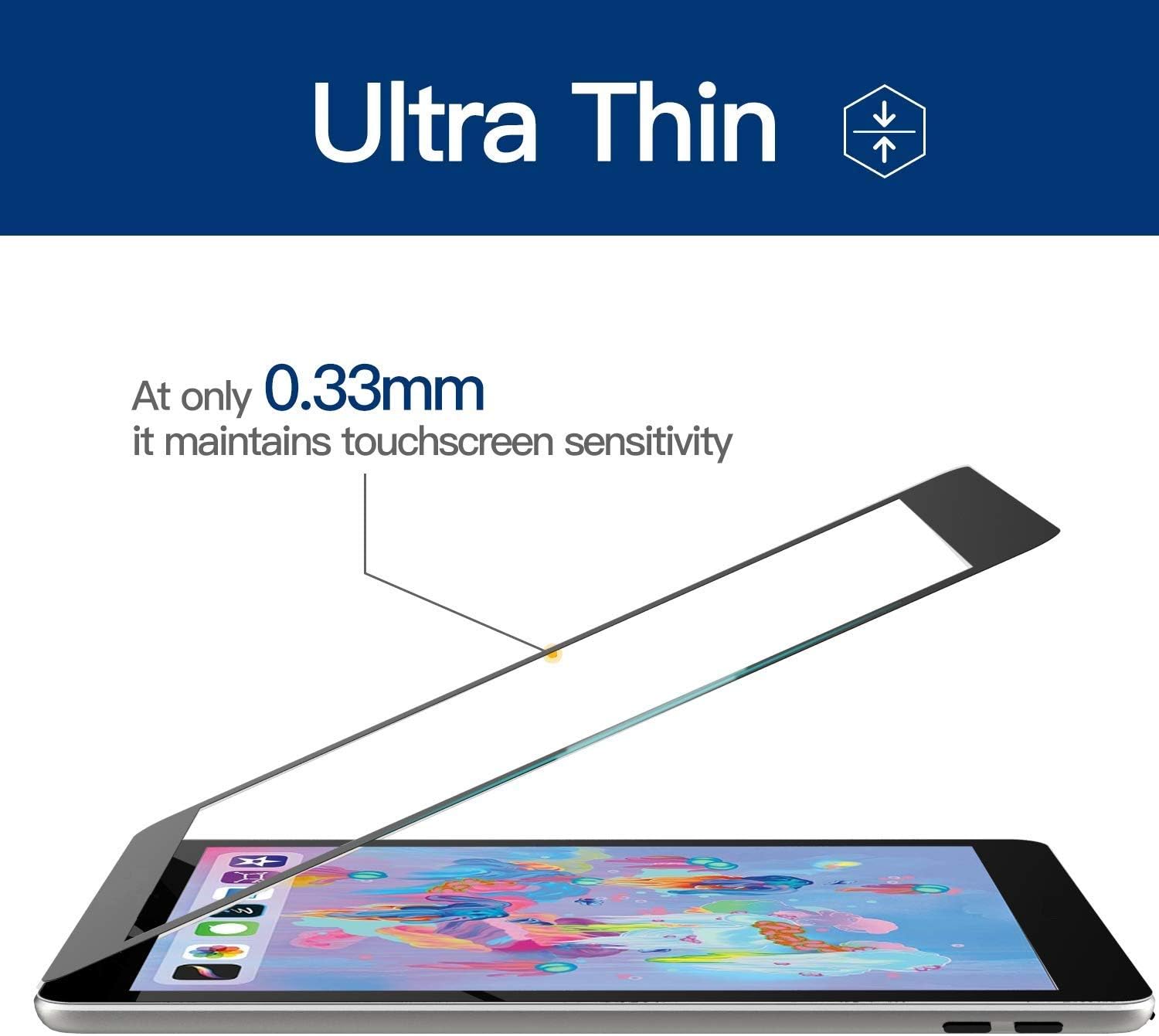
Image 3.1: The screen protector's ultra-thin design during application.
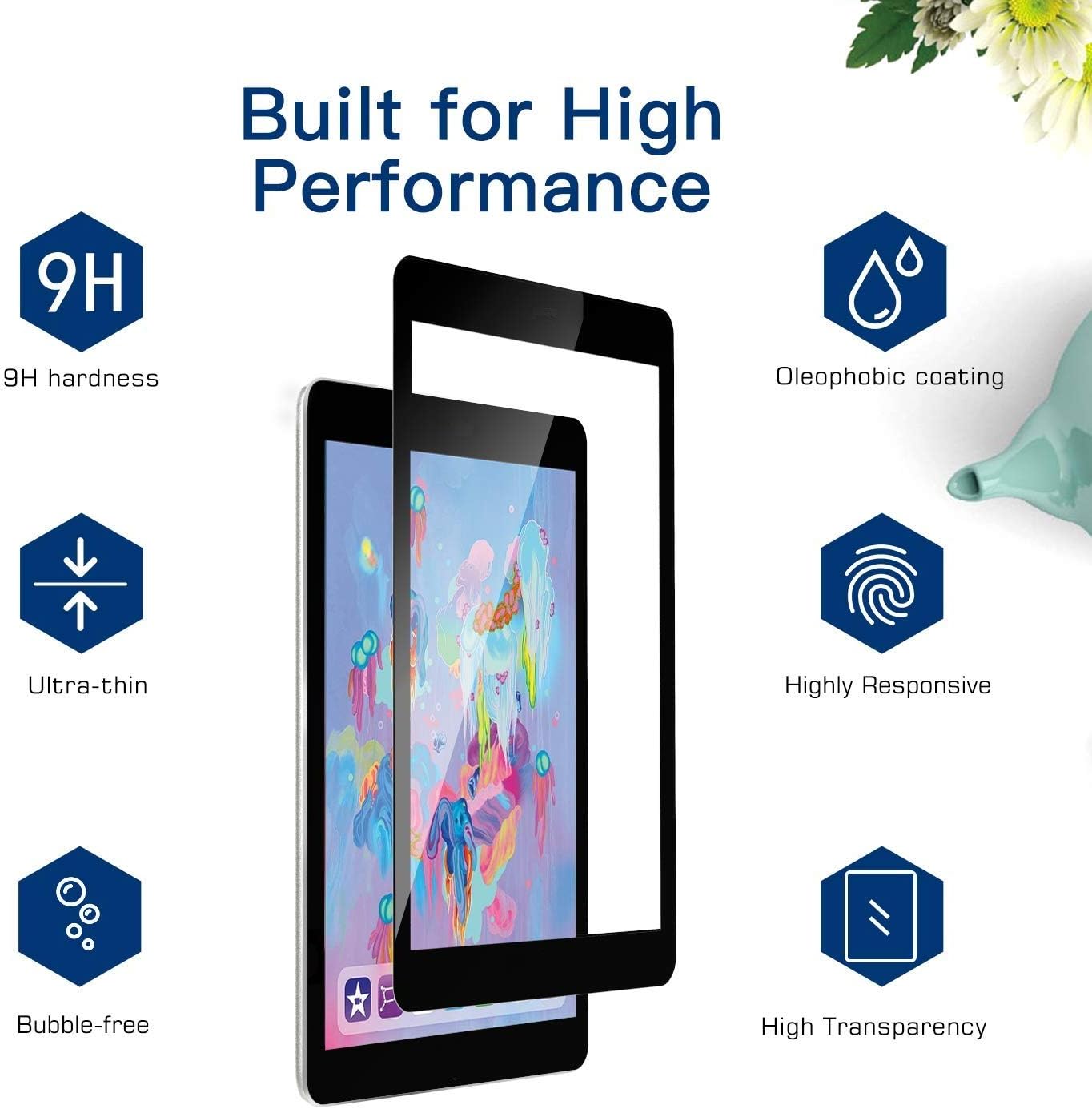
Image 3.2: Example of a successful bubble-free installation.
4. Operating Instructions
Once installed, the screen protector operates seamlessly with your tablet. Its high transparency ensures that the visual quality of your display is unaffected, providing an optimal viewing experience. The ultra-thin design maintains the original touch sensitivity, allowing for smooth and accurate interaction with your tablet.
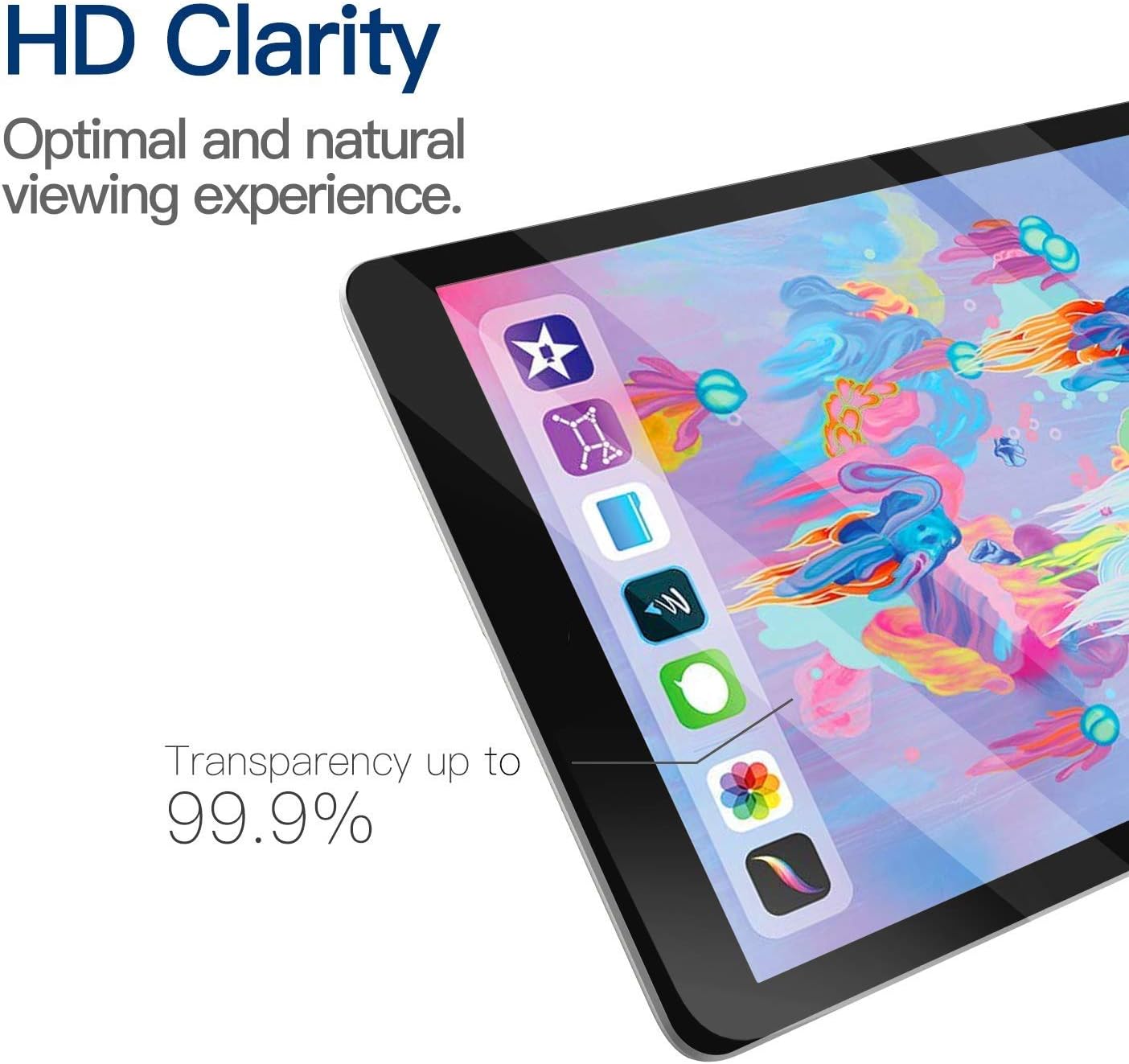
Image 4.1: Demonstrating the HD clarity and high transparency of the screen protector.
5. Maintenance
To maintain the clarity and effectiveness of your screen protector, follow these simple maintenance tips:
- Cleaning: Use a soft, lint-free cloth (like the dry cleaning cloth provided) to gently wipe the screen. For stubborn smudges or fingerprints, slightly dampen the cloth with water or a screen-safe cleaner.
- Avoid Harsh Chemicals: Do not use abrasive cleaners, alcohol, or ammonia-based solutions, as these can damage the oleophobic coating.
- Protection: While the screen protector offers significant protection, avoid placing your tablet face down on rough surfaces or exposing it to sharp objects to prevent excessive wear.
6. Troubleshooting
If you encounter any issues during or after installation, refer to the following common solutions:
- Bubbles After Installation: Small bubbles often disappear on their own within 24-48 hours. For larger bubbles, gently lift the nearest edge of the screen protector and reapply, pushing the bubble out with the dry cleaning cloth. Ensure the screen is free of dust before reapplication.
- Dust Under the Protector: If dust particles are trapped, carefully lift the screen protector from the nearest corner using a thin card. Use the dust removal sticker to lift the dust from both the tablet screen and the adhesive side of the protector, then reapply.
- Poor Adhesion: Ensure the screen was thoroughly cleaned and dried before application. If the edges are not adhering, gently press them down for a few seconds. Extreme temperatures can affect adhesion; apply in a room temperature environment.
- Reduced Touch Sensitivity: Verify the screen protector is correctly aligned and not overlapping any sensors. If the issue persists, ensure your tablet's touch settings are calibrated correctly.
7. Specifications
| Brand | 8Wireless |
| Material | Tempered Glass |
| Item Hardness | 9H |
| Screen Size | 8 Inches |
| Screen Surface Description | Glossy |
| Product Dimensions | 3 x 3 x 0.3 inches (Packaging) |
| Item Weight | 3.04 ounces |
| Compatible Devices | Onn 8" Tablet (ONA19TB002), FANGOR 8" Tablet (F-863), Weelikeit 8" Tablet (F82W) |
| Manufacturer | Jacksoom International |
8. Warranty and Support
This 8Wireless Tempered Glass Screen Protector comes with a Lifetime Replacement Warranty. If your screen protector becomes damaged or defective, please contact the manufacturer for assistance.
For further support or inquiries, please refer to the contact information provided with your product packaging or visit the official 8Wireless website.