
IONIX HB-21
IONIX HB-21 Wired In-Ear Headphone with Mic
User Manual
Product Overview
The IONIX HB-21 is a wired in-ear headphone designed for clear audio playback and communication. It features a built-in microphone for hands-free calls and a 3.5mm jack for broad compatibility with various devices.
Key features include:
- Powerful drivers for enhanced bass.
- Compatibility with Android and iOS devices (mobile, tablet, laptop, audio player).
- Gold-plated 3.5mm jack for reliable connection.
- 1.2-meter long cable for flexible use.
- Includes a protective carry case for storage.

Image: The IONIX HB-21 wired in-ear headphones shown alongside their included protective carry case.
Setup Guide
1. Unboxing and Inspection
Carefully remove the headphones and the carry case from the packaging. Inspect all components for any visible damage.
2. Connecting to Your Device
Locate the 3.5mm audio jack on your smartphone, tablet, laptop, or audio player. Insert the gold-plated 3.5mm jack of the IONIX HB-21 headphones firmly into the device's audio port until it clicks into place.

Image: A close-up view of an IONIX HB-21 earbud, highlighting its design and silicone tip.
3. Wearing the Headphones
Gently insert the earbuds into your ears. Adjust them for a comfortable and secure fit. The ear cushions are designed to provide a snug fit and optimize sound delivery.
Operating Instructions
Audio Playback
Once connected, your device will automatically route audio through the IONIX HB-21 headphones. Control playback (play, pause, skip tracks) and volume directly from your connected device.
Using the Microphone and Call Control
The in-line microphone allows for hands-free communication. When a call comes in, you can typically answer or end the call using the control button located on the headphone cable. Refer to your device's manual for specific button functionalities if needed.

Image: The IONIX HB-21 earphones displaying the in-line microphone and a cable clip for secure wearing.
Compatibility
These headphones are compatible with a wide range of devices including laptops, MP3 players, smartphones, and tablets that feature a standard 3.5mm audio jack.
Maintenance and Care
Cleaning
To maintain optimal performance and hygiene, regularly clean your headphones. Use a soft, dry cloth to wipe down the earbuds and cable. For the ear cushions, you may gently wipe them with a slightly damp cloth and allow them to air dry completely before reattaching or storing.
Do not use harsh chemicals, abrasive cleaners, or immerse the headphones in water.
Storage
When not in use, store your IONIX HB-21 headphones in the provided protective carry case. This helps prevent tangling of the cable and protects the earbuds from dust and physical damage.
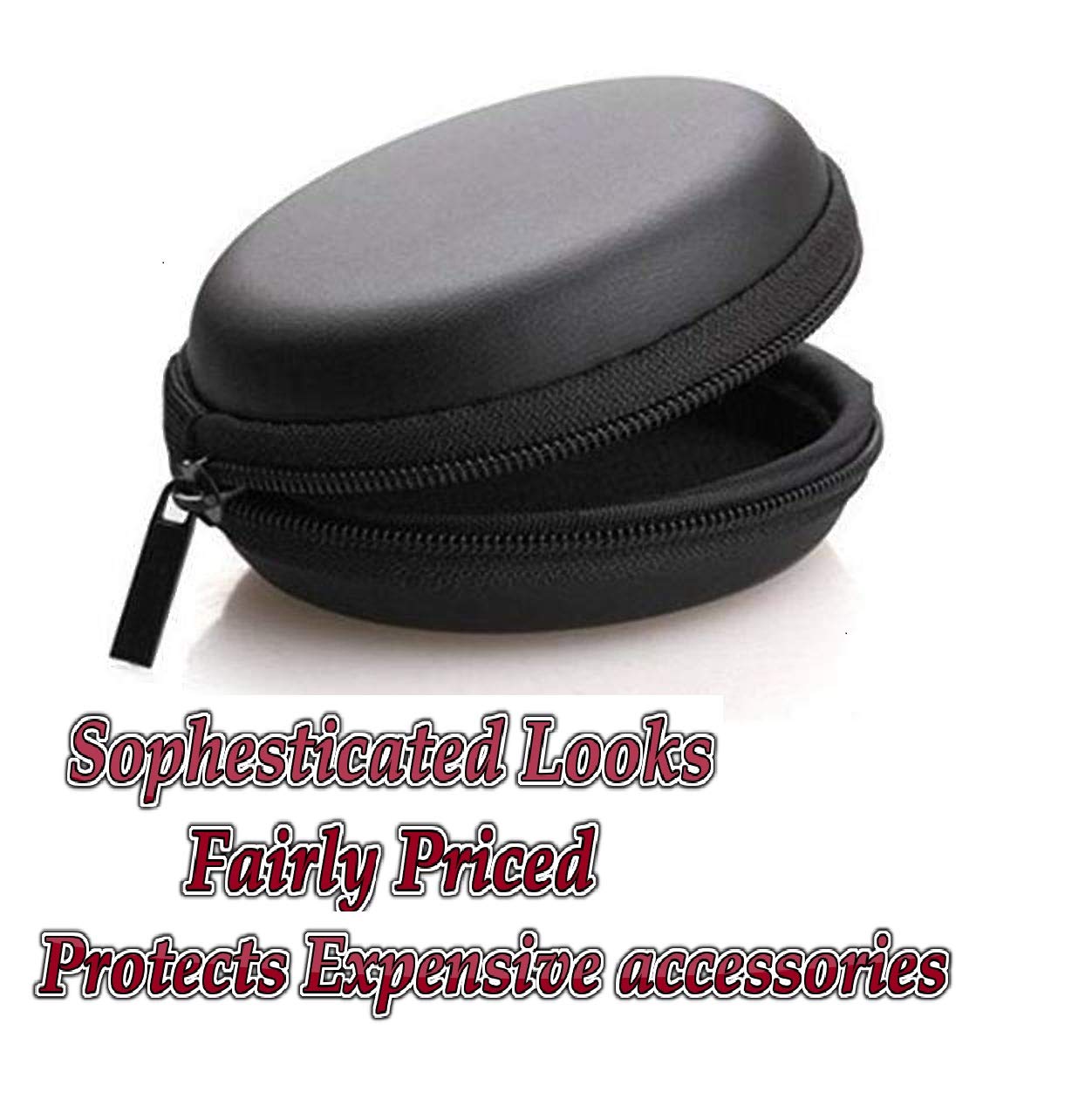
Image: The compact, black protective carry case designed to store and protect the IONIX HB-21 earphones.
Cable Management
Avoid tightly wrapping the cable around the earbuds or pulling on the cable excessively, as this can cause internal damage. Gently coil the cable when storing.
Troubleshooting
| Problem | Possible Cause | Solution |
|---|---|---|
| No sound or low volume |
|
|
| Microphone not working |
|
|
| Sound distortion |
|
|
If the issue persists after trying these solutions, please contact customer support.
Product Specifications
| Feature | Detail |
|---|---|
| Model | HB-21 |
| Connectivity Technology | Wired |
| Headphones Jack | 3.5 mm Jack (Gold Plated) |
| Cable Length | 1.2 meters |
| Microphone | Yes, with call control |
| Form Factor | In-Ear |
| Material | Plastic |
| Included Components | Ear Cushions, Protective Carry Case |
| Compatible Platforms | Laptop, MP3 Player, Smartphone, Tablet |
| Item Weight | 500 g (approximate, including packaging) |
| Country of Origin | India |
Warranty Information
Specific warranty details for the IONIX HB-21 headphones are not provided in this manual. For information regarding product warranty, including coverage period and terms, please refer to the warranty card included with your purchase or contact IONIX customer support directly.
Extended warranty plans may be available for purchase separately.
Customer Support
For further assistance, technical support, or inquiries regarding your IONIX HB-21 headphones, please contact IONIX customer service.
You can also visit the official IONIX store page for more product information and updates:
Visit the IONIX Store on Amazon.in
Manufacturer: Ionix
Ask a question about this manual
Ask about setup, troubleshooting, compatibility, parts, safety, or missing instructions. Manuals+ will review the question and use this page’s manual context to help answer it.