
Introduction
The RHA Wireless Flight Adapter is a Bluetooth audio transmitter designed to convert any audio signal from a 3.5mm device or a dual 3.5mm flight audio socket into a high-fidelity Bluetooth signal. This allows you to use your preferred Bluetooth headphones with in-flight entertainment systems, portable gaming consoles, or other devices that typically require a wired connection.

Image: The RHA Wireless Flight Adapter, a compact black device, ready for use.
What's in the Box
- RHA Wireless Flight Adapter
- USB-C Charging Cable
Setup and Getting Started
1. Charging the Adapter
Before first use, fully charge the Wireless Flight Adapter using the provided USB-C cable. Connect the USB-C end to the adapter and the other end to a compatible USB power source. A full charge provides approximately 16 hours of battery life.
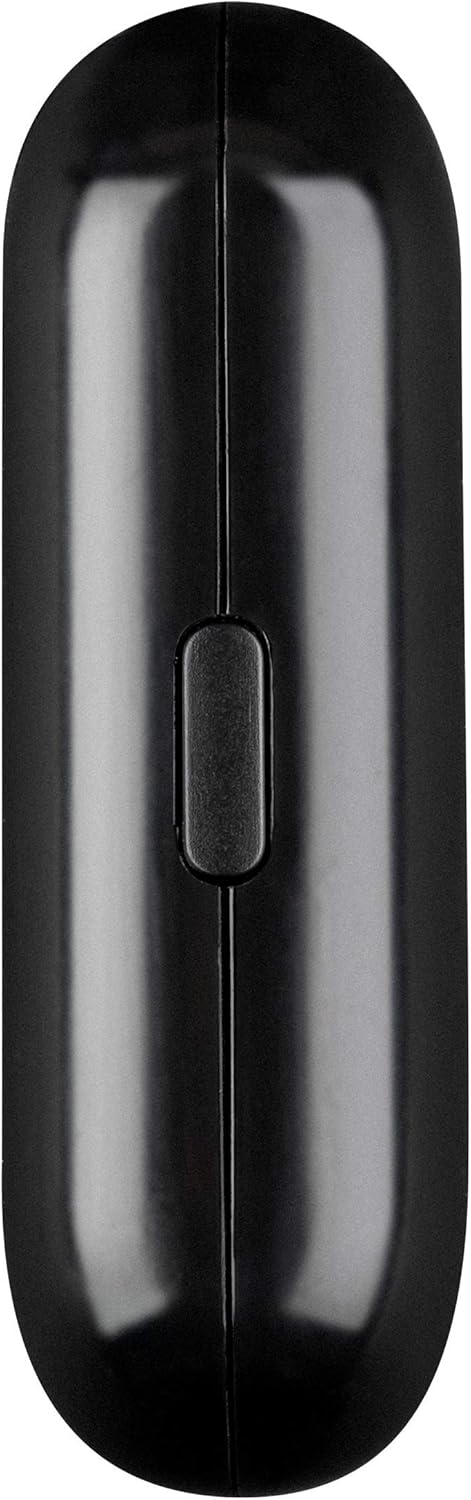
Image: The side of the adapter with the USB-C charging port.
2. Connecting to an Audio Source
The adapter features modular 3.5mm audio jacks. Depending on your audio source, you can use a single 3.5mm pin or both pins for dual 3.5mm flight audio sockets.
- Single 3.5mm Input: For standard audio jacks (e.g., portable music players, laptops), fold one of the pins away and insert the remaining pin into the audio output.
- Dual 3.5mm Flight Audio Input: For in-flight entertainment systems with two audio ports, extend both pins and insert them into the respective sockets.

Image: The adapter with its modular 3.5mm audio jacks, illustrating single and dual pin configurations.
3. Pairing with Bluetooth Headphones
- Ensure your Bluetooth headphones are in pairing mode. Refer to your headphone's manual for specific instructions.
- Turn on the RHA Wireless Flight Adapter. The LED indicator will flash to show it's searching for devices.
- The adapter will automatically connect to nearby Bluetooth headphones in pairing mode. Once connected, the LED indicator will change to a solid light.
The adapter supports Bluetooth 5.0 and high-fidelity aptX and aptX Low Latency codecs for optimal audio quality and minimal delay.
Video: An official RHA video demonstrating the compatibility and usage of the Wireless Flight Adapter with various audio sources and Bluetooth headphones.
Operating Instructions
Simultaneous Broadcast to Two Headphones
The RHA Wireless Flight Adapter can broadcast audio to two Bluetooth headphones simultaneously. To enable this feature, ensure both pairs of headphones are in pairing mode before turning on the adapter. The adapter will attempt to connect to both devices. This allows two users to enjoy the same audio source wirelessly.
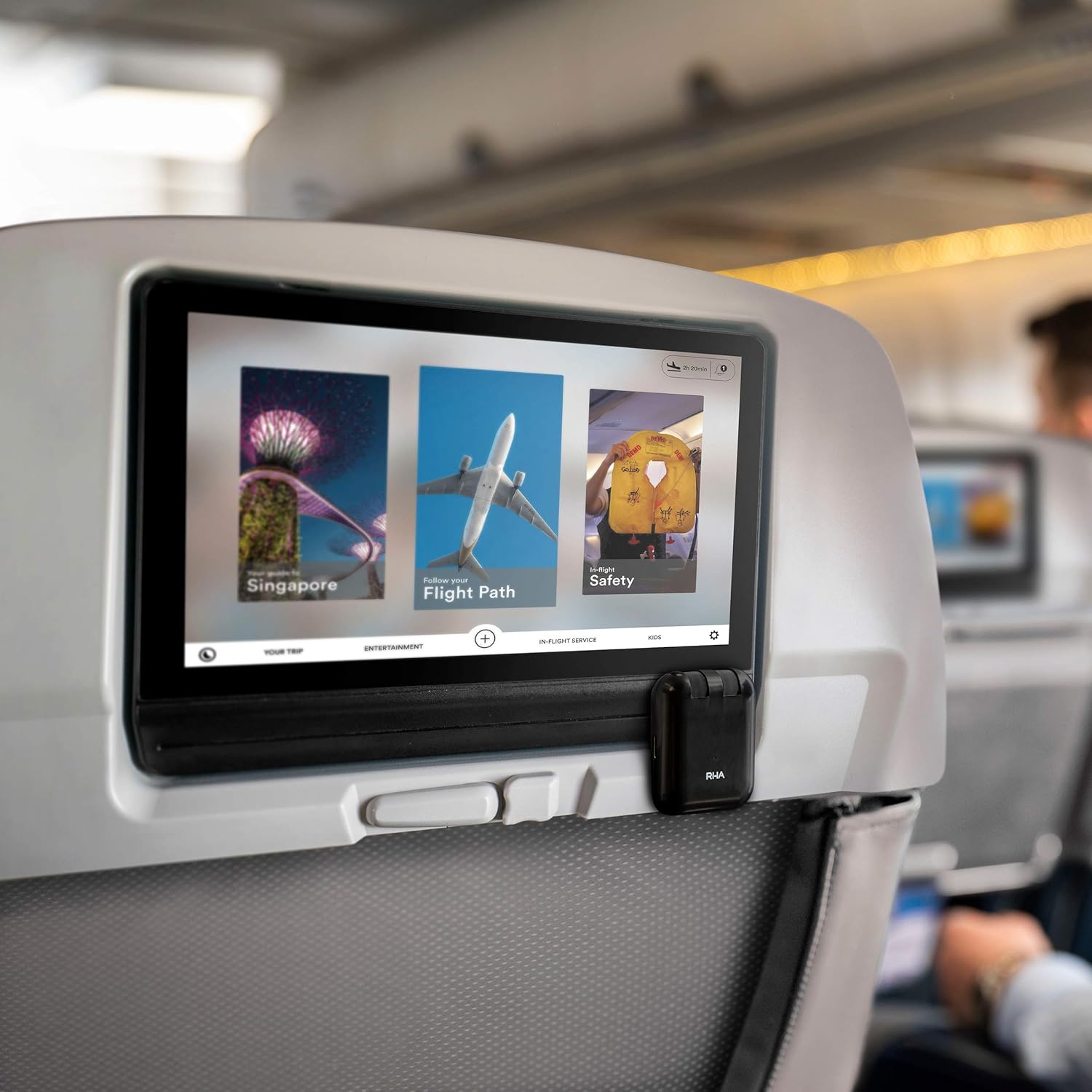
Image: The adapter in use with an in-flight entertainment system, providing wireless audio.
Specifications
| Brand | RHA |
| Model Name | Wireless Flight Adapter |
| Connectivity Technology | Bluetooth |
| Bluetooth Standard | Bluetooth 5.0 |
| Supported Codecs | aptX, aptX Low Latency |
| Audio Input | 3.5mm AUX, 3.5mm flight audio (modular) |
| Battery Life | Up to 16 hours |
| Charging Port | USB Type C |
| Material | Plastic |
| Color | Black |
| Item Weight | 23 Grams |
Safety Information and Warnings
- Avoid using this device near other wireless devices to prevent potential interference.
- Do not dispose of the battery in regular household trash. Follow local regulations for proper battery disposal and recycling.
- Keep the device away from water and extreme temperatures.
- Do not attempt to disassemble or repair the device yourself. This may void the warranty and cause damage.
Troubleshooting
If you encounter issues with your RHA Wireless Flight Adapter, please try the following steps:
- No Power: Ensure the adapter is fully charged. Connect it to a USB power source using the USB-C cable.
- Cannot Pair:
- Ensure your Bluetooth headphones are in pairing mode.
- Turn the adapter off and then on again to reset its Bluetooth search.
- Move the adapter closer to your headphones.
- Ensure no other Bluetooth devices are interfering with the pairing process.
- No Audio:
- Verify the adapter is correctly plugged into the audio source (single or dual 3.5mm pins).
- Check that the audio source is playing and its volume is turned up.
- Ensure the adapter is successfully paired with your headphones and the headphone volume is adjusted.
- Poor Audio Quality/Interference:
- Move the adapter closer to your headphones.
- Minimize interference from other wireless devices.
Warranty and Support
The RHA Wireless Flight Adapter comes with a 3-year manufacturer's warranty, valid on purchases from RHA or Amazon directly. For warranty claims, technical support, or further assistance, please visit the official RHA website or contact their customer service.
For more information, visit: RHA Official Store