
Introduction
Thank you for purchasing the LIGHTSHARE 8 Feet 132L LED Birch Tree Lights. This manual provides essential information for the safe and proper assembly, operation, and maintenance of your product. Please read these instructions thoroughly before use and retain them for future reference.
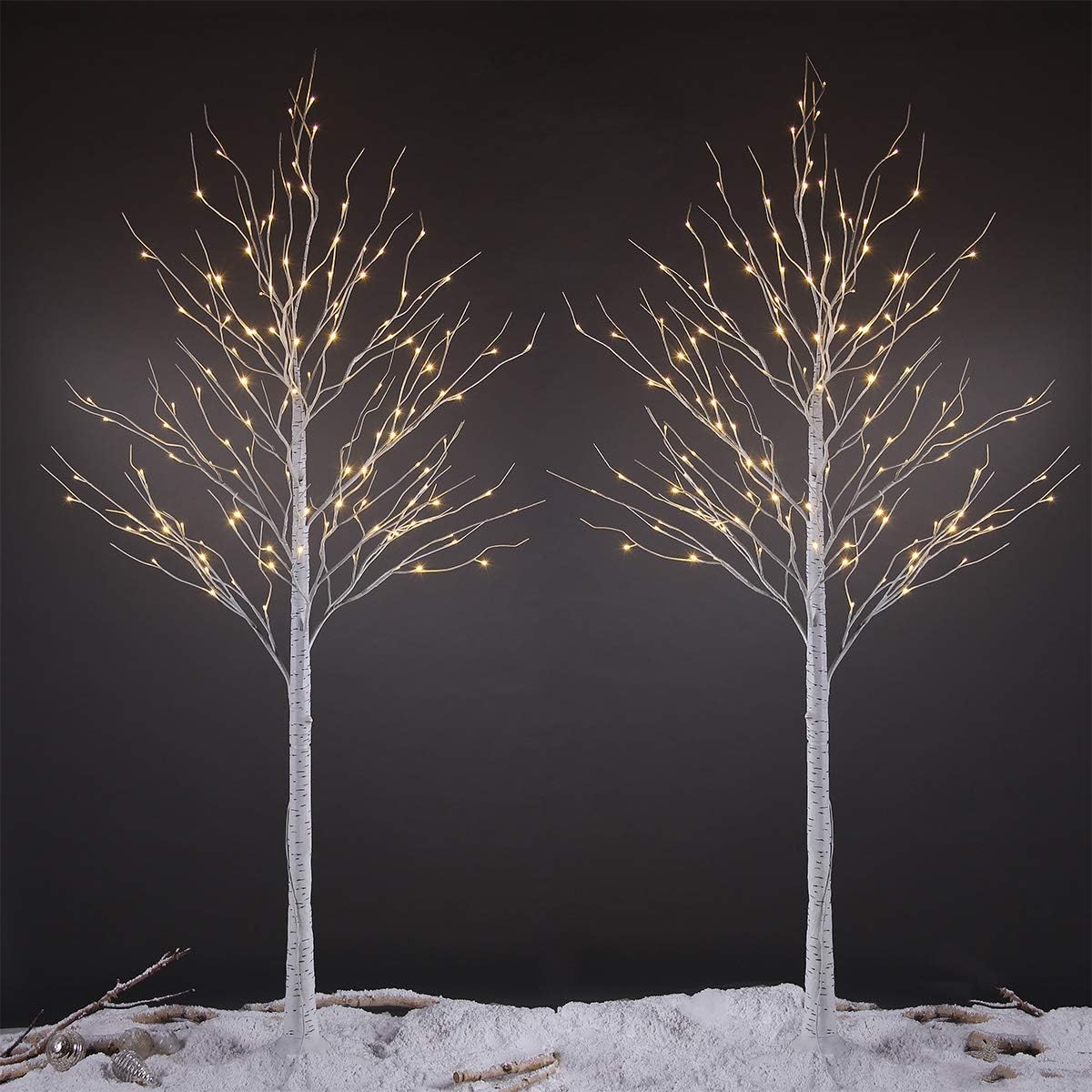
Figure 1: LIGHTSHARE 8 Feet 132L LED Birch Tree Lights (2-Pack)
Safety Instructions
- Ensure the product is connected to a power source that matches the specifications provided.
- This product is designed for both indoor and outdoor use. When used outdoors, ensure all electrical connections are protected from moisture.
- The adapter is UL certified and waterproof, providing a safe 24V low voltage output.
- Do not attempt to modify or repair the product. Contact customer service for assistance.
- Keep away from open flames and heat sources.
- Position the trees on a stable, level surface. Use ground stakes for outdoor installation to prevent tipping.
Package Contents
Verify that all components are present in the package:
- 2 x LED Birch Tree (8 Feet)
- 2 x Base Stand
- 2 x Power Adapter (UL certified, 24V)
- Ground Stakes (for outdoor use)
Assembly Instructions
Follow these steps to assemble your LIGHTSHARE LED Birch Trees:
- Unpack Components: Carefully remove all items from the packaging.
- Assemble Tree Trunk: Insert the tree trunk into its designated base. Rotate the trunk until it is securely fixed.
- Connect Tree Top: Insert the top section of the tree into the assembled trunk.
- Secure Base (Outdoor Use): If using outdoors, fix the base to the ground using the provided ground stakes.
- Connect Power: Connect the tree's cable to the power adapter. Ensure a secure connection.
- Shape Branches: The branches are bendable. Gently shape them to achieve a natural and desired appearance.

Figure 2: Assembly steps for the LED Birch Tree.
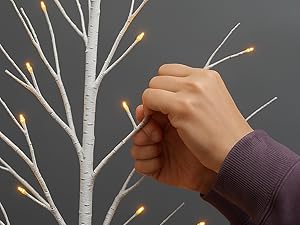
Figure 3: Adjusting the bendable branches for desired shaping.
Operation
Once assembled and connected, plug the power adapter into a standard electrical outlet. The LED lights will illuminate, providing warm white light. To turn off, simply unplug the adapter from the outlet.

Figure 4: Detail of the warm white LED lights.
Video 1: Overview of the LIGHTSHARE Birch Tree Set in various settings, demonstrating its aesthetic appeal and bendable branches.
Maintenance
- To clean, gently wipe the branches and trunk with a soft, dry cloth. Do not use abrasive cleaners or immerse in water.
- Periodically check the power cord and adapter for any signs of damage. Discontinue use if damage is found.
- When storing, ensure the trees are dry and stored in a cool, dry place away from direct sunlight.
Troubleshooting
- Lights not illuminating: Ensure the power adapter is securely plugged into both the tree and the electrical outlet. Check if the outlet is functional.
- Unstable tree: Verify that the tree trunk is firmly inserted into the base. For outdoor use, ensure ground stakes are properly installed.
- Damaged branches: The branches are flexible. If a branch is bent out of shape, gently reposition it. If a branch is broken or lights are not working on a specific section, contact customer service.
Specifications
| Feature | Detail |
|---|---|
| Brand | LIGHTSHARE |
| Model Number | JT-DC240V0250-C |
| Product Dimensions | 40"D x 40"W x 96"H (8 Feet Tall) |
| Color | Warm White |
| Material | Plastic |
| Item Package Quantity | 1 (for each tree) |
| Number of Items | 2 (trees per pack) |
| Recommended Uses | Decor (Home, Shop, Garden, Holiday, Party, Wedding) |
| Special Feature | Corded, Bendable Branches |
| Light Type | LED (132L per tree) |
| Power Source | Plug-in Electric |
| Wattage | 7.5 watts |
| Voltage | 24V (Low Voltage, UL Certified Adapter) |
| Item Weight | 10.68 pounds (for the pack) |
Warranty and Support
LIGHTSHARE is committed to product quality and customer satisfaction. If you encounter any issues with your LED Birch Tree Lights, or require replacement parts, please contact LIGHTSHARE customer service. Refer to your purchase documentation for specific warranty details and contact information.


