
Introduction
Thank you for choosing the DINOKA A3/A4 Laminator. This manual provides essential information for the safe and efficient operation of your laminator. Please read it thoroughly before first use and keep it for future reference.

Image: The DINOKA A3/A4 Laminator in operation, demonstrating its ability to laminate documents up to A3 size.
The DINOKA A3/A4 Laminator is a versatile device designed for both thermal and cold lamination, suitable for various document sizes up to A3. It features a rapid warm-up time, efficient lamination speed, and includes an integrated paper trimmer and a corner rounder for professional finishing.
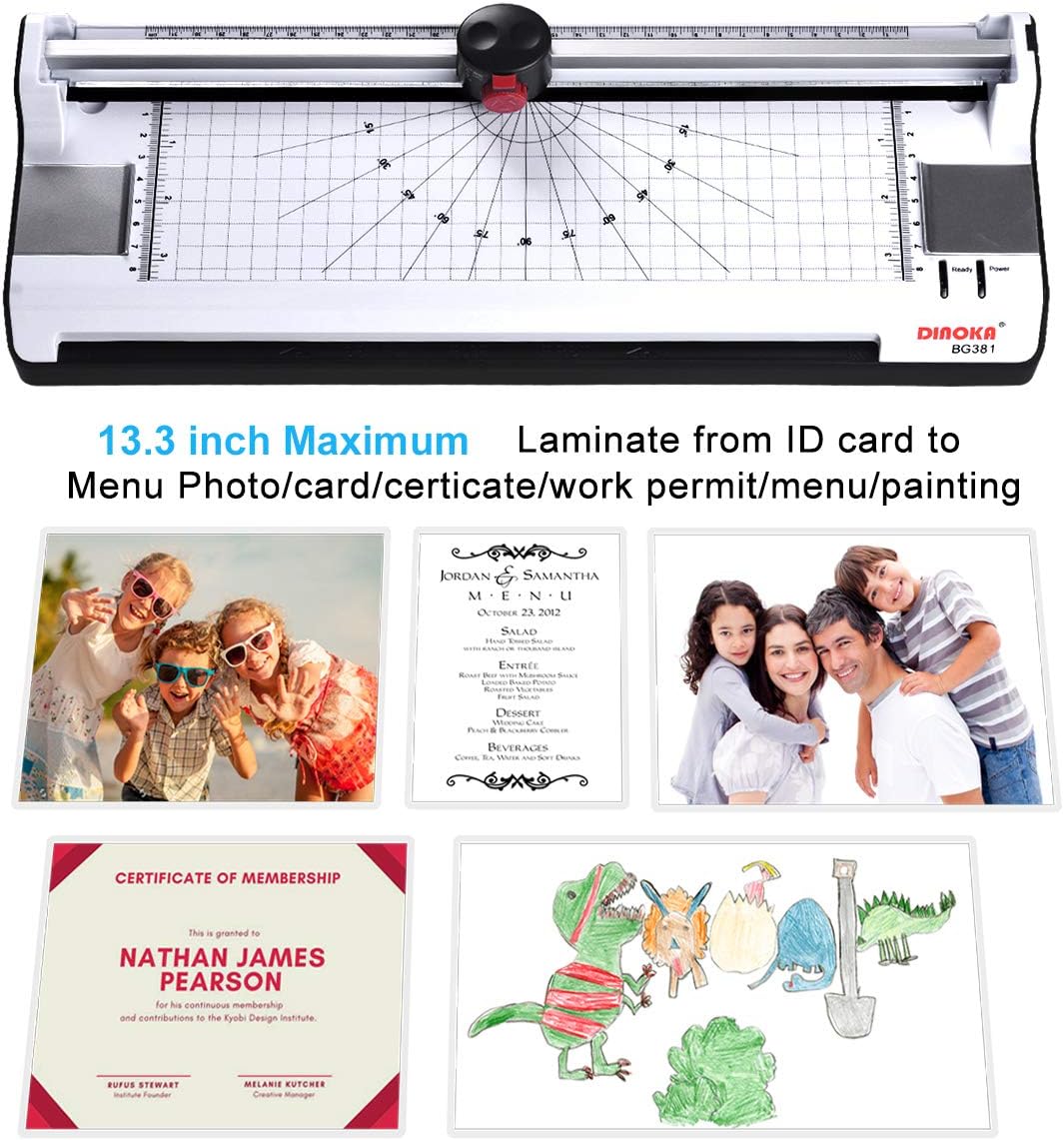
Image: The laminator highlighting its maximum lamination width and various applications for laminating different types of documents.
Package Contents
- 1 x DINOKA A3/A4 Laminator (Model BG381-A3)
- 1 x Corner Rounder
- 1 x Paper Trimmer (integrated)
- 20 x Laminating Pouches (5 x A3, 5 x A4, 5 x A5, 5 x A6)
Setup
- Unpack the Laminator: Carefully remove the laminator and all accessories from the packaging.
- Placement: Place the laminator on a stable, flat surface with adequate ventilation. Ensure there is enough space behind the machine for laminated documents to exit freely.
- Power Connection: Connect the power cord to the laminator and then to a suitable power outlet.
- Initial Power On: Turn the power switch to the "ON" position. Select either "COLD" or "HOT" lamination mode based on your needs. For thermal lamination, select "HOT".
- Warm-up: Allow the machine to warm up. The warm-up time is approximately 3-5 minutes. The "Ready" indicator light will illuminate when the machine is ready for use.
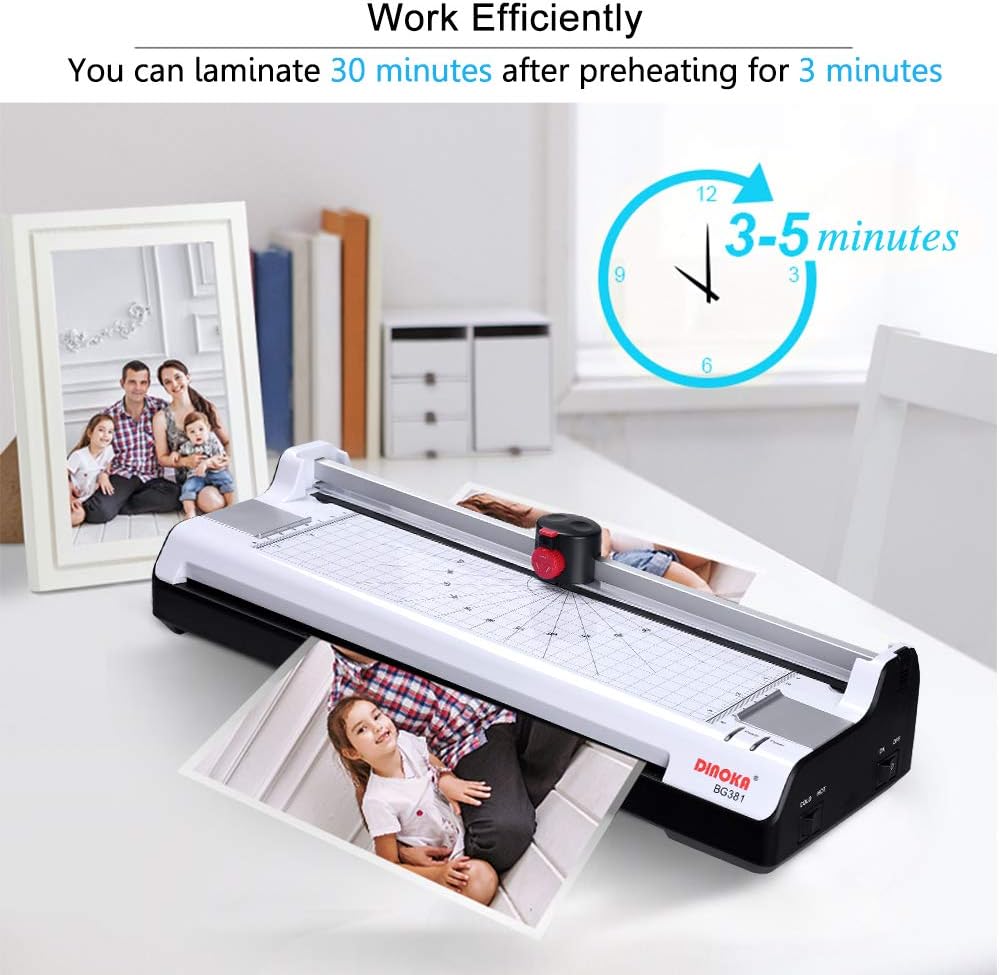
Image: The laminator displaying its warm-up time of 3-5 minutes, indicating readiness for efficient operation.
Operating Instructions
1. Thermal Lamination
- Prepare Document: Place your document inside a laminating pouch, ensuring it is centered and there is an even border around the edges.
- Select Mode: Ensure the laminator is powered on and set to "HOT" mode. Wait for the "Ready" indicator light.
- Insert Pouch: Insert the sealed edge of the laminating pouch into the laminator's entry slot. The machine will automatically feed the pouch through.
- Retrieve Document: Once the laminated document exits the rear of the machine, allow it to cool on a flat surface before handling.

Image: Step-by-step guide for thermal lamination, showing document preparation and insertion into the laminator.
2. Cold Lamination
For documents sensitive to heat, use cold laminating pouches. Ensure the laminator is powered on and set to "COLD" mode. Insert the cold laminating pouch with your document into the entry slot, similar to thermal lamination. The machine will process it without heat.
3. Using the Integrated Paper Trimmer
- Open Trimmer: Push the red button on the trimmer head upwards to open it.
- Select Cut Pattern: Rotate the button to choose your desired cutting pattern (straight, perforated, or wavy).
- Position Document: Place the document under the trimmer guide, aligning it with the desired cut line.
- Cut: Press down firmly on the trimmer head and slide it along the guide to cut the document.
- Close Trimmer: Recover the button to secure the trimmer head when not in use.

Image: Instructions for using the integrated 3-in-1 paper trimmer, demonstrating how to select cutting patterns and perform a cut.
4. Using the Corner Rounder
The included corner rounder helps to create smooth, rounded edges on your laminated documents, preventing sharp corners. Simply insert the corner of your document into the slot of the corner rounder and press down firmly.

Image: Demonstration of the corner rounder in use, illustrating how it transforms sharp corners into smooth, rounded edges.
Maintenance
- Cleaning: Ensure the laminator is unplugged and cool before cleaning. Wipe the exterior with a soft, dry cloth. Do not use abrasive cleaners or solvents.
- Roller Cleaning: Periodically run a cleaning sheet (a piece of paper folded in half) through the laminator to remove any adhesive residue from the rollers.
- Storage: Store the laminator in a clean, dry place when not in use.
- Avoid Overuse: To protect your laminator, avoid continuous operation for excessively long periods. The machine is designed for efficient use, allowing continuous operation for up to 30 minutes after initial warm-up.
Troubleshooting
Paper Jam Release
If a laminating pouch gets stuck or misaligned during operation, immediately press the ABS (Anti-Blocking System) button. This will release the rollers, allowing you to gently pull out the jammed pouch. Ensure the pouch is inserted straight and not at an angle to prevent future jams.

Image: The ABS button on the laminator, designed for quick release of jammed documents or pouches.
General Tips to Prevent Issues
- Pouch Thickness: It is recommended to use laminating pouches with a thickness between 160 (2 x 80) and 250 (2 x 125) microns. The total thickness of the paper and pouch should not exceed 0.5 mm (19 mil) to prevent jams.
- Proper Insertion: Always insert the sealed edge of the laminating pouch into the machine first.
- Avoid Overloading: Do not attempt to laminate multiple sheets or excessively thick items simultaneously.
Technical Specifications
| Model Number | BG381-A3 |
| Maximum Lamination Width | 330 mm (A3) |
| Warm-up Time | 3-5 minutes |
| Pouch Thickness Range | 160 (2 x 80) - 250 (2 x 125) microns (up to 0.5 mm / 19 mil total) |
| Lamination Speed | 300 mm/min |
| Power Consumption | 365W |
| Heating System | 2-Roller System (Supports Thermal and Cold Lamination) |
| Jam Prevention | ABS (Anti-Blocking System) Release Button |
| Switches | ON/OFF, COLD/HOT |
| Dimensions (L x W x H) | 422 x 160 x 99 mm (16.54 x 5.71 x 3.15 inches) |
| Item Weight | 5.16 lbs (2.34 kg) |
| UPC | 723990220080 |
Warranty and Support
Your DINOKA laminator is covered by a 12-month warranty. For any issues or assistance, please contact our customer support team.
Customer Support Email: m18820960159@163.com
We are committed to providing lifetime customer service for your product.