
1. Introduction
This manual provides detailed instructions for the safe and efficient use of your IFREQTECH CH10A03 Rapid Battery Charger. This charger is designed for specific HYT two-way radio batteries, ensuring rapid and intelligent charging.
2. Safety Information
- Use only the provided AC adaptor with the charger.
- Do not expose the charger to rain or moisture.
- Do not disassemble the charger. Refer all servicing to qualified personnel.
- Ensure proper ventilation during charging.
- Do not charge damaged batteries.
- Keep out of reach of children.
3. Package Contents
- 1 x Desktop Charger (Model: CH10A03)
- 1 x AC Adaptor
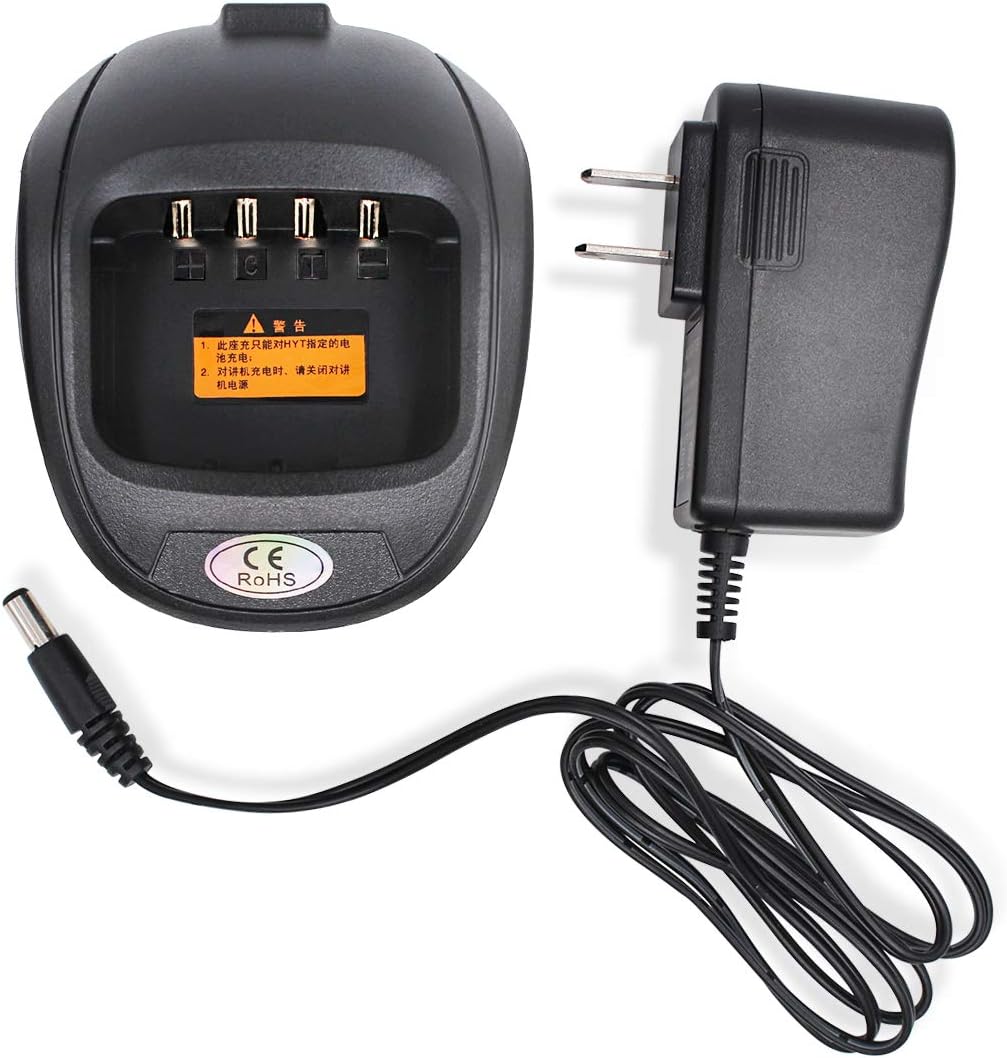
Image: The IFREQTECH CH10A03 Rapid Battery Charger base unit shown alongside its accompanying AC power adapter. The charger base is black with a slot for the radio battery and an input for the power cable. The AC adapter is also black with a standard two-prong plug.
4. Setup
- Connect the AC adaptor to the DC input port on the back of the desktop charger.
- Plug the AC adaptor into a standard wall outlet (110V-240V, 50/60Hz).
- The charger is now ready for use.
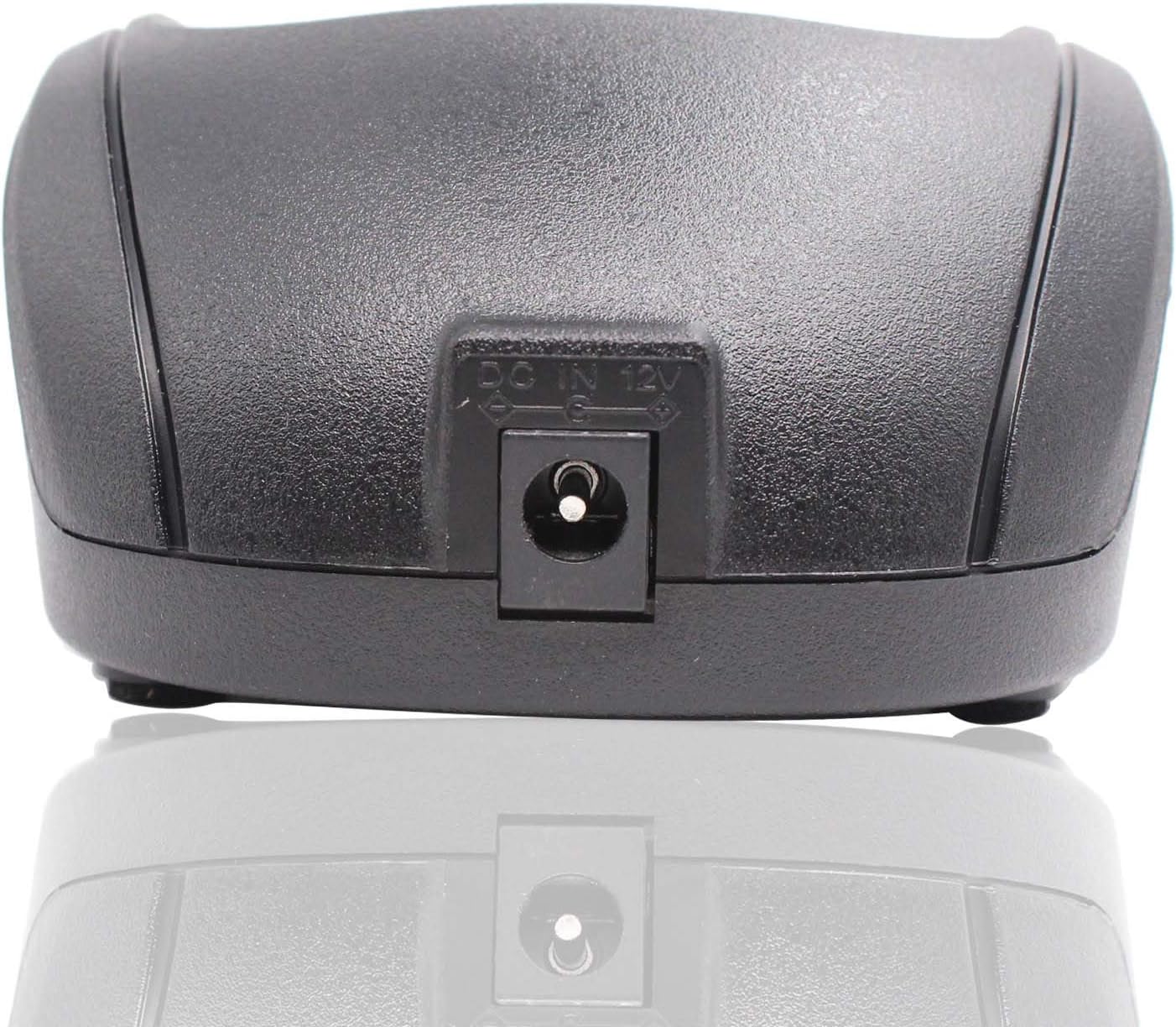
Image: A close-up view of the back of the CH10A03 charger base, highlighting the circular DC 12V input port where the AC adapter connects.

Image: The CH10A03 charger base with the AC adapter's cable plugged into its DC input port, demonstrating the connection setup.
5. Operating Instructions
5.1 Charging a Battery
- Ensure the charger is powered on.
- Insert the compatible radio battery into the charging slot on the desktop charger. Ensure it is seated correctly.
- The charger will automatically begin the rapid charging process, utilizing MCU programmable control to determine the appropriate charging algorithm.
- Monitor the LED indicator for charging status.
- Once fully charged, the LED will indicate completion. Remove the battery from the charger.
5.2 LED Indicator Status
- Red LED flashes slowly: Standby mode.
- Red LED flashing rapidly: Error condition.
- Red LED glows solidly: Battery is currently charging.
- Green LED glows solidly: Battery is fully charged.
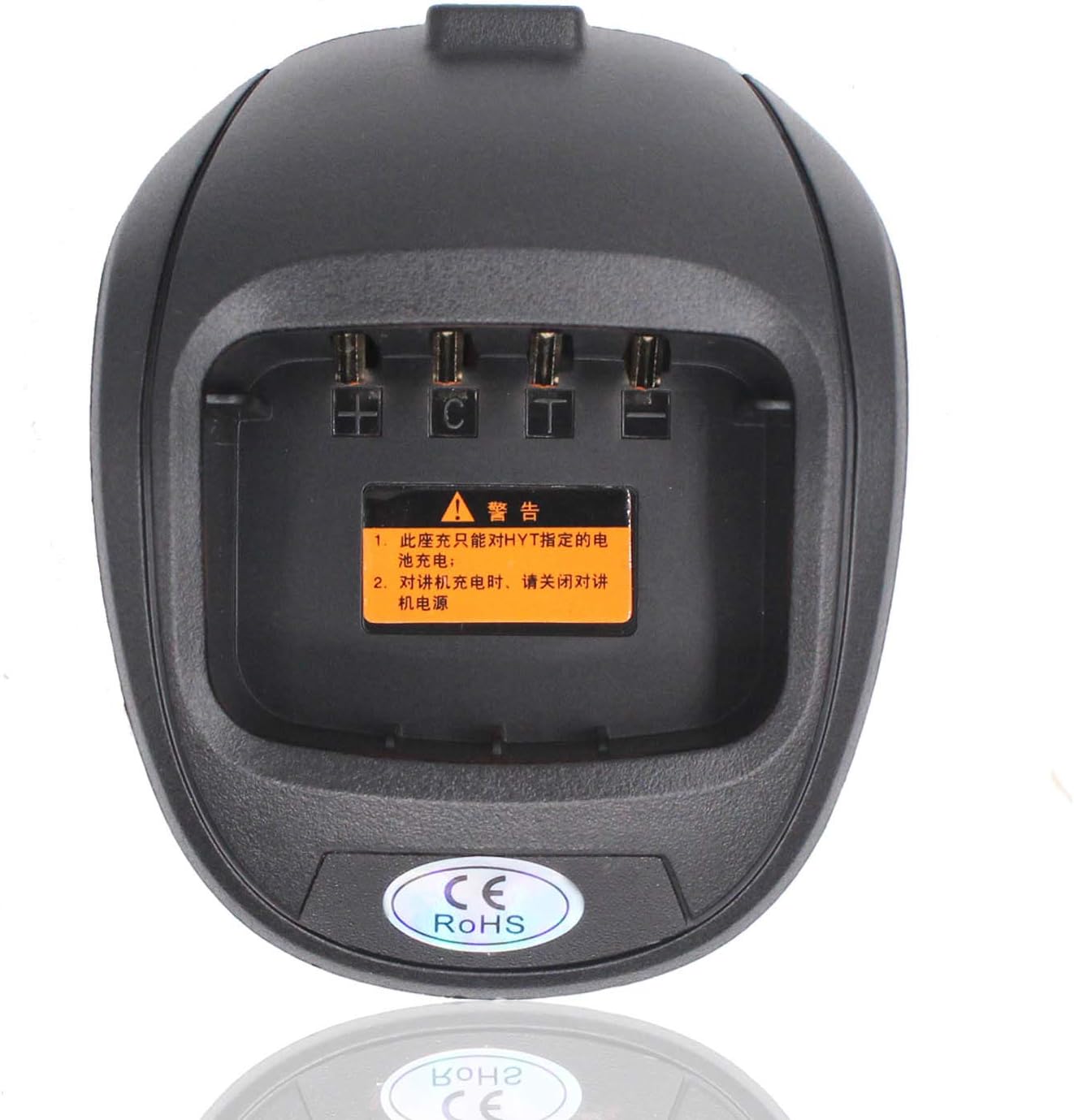
Image: A top-down view of the CH10A03 charger base, showing the battery charging slot with its four contact pins and the warning label in Chinese.
6. Maintenance
- Keep the charger clean and free from dust. Use a soft, dry cloth for cleaning.
- Avoid dropping the charger or subjecting it to strong impacts.
- Store the charger in a cool, dry place when not in use.
7. Troubleshooting
| Problem | Possible Cause | Solution |
|---|---|---|
| Charger LED not lit | No power; AC adaptor not connected or faulty outlet. | Check AC adaptor connection; try a different outlet. |
| Red LED flashing rapidly | Battery error; incompatible battery; poor battery contact. | Ensure battery is compatible and correctly seated; try a different battery if available. |
| Battery not charging | Battery not fully inserted; battery is faulty. | Re-insert battery firmly; replace battery if it remains uncharged. |
8. Specifications
| Feature | Detail |
|---|---|
| Model | CH10A03 |
| Input Voltage | 110V-240V AC, 50/60Hz |
| Output Voltage | DC 9.4V |
| Output Current | 850mA |
| Item Weight | 6.4 ounces (approx. 181g) |
| Package Dimensions | 6.3 x 4.29 x 2.24 inches |
| Manufacturer | IFREQTECH |

Image: The bottom of the CH10A03 charger, displaying a label with model number, input/output specifications, and LED indicator descriptions. A barcode is also visible, which corresponds to the number 6927404372516.
9. Compatibility
9.1 Compatible Batteries
- Hytera HYT BL2001
- Hytera HYT BL1204
9.2 Compatible Radios
- HYT TC610
- HYT TC610P
- HYT TC610S
- HYT TC620
Note: This product is a replacement part and not an Original Equipment Manufacturer (OEM) product. Any references to brand names or model numbers are for the sole purpose of indicating compatibility.
10. Warranty and Support
Warranty information for this product is not explicitly provided in the available documentation. For support or inquiries, please contact your retailer or the manufacturer, IFREQTECH, directly. You can visit the official IFREQTECH store for more information: IFREQTECH Store.