
DEKO DX-980N
DEKOPRO Deep Sea Solar Powered Welding Helmet User Manual
Model: DX-980N | Brand: DEKO
1. Introduction
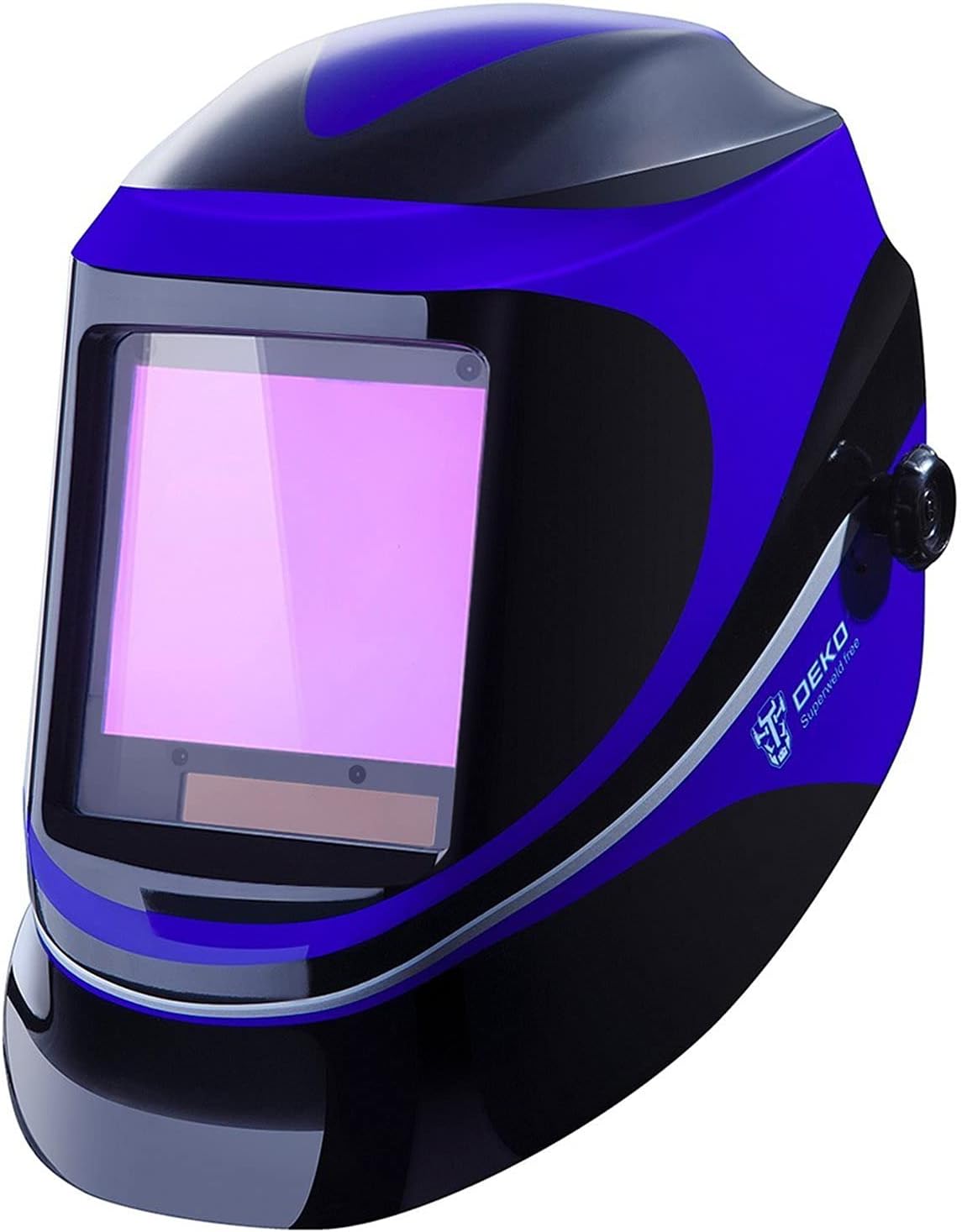
Figure 1.1: The DEKOPRO Deep Sea Solar Powered Welding Helmet.
This user manual provides essential information for the safe and effective operation, maintenance, and troubleshooting of your DEKOPRO Deep Sea Solar Powered Welding Helmet. Please read this manual thoroughly before use to ensure proper functionality and to prevent injury.
The DEKOPRO welding helmet is designed for professional and DIY household use, offering optimal eye protection with an auto-darkening filter that switches from light to dark in 1/25000 seconds. It meets ANSI Z87.1-2010 and EN379 4/9-13 safety standards, providing protection against UV and IR radiation even in case of electric failure.
Safety Warnings
- Always wear appropriate personal protective equipment (PPE) in addition to the welding helmet.
- Ensure the helmet is properly adjusted and fits securely before beginning any welding or grinding operation.
- Do not use the helmet if any part is damaged or appears to be malfunctioning.
- The helmet is designed for eye and face protection against sparks, spatter, and harmful radiation under normal welding conditions. It is not suitable for laser welding or overhead welding applications.
- Protect the auto-darkening filter from liquid contact and harsh impacts.
2. Components Overview
Familiarize yourself with the various components of your welding helmet for proper use and adjustment.

Figure 2.1: Labeled diagram of the DEKOPRO Welding Helmet and its Auto-Darkening Filter (ADF).
- Mask Shell: The main body of the helmet providing physical protection.
- Headgear Knob: Used to adjust the fit of the headgear for comfort and stability.
- Solar Panel: Powers the auto-darkening filter and extends battery life.
- 4 Sensors: Detect the welding arc to trigger the auto-darkening function.
- Auto-Darkening Filter (ADF): The electronic lens assembly that automatically darkens upon arc ignition.
- Test Button: Allows you to test the darkening function of the ADF without striking an arc.
- Low Battery Indicator: Illuminates when the battery needs replacement.
- Sensitivity Adjustment: Controls how sensitive the sensors are to light, allowing adjustment for different ambient lighting conditions.
- Delay Adjustment: Controls the time it takes for the lens to return to its light state after welding stops (0.1s to 1.0s).
- Shade 9-13 Adjustment: Rotary knob to select the desired shade level for welding.
- Weld/Grind Switch: Toggles between welding mode (auto-darkening) and grind mode (fixed light shade for grinding).
- Battery Exchange Compartment: Location for replacing the CR2450 battery.
3. Setup and Initial Use
3.1 Headgear Adjustment
The helmet's headgear is fully adjustable to ensure a comfortable and secure fit. Adjust the top strap and the rear knob until the helmet sits firmly and comfortably on your head, allowing for easy flipping up and down without excessive movement.
3.2 Battery Installation/Check
The helmet is powered by a combination of solar cells and a CR2450 lithium battery. The battery is typically pre-installed. Before first use, ensure the battery is properly seated in its compartment. The solar panel continuously charges the battery during use, extending its lifespan up to 5000 hours.
3.3 Protective Film Removal
Before using the helmet, locate and carefully remove any protective films from both sides of the auto-darkening filter lens. These films are present to prevent scratches during shipping and manufacturing.
3.4 Function Test
Press the "Test" button on the auto-darkening filter. The lens should momentarily darken to a dark shade and then return to its light state. This confirms the ADF is functioning correctly. If it does not darken, check the battery and ensure all protective films are removed.
4. Operating Instructions
The DEKOPRO welding helmet offers various adjustments to optimize your welding experience across different applications.

Figure 4.1: Comparison of the lens in its inactive (light) and active (dark) states during welding.
4.1 Selecting Welding Mode or Grind Mode
Locate the "Weld/Grind" switch on the auto-darkening filter.
- Set to "Weld" for all welding processes. The lens will automatically darken when an arc is struck.
- Set to "Grind" for grinding operations. The lens will remain in a fixed light shade (DIN 4) to protect against sparks and debris while providing clear visibility.
4.2 Shade Level Adjustment (DIN 9-13)
The shade level can be adjusted using the rotary knob on the side of the ADF. Select a shade level appropriate for your welding process and amperage. Refer to standard welding shade charts for guidance. The helmet offers a variable shade range from DIN 9 to DIN 13.
4.3 Sensitivity Adjustment
The sensitivity knob controls how easily the sensors detect the welding arc and trigger the darkening function.
- High Sensitivity: Use in low-light conditions or for low-amperage welding (e.g., TIG welding at 5A AC/DC).
- Low Sensitivity: Use in bright ambient light or when other welders are working nearby to prevent false triggering.
4.4 Delay Adjustment
The delay knob controls the time it takes for the lens to return to its light state after the welding arc extinguishes.
- Short Delay (0.1s): Suitable for tack welding or short welds to speed up work.
- Long Delay (1.0s): Recommended for high-amperage welding or when working with hot materials to protect eyes from residual glow.
4.5 Supported Welding Processes
This helmet is suitable for a wide range of welding processes, including:
- Manual Metal Arc (MMA) welding
- Metal Inert Gas (MIG) welding
- Metal Active Gas (MAG/CO2) welding
- Tungsten Inert Gas (TIG) welding (down to 5A AC/DC)
- Plasma Welding
- Arc Gouging
- Plasma Cutting

Figure 4.2: A welder utilizing the DEKOPRO helmet during a welding task, demonstrating its use in a practical setting.
5. Maintenance
5.1 Cleaning the Helmet
- Clean the helmet shell with a mild soap and water solution. Avoid harsh abrasives or solvents.
- Wipe the auto-darkening filter and cover lenses with a soft, clean, lint-free cloth. Do not use abrasive cleaners or paper towels, as they can scratch the surfaces.
- Regularly inspect the front and inner cover lenses for scratches or damage. Replace them if visibility is impaired.
- Keep the solar panel clean and free of obstructions to ensure optimal charging.
5.2 Battery Replacement
When the low battery indicator illuminates, it is time to replace the CR2450 lithium battery.
- Locate the battery compartment on the auto-darkening filter.
- Carefully open the compartment cover.
- Remove the old CR2450 battery.
- Insert a new CR2450 3V lithium battery, ensuring correct polarity (+/-).
- Close the battery compartment cover securely.
- Perform a function test (Section 3.4) to confirm the new battery is working.
6. Troubleshooting
| Problem | Possible Cause | Solution |
|---|---|---|
| Lens does not darken when arc is struck. |
|
|
| Lens flickers or darkens intermittently. |
|
|
| Poor visibility through the lens. |
|
|
7. Specifications
| Product Name | DEKOPRO Deep Sea Solar Powered Welding Helmet |
| Model | DX-980N |
| Shade Range | DIN 4 (Light State), Variable 9-13 (Dark State) |
| Viewing Area (H x W) | 3.9'' × 3.2'' (7 square inches) |
| Reaction Time (Light to Dark) | 0.00004 seconds (1/25000 sec) |
| Turn Time (Dark to Bright) | Adjustable: 0.1s ~ 1.0s |
| UV/IR Protection | DIN 16 (Permanent) |
| Power Supply | Lithium Battery (CR2450, 3V) + Solar Cells |
| Battery Life | Up to 5000 hours |
| Material | Polypropylene (PP) |
| Operating Temperature | 23°F - 131°F (-5°C - 55°C) |
| Storage Temperature | -4°F - 158°F (-20°C - 70°C) |
| Weight | 900 g (approx. 1.98 lbs) |
| Certifications | ANSI Z87.1-2010, EN379 |
8. Warranty and Support
For detailed warranty information and customer support, please refer to the warranty card included with your product packaging or visit the official DEKO website. Keep your purchase receipt as proof of purchase for any warranty claims.
If you encounter issues not covered in the troubleshooting section, please contact DEKO customer service for assistance.
Ask a question about this manual
Ask about setup, troubleshooting, compatibility, parts, safety, or missing instructions. Manuals+ will review the question and use this page’s manual context to help answer it.