
1. Introduction
Welcome to the user manual for your new ODISTAR Desktop Vacuum Cleaner. This compact and efficient device is designed to keep your workspace, keyboard, and other small areas free from dust and debris. Its cordless and rotatable design offers unparalleled convenience and ease of use. Please read this manual thoroughly before operating the device to ensure proper use and maintenance.
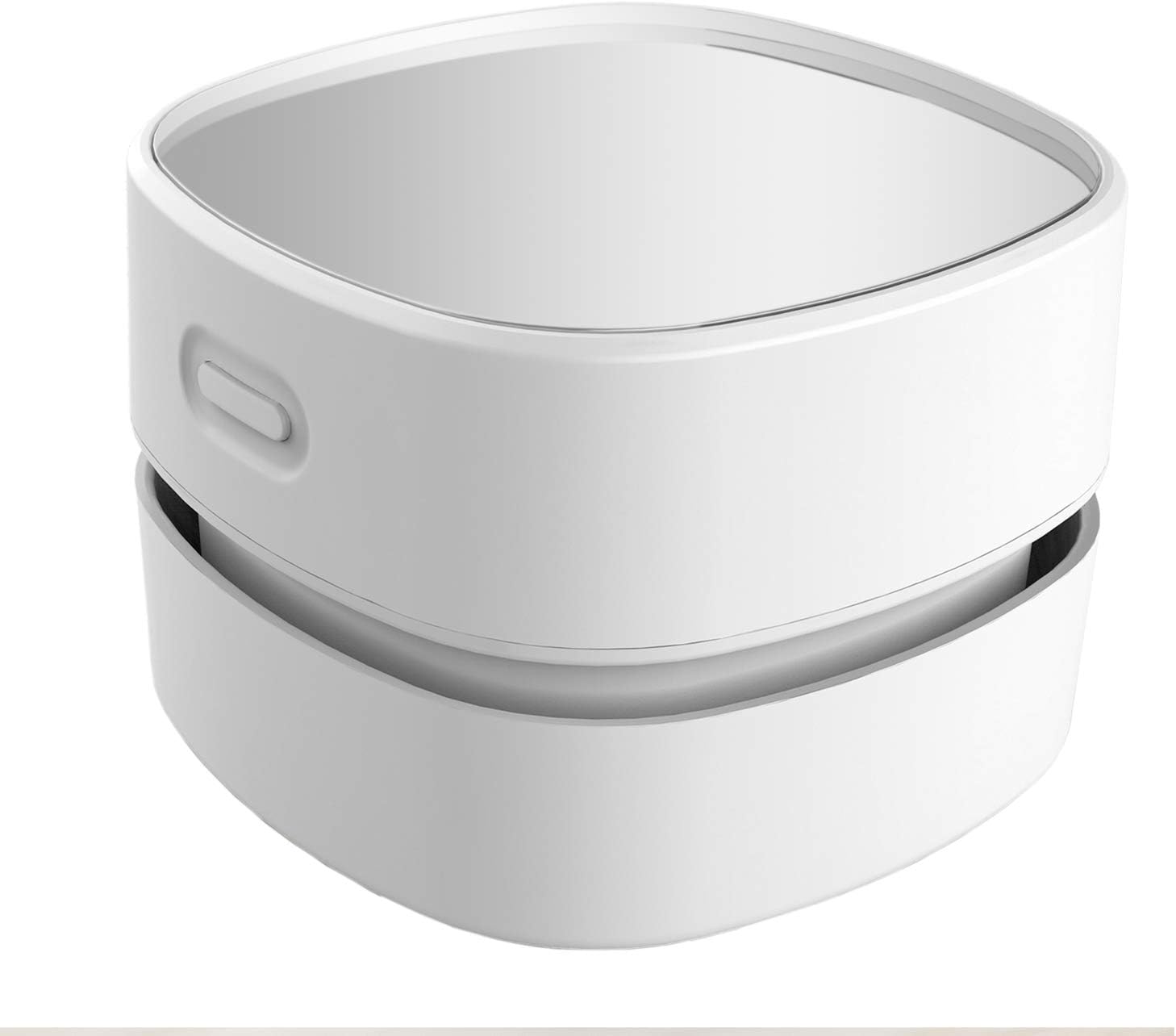
Figure 1: ODISTAR Desktop Vacuum Cleaner
2. Product Features
- Cordless Convenience: Operates on 2 AA batteries (not included), providing up to 90 minutes of continuous use without the hassle of cords.
- 360° Rotatable Design: Ergonomic design allows easy access to corners and crevices, making cleaning hard-to-reach areas simple.
- Precise Cleaning: Equipped with a capture nozzle to pick up larger debris, effectively cleaning dust from desktops, computers, and keyboards. Ideal for hair and fine dust.
- High Suction & Low Noise: Delivers strong suction power for effective cleaning while maintaining a low noise level (5 dB), allowing for quiet operation.
- Durable & Easy to Operate: Made from high-quality clear plastic acrylic, resembling glass but more durable. Simple push-button control suitable for all users.
3. Setup
3.1 Battery Installation
- Locate the battery compartment on the underside of the vacuum cleaner.
- Gently twist or slide the cover to open the compartment.
- Insert 2 AA batteries (not included), ensuring correct polarity (+/-) as indicated inside the compartment.
- Close the battery compartment cover securely.
Note: For optimal performance, use new, high-quality alkaline AA batteries. Do not mix old and new batteries or different types of batteries.

Figure 2: ODISTAR Desktop Vacuum Cleaner in various usage scenarios
4. Operating Instructions
- Ensure batteries are correctly installed.
- To turn on the vacuum cleaner, press the power button located on the top side of the unit. The vacuum will start operating.
- Gently move the vacuum cleaner over the surface you wish to clean. The 360° rotatable design allows for easy maneuverability around objects and into tight spaces.
- For precise cleaning, utilize the capture nozzle to target larger debris or specific areas.
- To turn off the vacuum cleaner, press the power button again.

Figure 3: User operating the vacuum cleaner
5. Maintenance
5.1 Emptying the Dust Bin
- Turn off the vacuum cleaner before performing any maintenance.
- Twist the top part of the vacuum cleaner counter-clockwise to detach it from the base.
- Carefully remove the filter and empty the collected dust and debris into a waste bin.
- Clean the filter by gently tapping it to dislodge dust or, if necessary, rinse it with water. Ensure the filter is completely dry before reinserting.
- Reinsert the dry filter and reattach the top part by twisting clockwise until it locks securely.
Regularly empty the dust bin and clean the filter to maintain optimal suction power and performance.
6. Troubleshooting
| Problem | Possible Cause | Solution |
|---|---|---|
| Vacuum does not turn on. | Batteries are dead or incorrectly installed. | Replace batteries or ensure correct polarity. |
| Weak suction power. | Dust bin is full or filter is clogged. | Empty dust bin and clean the filter. |
| Unusual noise during operation. | Debris stuck in the fan or motor area. | Turn off and carefully inspect for obstructions. Do not force removal. |
7. Specifications

Figure 4: Product Dimensions
| Attribute | Value |
|---|---|
| Brand | ODISTAR |
| Model Number | CQ-GMGT-86LL |
| Special Feature | Portable |
| Filter Type | Disk |
| Included Components | Brush |
| Is Cordless? | Yes |
| Capacity | 200 Milliliters |
| Wattage | 120 watts |
| Runtime | 90 minutes (Battery operated) |
| Recommended Uses | Desk, Furniture, Computer, Hard Floor |
| Form Factor | Handheld |
| Color | White |
| Product Dimensions | 3.1"L x 3.1"W x 2.85"H (Approx. 80mm x 80mm x 72.4mm) |
| Battery Type | AA (2 required, not included) |
| Noise Level | 5 dB |
| Item Weight | 4.9 ounces |
| Control Method | Push Button / Touch |
8. Warranty and Support
ODISTAR products are manufactured with high-quality standards. For any issues or support inquiries, please refer to your purchase documentation or contact the seller directly. Keep your proof of purchase for warranty claims.
For further assistance, you may visit the ODISTAR store on Amazon: ODISTAR Store