
1. Introduction and Overview
The SMARTDEVIL Small Mini USB Desk Fan is designed for maximum convenience and efficient personal cooling. Weighing only 6 oz, its compact and lightweight design makes it perfect for various settings. It provides cooling air circulation in any desired direction with its 360-degree tilt rotation.
This fan is ideal for use in homes, cars, offices, desktops, camping, or travel, offering quiet operation and energy-saving features.
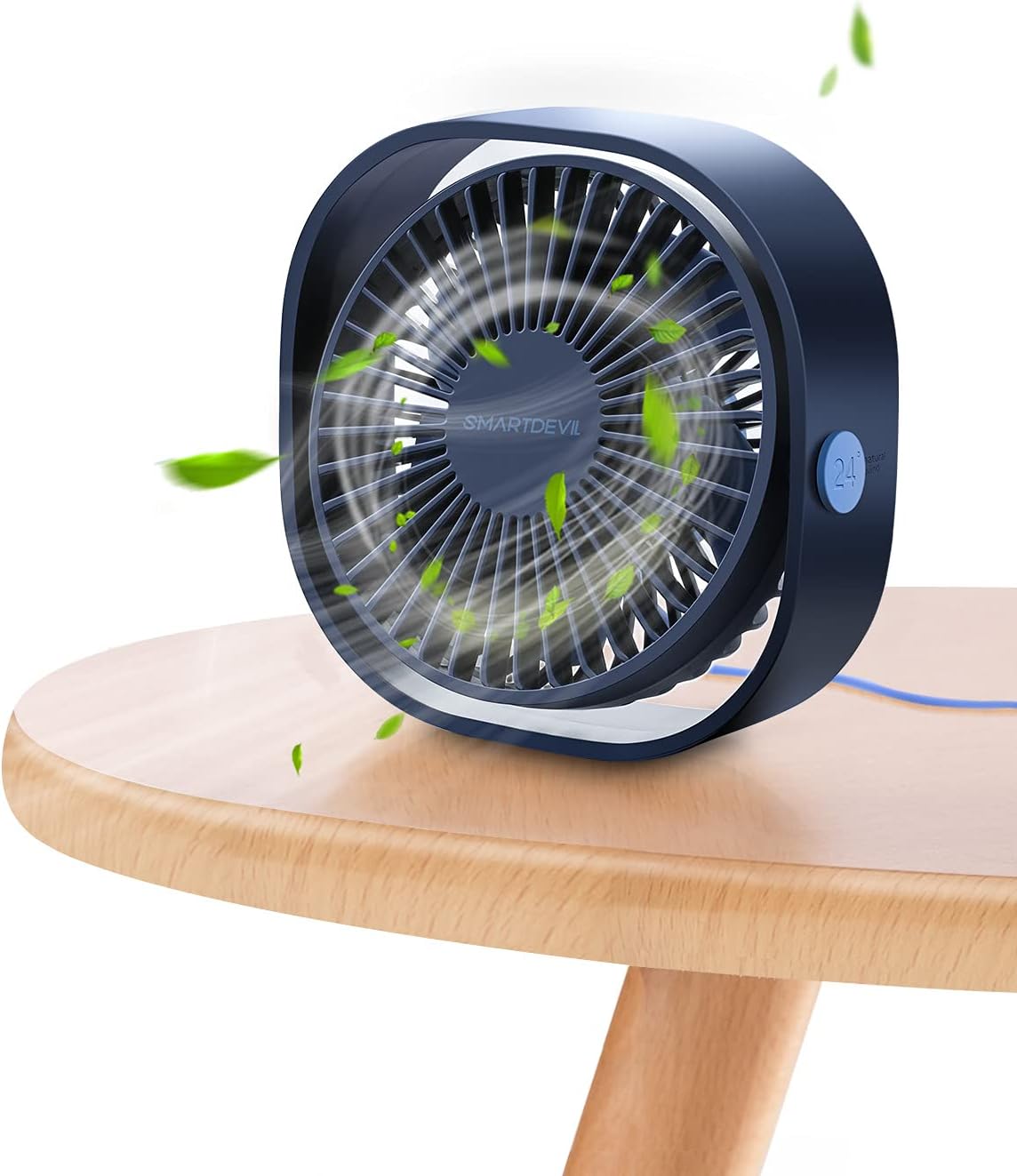
Figure 1: SMARTDEVIL Small Mini USB Desk Fan in Navy Blue.
2. Product Features
- Compact & Portable: Weighing only 6 ounces and with dimensions of 4.72"D x 4.72"W x 1.97"H, this fan is incredibly easy to carry and fits into small spaces.
- 360-Degree Adjustable Tilt: The fan head can be freely rotated 360 degrees, allowing you to direct airflow precisely where needed.
- Three Speed Levels: Choose from low (3.9m/s), medium (4.9m/s), and high (5.9m/s) settings to customize your cooling experience.
- Ultra-Quiet Operation: Designed for quiet performance, with a noise level of 25 dB, making it suitable for bedrooms, offices, and libraries without disturbance.
- USB Powered: Conveniently powered via USB, compatible with various devices such as computers, power banks, USB chargers, and hubs.
- Durable Construction: Made with PC material for enhanced durability.

Figure 2: Compact dimensions of the fan.

Figure 3: Visual representation of the three speed levels.
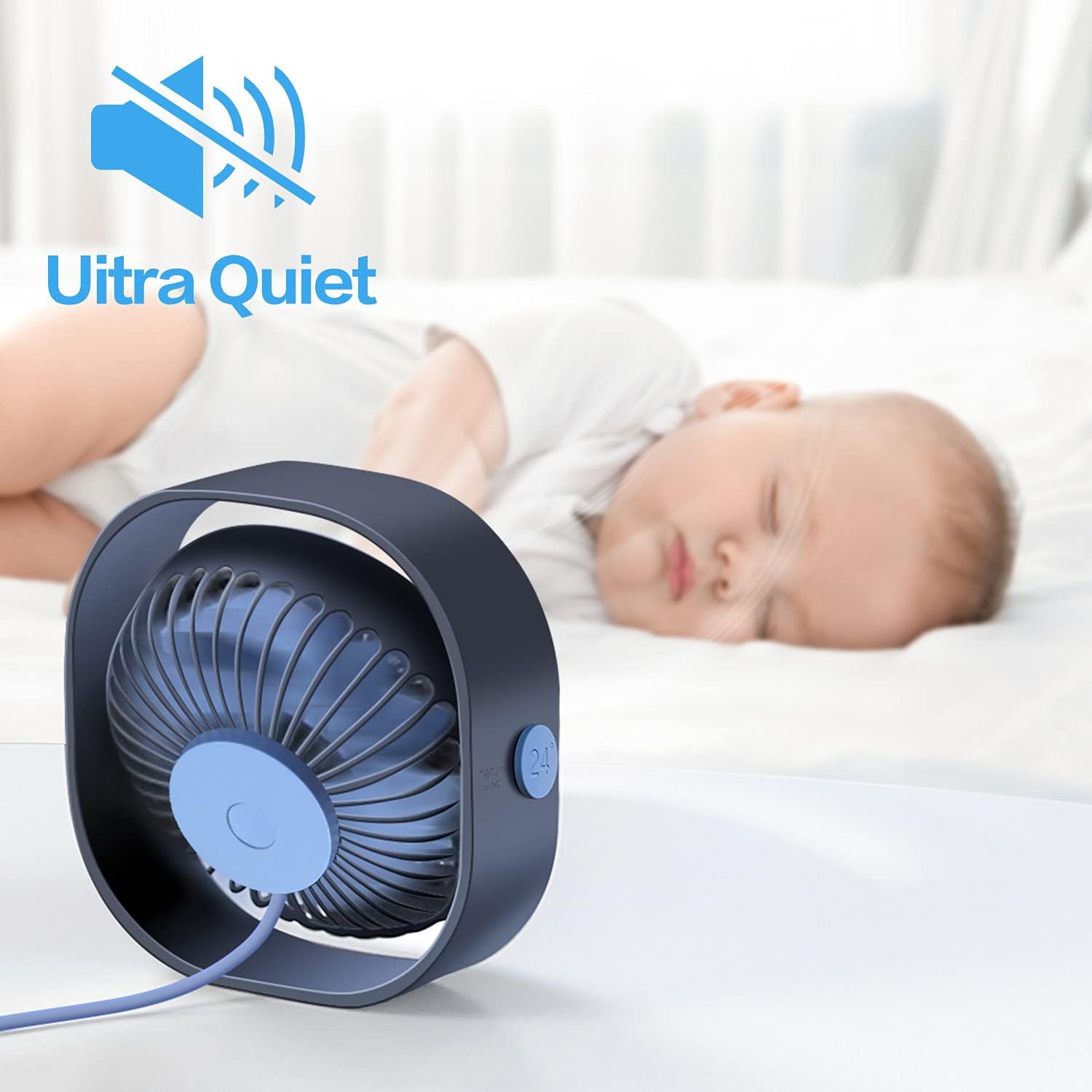
Figure 4: The fan's ultra-quiet operation, suitable for sleeping environments.
3. What's in the Box
Your SMARTDEVIL Small Mini USB Desk Fan package includes:
- 1 x SMARTDEVIL Small Mini USB Desk Fan (Navy Blue)
- 1 x Integrated USB Power Cord (3.9 Feet)

Figure 5: The fan as packaged in its retail box.
4. Setup
Setting up your SMARTDEVIL fan is quick and easy:
- Unpack: Carefully remove the fan from its packaging.
- Position: Place the fan on a stable, flat surface where you desire airflow.
- Connect Power: Plug the integrated USB power cord into any compatible USB power source (e.g., computer USB port, USB wall adapter, power bank, USB hub).
- Adjust Angle: Tilt the fan head to your preferred angle for optimal air direction. The 360-degree rotation allows for versatile positioning.
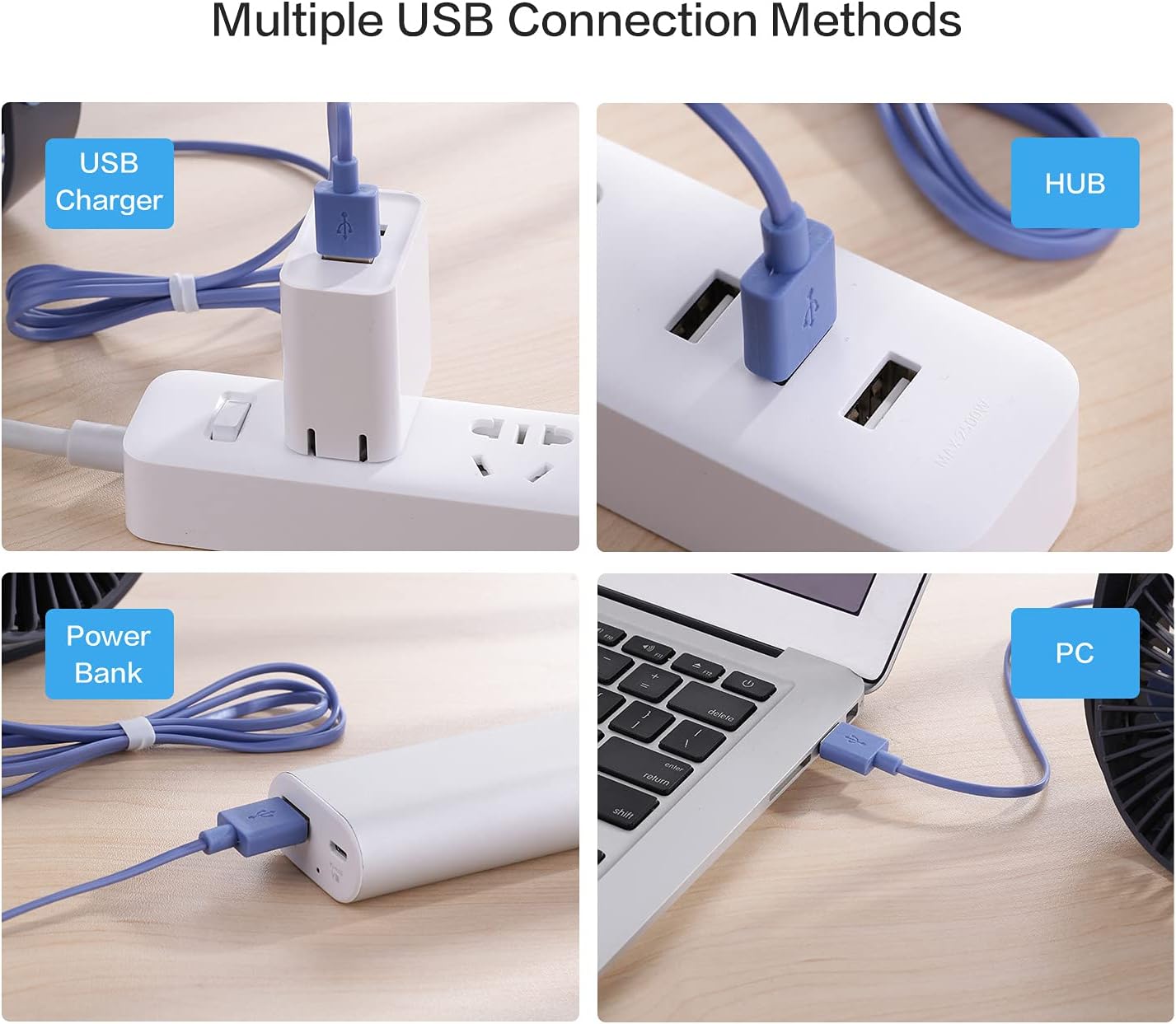
Figure 6: Multiple ways to power your SMARTDEVIL fan via USB.

Figure 7: The fan's 360-degree adjustable head allows for precise airflow direction.
Setup Demonstration Video
Video 1: Digital David's unboxing and review, demonstrating setup and features.
5. Operating Instructions
The fan features a simple one-button control for all functions:
- Power On (Low Speed): Press the power button once to turn on the fan at the lowest speed setting (3.9m/s).
- Medium Speed: Press the power button a second time to switch to the medium speed setting (4.9m/s).
- High Speed: Press the power button a third time to activate the highest speed setting (5.9m/s).
- Power Off: Press the power button a fourth time to turn off the fan.

Figure 8: The single power button for controlling speeds and power.
Operation Demonstration Video
Video 2: Demonstration of the fan's three speed levels.
6. Maintenance
To ensure optimal performance and longevity of your SMARTDEVIL fan, follow these simple maintenance guidelines:
- Cleaning: Regularly wipe the exterior of the fan with a soft, dry cloth to remove dust. For deeper cleaning, ensure the fan is unplugged and gently clean the fan blades and grille with a soft brush or compressed air. Do not use harsh chemicals or abrasive materials.
- Storage: When not in use for extended periods, store the fan in a cool, dry place away from direct sunlight and extreme temperatures.
7. Troubleshooting
If you encounter any issues with your SMARTDEVIL fan, please refer to the following common problems and solutions:
| Problem | Possible Cause | Solution |
|---|---|---|
| Fan does not turn on. | No power supply or loose connection. | Ensure the USB cable is securely plugged into both the fan and a working USB power source. Try a different USB port or adapter. |
| Weak or no airflow. | Fan blades are obstructed or dust buildup. Incorrect speed setting. | Check for any obstructions around the fan blades. Clean the fan blades and grille. Increase the speed setting by pressing the power button. |
| Unusual noise during operation. | Dust buildup or fan not on a stable surface. | Ensure the fan is placed on a flat, stable surface. Clean any dust from the fan blades. |
8. Specifications
| Feature | Detail |
|---|---|
| Brand | SMARTDEVIL |
| Model Name | Small Personal USB Desk Fan |
| Item Model Number | 8541623328 |
| Color | Navy Blue |
| Product Dimensions (LxWxH) | 4.72" x 4.72" x 1.97" |
| Item Weight | 6 Ounces (169g) |
| Power Source | USB (5V-1A) |
| Cable Length | 3.9 Feet |
| Number of Power Levels | 3 |
| Noise Level | 25 dB |
| Control Method | Touch (Push Button) |
| Special Features | Portable, Space-Saving, Cooling Fan, Quiet Operation, Energy Saving |
9. Warranty and Support
SMARTDEVIL products are designed for reliability and performance. For specific warranty information and customer support, please refer to the documentation included with your purchase or visit the official SMARTDEVIL website. Typically, SMARTDEVIL offers 12 months of hassle-free support and 7*24H professional support.
For any inquiries or assistance, please contact SMARTDEVIL customer service.