
1. Introduction
Thank you for choosing the Scanpart 2910060080 Iron Cleaning Set. This product is designed to effectively clean and maintain the soleplate of your iron, ensuring smooth gliding and optimal performance. Please read this manual carefully before first use and keep it for future reference.

Image 1: Scanpart 2910060080 Iron Cleaning Set, including the cleaning stick and brush.
2. Safety Instructions
- Always ensure the iron is unplugged and completely cold before cleaning.
- Keep the cleaning stick and brush out of reach of children and pets.
- Do not ingest the cleaning stick material. In case of accidental ingestion, seek medical attention immediately.
- Use in a well-ventilated area to avoid inhaling any fumes.
- Avoid contact with eyes. If contact occurs, rinse thoroughly with water and consult a doctor if irritation persists.
- Do not use the cleaning stick on hot surfaces as it may melt or cause burns.
- Store the product in a cool, dry place away from direct sunlight.
3. Setup
No specific setup is required for this cleaning set. Simply ensure you have a clean cloth or paper towel ready for wiping the iron soleplate after cleaning.
4. Operating Instructions
Follow these steps to clean your iron's soleplate effectively:
- Prepare the Iron: Ensure your iron is completely unplugged and has cooled down to room temperature. Attempting to clean a hot iron can be dangerous and ineffective.
- Apply Cleaning Stick: Gently rub the Scanpart cleaning stick directly onto the dirty areas of the iron's soleplate. Apply light pressure and cover all affected surfaces.
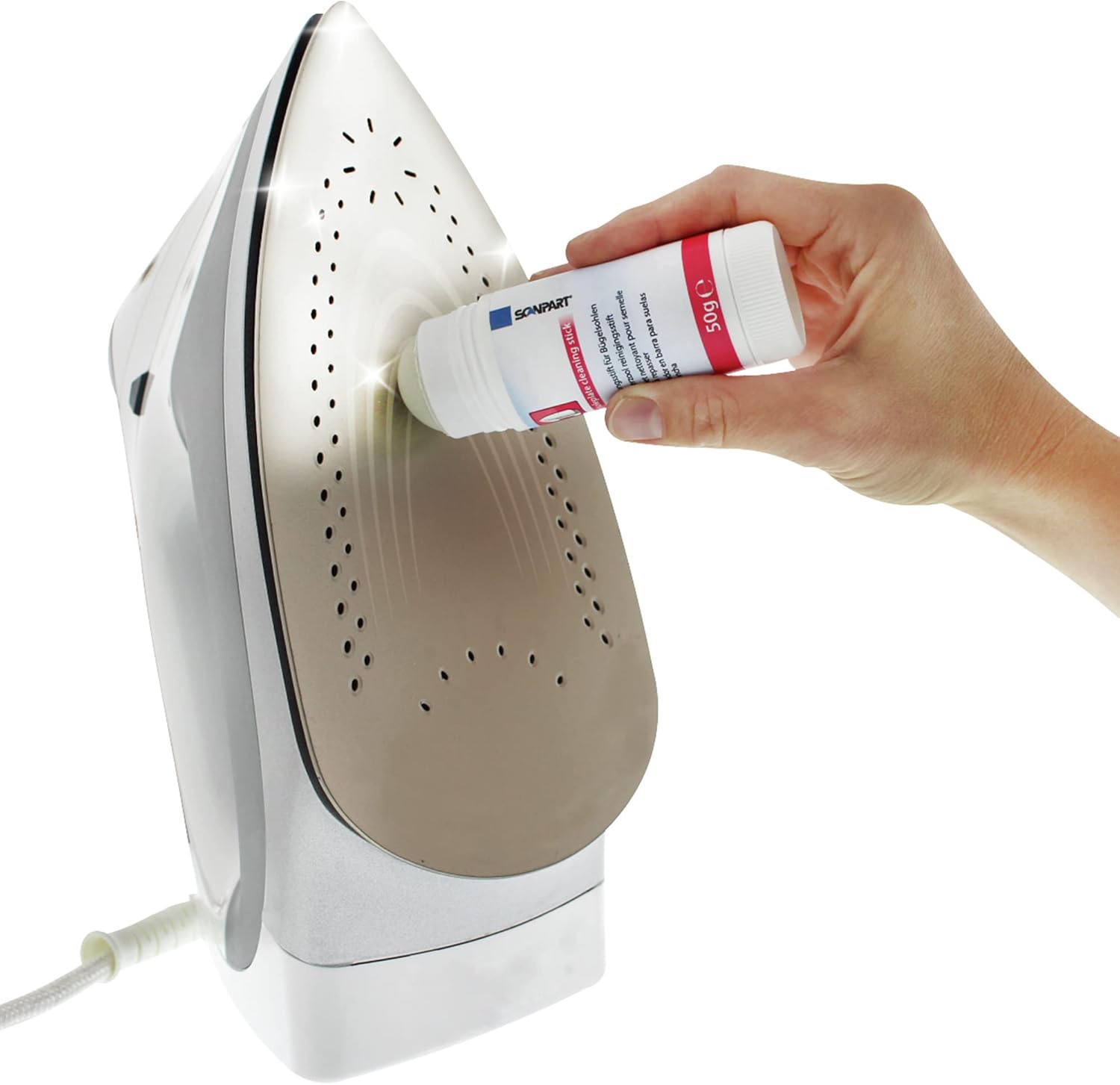
Image 2: Applying the cleaning stick to the iron soleplate.
- Use the Cleaning Brush: For stubborn stains or to clean steam holes, use the provided brush. Gently scrub the affected areas with the brush to dislodge dirt and residue.
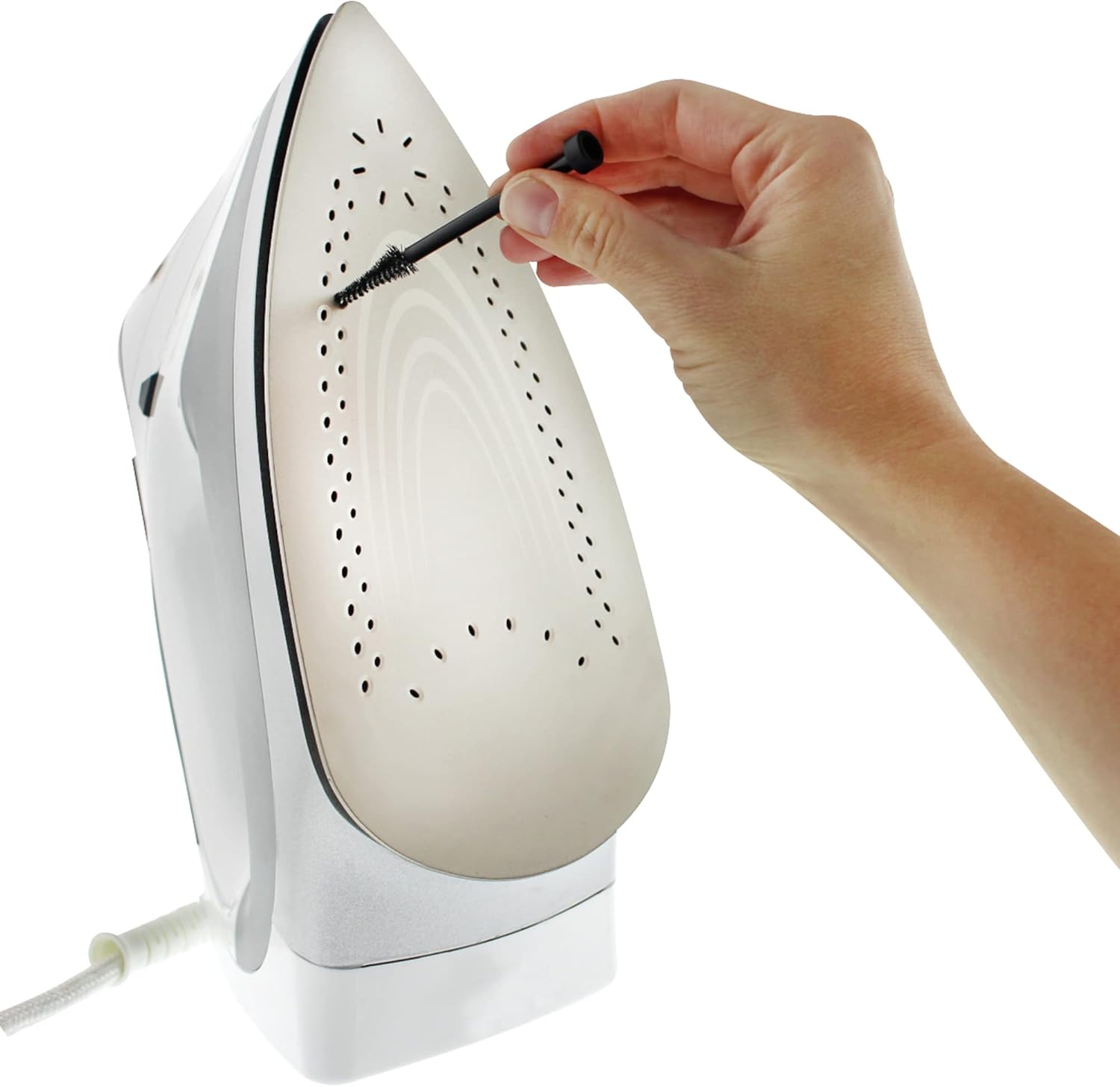
Image 3: Using the cleaning brush on the iron soleplate and steam holes.
- Wipe Clean: Use a clean, damp cloth or paper towel to wipe away the cleaning residue and loosened dirt from the soleplate. Ensure all residue is removed.
- Final Check: Inspect the soleplate to ensure it is clean and smooth. If necessary, repeat the process for heavily soiled areas.
5. Maintenance
To ensure the longevity and effectiveness of your Scanpart Iron Cleaning Set:
- After each use, wipe any residue off the cleaning stick and brush.
- Store the cleaning stick and brush in their original packaging or a clean, dry place.
- Keep away from extreme temperatures.
6. Troubleshooting
| Problem | Possible Cause | Solution |
|---|---|---|
| Soleplate still dirty after cleaning. | Heavy or old residue; insufficient application. | Repeat the cleaning process, applying more pressure or using the brush more vigorously. Ensure the iron is cold. |
| Cleaning stick melts or smears excessively. | Iron was not completely cold. | Ensure the iron is completely unplugged and cold before applying the cleaning stick. |
| Residue left on soleplate after wiping. | Cloth was not clean or damp enough. | Use a fresh, clean, and slightly damp cloth or paper towel to wipe thoroughly. |
7. Specifications
| Feature | Detail |
|---|---|
| Brand | Scanpart |
| Model Number | 2910060080 |
| Item Weight | 49.9 g |
| Material | Cleaning compound (stick), Plastic (brush) |
| Capacity (Cleaning Stick) | 50 g |
8. Warranty and Support
For warranty information or product support, please refer to the retailer where you purchased this product or contact Scanpart customer service directly. Keep your proof of purchase for any warranty claims.
For further assistance, please visit the official Scanpart website or contact their customer support line.