
1. Introduction and Overview
This instruction manual provides essential information for the use and maintenance of your new Aurabeam replacement remote control. This remote is designed to be a direct replacement for your original Toshiba TV remote, offering full functionality without the need for complex programming.
Simply insert the batteries, and the remote is ready for immediate use with compatible Toshiba TV models, including the Toshiba 32AV733G1.

Image: Front view of the Aurabeam replacement remote control.
2. Setup
2.1 Battery Installation
The Aurabeam replacement remote control requires batteries (not included) for operation. Please follow these steps to install them:
- Locate the battery compartment on the back of the remote control.
- Slide the battery compartment cover downwards or in the direction indicated by an arrow to open it.
- Insert two new batteries (typically AAA size, though not specified, common for remotes) into the compartment, ensuring the positive (+) and negative (-) terminals align correctly with the markings inside the compartment.
- Slide the battery compartment cover back into place until it clicks securely.
Once batteries are installed, the remote is ready for use with your compatible Toshiba TV.
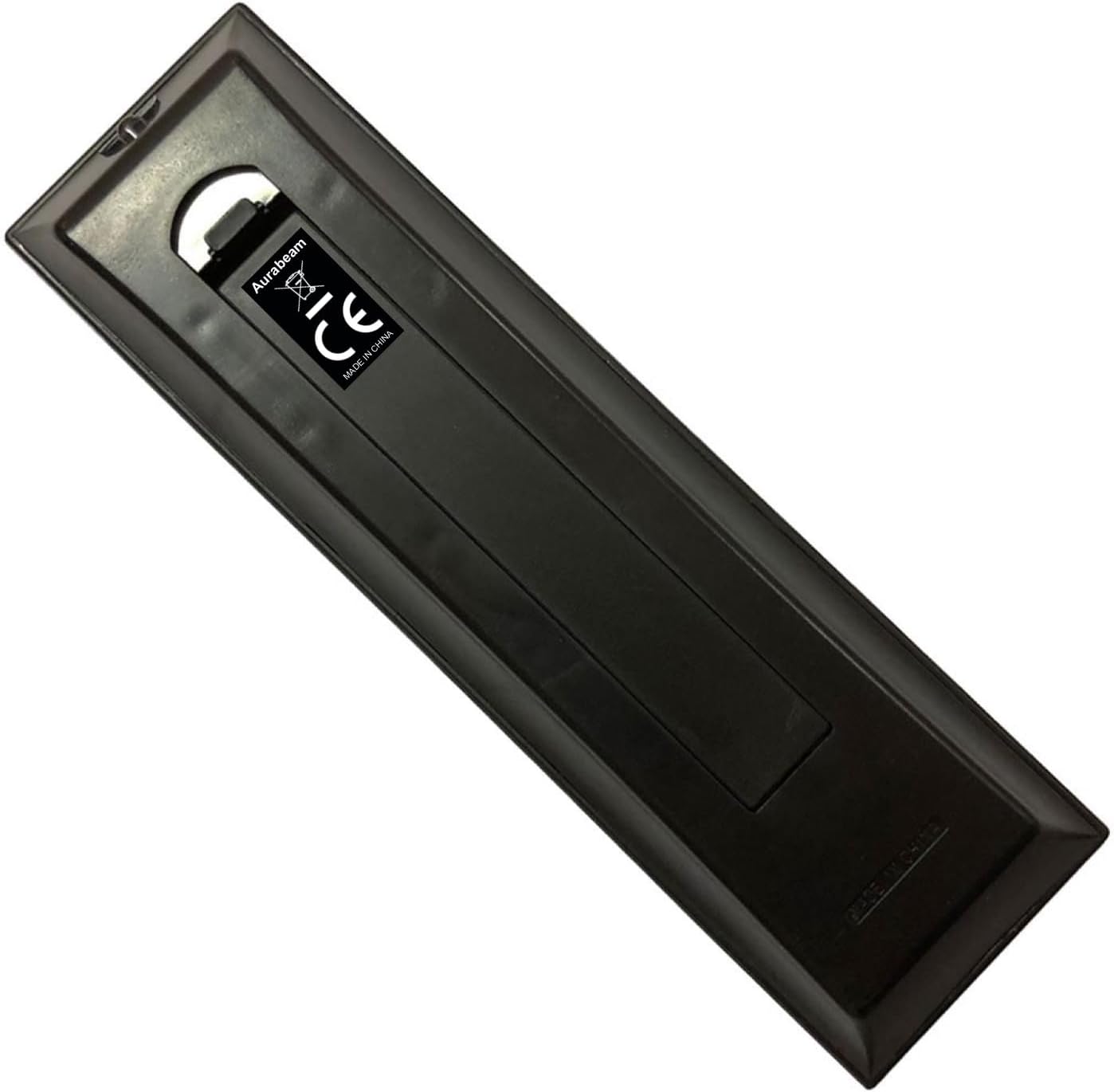
Image: Back view of the remote control, indicating the battery compartment area.
3. Operating Instructions
3.1 Basic Functions
This replacement remote control functions identically to your original Toshiba TV remote. Point the remote directly at your television and press the desired buttons to control functions such as power, volume, channel selection, menu navigation, and input source.

Image: Close-up view of the remote control's buttons.
3.2 Compatibility
This remote control is compatible with a wide range of Toshiba TV models. It is specifically designed for the Toshiba 32AV733G1 and also supports numerous other models, including but not limited to:
- 19AV606PG, 19AV607, 19AV615, 19AV615DB, 19AV615DG, 19AV616DB, 19AV623, 19AV625, 19AV6333, 19AV703, 19AV713, 19AV733G, 19EL833, 19EL833G, 19EL933, 19EL934, 19SL738G
- 22AV603PG, 22AV605PB, 22AV605PG, 22AV605PR, 22AV606PG, 22AV606PR, 22AV607, 22AV615, 22AV615DG, 22AV616DB, 22AV623, 22AV625, 22AV633, 22AV703, 22AV713, 22AV7336, 22AV733G, 22EL833, 22EL9333, 22SL738G, 23EL934
- 26AV603PR, 26AV605PB, 26AV605PG, 26AV605PR, 26AV607, 26AV607PG, 26AV615, 26AV615DB, 26AV623, 26AV625, 26AV633, 26AV633D, 26AV635D, 26AV703, 26AV713, 26AV733G, 26DL933G, 26EL833G, 26EL934, 26SL738G
- 32AV603PG, 32AV603PR, 32AV605PB, 32AV605PG, 32AV605PR, 32AV607, 32AV607P, 32AV607PG, 32AV607PR, 32AV613D, 32AV615, 32AV615DB, 32AV615DG, 32AV623, 32AV625, 32AV633, 32AV633DB, 32AV635D, 32AV636DB, 32AV703, 32AV703G1, 32AV713, 32AV731, 32AV732, 32AV733, 32AV733G, 32AV733G1, 32AV833, 32AV833G, 32AV933, 32AV933G, 32AV934, 32AV934G, 32EL833G, 32EL933G, 32EL934, 32HL833, 32HL833F, 32HL833G, 32HL933, 32HL933B, 32HL933G, 32L2333D, 32LV655D, 32LV703, 32LV713, 32LV733, 32LV733G, 32LV833, 32LV833G, 32LV933, 32RV623, 32RV625, 32RV625D, 32RV626, 32RV626D, 32RV633, 32RV633D, 32RV635, 32RV635D, 32RV635DB, 32RV636, 32RV636D, 32SL738G, 32W2333D
- 37AV603PG, 37AV603PR, 37AV605PB, 37AV605PG, 37AV605PR, 37AV607, 37AV607P, 37AV607PG, 37AV615, 37AV615DB, 37AV616DB, 37AV623, 37AV625, 37AV633, 37AV635PG, 37AV703, 37RV623, 37RV623D, 37RV625, 37RV625D, 37RV626, 37RV626D, 37RV633, 37RV633D, 37RV635, 37RV635D, 37RV635DG, 37RV636, 37RV636D, 37RV685D
- 39L2333DG, 40HL933, 40HL933G, 40L2433DG, 40L2453DG, 40LV665DB, 40LV685DG, 40LV703, 40LV713, 40LV733G, 40LV833, 40LV933, 40RV525R, 40RV525U, 40RV52U, 40VL703G
- 42AV635D, 42AV635DB, 42HL833, 42RV623, 42RV623D, 42RV625, 42RV625D, 42RV626, 42RV633, 42RV635, 42RV635DB, 42RV635DR, 42RV636, 42SL738G, 43L3663, 46RV525U
This remote ensures all original functionalities are retained.
4. Maintenance
To ensure the longevity and optimal performance of your remote control, please follow these maintenance guidelines:
- Cleaning: Use a soft, dry cloth to clean the remote control. Do not use liquid cleaners, sprays, or abrasive materials, as these can damage the surface or internal components.
- Battery Replacement: Replace batteries when the remote's response becomes sluggish or stops working. Always replace all batteries at the same time with new ones of the same type.
- Storage: Store the remote in a cool, dry place away from direct sunlight, extreme temperatures, and high humidity.
- Avoid Drops: Protect the remote from physical shocks and drops, which can damage internal circuitry.
5. Troubleshooting
If you experience issues with your remote control, consider the following common troubleshooting steps:
- Remote Not Responding:
- Check if the batteries are inserted correctly with the correct polarity (+/-).
- Replace old or depleted batteries with new ones.
- Ensure there is a clear line of sight between the remote control and the TV's infrared receiver. Obstructions can block the signal.
- Limited Range:
- Ensure batteries are fresh. Low battery power can reduce the remote's effective range.
- Minimize interference from other electronic devices.
- Specific Buttons Not Working:
- Clean the remote's surface, especially around the non-functioning buttons, to remove any dirt or debris that might be obstructing them.
- If only specific buttons are not working, it might indicate internal damage.
If the issue persists after trying these steps, please refer to the warranty and support section.
6. Specifications
| Feature | Detail |
|---|---|
| Brand | Aurabeam |
| Model Number | CT-90326-32AV733G1-CN |
| Compatible Devices | Television |
| Connectivity Technology | Infrared |
| Controller Type | Button Control |
| Maximum Range | 10 Meters |
| UPC | 723452560419 |
| Spare Parts Availability | Information unavailable |
| Software Updates Guaranteed Until | Information not available |
| Date First Available on Amazon.com.be | May 20, 2022 |
7. Warranty and Support
7.1 Warranty Information
This Aurabeam replacement remote control comes with a one-year warranty from the date of purchase. This warranty covers manufacturing defects and ensures the product functions as described. Please retain your proof of purchase for warranty claims.
7.2 Customer Support
For any questions, technical assistance, or warranty claims, please contact the seller or refer to the product listing page on Amazon for specific support contact details. When contacting support, please provide your product model number (CT-90326-32AV733G1-CN) and a detailed description of the issue.