Introduction
This manual provides instructions for the PremiumCord 3.5mm Stereo Jack Cable (Model kjackmm05). This cable is designed for connecting audio devices with a 3.5mm stereo jack output to devices with a 3.5mm stereo jack input. It facilitates high-quality audio transmission between compatible devices.

This image displays the PremiumCord 3.5mm Stereo Jack Cable, featuring its black cable and two identical 3.5mm male stereo jack connectors, ready for audio connection.
Setup
The PremiumCord Stereo Jack Cable is designed for simple plug-and-play operation.
- Step 1: Identify Ports: Locate the 3.5mm audio output port on your source device (e.g., smartphone, MP3 player, laptop) and the 3.5mm audio input port on your receiving device (e.g., headphones, speakers, car auxiliary input, TV). These ports are typically circular and may be labeled "AUX", "Line Out", "Headphone", or "Line In".
- Step 2: Connect Source Device: Insert one end of the PremiumCord Stereo Jack Cable into the 3.5mm audio output port of your source device.
- Step 3: Connect Receiving Device: Insert the other end of the PremiumCord Stereo Jack Cable into the 3.5mm audio input port of your receiving device.
Ensure both plugs are fully inserted into their respective ports for a secure connection and optimal audio transmission.

A detailed view of both 3.5mm male stereo jack connectors, highlighting their metallic tips and black molded plastic housings, essential for connecting audio devices.
Operating Instructions
Once the cable is securely connected between your audio source and receiving device, ensure both devices are powered on.
- Select the appropriate audio input on your receiving device if it has multiple input options (e.g., "AUX" mode on a car stereo or speaker system).
- Begin audio playback on your source device. Adjust the volume on both the source and receiving devices as needed.
- The cable is designed for stereo audio transmission, providing a clear and balanced sound experience.
Maintenance
To ensure the longevity and optimal performance of your PremiumCord Stereo Jack Cable, follow these maintenance guidelines:
- Storage: When not in use, store the cable in a clean, dry place. Avoid tightly coiling or bending the cable at sharp angles, as this can damage the internal wiring.
- Cleaning: If the cable or connectors become dirty, gently wipe them with a soft, dry cloth. Do not use harsh chemicals or abrasive materials.
- Handling: Always grasp the connector housing when plugging or unplugging the cable. Avoid pulling directly on the cable itself, as this can strain the connections.
- Environmental Conditions: Protect the cable from extreme temperatures, direct sunlight, and moisture.
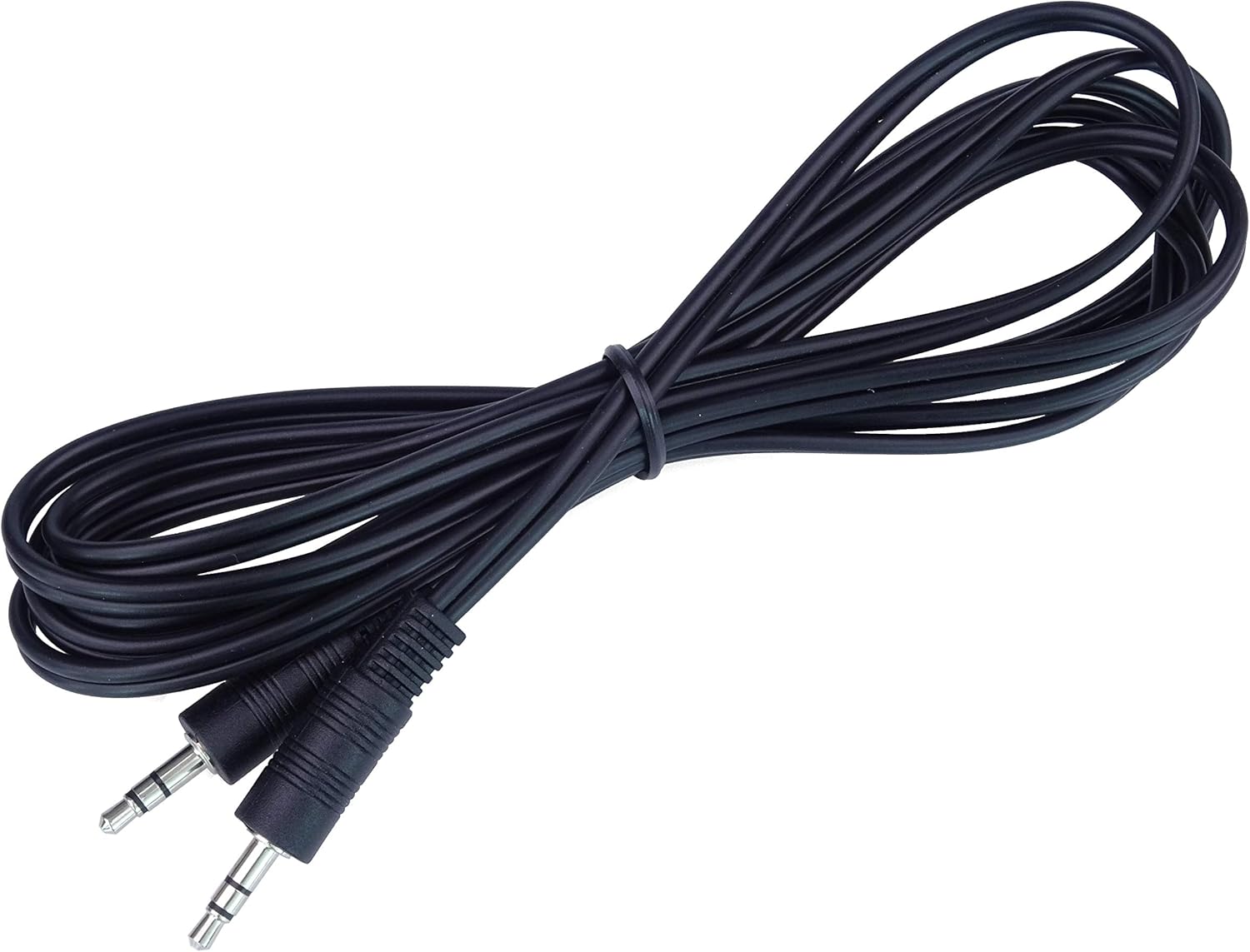
The PremiumCord 3.5mm stereo jack cable is shown neatly coiled, demonstrating its flexibility and ease of storage when not in use.
Troubleshooting
If you experience issues with your PremiumCord Stereo Jack Cable, consider the following:
No Sound:
- Ensure both ends of the cable are fully inserted into their respective ports.
- Verify that both the source device and receiving device are powered on.
- Check the volume levels on both devices. Ensure they are not muted or set too low.
- Confirm that the correct input source is selected on your receiving device (e.g., AUX input).
- Test the cable with different devices to rule out an issue with the source or receiving equipment.
Poor Sound Quality (Static, Distortion, Intermittent Audio):
- Ensure connections are secure and free from debris.
- Check if the cable is damaged (e.g., visible kinks, cuts). If damaged, replace the cable.
- Test with another audio cable to determine if the issue is with the cable or the devices.
- Reduce the volume on the source device if distortion occurs at high volumes.
Specifications
The PremiumCord Stereo Jack Cable (Model kjackmm05) features the following specifications:
- Connector Type: 3.5mm Stereo Jack Plug (Male) to 3.5mm Stereo Jack Plug (Male)
- Pin Configuration: 3-pin
- Cable Length: 0.5 meters
- Color: Black
- Sound Transmission: High-quality stereo audio
- Brand: PremiumCord
- Model Number: kjackmm05
- Product Dimensions: Approximately 5.91 x 4.72 x 1.97 inches (packaged)
- Item Weight: Approximately 0.704 ounces
- ASIN: B07NSMVD35
- Manufacturer: KRUP s.r.o.

This image provides an angled perspective of the cable's 3.5mm stereo jack connectors, showing the robust design of the plugs and the flexible black cable.
Warranty and Support
For warranty information or technical support regarding your PremiumCord Stereo Jack Cable, please refer to the documentation provided at the point of purchase or contact your retailer. Specific warranty terms may vary by region and retailer.