
1. Product Overview
This manual provides instructions for the Ectreme USB to Micro USB High Speed USB 2.0 Sync and Charging Cable, model S002. This cable is designed for efficient charging and high-speed data transfer for compatible devices.
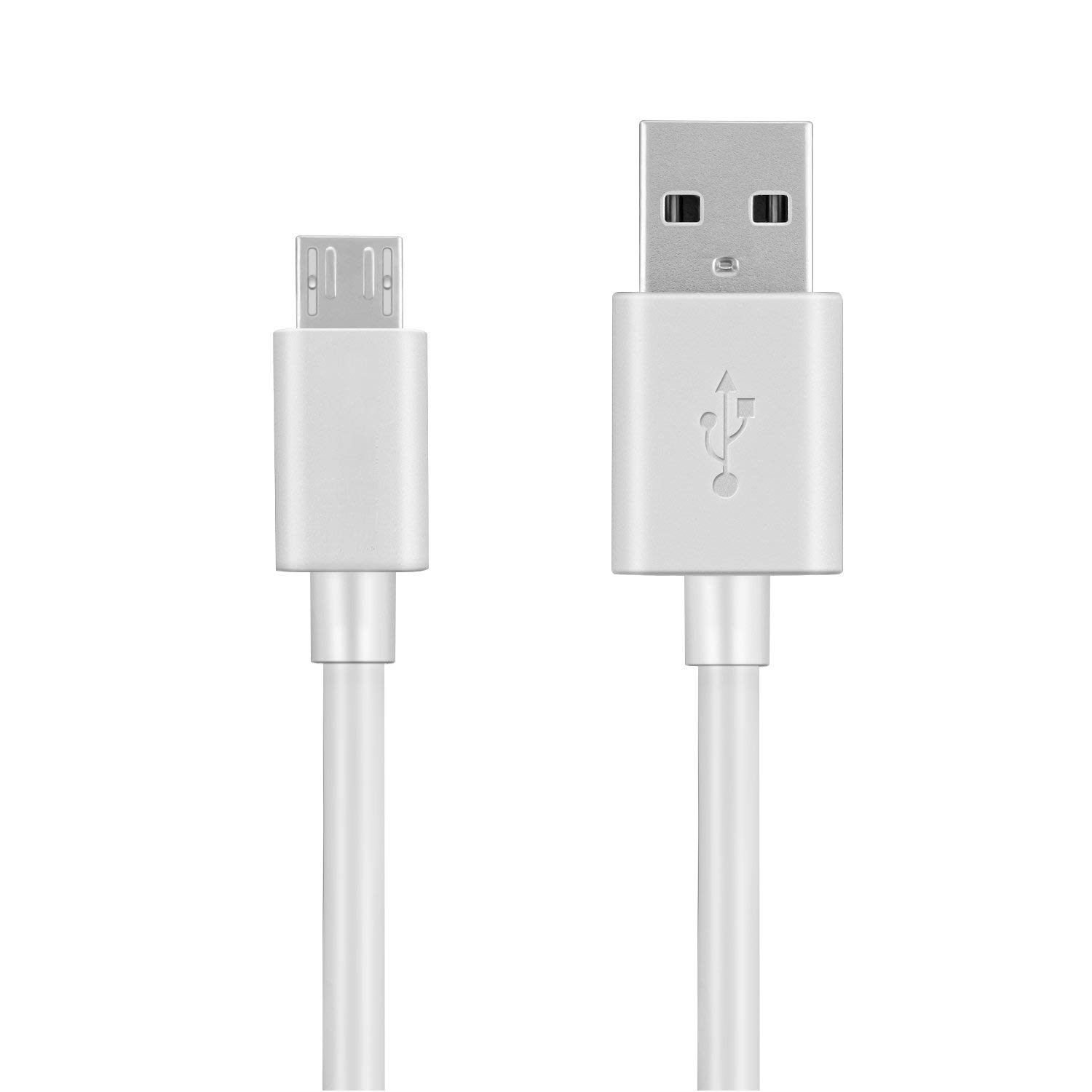
Image 1.1: Ectreme USB to Micro USB Cable. This image displays the black Ectreme USB to Micro USB cable, highlighting its connectors and durable design.
2. Features
- Strengthened Construction: Built with bulletproof aramid fiber for enhanced durability, offering superior strength compared to ordinary cables.
- Extended Lifespan: Features reinforced stress points designed to withstand over 5000 bends, significantly increasing its longevity.
- Faster Charging: Utilizes thick gauge wiring and reduced cable resistance to facilitate the fastest possible charge when connected to any compatible USB charger.
- High-Speed Data Transfer: Supports USB 2.0 for efficient and reliable data synchronization between devices.
3. Setup
The Ectreme USB to Micro USB cable is designed for plug-and-play functionality. No software installation is required.
- Identify Connectors: Locate the standard USB-A connector (larger, rectangular) and the Micro USB connector (smaller, trapezoidal).
- Connect to Power Source/Computer: Insert the USB-A connector into a compatible USB wall charger, power bank, or a USB port on a computer.
- Connect to Device: Insert the Micro USB connector into the Micro USB port of your smartphone or other compatible device. Ensure the connector is oriented correctly to avoid damage.
4. Operating Instructions
4.1 Charging Your Device
Once connected as described in the Setup section, your device should automatically begin charging. A charging indicator (e.g., battery icon, LED light) typically appears on your device's screen.
4.2 Data Transfer
To transfer data between your device and a computer:
- Connect the USB-A end of the cable to a USB port on your computer.
- Connect the Micro USB end to your device.
- On your device, you may receive a prompt asking to select the USB connection mode (e.g., "File Transfer," "MTP," "PTP," "Charging Only"). Select the appropriate data transfer option.
- Your device should now appear as a removable drive or media device on your computer, allowing you to transfer files.
5. Maintenance
Proper care will extend the life of your Ectreme USB cable:
- Storage: Store the cable in a clean, dry place away from extreme temperatures. Avoid tightly coiling or bending the cable at sharp angles.
- Cleaning: If necessary, gently wipe the cable and connectors with a soft, dry cloth. Do not use liquid cleaners or abrasive materials.
- Handling: Always grasp the connector housing when plugging or unplugging the cable. Avoid pulling directly on the cable itself, as this can damage the internal wires.
- Inspection: Periodically inspect the cable for any signs of wear, fraying, or damage to the connectors. Discontinue use if damage is observed.
6. Troubleshooting
6.1 Device Not Charging
- Check Connections: Ensure both ends of the cable are securely plugged into the power source and the device.
- Verify Power Source: Test the power source (wall adapter, power bank, computer USB port) with another known working cable or device to confirm it is supplying power.
- Inspect Cable: Check the cable for any visible damage, such as kinks, cuts, or bent pins on the connectors.
- Restart Device: Sometimes, a simple device restart can resolve charging issues.
6.2 Data Transfer Failure
- Check Device Settings: Ensure your device is set to "File Transfer" or "MTP" mode when connected to the computer.
- Try Different USB Port: Connect the cable to a different USB port on your computer.
- Update Drivers: Ensure your computer's USB drivers are up to date.
- Inspect Cable: As with charging issues, check for any physical damage to the cable or connectors.
7. Specifications
| Brand | Ectreme |
| Model | S002 (GTIN: 799953528500) |
| Connector Type | Micro USB, USB 2.0 |
| Cable Type | USB |
| Compatible Devices | Smartphone |
| Special Feature | Data Transfer, High Speed |
| Connector Gender | Male-to-Male |
| Indoor/Outdoor Usage | Indoor, Outdoor |
| Unit Count | 1.0 Count |
| Item Shape | Round |
8. Warranty and Support
8.1 Warranty Information
The Ectreme USB to Micro USB Cable S002 comes with a 1-year warranty from the date of purchase. This warranty covers manufacturing defects under normal use. It does not cover damage caused by misuse, accidents, unauthorized modifications, or external causes.
8.2 Customer Support
For technical assistance, warranty claims, or further inquiries, please contact Ectreme customer support through the retailer's platform where the product was purchased. Please have your purchase receipt and product model number (S002) available when contacting support.